About Permit
Safety manager solution
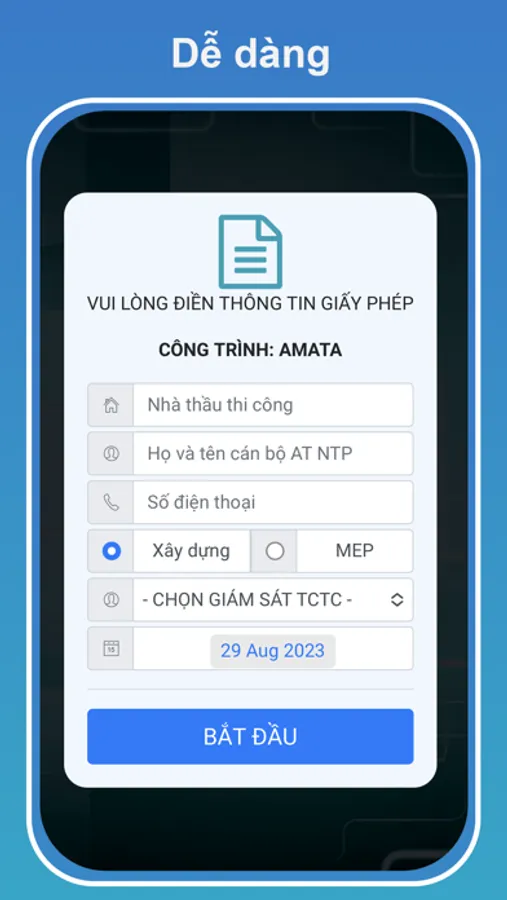
construction work permit application
→ Check the safety conditions
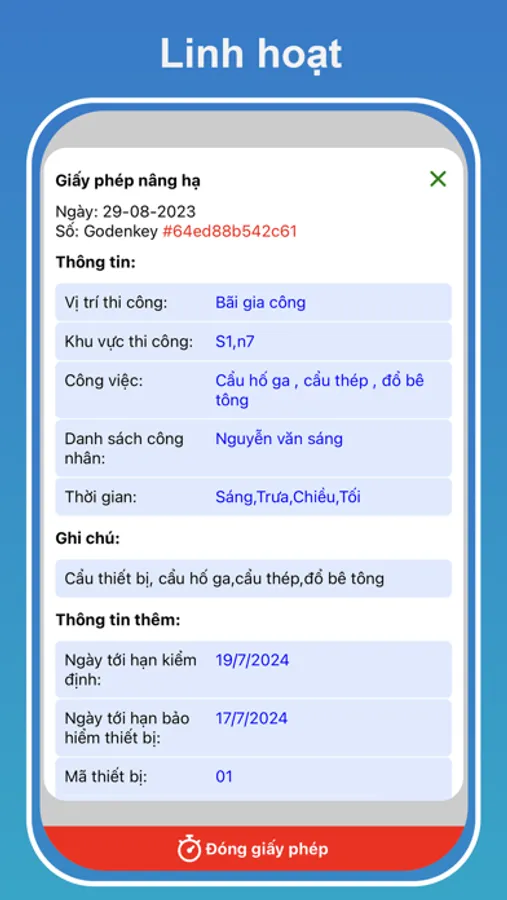
→ Permit approval
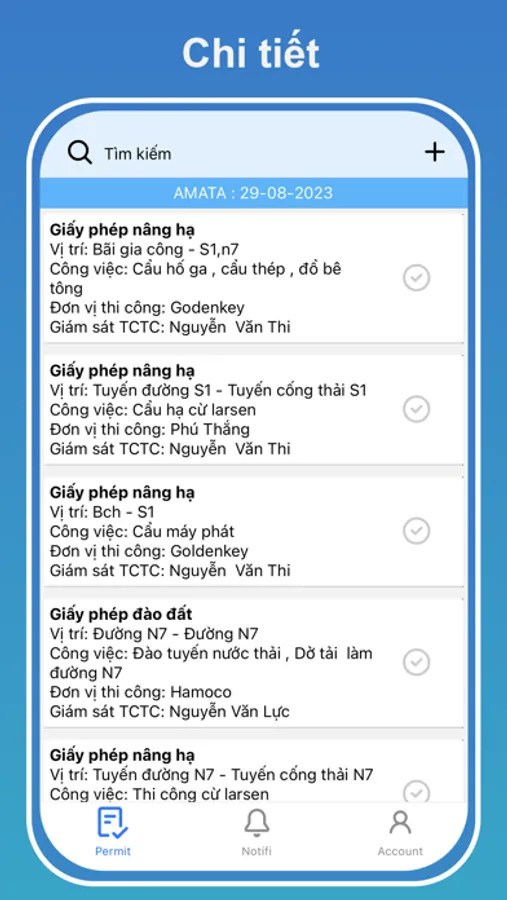
→ Real-time notifications to stakeholders
Step by step:
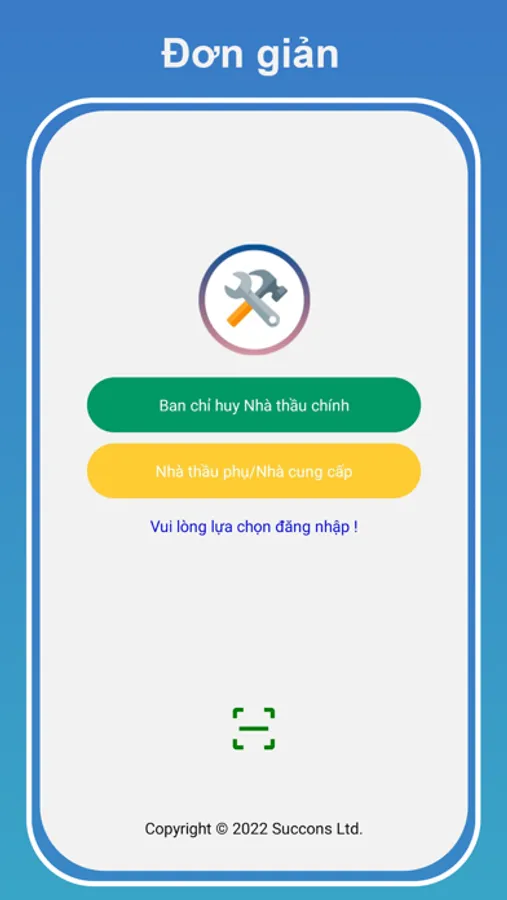
Step 1. The person authorized to censor the license (green button login) will provide a QR code to the licensee
Step 2. The licensee will log in using option 2 (yellow), scan the QR code and fill in the employee and job information to submit the permit.
Step 3: The license reviewer will receive a notification and check the license approval through a physical check at the workplace (so the app uses location permission to confirm the fact that it corresponds to the location) works on license)
construction work permit application
→ Check the safety conditions
→ Permit approval
→ Real-time notifications to stakeholders
Step by step:
Step 1. The person authorized to censor the license (green button login) will provide a QR code to the licensee
Step 2. The licensee will log in using option 2 (yellow), scan the QR code and fill in the employee and job information to submit the permit.
Step 3: The license reviewer will receive a notification and check the license approval through a physical check at the workplace (so the app uses location permission to confirm the fact that it corresponds to the location) works on license)