About Simpassy - Password Generator
Quick and easy account creation!
Simpassy is a simple password generator app.
Just select a button to generate a password.
Please copy and paste the generated password.
●Features
- Clear design
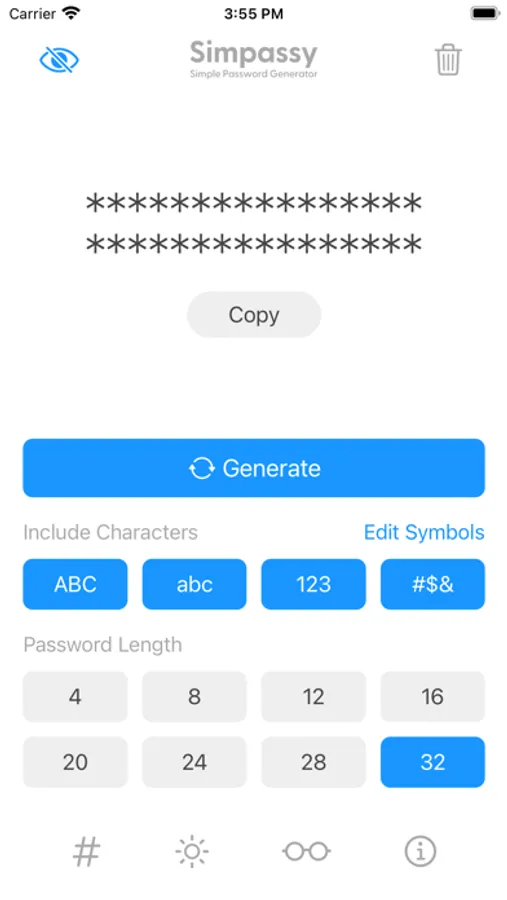
- No annoying sliders or keyboard input
- All settings can be selected with buttons
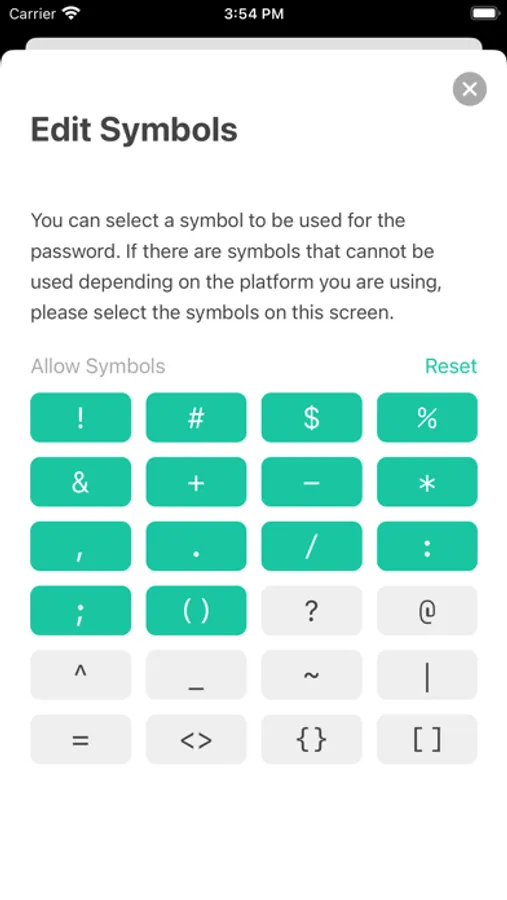
- Choose symbols to use for passwords
- Auto save generation settings
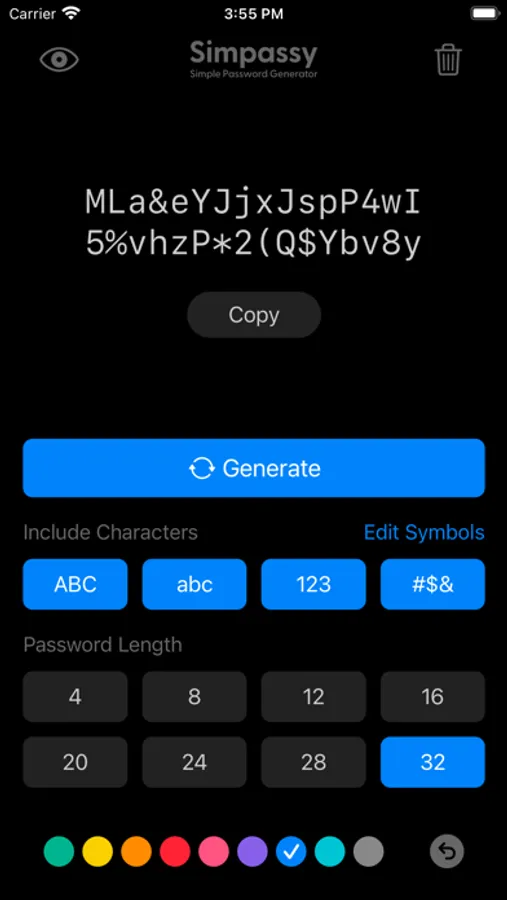
- Rich theme color
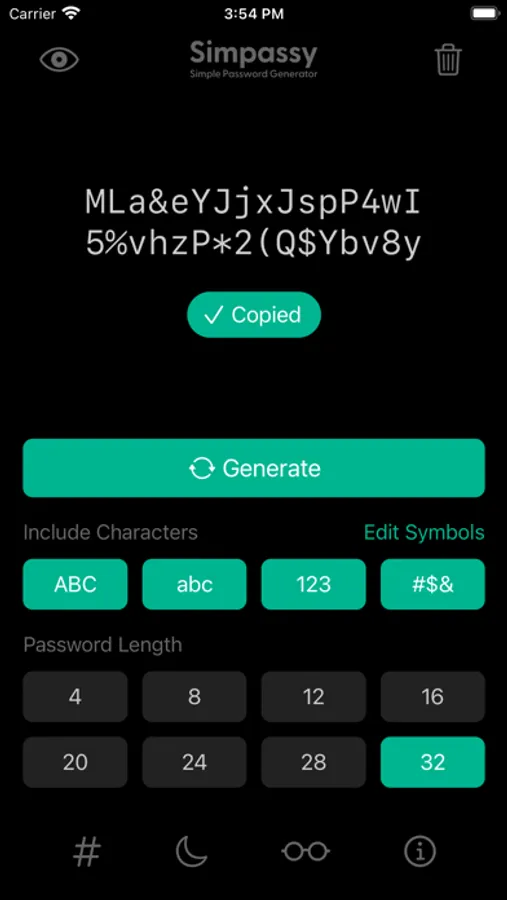
- Support dark mode
- Generate password while hiding it
●How to use
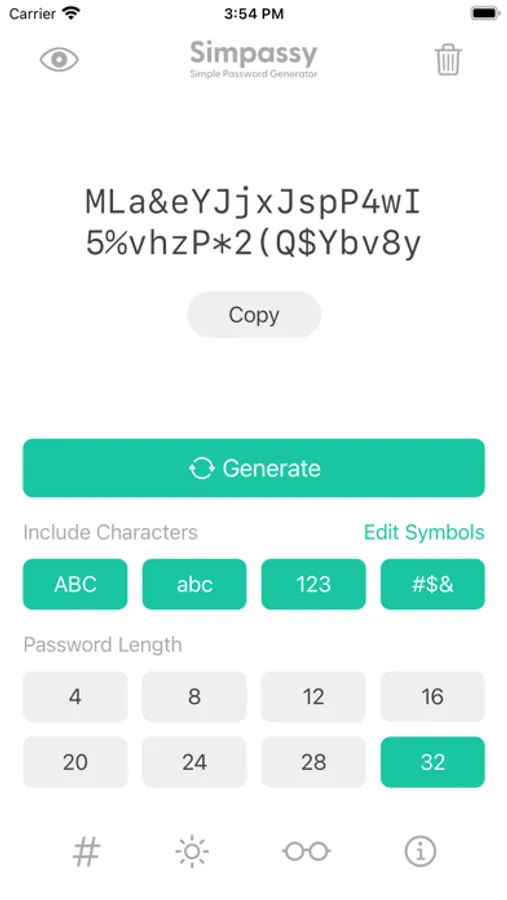
1. Select character type (uppercase, lowercase, numbers, symbols)
2. Select length (4, 8, 12, 16, 20, 24, 28, 32)
3. Generate password (tap generate button)
4. Copy the password (tap the copy button)
5. Paste to use password
*If you set the universal clipboard, you can automatically transfer to the Mac clipboard.
*Save passwords to services you use, such as iCloud Keychain.
Simpassy is a simple password generator app.
Just select a button to generate a password.
Please copy and paste the generated password.
●Features
- Clear design
- No annoying sliders or keyboard input
- All settings can be selected with buttons
- Choose symbols to use for passwords
- Auto save generation settings
- Rich theme color
- Support dark mode
- Generate password while hiding it
●How to use
1. Select character type (uppercase, lowercase, numbers, symbols)
2. Select length (4, 8, 12, 16, 20, 24, 28, 32)
3. Generate password (tap generate button)
4. Copy the password (tap the copy button)
5. Paste to use password
*If you set the universal clipboard, you can automatically transfer to the Mac clipboard.
*Save passwords to services you use, such as iCloud Keychain.