Cursive: Learn Cursive
enoiu
4.5 ★
store rating
Free
AppRecs review analysis
AppRecs rating 4.3. Trustworthiness 74 out of 100. Review manipulation risk 26 out of 100. Based on a review sample analyzed.
★★★★☆
4.3
AppRecs Rating
Ratings breakdown
5 star
78%
4 star
10%
3 star
6%
2 star
2%
1 star
5%
What to know
✓
Low review manipulation risk
26% review manipulation risk
✓
Credible reviews
74% trustworthiness score from analyzed reviews
⚠
Ad complaints
Many low ratings mention excessive ads
About Cursive: Learn Cursive
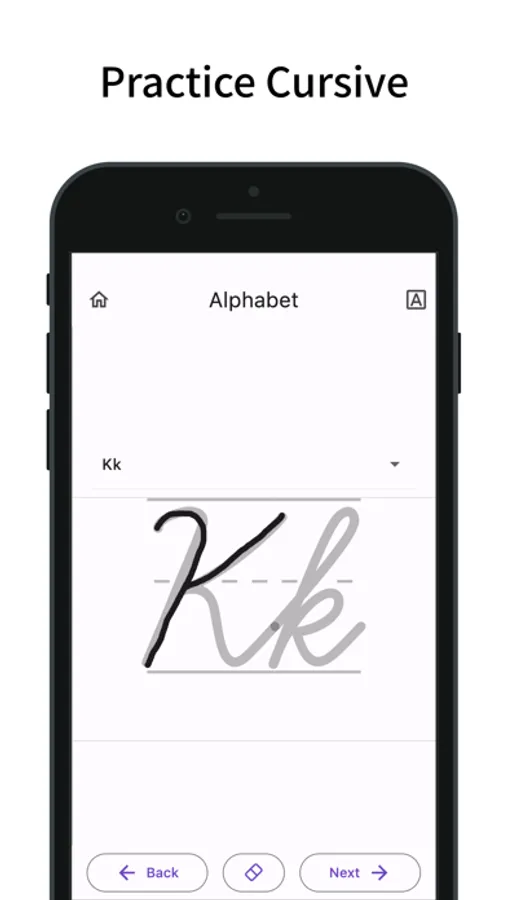
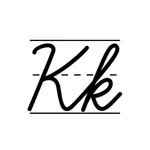
This app lets you practice cursive by tracing.
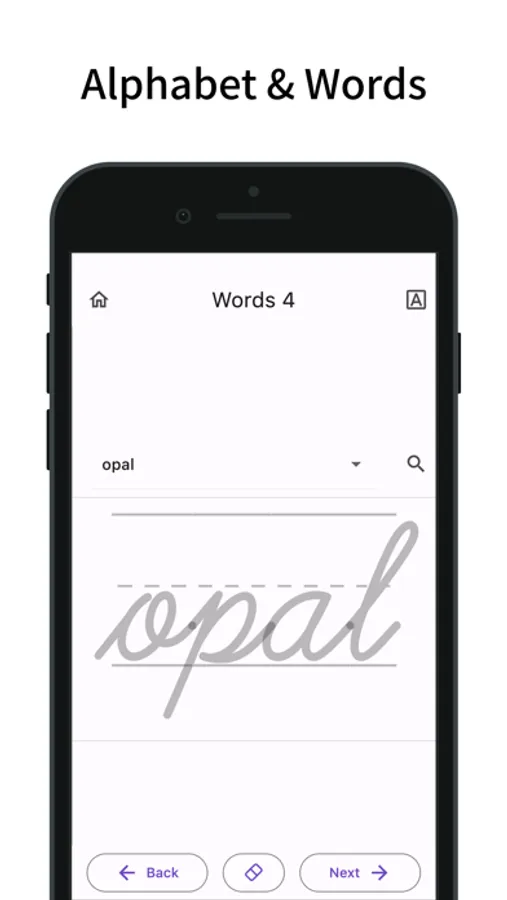
It includes uppercase and lowercase letters, as well as words in multiple languages.
You can also add your own words for custom practice.
Practice Cursive
- Trace to practice cursive writing.
- Practice both uppercase and lowercase letters.
- View animated stroke order for each letter.
- Supports special characters in German and Spanish (ä, ö, ß, ü, ñ).
- Practice words in multiple languages.
- Includes over 100 words per language.
- Supports words with accent marks.
Cursive Languages
- Switch between different cursive languages.
- Supports English, German, Spanish, French, Italian, and Portuguese.
- The app’s display language can be linked to the selected cursive language.
- Use the search button to look up word meanings (opens in external browser).
- You can also switch the search button to a share button.
Custom Words
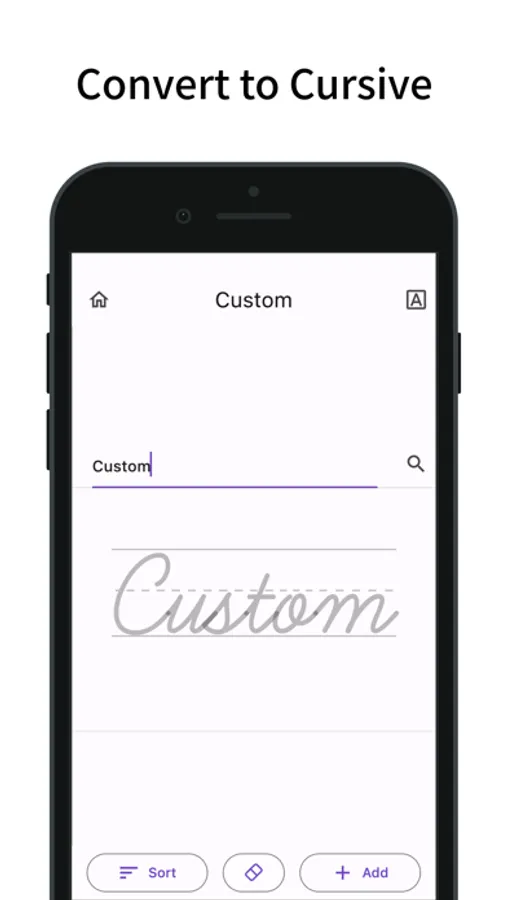
- In “Custom,” you can display typed text in cursive.
- Add typed text to "Custom Words" for practice.
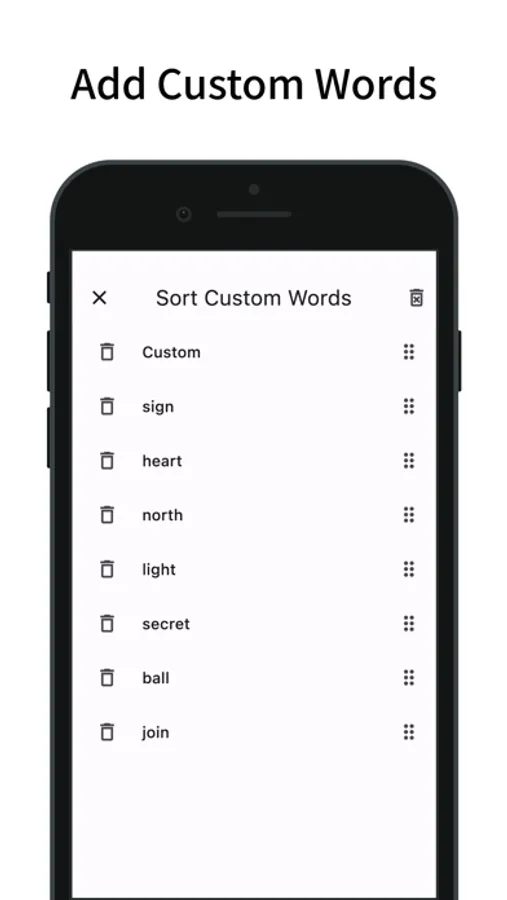
- Custom Words can be sorted and deleted.
- Custom Words are shared across all cursive languages.
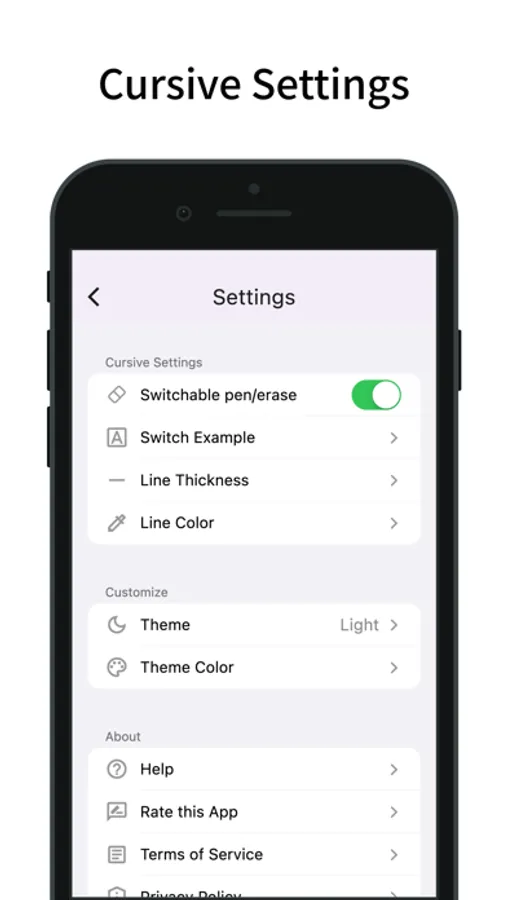
Cursive Settings
- Change the font of the example text.
- Adjust the font size of the example text.
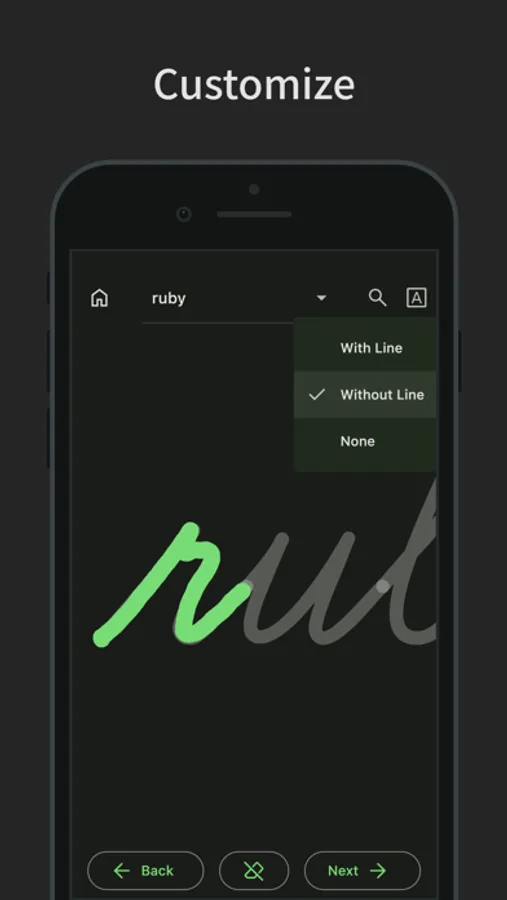
- Switch example styles (with line, without line, or none).
- Toggle between pen and eraser.
- Change the pen’s thickness and color.
- Enable or disable zooming.
Customization
- Supports dark mode.
- You can also change the theme color.
- Features a simple design based on Material Design.
It includes uppercase and lowercase letters, as well as words in multiple languages.
You can also add your own words for custom practice.
Practice Cursive
- Trace to practice cursive writing.
- Practice both uppercase and lowercase letters.
- View animated stroke order for each letter.
- Supports special characters in German and Spanish (ä, ö, ß, ü, ñ).
- Practice words in multiple languages.
- Includes over 100 words per language.
- Supports words with accent marks.
Cursive Languages
- Switch between different cursive languages.
- Supports English, German, Spanish, French, Italian, and Portuguese.
- The app’s display language can be linked to the selected cursive language.
- Use the search button to look up word meanings (opens in external browser).
- You can also switch the search button to a share button.
Custom Words
- In “Custom,” you can display typed text in cursive.
- Add typed text to "Custom Words" for practice.
- Custom Words can be sorted and deleted.
- Custom Words are shared across all cursive languages.
Cursive Settings
- Change the font of the example text.
- Adjust the font size of the example text.
- Switch example styles (with line, without line, or none).
- Toggle between pen and eraser.
- Change the pen’s thickness and color.
- Enable or disable zooming.
Customization
- Supports dark mode.
- You can also change the theme color.
- Features a simple design based on Material Design.