About RICOH Monitor Mirroring
The app will help you to mirror iPhone/Mac screen to RICOH OLED Display in real time.(One-to-One)
How it works:
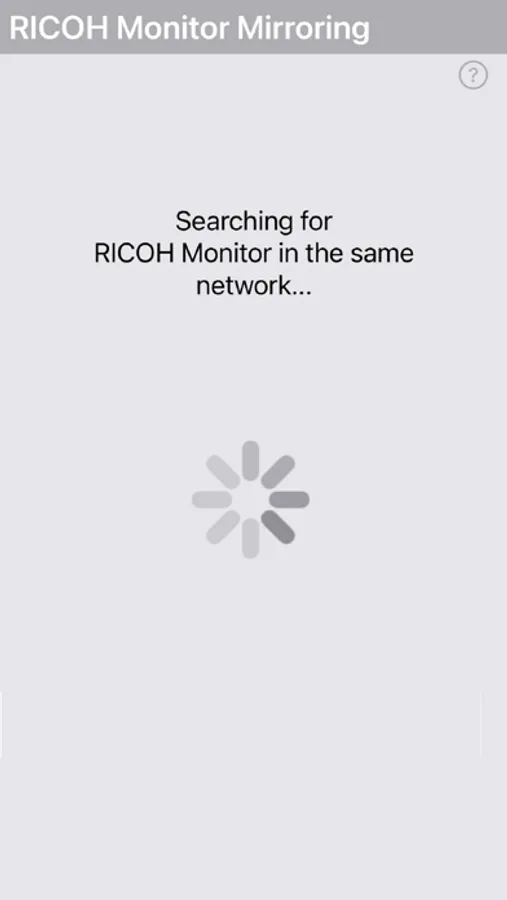
1. Connect devices on the same Wi-Fi network(same subnet).
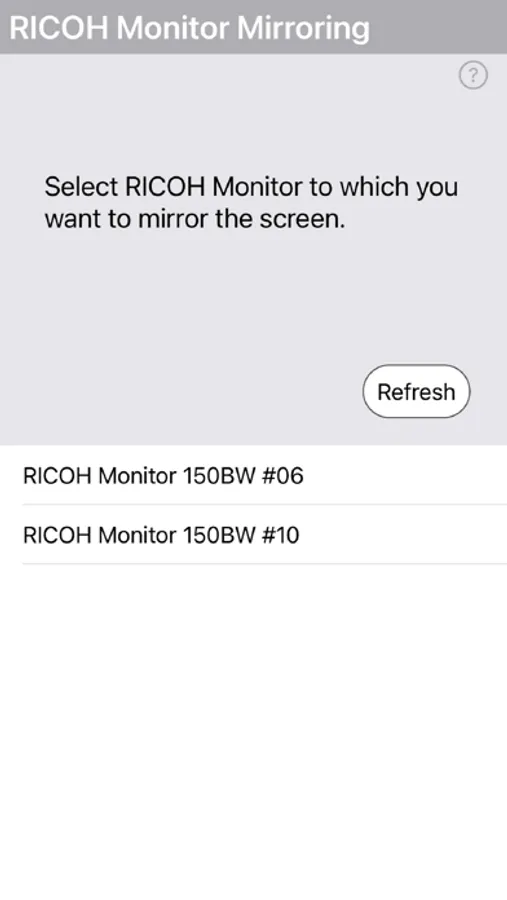
2. Open the app and select RICOH OLED Display from the list.
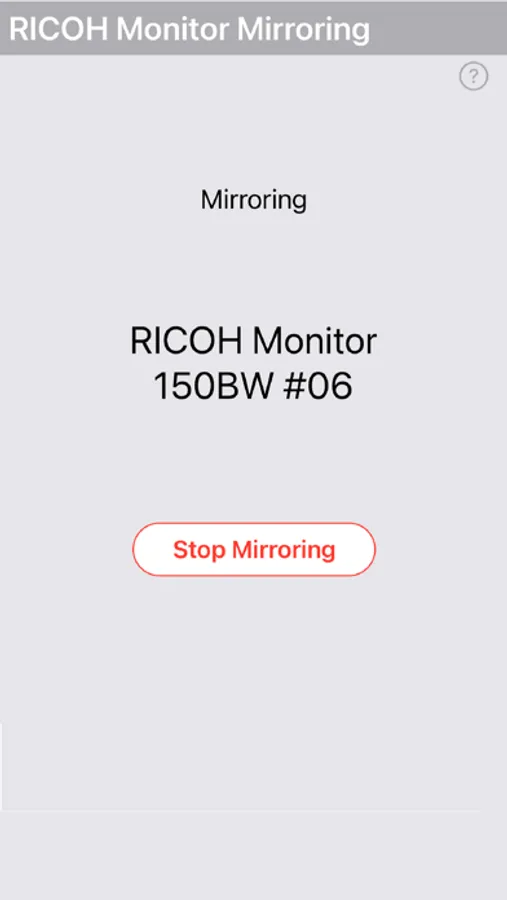
3. (iOS only) Tap "Start Broadcast"
How it works:
1. Connect devices on the same Wi-Fi network(same subnet).
2. Open the app and select RICOH OLED Display from the list.
3. (iOS only) Tap "Start Broadcast"