AppRecs review analysis
AppRecs rating 2.0. Trustworthiness 76 out of 100. Review manipulation risk 22 out of 100. Based on a review sample analyzed.
★☆☆☆☆
2.0
AppRecs Rating
Ratings breakdown
5 star
16%
4 star
13%
3 star
10%
2 star
23%
1 star
39%
What to know
✓
Low review manipulation risk
22% review manipulation risk
⚠
Pricing complaints
Many low ratings mention paywalls or pricing
⚠
Mixed user feedback
Average 2.5★ rating suggests room for improvement
About STA Connect
The Spokane Transit Authority (STA) Connect app is packed full of features! With the STA Connect app you can:
- Link a physical Connect card or create a virtual eConnect card
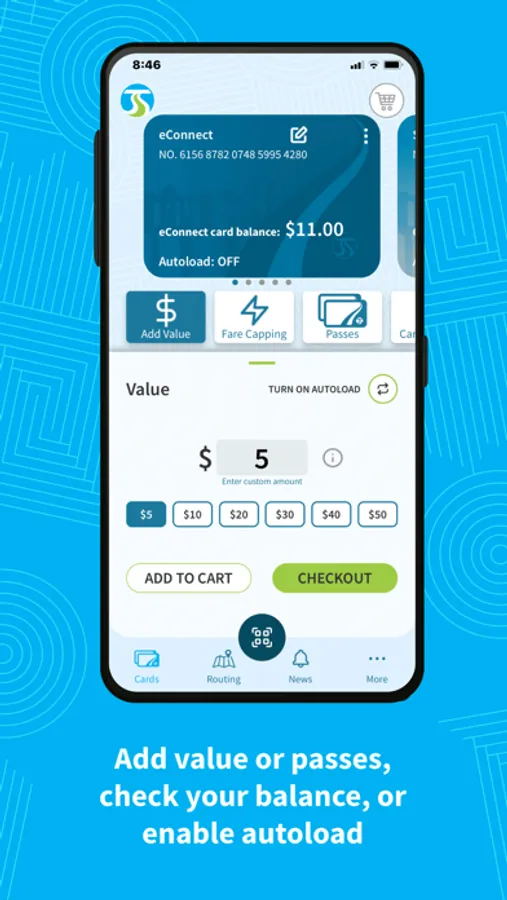
- Add value or passes
- Check your balance
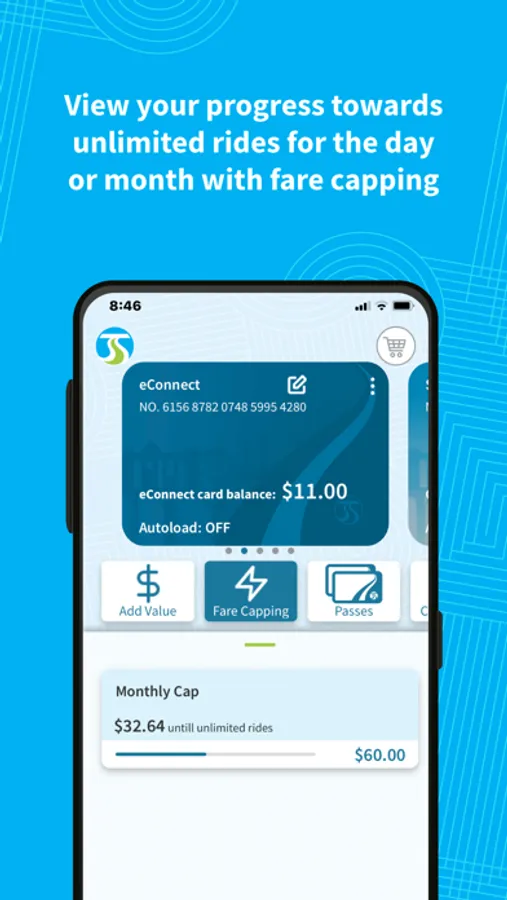
- View fare capping progress
- Enable autoload
- Lock lost or stolen cards
- Manage payment methods
- View card activity, including ride history
Virtual eConnect cards are separate from physical Connect cards. eConnect cards are completely virtual and exist only in your mobile phone. Every card, whether physical or eConnect, has a unique 20 digit number, and that 20 digit number has its own separate balances and fare capping totals from any other Connect card number, even when linked within the same STA Connect app account profile.
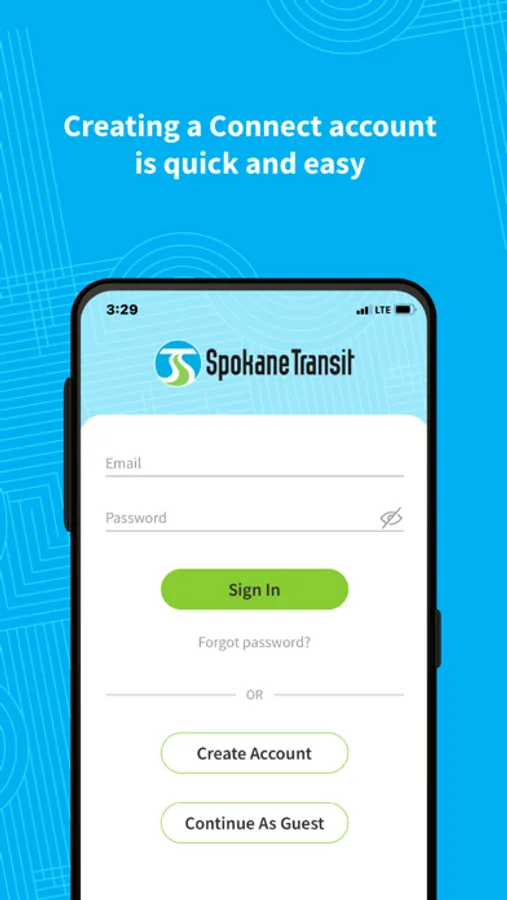
To add value to an eConnect or physical Connect card, simply add a credit or debit card to your Connect account, then add value to your cart and check out. With value added to your card, you are ready to ride! Please note that no refund can be given on funds loaded to a physical or eConnect card.
When you board the bus, bring up the fare payment QR code and hold your phone approximately eight inches below the fare validator with the screen facing up. When your eConnect card has been validated and fare collected, you’ll hear a beep and see a green check mark.
Riders with a Universal Transit Access Pass (UTAP) through a local university (e.g. EWU, Gonzaga, SCC, SFCC, Whitworth, or WSU Spokane), employer (e.g. City of Spokane or Spokane County), or other partner agency (e.g. Kendall Yards) can now link their UTAP to their virtual Connect card directly in the STA Connect app. Simply register with your UTAP email address and use the “Partner Agency” widget on the home screen to get started.
Learn more about the Connect fare system at spokanetransit.com/connect/
- Link a physical Connect card or create a virtual eConnect card
- Add value or passes
- Check your balance
- View fare capping progress
- Enable autoload
- Lock lost or stolen cards
- Manage payment methods
- View card activity, including ride history
Virtual eConnect cards are separate from physical Connect cards. eConnect cards are completely virtual and exist only in your mobile phone. Every card, whether physical or eConnect, has a unique 20 digit number, and that 20 digit number has its own separate balances and fare capping totals from any other Connect card number, even when linked within the same STA Connect app account profile.
To add value to an eConnect or physical Connect card, simply add a credit or debit card to your Connect account, then add value to your cart and check out. With value added to your card, you are ready to ride! Please note that no refund can be given on funds loaded to a physical or eConnect card.
When you board the bus, bring up the fare payment QR code and hold your phone approximately eight inches below the fare validator with the screen facing up. When your eConnect card has been validated and fare collected, you’ll hear a beep and see a green check mark.
Riders with a Universal Transit Access Pass (UTAP) through a local university (e.g. EWU, Gonzaga, SCC, SFCC, Whitworth, or WSU Spokane), employer (e.g. City of Spokane or Spokane County), or other partner agency (e.g. Kendall Yards) can now link their UTAP to their virtual Connect card directly in the STA Connect app. Simply register with your UTAP email address and use the “Partner Agency” widget on the home screen to get started.
Learn more about the Connect fare system at spokanetransit.com/connect/