AppRecs review analysis
AppRecs rating 5.0. Trustworthiness 45 out of 100. Review manipulation risk 20 out of 100. Based on a review sample analyzed.
★★★★★
5.0
AppRecs Rating
Ratings breakdown
5 star
100%
4 star
0%
3 star
0%
2 star
0%
1 star
0%
What to know
⚠
Unusually uniform ratings
100% of sampled ratings are 5 stars with very little variation
About Remove Location
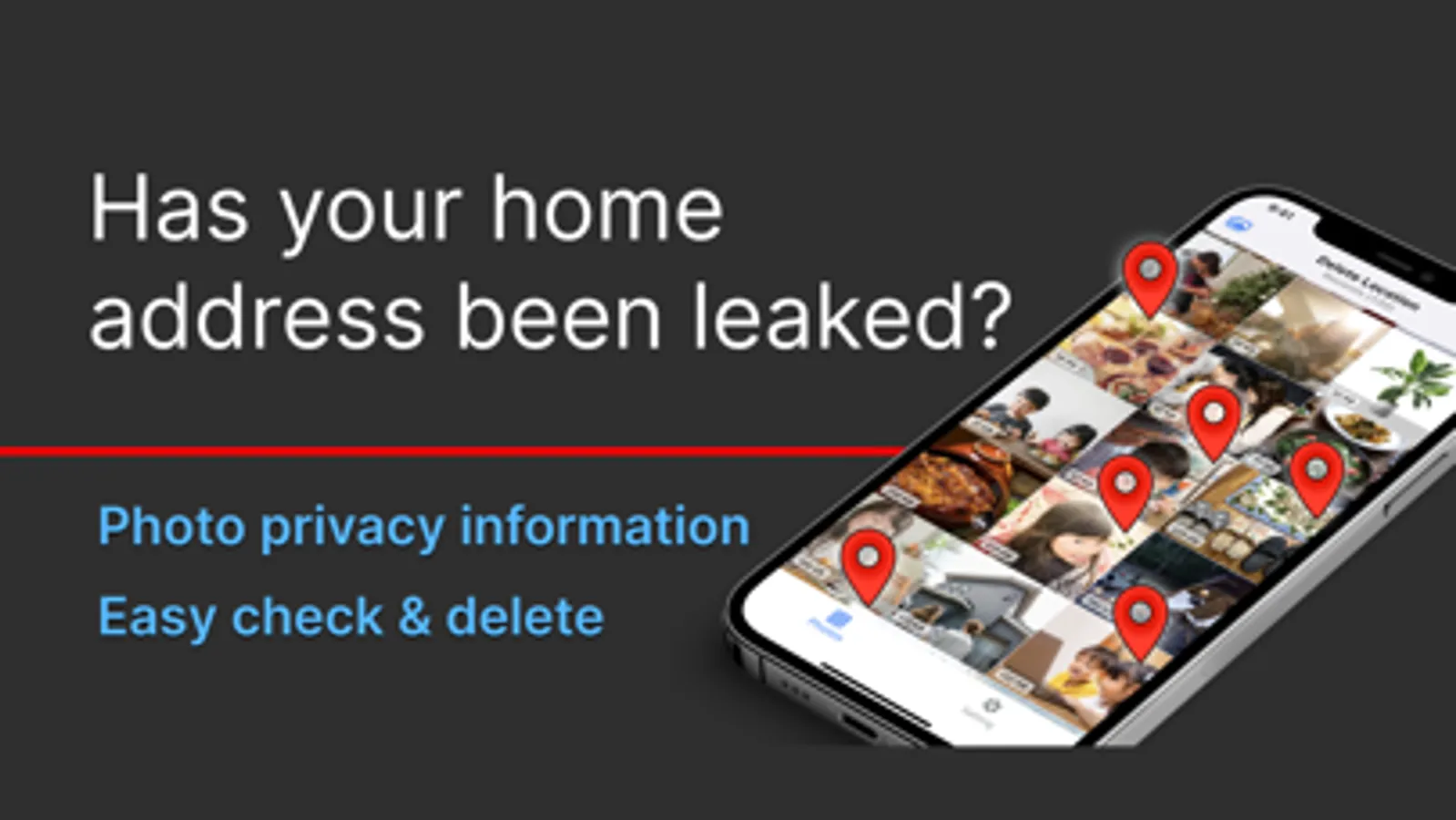
Location information may be included in the photo.
Do you share them as they are?
You can easily check and delete the location information of photos with this app.
It is a hassle to turn off every single setting in your phone's camera settings.
But there are some photos you don't want to share location information.
In such a case, check them with this app!
Main features
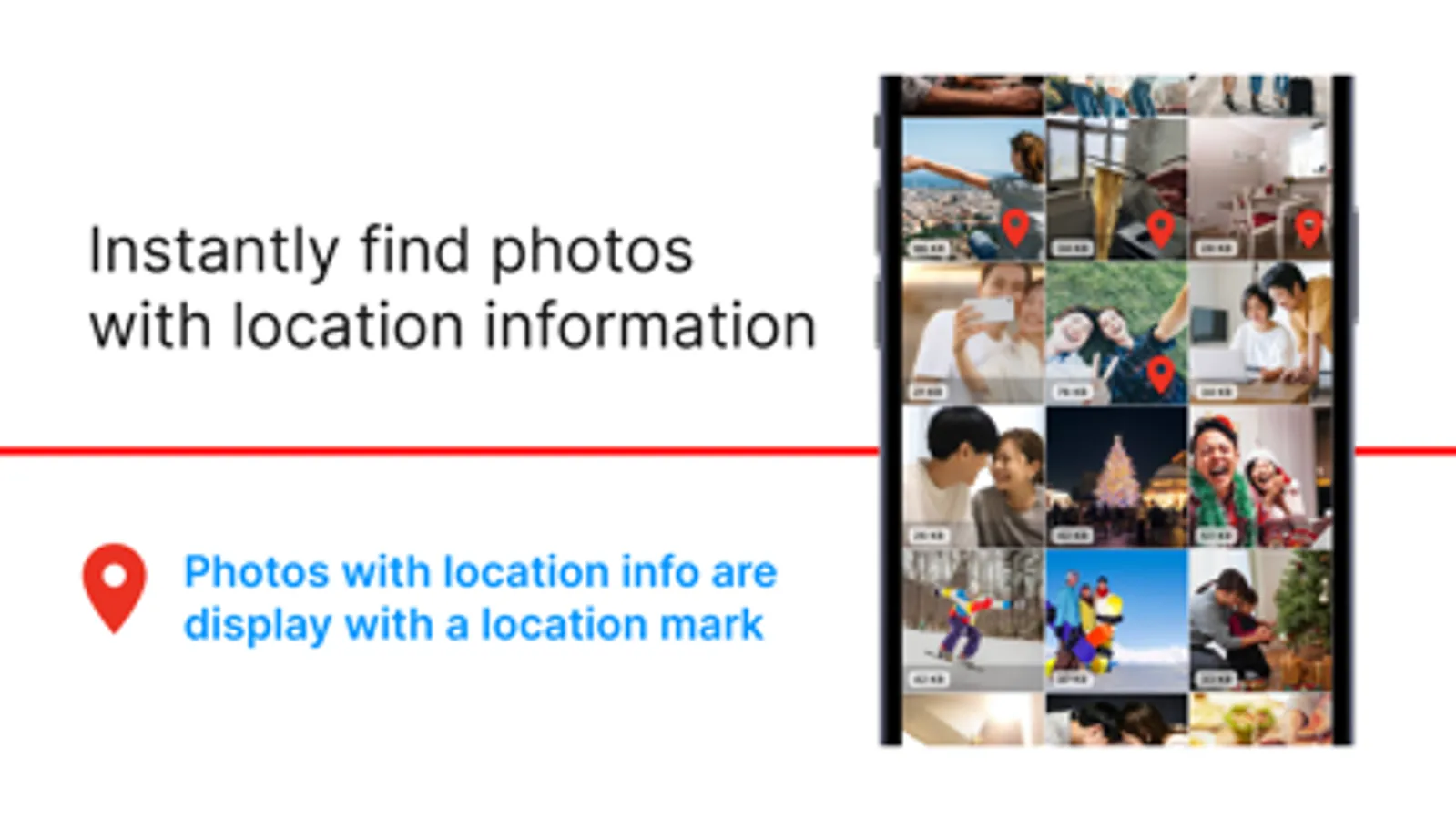
- You can check photos with location information just by launching the app.
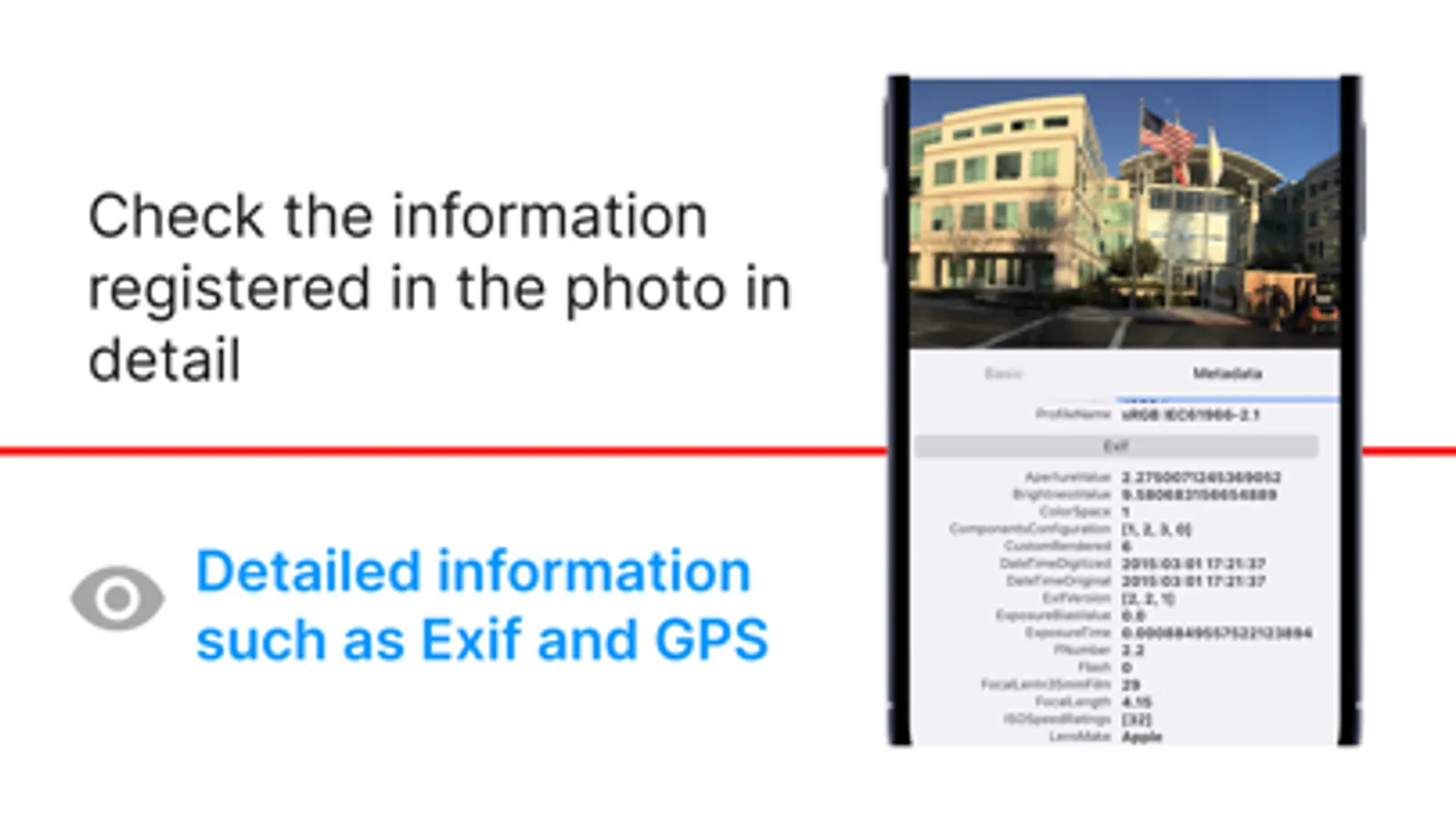
- You can check detailed information including location information.
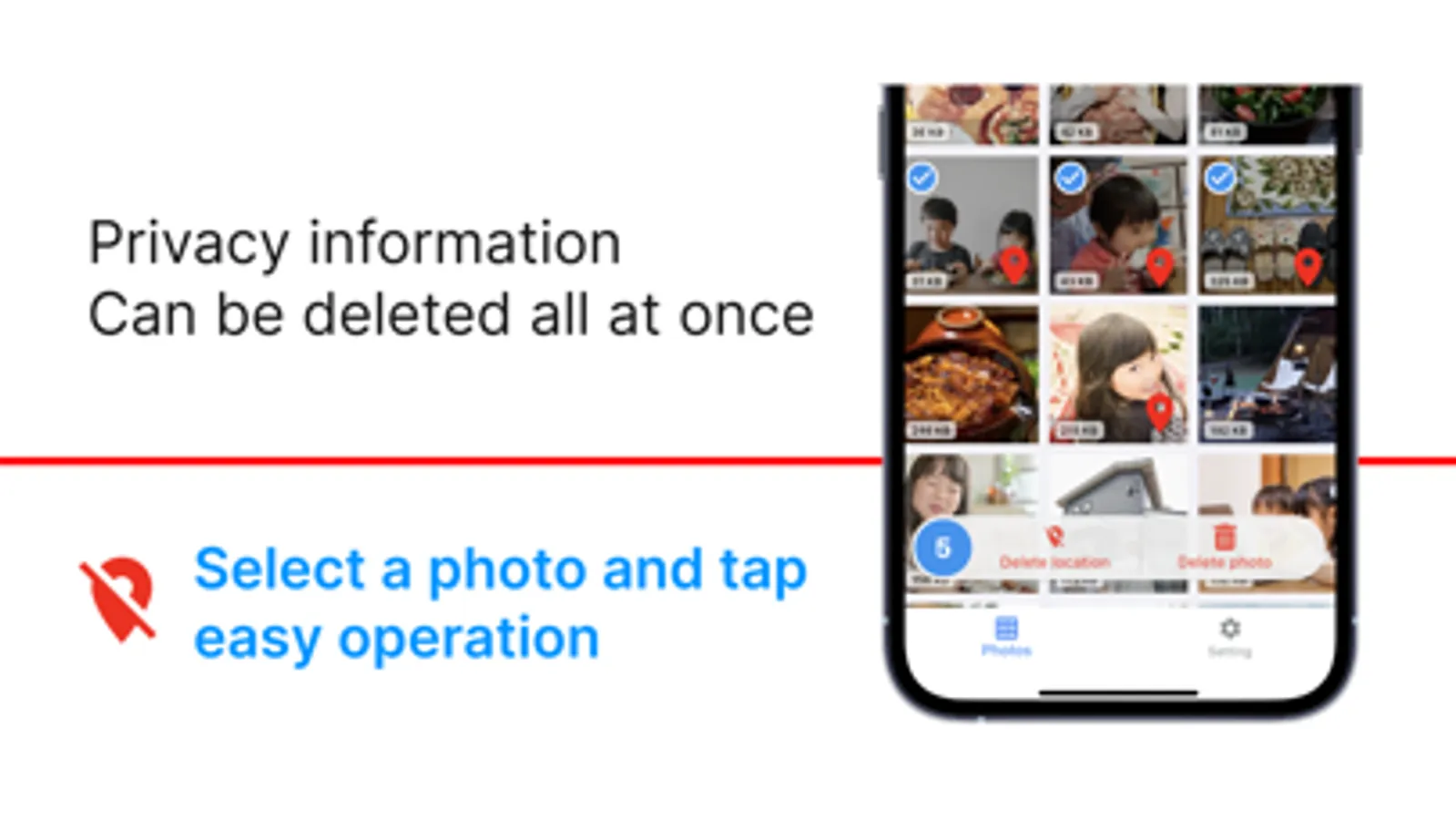
- You can delete location information from multiple photos at once.
How to use
- Tap "Select" on the photo list screen to select photos.
- "Delete location" and "Delete photo" can be performed on selected photos.
- Whether or not to delete the original photo after deleting the location information can be changed in "Settings".
Caution
- The app requires permission to access photos.
- When deleting a photo, a confirmation dialog box will appear for security reasons.
Do you share them as they are?
You can easily check and delete the location information of photos with this app.
It is a hassle to turn off every single setting in your phone's camera settings.
But there are some photos you don't want to share location information.
In such a case, check them with this app!
Main features
- You can check photos with location information just by launching the app.
- You can check detailed information including location information.
- You can delete location information from multiple photos at once.
How to use
- Tap "Select" on the photo list screen to select photos.
- "Delete location" and "Delete photo" can be performed on selected photos.
- Whether or not to delete the original photo after deleting the location information can be changed in "Settings".
Caution
- The app requires permission to access photos.
- When deleting a photo, a confirmation dialog box will appear for security reasons.