In this app, you can set a timer to automatically stop your music playback and customize the fade-out and brightness settings. Includes accurate timing, volume fade-out, and energy-saving features.
AppRecs review analysis
AppRecs rating 4.5. Trustworthiness 75 out of 100. Review manipulation risk 25 out of 100. Based on a review sample analyzed.
★★★★☆
4.5
AppRecs Rating
Ratings breakdown
5 star
76%
4 star
11%
3 star
5%
2 star
1%
1 star
7%
What to know
✓
Low review manipulation risk
25% review manipulation risk
✓
Credible reviews
75% trustworthiness score from analyzed reviews
✓
High user satisfaction
87% of sampled ratings are 4+ stars (4.5★ average)
About Sleep Timer: Stop Music Player
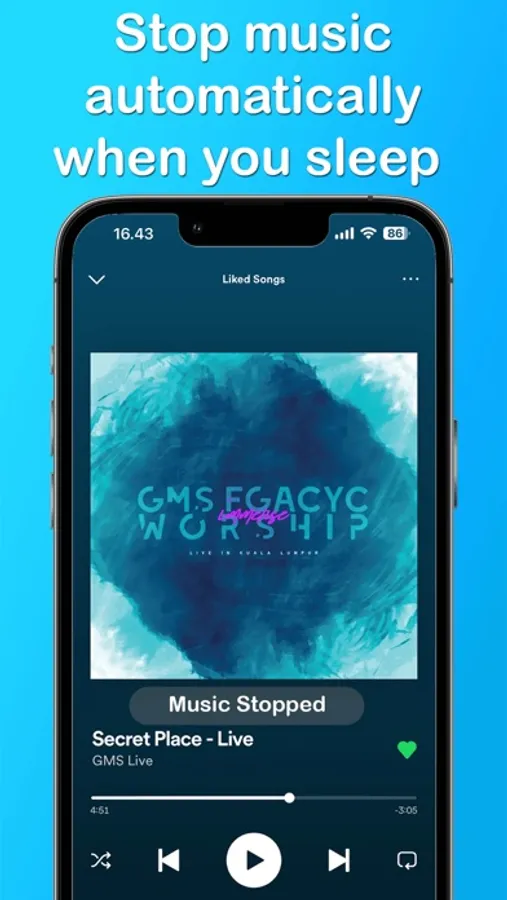
Stop all music automatically with Sleep Timer - Music Timer. All music players will stop when the timer ends, and you can sleep well.
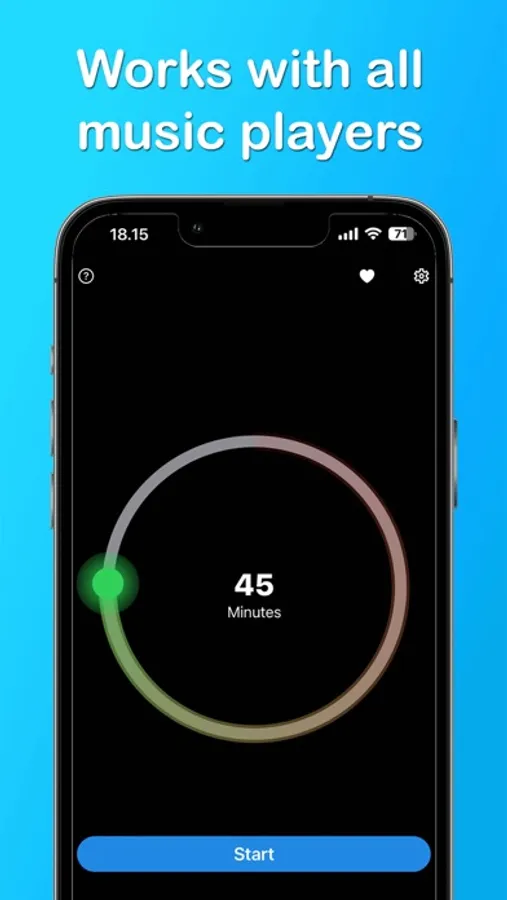
This app is compatible with every music player on your phone.
How to use the Sleep Timer - Music Timer app:
1. Open music player app and start the music.
2. Return to this app, choose time, and press 'START' button.
3. Do not close the app! The music will stop when the timer ends.
4. Double tap the screen to cancel the timer
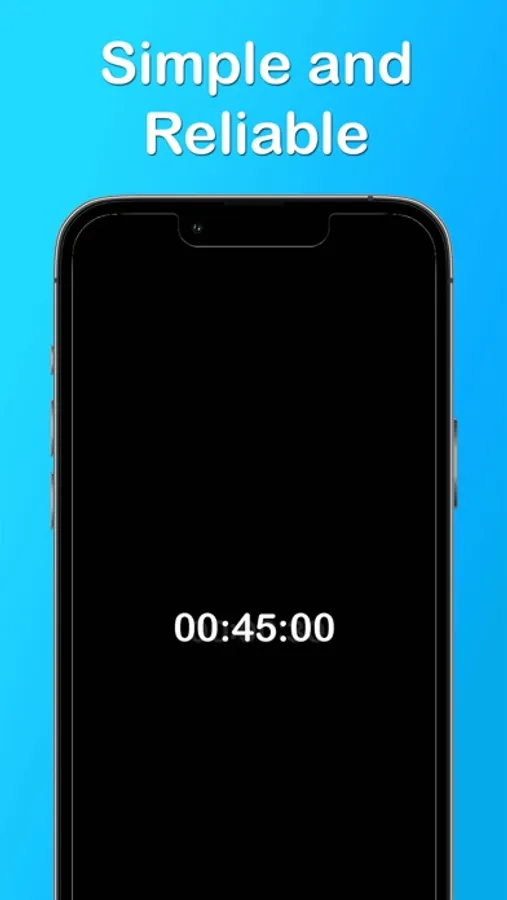
• Accurate and Reliable
With Sleep Timer - Music Timer, you can set the timer and then go to sleep without worrying your music or video will be playing all night.
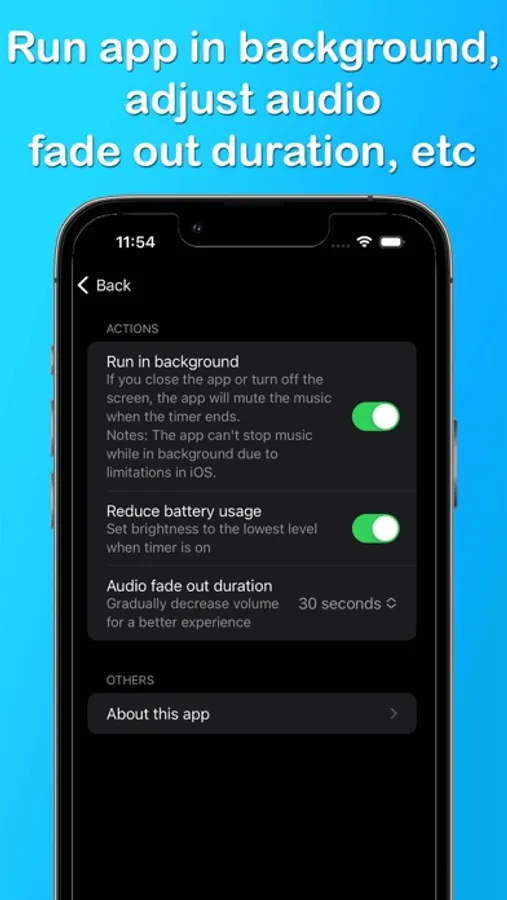
• Audio Fade Out Feature
Gradually decrease volume for a better experience.
• Reduce Battery Usage Feature
Set brightness to the lowest level when the timer is on.
• Simple and Beautiful UI
Dark design with colorful animation to accompany your sleep.
Disclaimer
Sleep Timer (Turn Music Off) is a third party application to help the user to stop music players easily. Every music player belong to their respective owners.
If you have question or suggestion about Sleep Timer - Music Timer, please email us.
Read more about our Terms of Use: https://kociapp.github.io/Sleep-Timer/term-of-use
Read more about our Privacy Policy: https://kociapp.github.io/Sleep-Timer/privacy-policy
This app is compatible with every music player on your phone.
How to use the Sleep Timer - Music Timer app:
1. Open music player app and start the music.
2. Return to this app, choose time, and press 'START' button.
3. Do not close the app! The music will stop when the timer ends.
4. Double tap the screen to cancel the timer
• Accurate and Reliable
With Sleep Timer - Music Timer, you can set the timer and then go to sleep without worrying your music or video will be playing all night.
• Audio Fade Out Feature
Gradually decrease volume for a better experience.
• Reduce Battery Usage Feature
Set brightness to the lowest level when the timer is on.
• Simple and Beautiful UI
Dark design with colorful animation to accompany your sleep.
Disclaimer
Sleep Timer (Turn Music Off) is a third party application to help the user to stop music players easily. Every music player belong to their respective owners.
If you have question or suggestion about Sleep Timer - Music Timer, please email us.
Read more about our Terms of Use: https://kociapp.github.io/Sleep-Timer/term-of-use
Read more about our Privacy Policy: https://kociapp.github.io/Sleep-Timer/privacy-policy