AppRecs review analysis
AppRecs rating 3.8. Trustworthiness 65 out of 100. Review manipulation risk 20 out of 100. Based on a review sample analyzed.
★★★☆☆
3.8
AppRecs Rating
Ratings breakdown
5 star
100%
4 star
0%
3 star
0%
2 star
0%
1 star
0%
What to know
✓
Low review manipulation risk
20% review manipulation risk
✓
High user satisfaction
100% of sampled ratings are 4+ stars (4.3★ average)
About Pigments - Color Palettes
Pigments is the all-around tool when it comes to creating and editing color palettes.
Key Features:
Smart Color Generation:
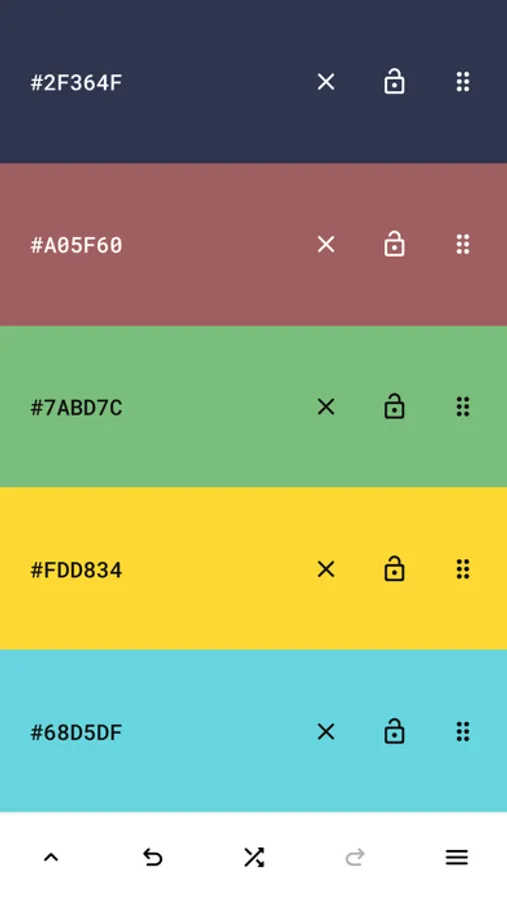
- Create color schemes instantly with a single tap.
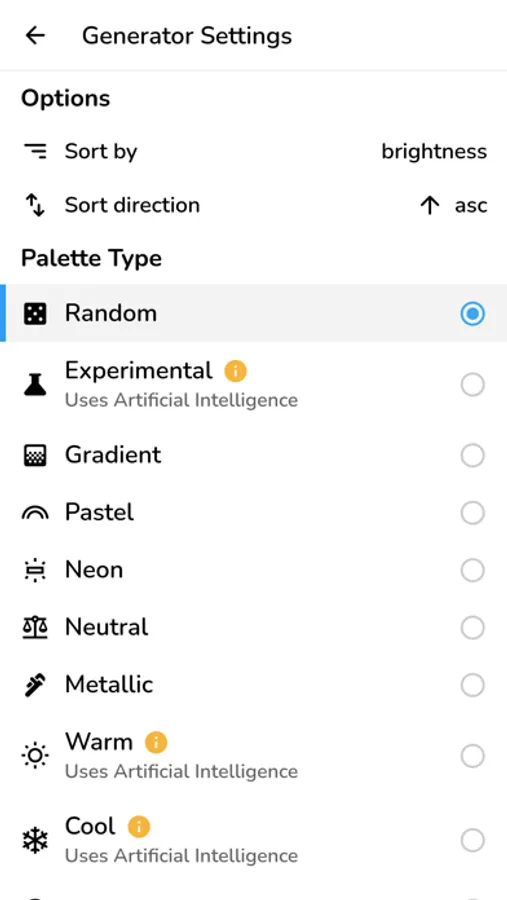
- Choose from a variety of generator modes: random, gradient, pastel, neutral, metallic, AI-powered (artificial intelligence) generator modes, and more.
- Great for artistic inspiration and fast creative workflows.
Adjustable and Customizable:
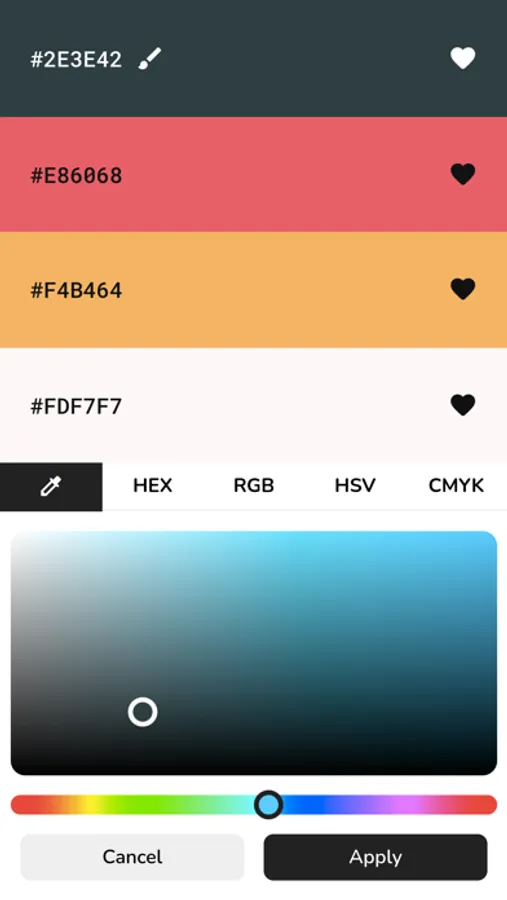
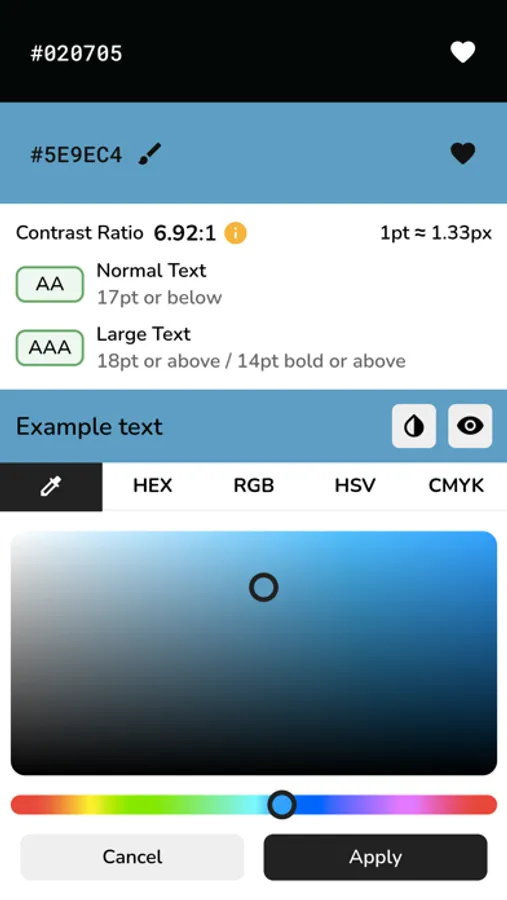
- Modify individual colors using the color picker mode of your choice (visual, HEX, RGB, HSV, HSL, or CMYK).
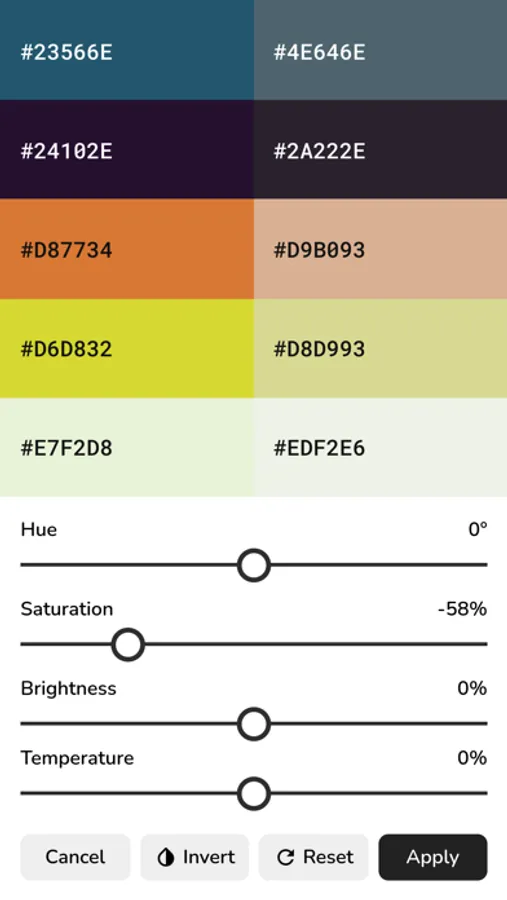
- Adjust the hue, saturation, brightness or temperature of the entire color palette.
- Add up to 30 colors to a palette.
- Rearrange colors in any order.
- Prevent specific colors from changing when generating a new color scheme.
- Undo or redo changes made to the color palette.
Design Tools:
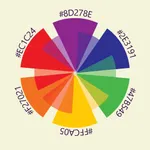
- Color wheel - Interactive RGB and RYB color wheels for generating color harmonies (monochromatic, analogous, complementary, compound, triadic, and more).
- Contrast checker - Check the WCAG contrast score between two colors.
- Simulate color vision deficiencies - Validate the accessibility of a color palette by simulating color blindness (protanopia, deuteranopia, tritanopia, etc.).
- Isolation mode - Add spacing around the colors for better contrast.
- Blend mode - Mix two colors together.
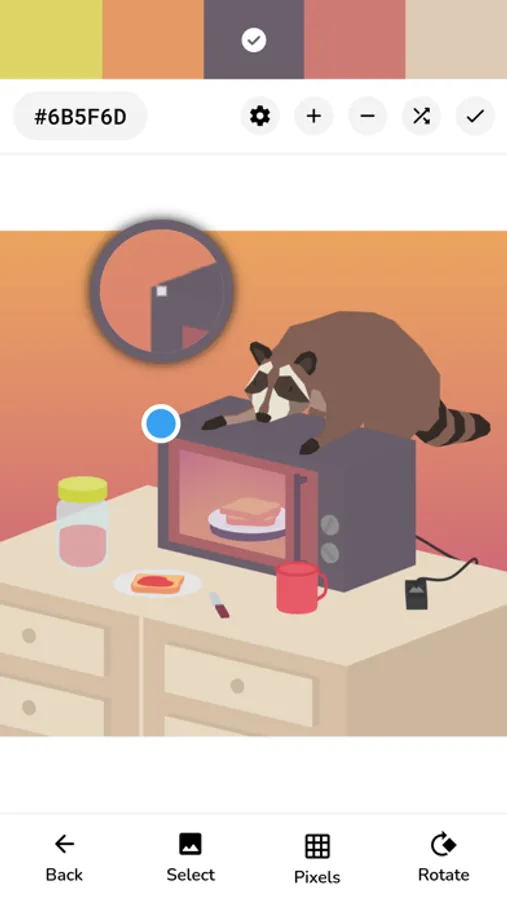
- Image color picker - Create color palettes from images by manually selecting the colors or by using the auto-pick feature.
Additional Features:
- Browse an inspiring online library of curated color palettes.
- Enable the minimal UI mode for a distraction-free interface.
- Choose between a light and a dark color theme.
Save, Export and Share:
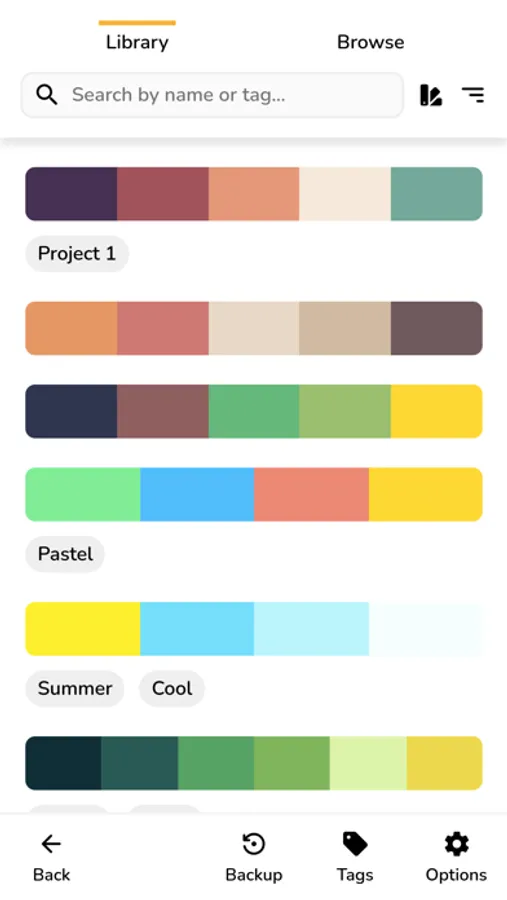
- Save color palettes locally and organize them with tags.
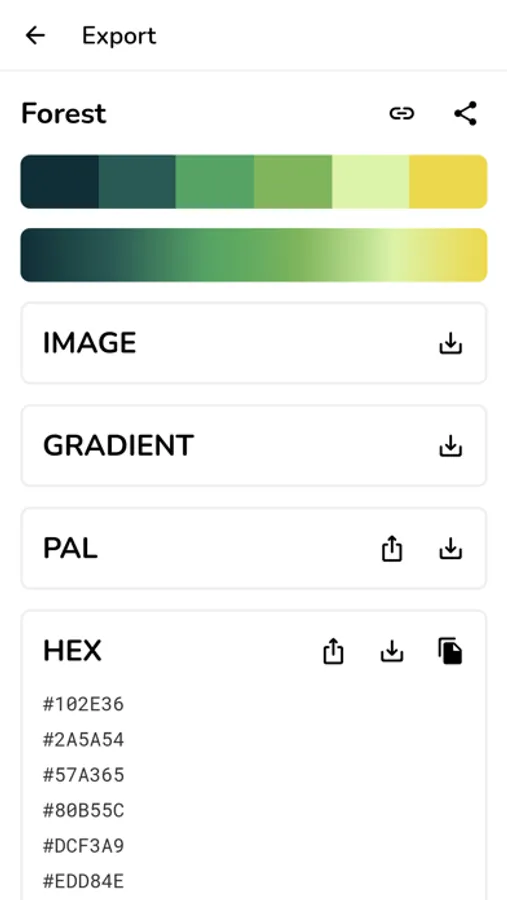
- Export palettes in multiple formats compatible with design tools.
- Share palettes via link for collaboration or showcasing your work.
Perfect for:
- Web developers & UI/UX designers
- Digital artists & illustrators
- Brand designers & marketers
- Students & design educators
- Anyone working with colors.
Key Features:
Smart Color Generation:
- Create color schemes instantly with a single tap.
- Choose from a variety of generator modes: random, gradient, pastel, neutral, metallic, AI-powered (artificial intelligence) generator modes, and more.
- Great for artistic inspiration and fast creative workflows.
Adjustable and Customizable:
- Modify individual colors using the color picker mode of your choice (visual, HEX, RGB, HSV, HSL, or CMYK).
- Adjust the hue, saturation, brightness or temperature of the entire color palette.
- Add up to 30 colors to a palette.
- Rearrange colors in any order.
- Prevent specific colors from changing when generating a new color scheme.
- Undo or redo changes made to the color palette.
Design Tools:
- Color wheel - Interactive RGB and RYB color wheels for generating color harmonies (monochromatic, analogous, complementary, compound, triadic, and more).
- Contrast checker - Check the WCAG contrast score between two colors.
- Simulate color vision deficiencies - Validate the accessibility of a color palette by simulating color blindness (protanopia, deuteranopia, tritanopia, etc.).
- Isolation mode - Add spacing around the colors for better contrast.
- Blend mode - Mix two colors together.
- Image color picker - Create color palettes from images by manually selecting the colors or by using the auto-pick feature.
Additional Features:
- Browse an inspiring online library of curated color palettes.
- Enable the minimal UI mode for a distraction-free interface.
- Choose between a light and a dark color theme.
Save, Export and Share:
- Save color palettes locally and organize them with tags.
- Export palettes in multiple formats compatible with design tools.
- Share palettes via link for collaboration or showcasing your work.
Perfect for:
- Web developers & UI/UX designers
- Digital artists & illustrators
- Brand designers & marketers
- Students & design educators
- Anyone working with colors.