AppRecs review analysis
AppRecs rating 2.5. Trustworthiness 65 out of 100. Review manipulation risk 23 out of 100. Based on a review sample analyzed.
★★☆☆☆
2.5
AppRecs Rating
Ratings breakdown
5 star
0%
4 star
0%
3 star
100%
2 star
0%
1 star
0%
What to know
✓
Low review manipulation risk
23% review manipulation risk
About R-Live Music Player
R-Live Music Player is a music player app that allows you to play music with sound effects that make you feel like you're joining in live.
Let's enjoy music in live mode at home while remembering live performances of your favorite artists and bands!
This app has the following 3 sound effects preset.
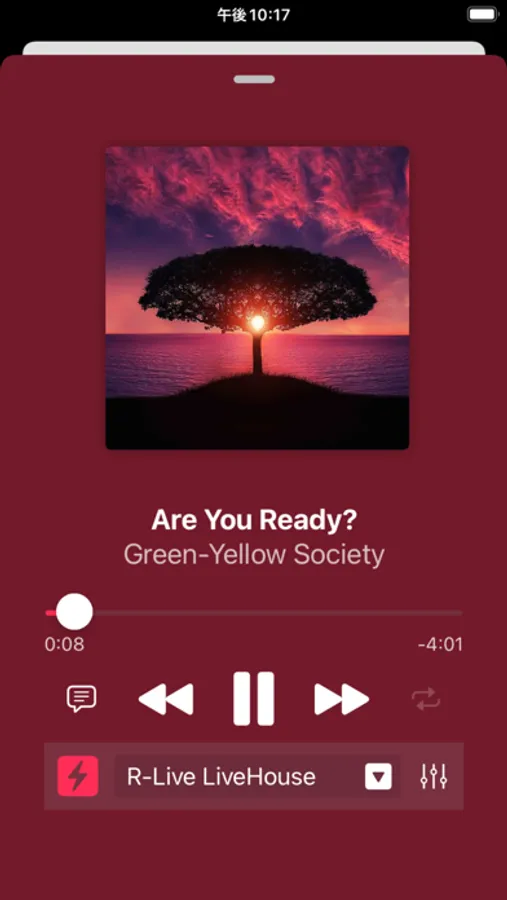
- R-Live LiveHouse: Reproduce a live performance at a live house
- R-Live Hall: Reproduces a live performance in a large-scale hall
- R-Live Stadium: Reproduce live performances at outdoor stages and stadiums
You can even create your own audio profiles based on preset sounds.
-- How to use --
There are 2 ways to play audio files.
- Locate audio files in this app.
- Transfer audio files with iTunes.
How to locate files in this app
1. Prepare audio files(mp3,aac,m4a)
2. Launch [Files] app
3. Select [R-Live] folder
[On My iPhone]-[R-Live]
4. Place audio files in [R-Live] folder
5. Back to R-Live app and tap [Load Audio Files]
How to transfer to iPhone with iTunes
1. Connect iPhone to PC
2. Regist audio files(mp3,aac,m4a)
3. Transfer files to iPhone
-- Main functions --
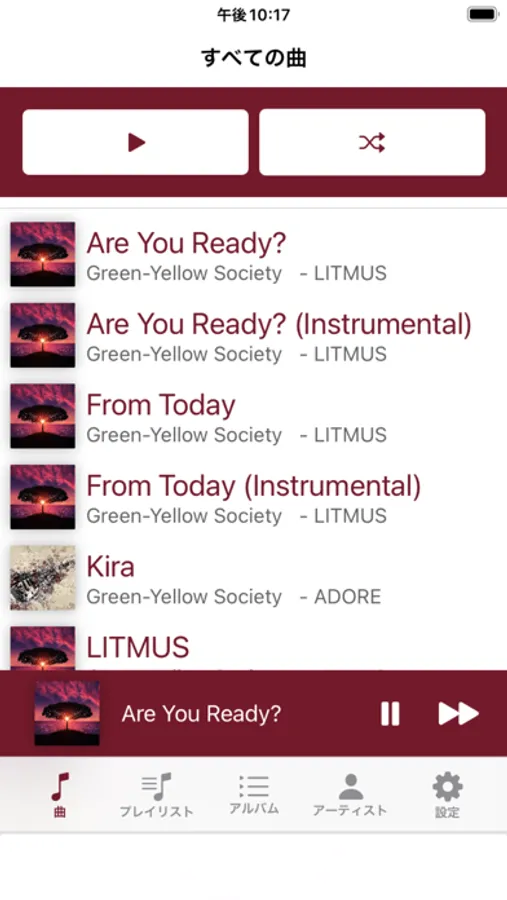
- Song List
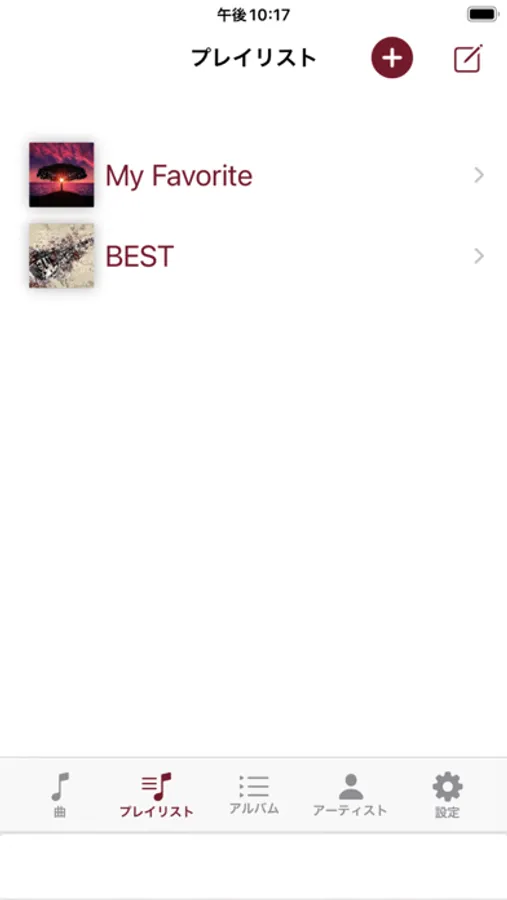
- Playlist
- Creating/editing playlists
- Artists List
- Album List
- Color Theme
- Audio Effect
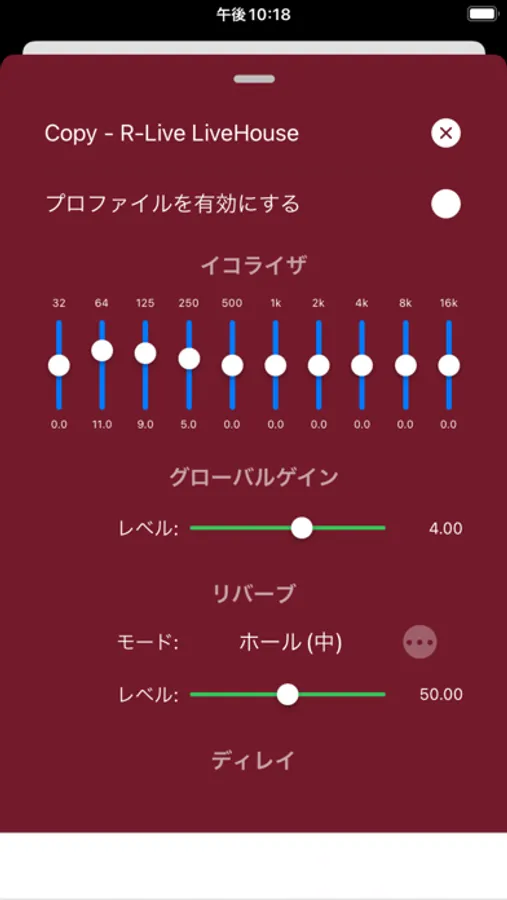
- Equalizer
- Advanced Equalizer (Paid Item)
- Visualizer (Paid Item)
-- Supported OS --
iOS17.6 or higher
Let's enjoy music in live mode at home while remembering live performances of your favorite artists and bands!
This app has the following 3 sound effects preset.
- R-Live LiveHouse: Reproduce a live performance at a live house
- R-Live Hall: Reproduces a live performance in a large-scale hall
- R-Live Stadium: Reproduce live performances at outdoor stages and stadiums
You can even create your own audio profiles based on preset sounds.
-- How to use --
There are 2 ways to play audio files.
- Locate audio files in this app.
- Transfer audio files with iTunes.
How to locate files in this app
1. Prepare audio files(mp3,aac,m4a)
2. Launch [Files] app
3. Select [R-Live] folder
[On My iPhone]-[R-Live]
4. Place audio files in [R-Live] folder
5. Back to R-Live app and tap [Load Audio Files]
How to transfer to iPhone with iTunes
1. Connect iPhone to PC
2. Regist audio files(mp3,aac,m4a)
3. Transfer files to iPhone
-- Main functions --
- Song List
- Playlist
- Creating/editing playlists
- Artists List
- Album List
- Color Theme
- Audio Effect
- Equalizer
- Advanced Equalizer (Paid Item)
- Visualizer (Paid Item)
-- Supported OS --
iOS17.6 or higher