In this screen recording app, you can capture videos of gameplay, live shows, or meetings and add commentary or reactions. Includes video editing tools, live streaming options, and sharing features.
AppRecs review analysis
AppRecs rating 4.3. Trustworthiness 76 out of 100. Review manipulation risk 26 out of 100. Based on a review sample analyzed.
★★★★☆
4.3
AppRecs Rating
Ratings breakdown
5 star
74%
4 star
6%
3 star
4%
2 star
2%
1 star
13%
What to know
✓
Low review manipulation risk
26% review manipulation risk
✓
Credible reviews
76% trustworthiness score from analyzed reviews
✓
High user satisfaction
81% of sampled ratings are 4+ stars (4.3★ average)
About Screen Recorder for iPhone HD
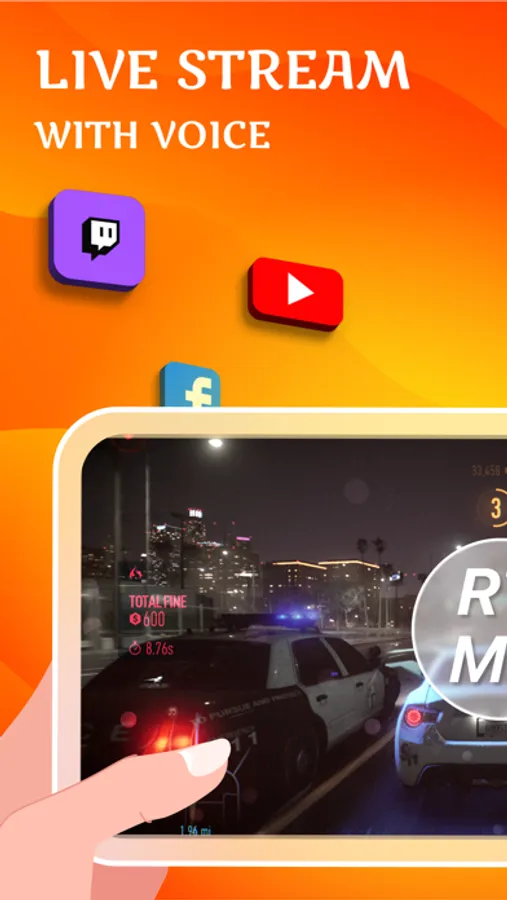
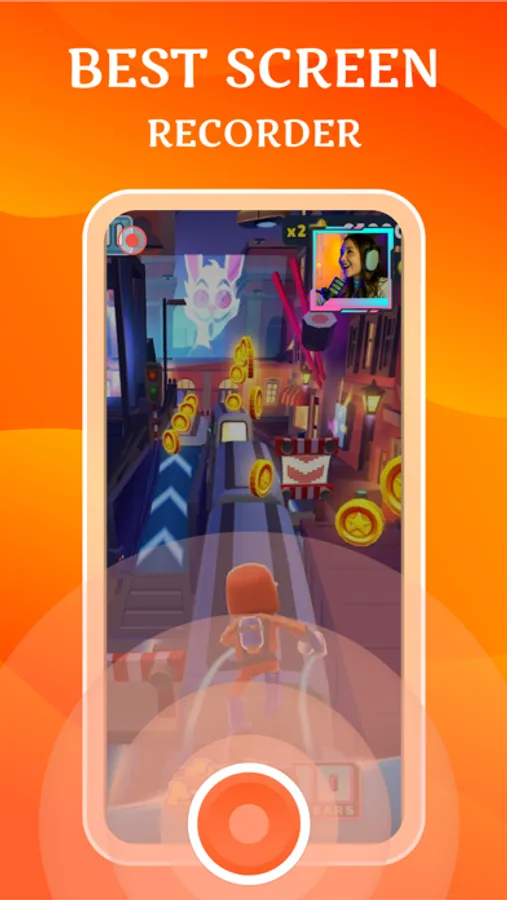
Best screen recording and screenshot capture application for recording video games, live shows, internet videos, video chats, and other purposes. With this screen recording app, you can easily live stream your screen to YouTube, Facebook, Twitch and capture screen videos. This app also helps you to add facial reactions and audio commentary to your videos. Finally, you can also edit recorded videos using the default video editor.
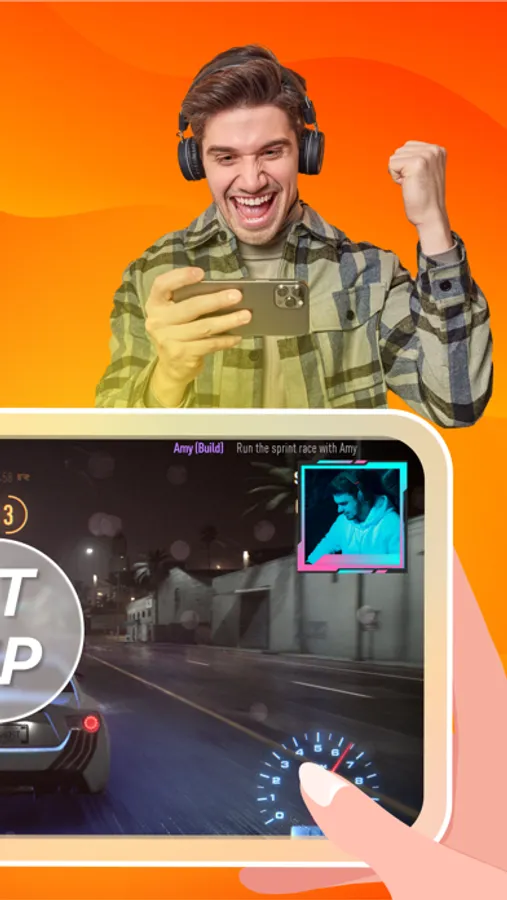
Record your favorite games, apps, game walkthroughs, reaction cam and add amazing commentary to enhance your recording.
Main Features:
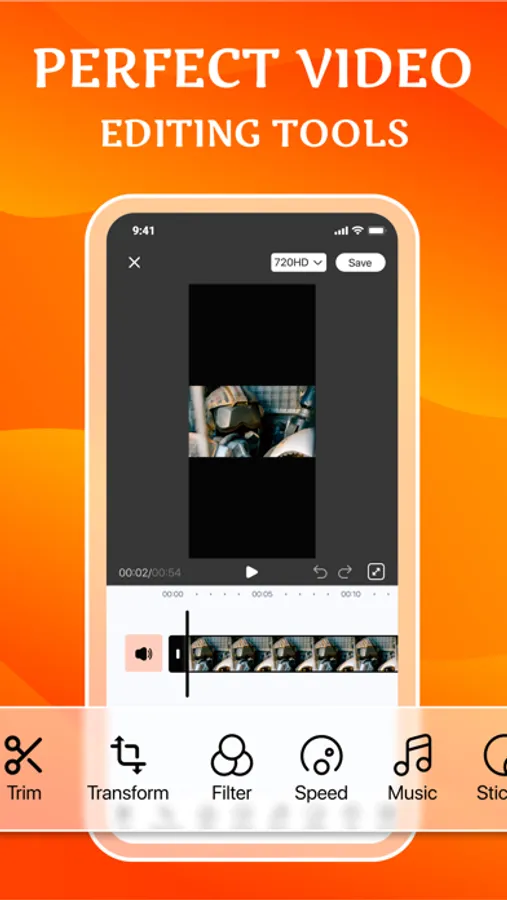
- Edit your screen recordings with the inbuilt video editor.
- Unlimited recording time, easy recording & recording app
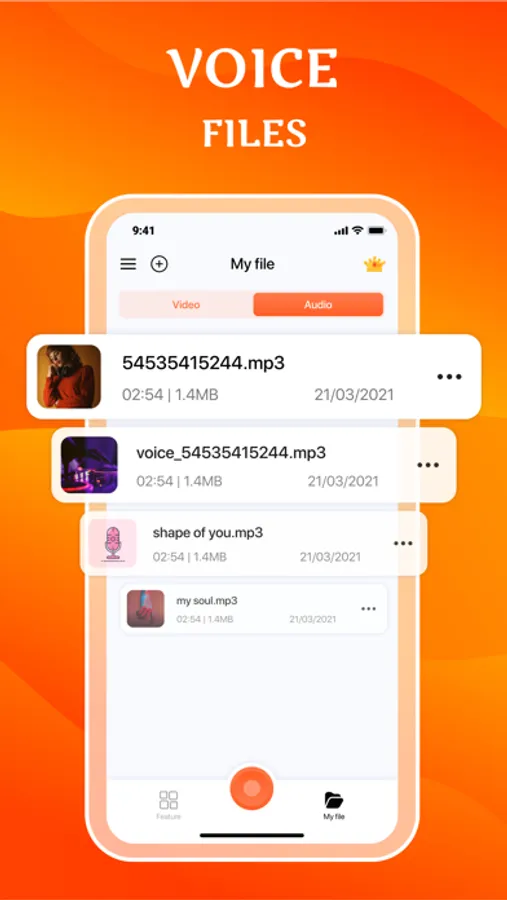
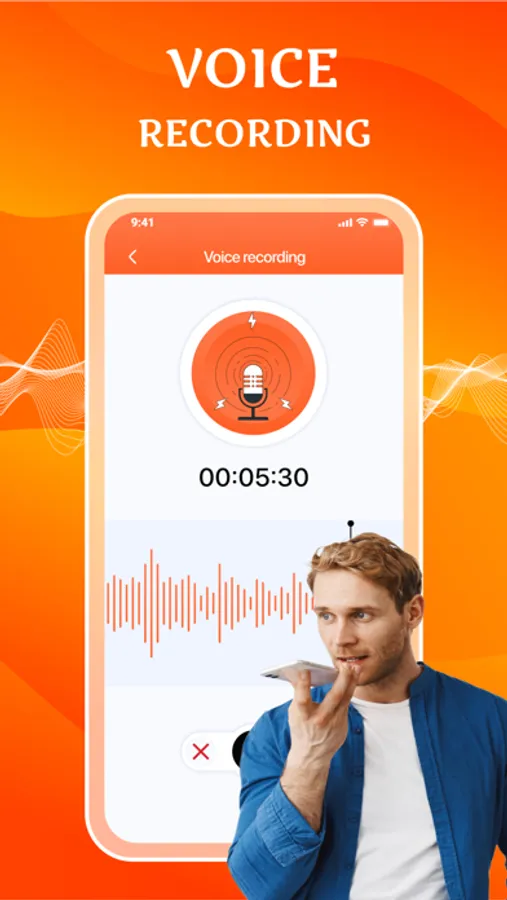
- Simple and easy to use voice recorder application.
- Record your meetings, personal notes, speeches, lectures, songs
- One tap option to start recording your screen video
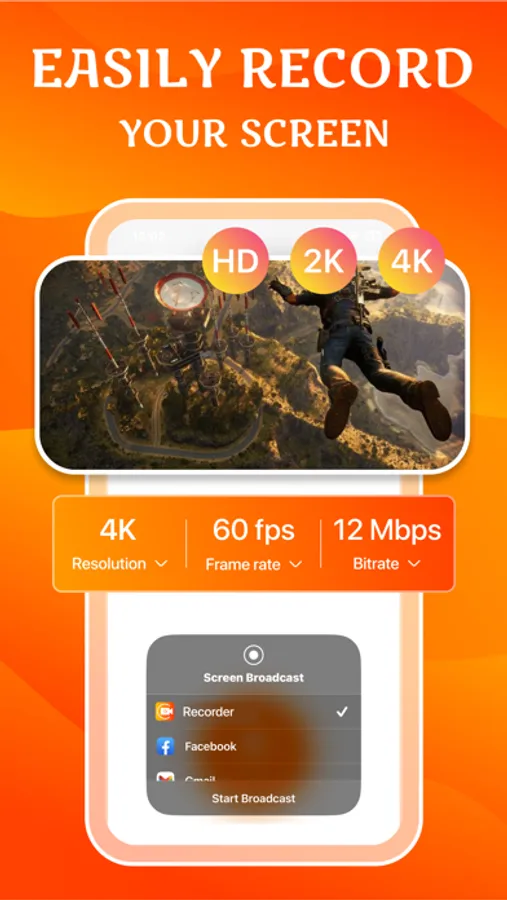
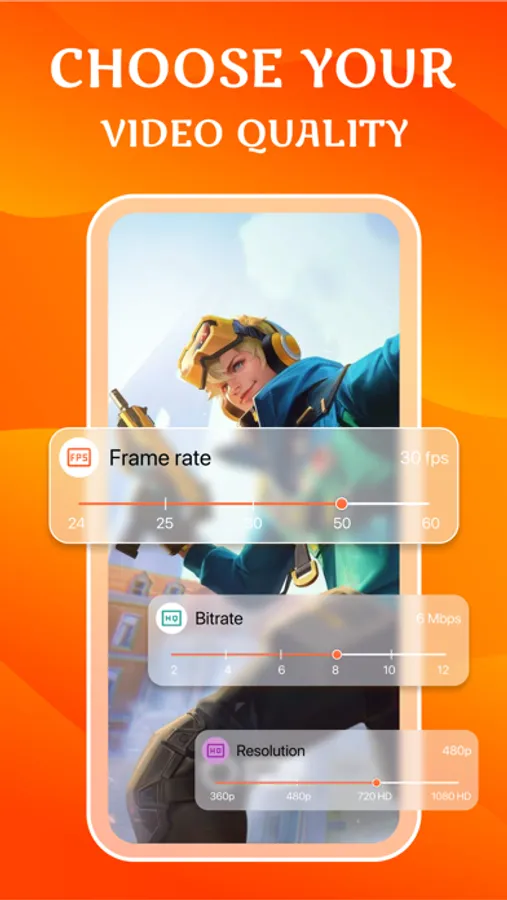
- Configurable video resolution, bitrate and frame rate
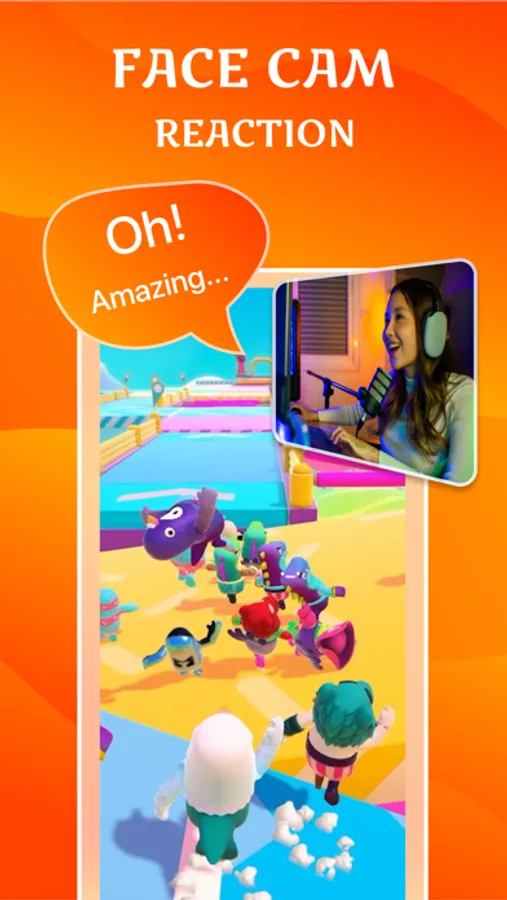
- An effective Face Cam to record your reactions to videos
- React input to YouTube videos
- Record device screen while playing game and create gameplay video
- Live stream on Twitch, YouTube and Facebook
- Unique audio commentary on any video
- Official video editor for editing after recording
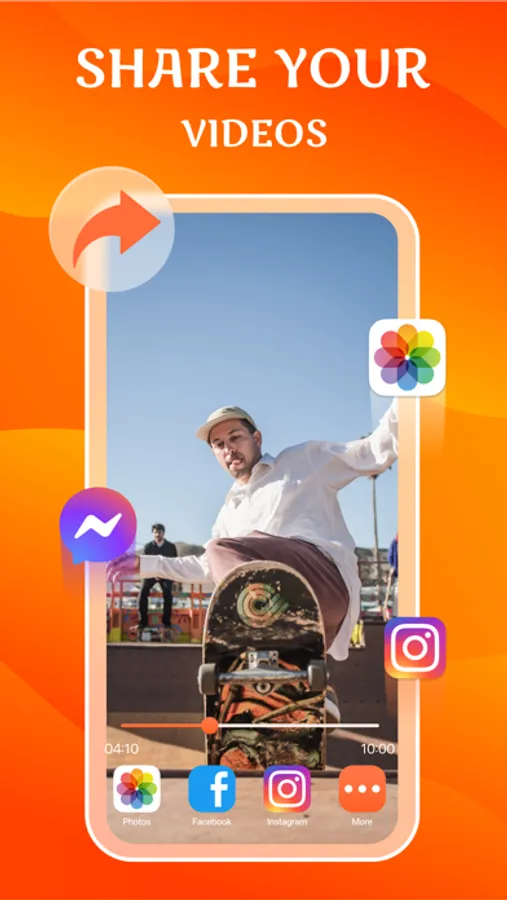
- Easily share your recordings
- Beautiful user interface, easy to understand.
Information about the auto-renewal of subscription:
- Payment will be charged to iTunes Account at confirmation of purchase
- Subscription automatically renews unless auto-renew is turned off at least 24-hours before the end of the period.
- If you want to continue the service, your subscription should be continued.
- Payment will be charged to iTunes Account at confirmation of purchase
- Subscription automatically renews unless auto-renew is turned off at least 24-hours before the end of the current period
- The account will be charged for renewal within 24-hours prior to the end of the current period.
- There are 3 packages including: 1 week and 1 year with the weekly package allowing a 3-day trial period. Once it expires, your subscription will automatically renew.
The following subscription plans are available (price may vary depending on location):
– 1-week subscription with a 3-day trial version – US$ 4.99
– 1-year subscription – US$ 29.99
- You can cancel your subscription via this URL:
https://support.apple.com/en-us/HT202039
Privacy Policy: https://cemsoftwareltd.com/privacyPolicy.html
Terms of Use: https://cemsoftwareltd.com/term.html
Support: https://cemsoftwareltd.com/contact.html
Record your favorite games, apps, game walkthroughs, reaction cam and add amazing commentary to enhance your recording.
Main Features:
- Edit your screen recordings with the inbuilt video editor.
- Unlimited recording time, easy recording & recording app
- Simple and easy to use voice recorder application.
- Record your meetings, personal notes, speeches, lectures, songs
- One tap option to start recording your screen video
- Configurable video resolution, bitrate and frame rate
- An effective Face Cam to record your reactions to videos
- React input to YouTube videos
- Record device screen while playing game and create gameplay video
- Live stream on Twitch, YouTube and Facebook
- Unique audio commentary on any video
- Official video editor for editing after recording
- Easily share your recordings
- Beautiful user interface, easy to understand.
Information about the auto-renewal of subscription:
- Payment will be charged to iTunes Account at confirmation of purchase
- Subscription automatically renews unless auto-renew is turned off at least 24-hours before the end of the period.
- If you want to continue the service, your subscription should be continued.
- Payment will be charged to iTunes Account at confirmation of purchase
- Subscription automatically renews unless auto-renew is turned off at least 24-hours before the end of the current period
- The account will be charged for renewal within 24-hours prior to the end of the current period.
- There are 3 packages including: 1 week and 1 year with the weekly package allowing a 3-day trial period. Once it expires, your subscription will automatically renew.
The following subscription plans are available (price may vary depending on location):
– 1-week subscription with a 3-day trial version – US$ 4.99
– 1-year subscription – US$ 29.99
- You can cancel your subscription via this URL:
https://support.apple.com/en-us/HT202039
Privacy Policy: https://cemsoftwareltd.com/privacyPolicy.html
Terms of Use: https://cemsoftwareltd.com/term.html
Support: https://cemsoftwareltd.com/contact.html