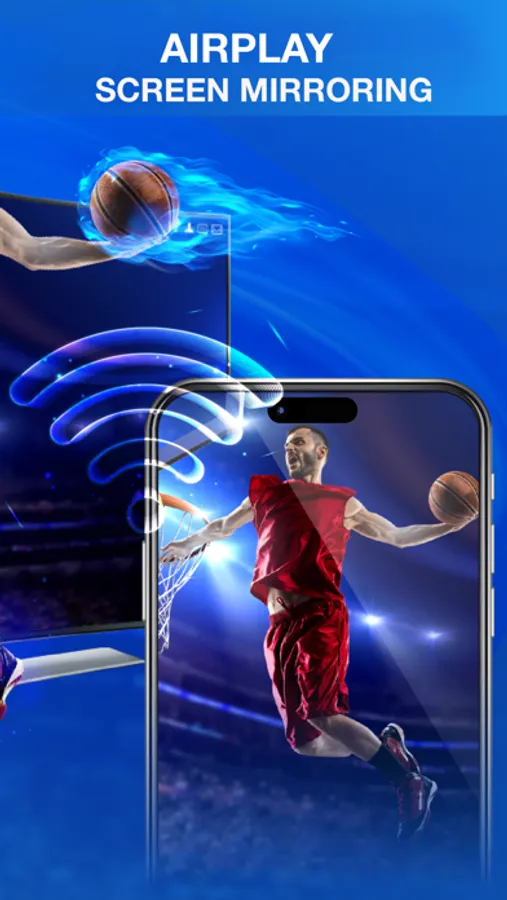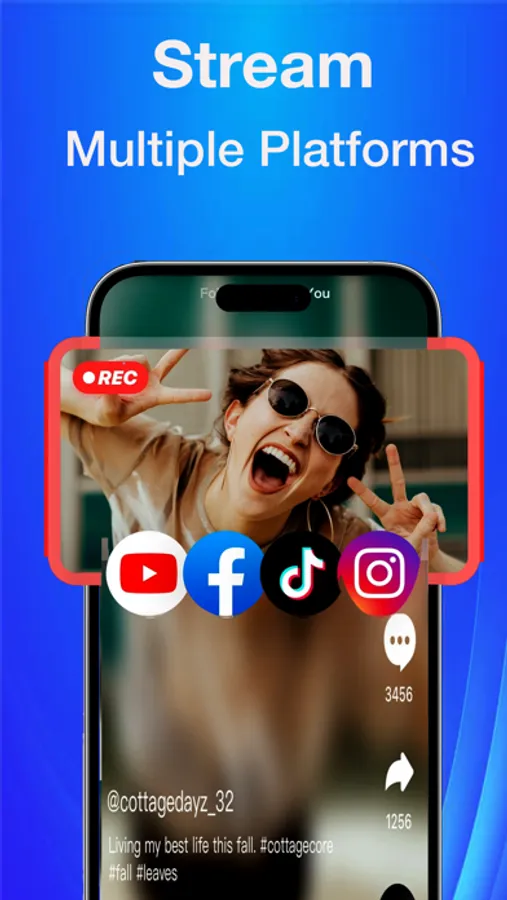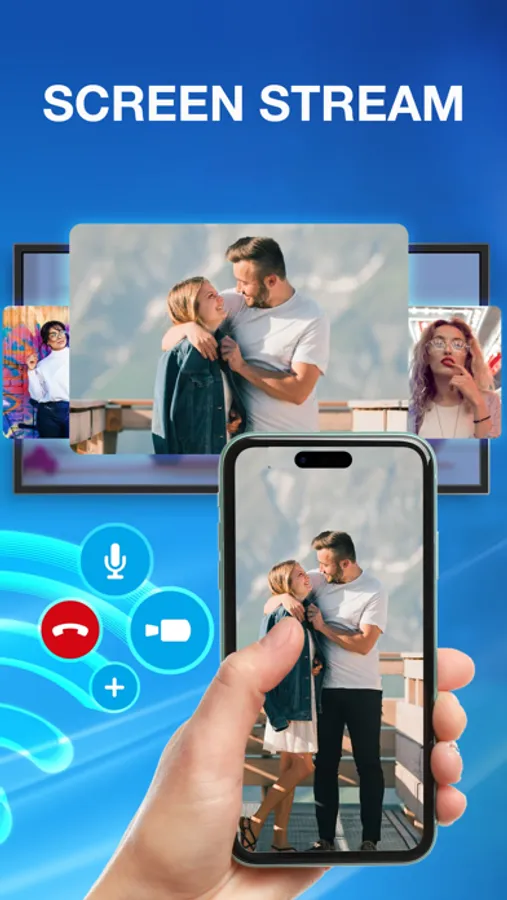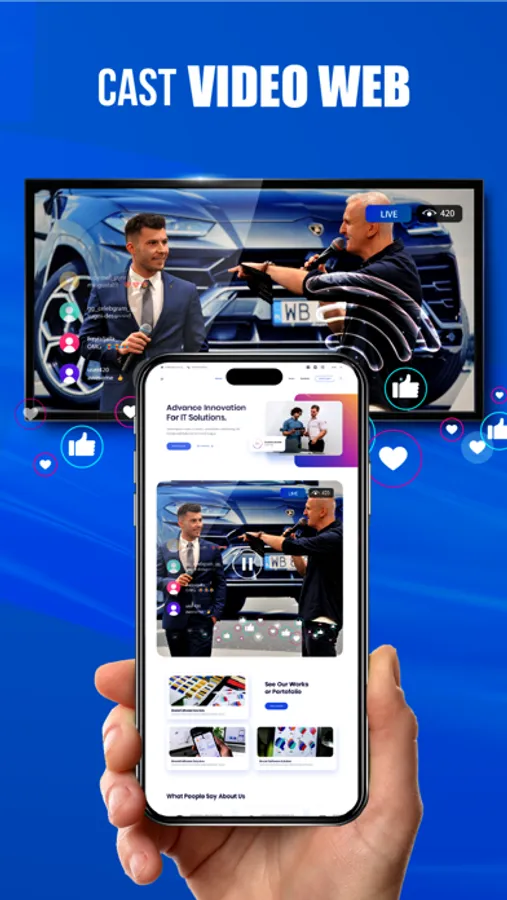
Use this screen mirroring app to connect your phone to a TV via Wi-Fi or DLNA. Includes support for web video streaming, image sharing, audio playback, live sharing, and screen recording.
AppRecs review analysis
AppRecs rating 4.1. Trustworthiness 75 out of 100. Review manipulation risk 30 out of 100. Based on a review sample analyzed.
★★★★☆
4.1
AppRecs Rating
Ratings breakdown
5 star
69%
4 star
8%
3 star
4%
2 star
4%
1 star
15%
What to know
✓
Credible reviews
75% trustworthiness score from analyzed reviews
✓
High user satisfaction
77% of sampled ratings are 4+ stars (4.1★ average)
✓
Authentic reviews
Natural distribution, no red flags
About AirPlay Screen Mirroring
If you want a bigger screen experience with simple steps. Come and download this Screen Mirroring app now!
This is the best Screen Mirroring app - smart view, which makes Chromecast screen mirroring for all TVs, providing you a Big Screen experience that you can share your small screen to the big screen more, including web video streaming, image streaming, audio streaming, live sharing and you can stream all web or local files you want.
Featured:
Shoot the phone on the big screen
Simple steps to mirror Phone and TV link
Mirror phone to TV via DLNA and Wi-Fi
Supports all Smart TV brands
Livestream to social networks like facebook, youtube, tiktok, vimeo,...
Support screen recording
Screen Mirroring app is an easy screen casting application from phone to TV, supporting local sharing of videos, images, audio and documents online. Moreover, this Smart Mirroring App is a user-friendly screen sharing tool that can broadcast by connecting to Wi-Fi.
Disclaimer: This app is not affiliated with any of the trademarks mentioned here.
In-app Purchase
- You can get unlimited access to all the Pro functions.
- Buy once use forever with Lifetime
- Subscription periods are 1 month or 1 year. Every 1 month or 1 year your subscription renews.
- Payment will be charged to iTunes Account at confirmation of purchase.
- Subscription automatically renews unless auto-renew is turned off at least 24-hours before the end of the current period.
- Account will be charged for renewal within 24-hours prior to the end of the current period.
- You can cancel your subscription via this url: https://support.apple.com/en-us/HT202039
- Privacy Policy :
https://tinyurl.com/2bdrvpuv
- Terms of Service :
https://tinyurl.com/3fecaawz
This is the best Screen Mirroring app - smart view, which makes Chromecast screen mirroring for all TVs, providing you a Big Screen experience that you can share your small screen to the big screen more, including web video streaming, image streaming, audio streaming, live sharing and you can stream all web or local files you want.
Featured:
Shoot the phone on the big screen
Simple steps to mirror Phone and TV link
Mirror phone to TV via DLNA and Wi-Fi
Supports all Smart TV brands
Livestream to social networks like facebook, youtube, tiktok, vimeo,...
Support screen recording
Screen Mirroring app is an easy screen casting application from phone to TV, supporting local sharing of videos, images, audio and documents online. Moreover, this Smart Mirroring App is a user-friendly screen sharing tool that can broadcast by connecting to Wi-Fi.
Disclaimer: This app is not affiliated with any of the trademarks mentioned here.
In-app Purchase
- You can get unlimited access to all the Pro functions.
- Buy once use forever with Lifetime
- Subscription periods are 1 month or 1 year. Every 1 month or 1 year your subscription renews.
- Payment will be charged to iTunes Account at confirmation of purchase.
- Subscription automatically renews unless auto-renew is turned off at least 24-hours before the end of the current period.
- Account will be charged for renewal within 24-hours prior to the end of the current period.
- You can cancel your subscription via this url: https://support.apple.com/en-us/HT202039
- Privacy Policy :
https://tinyurl.com/2bdrvpuv
- Terms of Service :
https://tinyurl.com/3fecaawz