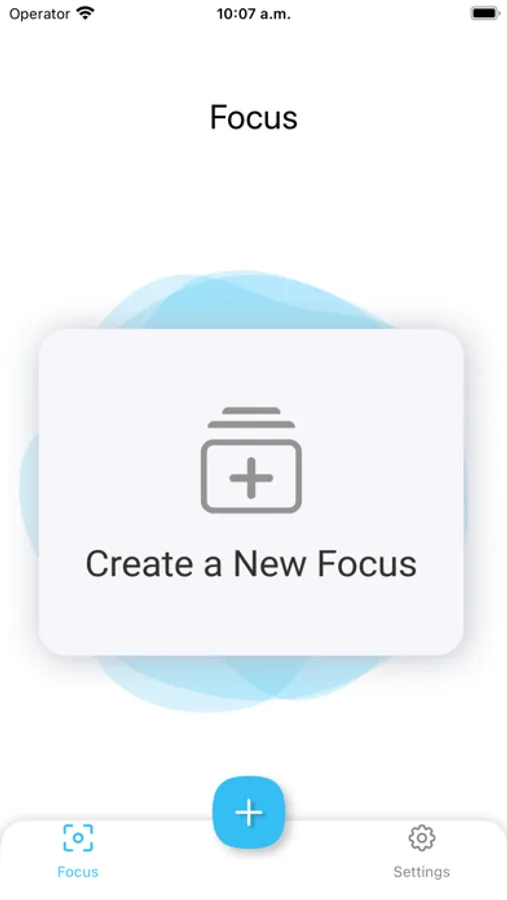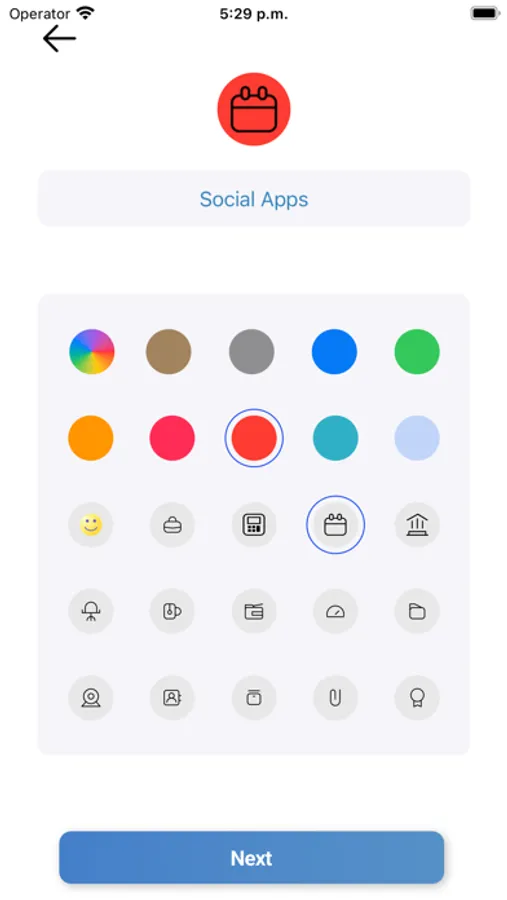
In this app, you can block and limit access to distracting apps using time-based or scheduled restrictions. Includes app blocking, website filtering, and geo-based control features.
AppRecs review analysis
AppRecs rating 3.0. Trustworthiness 74 out of 100. Review manipulation risk 29 out of 100. Based on a review sample analyzed.
★★★☆☆
3.0
AppRecs Rating
Ratings breakdown
5 star
68%
4 star
6%
3 star
4%
2 star
4%
1 star
18%
What to know
✓
Low review manipulation risk
29% review manipulation risk
✓
Credible reviews
74% trustworthiness score from analyzed reviews
⚠
Review quality concerns
45% of sampled 5-star reviews are very short
About Screen Time Control
Unlock your full potential with Screen Time Control, an app designed to help you manage your focus at work, at home, or on vacation. With a user-friendly interface and powerful options for restricting access to distracting apps, Screen Time Control ensures you stay on track and make the most of your time.
Key Features:
- One-Click App Blocking: Easily block and unblock apps permanently with just a single tap. Select the applications you want to restrict access to and regain control over your productivity.
- Time-Based Blocking: Set daily time limits for specific apps in minutes or hours. Once the limit is reached, the app will be blocked until the next day, helping you manage your time on social networks or other time-consuming applications.
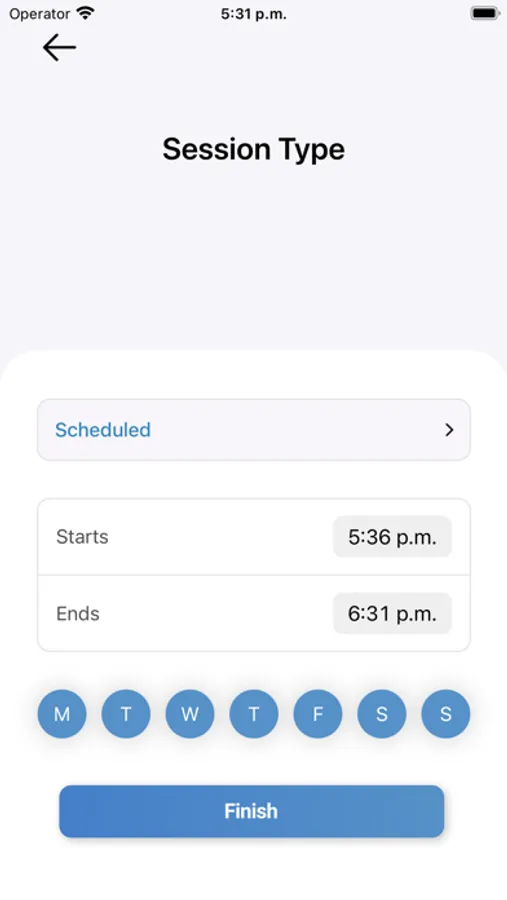
- Scheduled Blocking: Customize your app access based on the days of the week and time intervals. Configure your desired restrictions for each app to create the perfect balance between work and relaxation.
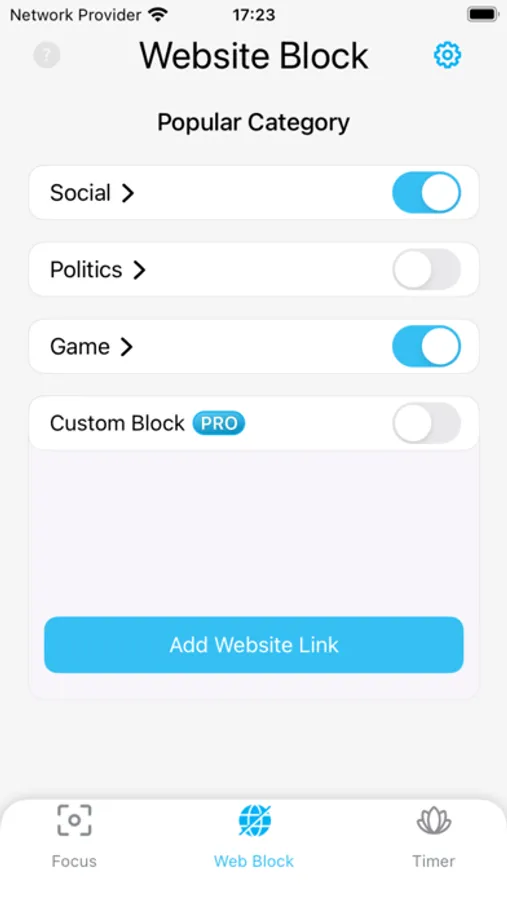
- Site Blocking (Safari Extension): Block distracting websites directly in Safari. Activate the Sites feature whenever you need it, and easily turn it off when it's no longer required. Choose from pre-defined website categories such as Games, Politics, and Social, or create your personalized list of websites to block.
- Geo-Based App Control (Zones): Manage app access based on your location:
— Restrict Zone: Select an area on the map (radius from 200 to 800 meters) and choose apps to restrict within this zone. Selected apps will automatically become blocked or hidden when you enter the defined area.
— Safe Zone: Define an area on the map and select apps that will only be accessible within this safe zone. Outside the safe zone, these selected apps will remain unavailable.
Benefits of Screen Time Control:
- Improve your efficiency and prevent distractions with powerful app-blocking features.
- Customize your app restrictions to your unique needs and schedule.
- Maintain a healthy balance between work, relaxation, and family time.
- Protect work apps when handing your phone to a child or limit their access to games or specific apps.
Remember, with Screen Time Control, you can hide distractions, open possibilities, and close inefficiencies. Try Screen Time Control today, and take control of your focus, productivity, and time!
Subscription:
Payment will be charged to iTunes Account at confirmation of purchase. Subscription with a free trial period will automatically renew to a paid subscription. Subscription automatically renews unless auto-renew is turned off at least 24 hours before the end of the current period. Account will be charged for renewal within 24 hours prior to the end of the current period at the rate of the selected plan. Subscriptions and auto-renewal may be managed by going to Account Settings after purchase. You can cancel your subscription or free trial in the iTunes settings at least 24-hours before the end of the free trial period. The cancellation will take effect the day after the last day of the current subscription period and you will be downgraded to the free service.
Subscription options:
- Week Price: $3.99
- Lifetime: $19.99
- Privacy Policy: https://musthaveapps.org/hide-my-apps-privacy/
- Terms & Conditions: https://musthaveapps.org/hide-my-apps-terms/
- Support: https://musthaveapps.org/hide-my-apps-support/
- Contact Us: info@musthaveapps.org
Key Features:
- One-Click App Blocking: Easily block and unblock apps permanently with just a single tap. Select the applications you want to restrict access to and regain control over your productivity.
- Time-Based Blocking: Set daily time limits for specific apps in minutes or hours. Once the limit is reached, the app will be blocked until the next day, helping you manage your time on social networks or other time-consuming applications.
- Scheduled Blocking: Customize your app access based on the days of the week and time intervals. Configure your desired restrictions for each app to create the perfect balance between work and relaxation.
- Site Blocking (Safari Extension): Block distracting websites directly in Safari. Activate the Sites feature whenever you need it, and easily turn it off when it's no longer required. Choose from pre-defined website categories such as Games, Politics, and Social, or create your personalized list of websites to block.
- Geo-Based App Control (Zones): Manage app access based on your location:
— Restrict Zone: Select an area on the map (radius from 200 to 800 meters) and choose apps to restrict within this zone. Selected apps will automatically become blocked or hidden when you enter the defined area.
— Safe Zone: Define an area on the map and select apps that will only be accessible within this safe zone. Outside the safe zone, these selected apps will remain unavailable.
Benefits of Screen Time Control:
- Improve your efficiency and prevent distractions with powerful app-blocking features.
- Customize your app restrictions to your unique needs and schedule.
- Maintain a healthy balance between work, relaxation, and family time.
- Protect work apps when handing your phone to a child or limit their access to games or specific apps.
Remember, with Screen Time Control, you can hide distractions, open possibilities, and close inefficiencies. Try Screen Time Control today, and take control of your focus, productivity, and time!
Subscription:
Payment will be charged to iTunes Account at confirmation of purchase. Subscription with a free trial period will automatically renew to a paid subscription. Subscription automatically renews unless auto-renew is turned off at least 24 hours before the end of the current period. Account will be charged for renewal within 24 hours prior to the end of the current period at the rate of the selected plan. Subscriptions and auto-renewal may be managed by going to Account Settings after purchase. You can cancel your subscription or free trial in the iTunes settings at least 24-hours before the end of the free trial period. The cancellation will take effect the day after the last day of the current subscription period and you will be downgraded to the free service.
Subscription options:
- Week Price: $3.99
- Lifetime: $19.99
- Privacy Policy: https://musthaveapps.org/hide-my-apps-privacy/
- Terms & Conditions: https://musthaveapps.org/hide-my-apps-terms/
- Support: https://musthaveapps.org/hide-my-apps-support/
- Contact Us: info@musthaveapps.org