Scanner App - PDF Scanner Pro
Evinco Solutions Inc.
4.8 ★
store rating
Free
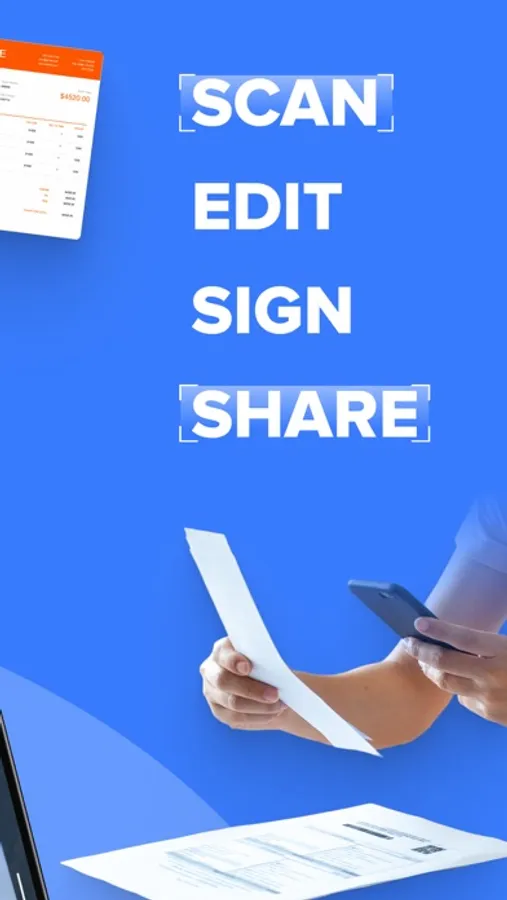
With this PDF scanner app, you can scan, convert, edit, and share documents with ease. Includes OCR technology, multiple format conversions, and e-signature support.
AppRecs review analysis
AppRecs rating 4.3. Trustworthiness 52 out of 100. Review manipulation risk 29 out of 100. Based on a review sample analyzed.
★★★★☆
4.3
AppRecs Rating
Ratings breakdown
5 star
88%
4 star
5%
3 star
5%
2 star
0%
1 star
2%
What to know
✓
High user satisfaction
88% of sampled ratings are 5 stars
About Scanner App - PDF Scanner Pro
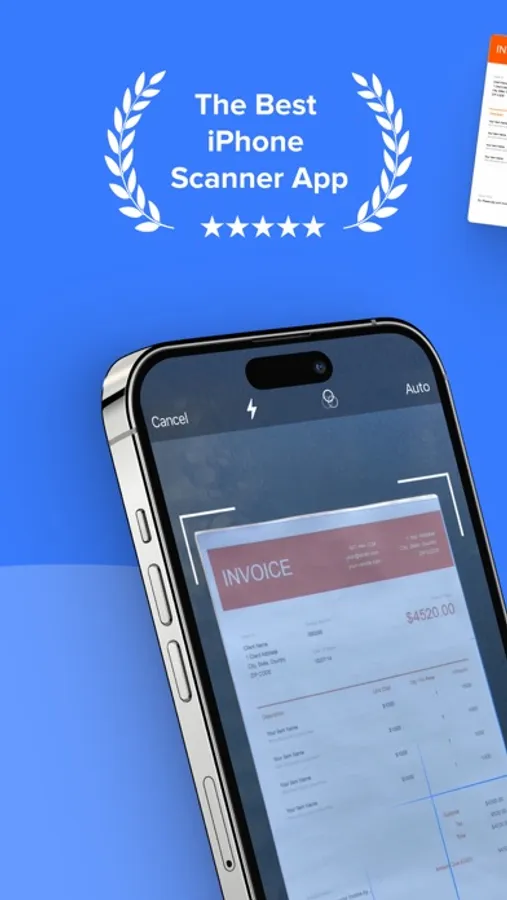
● Scan to PDF: scan anything, save, and share it in PDF. Copy and edit text with the OCR.
● Convert: PDF to Word, PPT, JPG, PNG, and more.
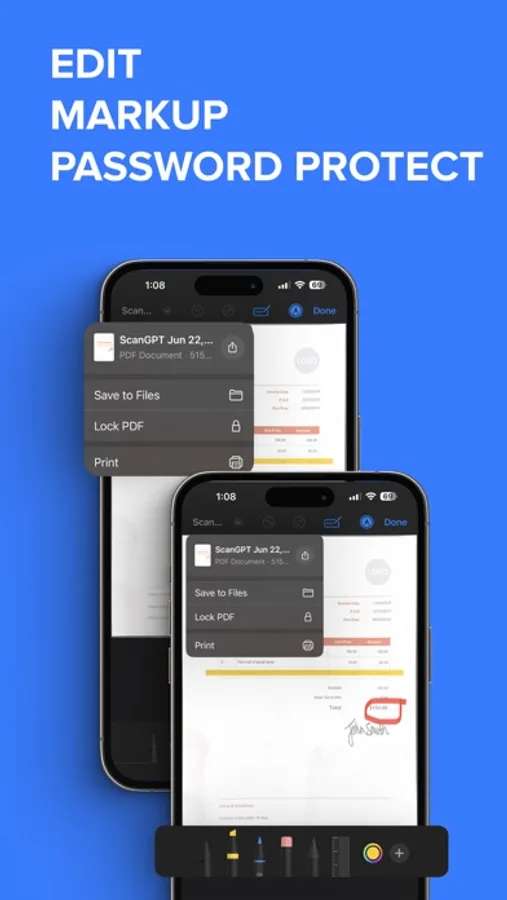
● Edit: adjust, sign (supports e-signatures), share, and print.
Have a portable, fast, and accurate scanner anywhere you go with the PDF Scanner app.
Whether you're an accountant, realtor, manager, lawyer, or student, PDF Scanner is the must-have free scanner app that saves you time. Open the app to effortlessly digitize any document with just a few taps on your iOS device.
► Download now for free and accurately scan documents anytime, anywhere.
AI-POWERED SCAN
‣ Scan documents, contracts, tax forms, tickets, receipts, handwritten notes, and more using your camera.
‣ Supports multipage scans and PDFs.
‣ AI-refined scanning assures accuracy and speed.
EDIT & SIGN
‣ Supports advanced color correction, noise removal, and automatic crop tools that make it easy to perfect your document images and make them more realistic.
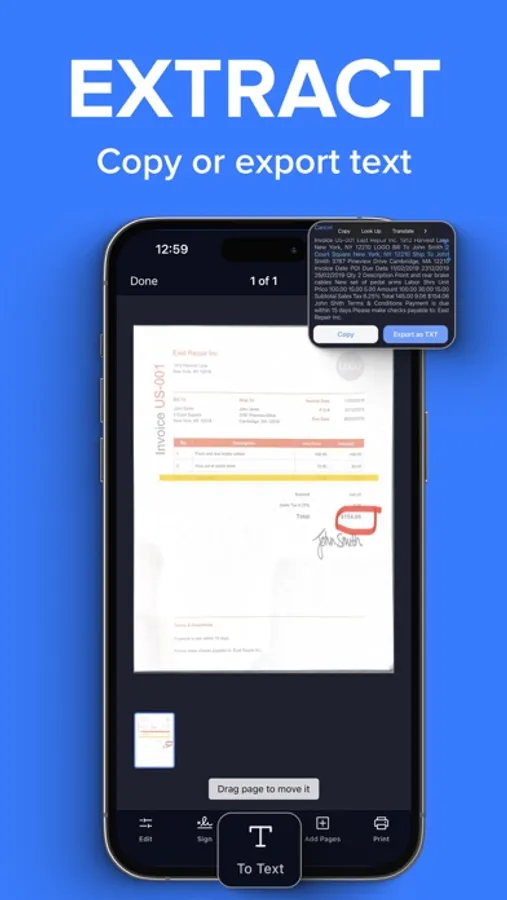
‣ Extract text from any scanned document using the in-built OCR technology.
‣ Create multipage scans.
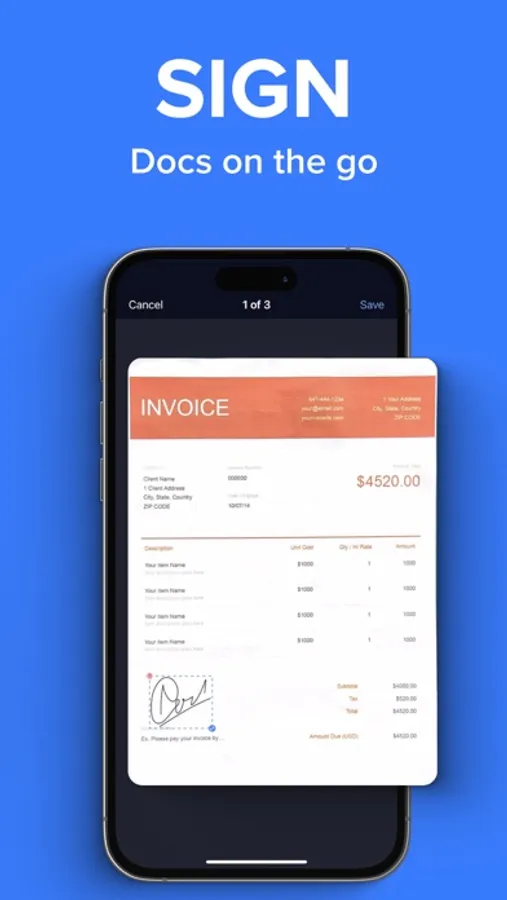
‣ Sign documents (supports e-signature and hand/manual signatures).
CONVERT
‣ Convert your scans to PDF, JPG, PNG, Word, Excel, PowerPoint, and more with just one tap.
SHARE OR PRINT
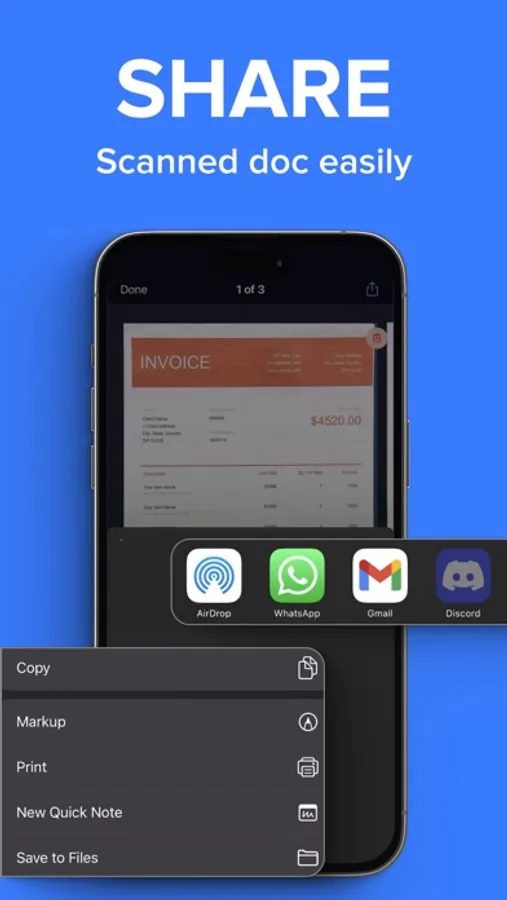
‣ Share your scans with ease via WhatsApp, Teams, email, or popular cloud services like Dropbox, Google Drive, and OneDrive.
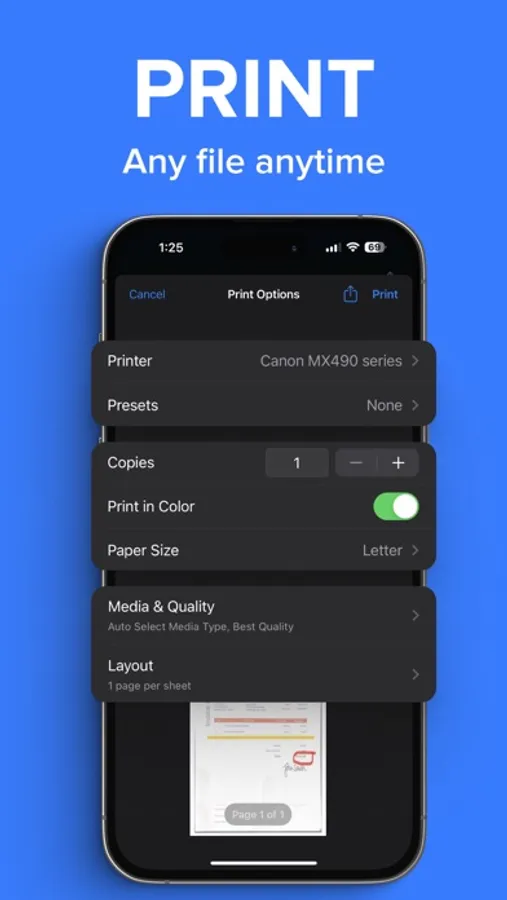
‣ Print your scanned files via Air and set copies, page size, orientation, and scaling.
PDF SCANNER APP FEATURES:
● scan documents using your camera
● intuitive UI
● turn scans to PDF
● edit the scanned PDFs
● add a page to create multipage PDFs
● sign the scanned documents
● convert PDF to variety documents and image formats
● save scans to files
● share the scanned documents with ease
● print any scanned files by Air
If you are looking for fast and precise document scanning, give PDF Scanner a try. It gives a feeling of convenince and productivity when you need to scan and sign multiple documents fast and on the go. Must-have for any busy professional or student.
► Download this superior, AI-powered, all-in-one scanning app for FREE.
_____________
Subscription Plans for PDF Scanner:
PDFScan offers flexible subscription plans including Monthly and Yearly Subscription to enable all the premium functionality like e-sign, scanning unlimited pages and unlimited sharing.
+ Monthly Subscription Plan:
The monthly subscription plan costs US$9.99 which auto-renews every month. Get monthly cost-effective and flexible subscription that costs US$9.99 to scan, sign & share unlimited documents throughout the month.
+ Yearly Subscription Plan:
If you prefer long-term convenience, the yearly subscription plan is ideal. It comes with a three days trial period then it renews annually at a rate of US$39.99 which ensures uninterrupted access to unlimited scanning features for a whole year.
Please note that payment for the chosen subscription plan will be charged to your iTunes Account. Subscriptions will automatically renew unless auto-renewal is turned off within the iTunes Account settings at least 24 hours before the end of the current period. You can manage your subscriptions and turn off auto-renewal by accessing your Account Settings after making the purchase.
By using PDF Scanner App, you are agreeing to our Privacy Policy and Terms of Use:
Privacy Policy & Terms : https://evincosolutions.com/pdfscan/privacy.html
We’d love to hear from you! Get in touch with us at support@evincosolutions.com
● Convert: PDF to Word, PPT, JPG, PNG, and more.
● Edit: adjust, sign (supports e-signatures), share, and print.
Have a portable, fast, and accurate scanner anywhere you go with the PDF Scanner app.
Whether you're an accountant, realtor, manager, lawyer, or student, PDF Scanner is the must-have free scanner app that saves you time. Open the app to effortlessly digitize any document with just a few taps on your iOS device.
► Download now for free and accurately scan documents anytime, anywhere.
AI-POWERED SCAN
‣ Scan documents, contracts, tax forms, tickets, receipts, handwritten notes, and more using your camera.
‣ Supports multipage scans and PDFs.
‣ AI-refined scanning assures accuracy and speed.
EDIT & SIGN
‣ Supports advanced color correction, noise removal, and automatic crop tools that make it easy to perfect your document images and make them more realistic.
‣ Extract text from any scanned document using the in-built OCR technology.
‣ Create multipage scans.
‣ Sign documents (supports e-signature and hand/manual signatures).
CONVERT
‣ Convert your scans to PDF, JPG, PNG, Word, Excel, PowerPoint, and more with just one tap.
SHARE OR PRINT
‣ Share your scans with ease via WhatsApp, Teams, email, or popular cloud services like Dropbox, Google Drive, and OneDrive.
‣ Print your scanned files via Air and set copies, page size, orientation, and scaling.
PDF SCANNER APP FEATURES:
● scan documents using your camera
● intuitive UI
● turn scans to PDF
● edit the scanned PDFs
● add a page to create multipage PDFs
● sign the scanned documents
● convert PDF to variety documents and image formats
● save scans to files
● share the scanned documents with ease
● print any scanned files by Air
If you are looking for fast and precise document scanning, give PDF Scanner a try. It gives a feeling of convenince and productivity when you need to scan and sign multiple documents fast and on the go. Must-have for any busy professional or student.
► Download this superior, AI-powered, all-in-one scanning app for FREE.
_____________
Subscription Plans for PDF Scanner:
PDFScan offers flexible subscription plans including Monthly and Yearly Subscription to enable all the premium functionality like e-sign, scanning unlimited pages and unlimited sharing.
+ Monthly Subscription Plan:
The monthly subscription plan costs US$9.99 which auto-renews every month. Get monthly cost-effective and flexible subscription that costs US$9.99 to scan, sign & share unlimited documents throughout the month.
+ Yearly Subscription Plan:
If you prefer long-term convenience, the yearly subscription plan is ideal. It comes with a three days trial period then it renews annually at a rate of US$39.99 which ensures uninterrupted access to unlimited scanning features for a whole year.
Please note that payment for the chosen subscription plan will be charged to your iTunes Account. Subscriptions will automatically renew unless auto-renewal is turned off within the iTunes Account settings at least 24 hours before the end of the current period. You can manage your subscriptions and turn off auto-renewal by accessing your Account Settings after making the purchase.
By using PDF Scanner App, you are agreeing to our Privacy Policy and Terms of Use:
Privacy Policy & Terms : https://evincosolutions.com/pdfscan/privacy.html
We’d love to hear from you! Get in touch with us at support@evincosolutions.com