Haze - Photo Enhance, Colorize
MOBIVERSITE YAZILIM BILISIM REKLAM VE DANISMANLIK HIZMETLERI SANAYI TICARET LIMITED STI
4.2 ★
store rating
Free
In this photo editing app, you can enhance images, colorize black and white photos, and remove objects using AI-powered tools. Includes features for background change, demo images for practice, and facial detail enhancement.
AppRecs review analysis
AppRecs rating 2.7. Trustworthiness 59 out of 100. Review manipulation risk 50 out of 100. Based on a review sample analyzed.
★★☆☆☆
2.7
AppRecs Rating
Ratings breakdown
5 star
63%
4 star
16%
3 star
11%
2 star
3%
1 star
7%
What to know
✓
Authentic reviews
Natural distribution, no red flags
⚠
Questionable review patterns
50% review manipulation risk - some review patterns appear unusual
⚠
Review quality concerns
84% of sampled 5-star reviews are very short
About Haze - Photo Enhance, Colorize
What is Haze?
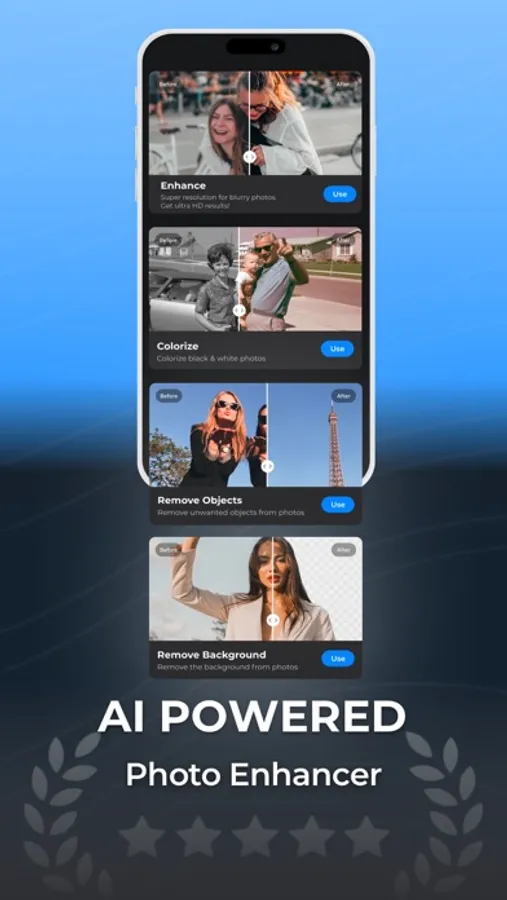
Haze is your comprehensive, AI-powered image manipulation app that transforms, enhances, and perfects your photographs in a variety of remarkable ways. From turning blurry photos into detailed, high-resolution pictures to injecting vibrant color into old black and white images, Haze does it all. Moreover, Haze offers a unique Object Removal feature, allowing you to remove objects effortlessly, making your photos look cleaner and more professional. It also includes a "Demo" section with 50+ images to experiment with, ensuring you understand our features before using them on your own images.
Transform low-quality, pixelated, and blurred images into stunning works of art with our cutting-edge technology. Haze also boasts a robust face detection system, letting you enhance facial details in portraits, selfies, and group photos. Discover the power of object eraser features and let your creativity soar with Haze!
How To Use Haze?
To use Haze, select one of the key features: Enhance, Colorize, Object Removal, Change Background or Background Removal. Upload your photo into the relevant feature page and adjust it using the preview section slider. This allows you to compare the before and after versions of your photo side by side. Once satisfied, click the download button to save your enhanced, colorized, or object-free image.
Who Can Use Haze?
Haze is for anyone looking to step up their digital image game. From casual photographers to seasoned professionals, if you're seeking a way to get high-quality results quickly without manual editing, Haze is the perfect tool!
Enhance:
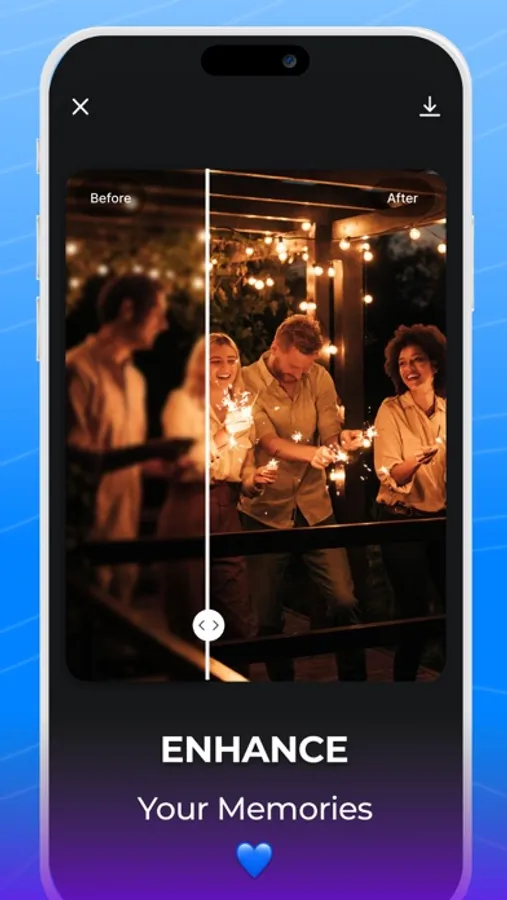
The Enhance feature leverages advanced AI algorithms to transform blurry images into sharp, detailed photos within seconds.
Background Changer:
With the innovative "Change Background" feature, reshape your photo's narrative. Just describe the scene you envision, and watch Haze's AI craft the background to align with your imagination.
Colorize:
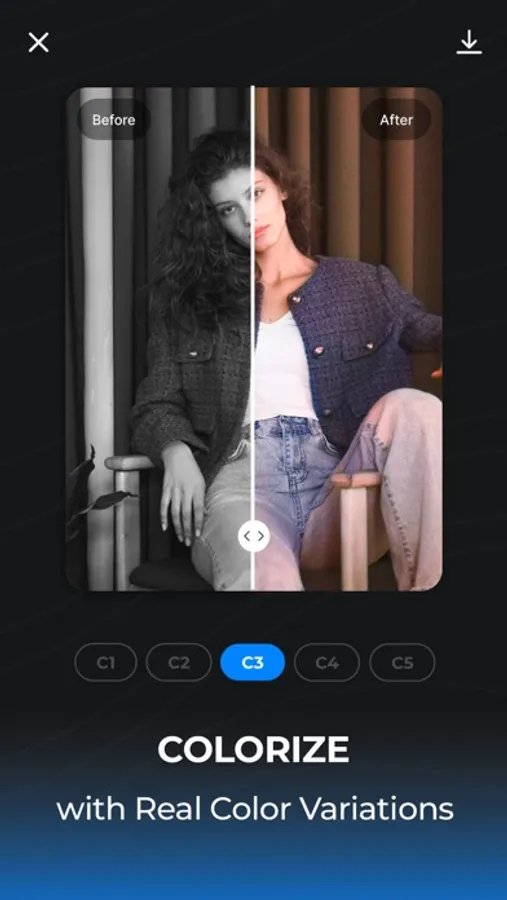
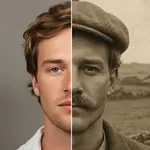
Revive old black and white photos with our Colorize feature. Our sophisticated algorithm accurately identifies various elements in a picture and assigns them the most suitable color palette, instantly bringing your photos to life!
Object Removal:
Remove objects like a pro with our new Object Removal feature. This intelligent object eraser tool allows you to erase unwanted elements from your photos seamlessly, resulting in cleaner, distraction-free images.
Background Removal:
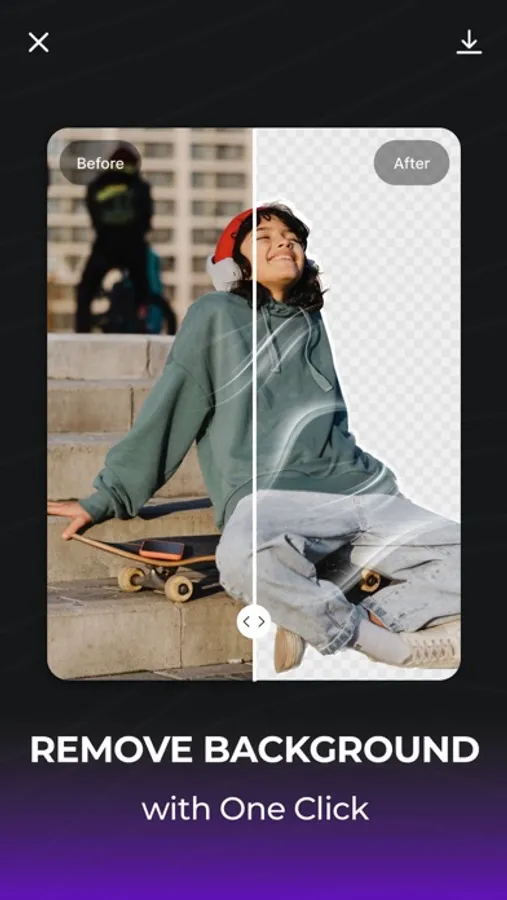
Harness the power of our Background Removal feature to take full control of your photo's composition. Using our potent background eraser, you can effortlessly remove background, letting your subject take center stage for a truly professional finish. This background remover tool ensures a seamless transition, helping your main subject stand out in every photo!
For any app-related queries, please send an email to info@mobiversite.com
Privacy policy: https://www.mobiversite.com/privacypolicy
Terms & Conditions: https://www.mobiversite.com/terms
Haze is your comprehensive, AI-powered image manipulation app that transforms, enhances, and perfects your photographs in a variety of remarkable ways. From turning blurry photos into detailed, high-resolution pictures to injecting vibrant color into old black and white images, Haze does it all. Moreover, Haze offers a unique Object Removal feature, allowing you to remove objects effortlessly, making your photos look cleaner and more professional. It also includes a "Demo" section with 50+ images to experiment with, ensuring you understand our features before using them on your own images.
Transform low-quality, pixelated, and blurred images into stunning works of art with our cutting-edge technology. Haze also boasts a robust face detection system, letting you enhance facial details in portraits, selfies, and group photos. Discover the power of object eraser features and let your creativity soar with Haze!
How To Use Haze?
To use Haze, select one of the key features: Enhance, Colorize, Object Removal, Change Background or Background Removal. Upload your photo into the relevant feature page and adjust it using the preview section slider. This allows you to compare the before and after versions of your photo side by side. Once satisfied, click the download button to save your enhanced, colorized, or object-free image.
Who Can Use Haze?
Haze is for anyone looking to step up their digital image game. From casual photographers to seasoned professionals, if you're seeking a way to get high-quality results quickly without manual editing, Haze is the perfect tool!
Enhance:
The Enhance feature leverages advanced AI algorithms to transform blurry images into sharp, detailed photos within seconds.
Background Changer:
With the innovative "Change Background" feature, reshape your photo's narrative. Just describe the scene you envision, and watch Haze's AI craft the background to align with your imagination.
Colorize:
Revive old black and white photos with our Colorize feature. Our sophisticated algorithm accurately identifies various elements in a picture and assigns them the most suitable color palette, instantly bringing your photos to life!
Object Removal:
Remove objects like a pro with our new Object Removal feature. This intelligent object eraser tool allows you to erase unwanted elements from your photos seamlessly, resulting in cleaner, distraction-free images.
Background Removal:
Harness the power of our Background Removal feature to take full control of your photo's composition. Using our potent background eraser, you can effortlessly remove background, letting your subject take center stage for a truly professional finish. This background remover tool ensures a seamless transition, helping your main subject stand out in every photo!
For any app-related queries, please send an email to info@mobiversite.com
Privacy policy: https://www.mobiversite.com/privacypolicy
Terms & Conditions: https://www.mobiversite.com/terms