Quick Graph
KZ Labs
4.6 ★
store rating
Free
AppRecs review analysis
AppRecs rating 4.4. Trustworthiness 72 out of 100. Review manipulation risk 25 out of 100. Based on a review sample analyzed.
★★★★☆
4.4
AppRecs Rating
Ratings breakdown
5 star
80%
4 star
11%
3 star
3%
2 star
1%
1 star
5%
What to know
✓
Low review manipulation risk
25% review manipulation risk
✓
Credible reviews
72% trustworthiness score from analyzed reviews
✓
High user satisfaction
80% of sampled ratings are 5 stars
About Quick Graph
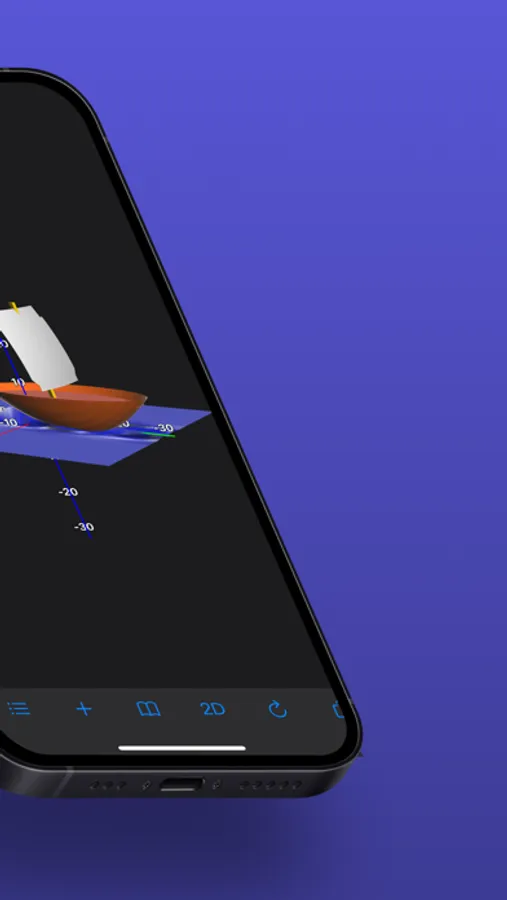
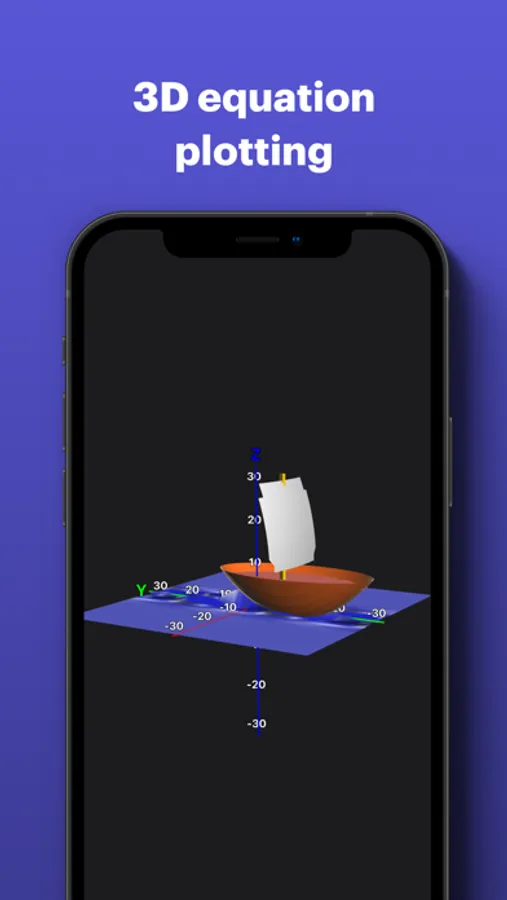
It is a powerful, high-quality graphing calculator that takes full advantage of the multitouch display and the powerful graphing capabilities of the iPad and iPhone, both in 2D and 3D.
"The app you need to survive the next semester."
-- Gizmodo
A simple yet intuitive interface makes it easy to enter and/or edit equations and visualize them in mathematical notation.
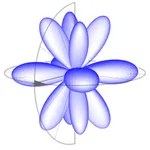
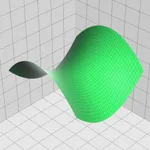
It's capable of displaying explicit and implicit (opt) equations as well as inequalities (opt) in both 2D and 3D, in all standard coordinate systems: cartesian, polar, spherical, and cylindrical, all with fantastic speed and beautiful results, which can be copied, emailed or saved to the photo library.
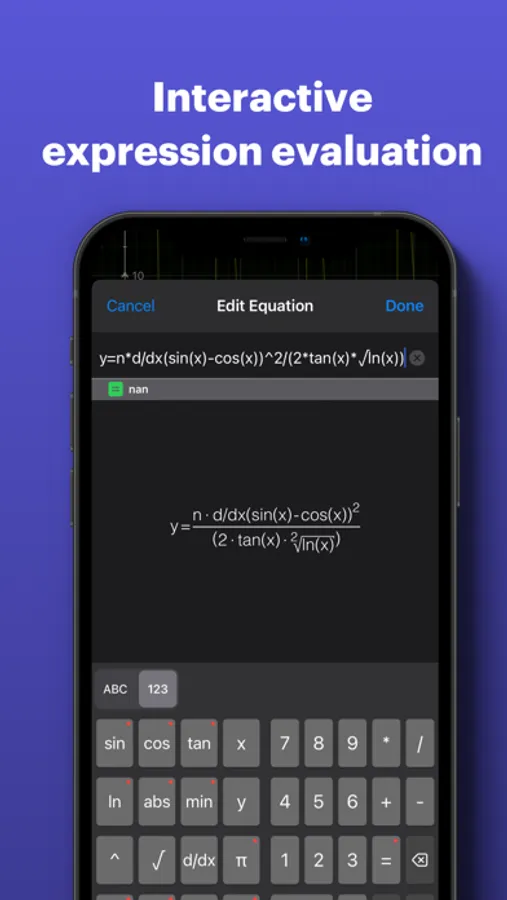
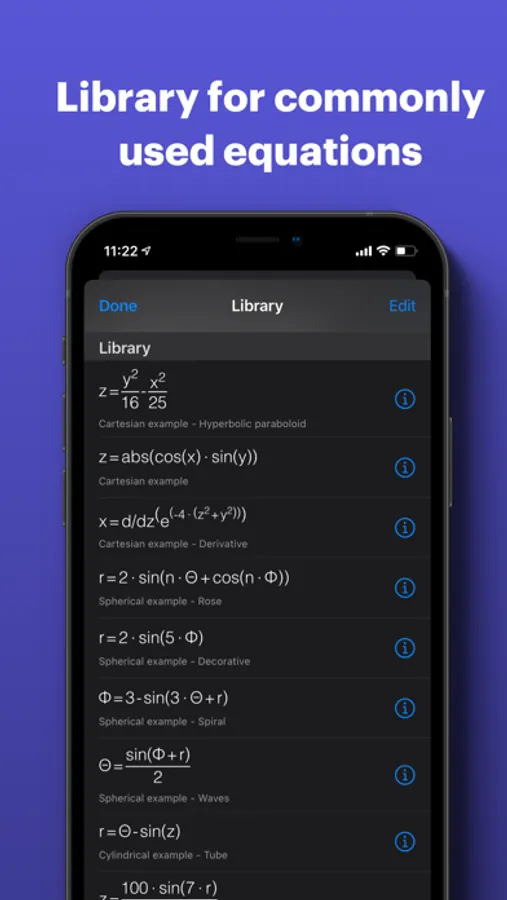
It also includes an evaluation feature to evaluate equations at specific points and a library where you can store commonly used equations.
Up to 6 equations can be visualized simultaneously in both 2D and 3D modes; this limitation can be removed by purchasing the advanced feature set.
Features:
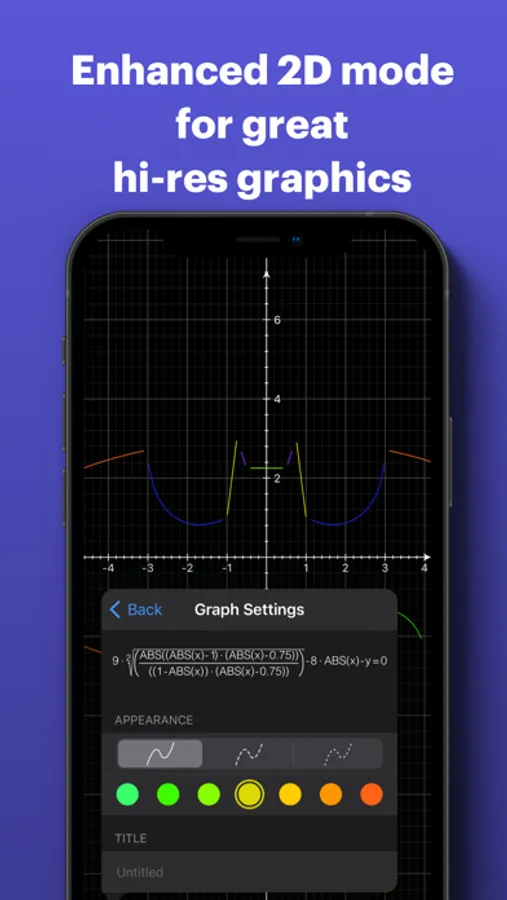
- Enhanced 2D - 3D plotting mode for great hi-res graphics.
- Adaptive 2D algorithms.
- Hyperbolic and Inverse functions.
- Functions such as Min, Max, if.
- Configurable axis decimal / π
- Independent 2D zoom
- Support for cartesian, polar, cylindrical, and spherical coordinate systems.
- Interactive expression evaluation.
- Library for commonly used equations.
- Swipe to delete equations from the equation list.
- Save to photo library.
- Copy to clipboard.
- Turn graphs on/off
- Drag to rotate - move.
The advanced feature set gives you access to:
- External screen support
- 2D tracing.
- 2D and 3D implicit graphs.
- 2D and 3D inequalities.
- Roots and Intersections (2D)
- Value Table
- More features to come!
Please visit the website for more details.
"The app you need to survive the next semester."
-- Gizmodo
A simple yet intuitive interface makes it easy to enter and/or edit equations and visualize them in mathematical notation.
It's capable of displaying explicit and implicit (opt) equations as well as inequalities (opt) in both 2D and 3D, in all standard coordinate systems: cartesian, polar, spherical, and cylindrical, all with fantastic speed and beautiful results, which can be copied, emailed or saved to the photo library.
It also includes an evaluation feature to evaluate equations at specific points and a library where you can store commonly used equations.
Up to 6 equations can be visualized simultaneously in both 2D and 3D modes; this limitation can be removed by purchasing the advanced feature set.
Features:
- Enhanced 2D - 3D plotting mode for great hi-res graphics.
- Adaptive 2D algorithms.
- Hyperbolic and Inverse functions.
- Functions such as Min, Max, if.
- Configurable axis decimal / π
- Independent 2D zoom
- Support for cartesian, polar, cylindrical, and spherical coordinate systems.
- Interactive expression evaluation.
- Library for commonly used equations.
- Swipe to delete equations from the equation list.
- Save to photo library.
- Copy to clipboard.
- Turn graphs on/off
- Drag to rotate - move.
The advanced feature set gives you access to:
- External screen support
- 2D tracing.
- 2D and 3D implicit graphs.
- 2D and 3D inequalities.
- Roots and Intersections (2D)
- Value Table
- More features to come!
Please visit the website for more details.