AppRecs review analysis
AppRecs rating 3.8. Trustworthiness 81 out of 100. Review manipulation risk 22 out of 100. Based on a review sample analyzed.
★★★☆☆
3.8
AppRecs Rating
Ratings breakdown
5 star
58%
4 star
13%
3 star
13%
2 star
0%
1 star
17%
What to know
✓
Low review manipulation risk
22% review manipulation risk
✓
Credible reviews
81% trustworthiness score from analyzed reviews
✓
Good user ratings
71% positive sampled reviews
About RTA
A Real Time Analyzer for the iPhone, iPad and iPod Touch. Test your speakers, tune your room, do acoustical analysis work or just have a better understanding of audio frequencies. RTA is a professional-grade acoustical analysis tool. All filters meet or exceed ANSI and IEC Class 1 specifications.
Includes Octave and 1/3 Octave modes, with selectable decay times, as well as Peak Hold and true linear Average mode.
*** iOS Microphones
We have analyzied every iOS device, including all of the iPads, all iPhones, and iPod touches, and have created microphone compensation files that are applied automatically. You can trust the results you are getting, often within just a few dB of a far more expensive analyzer. Calibration is updated regularly, automatically, from our cloud-based calibration database.
Upgrade to our iTestMic or iAudioInterface2 to bring your system up to full professional specs.
*** Save and Recall Graphs
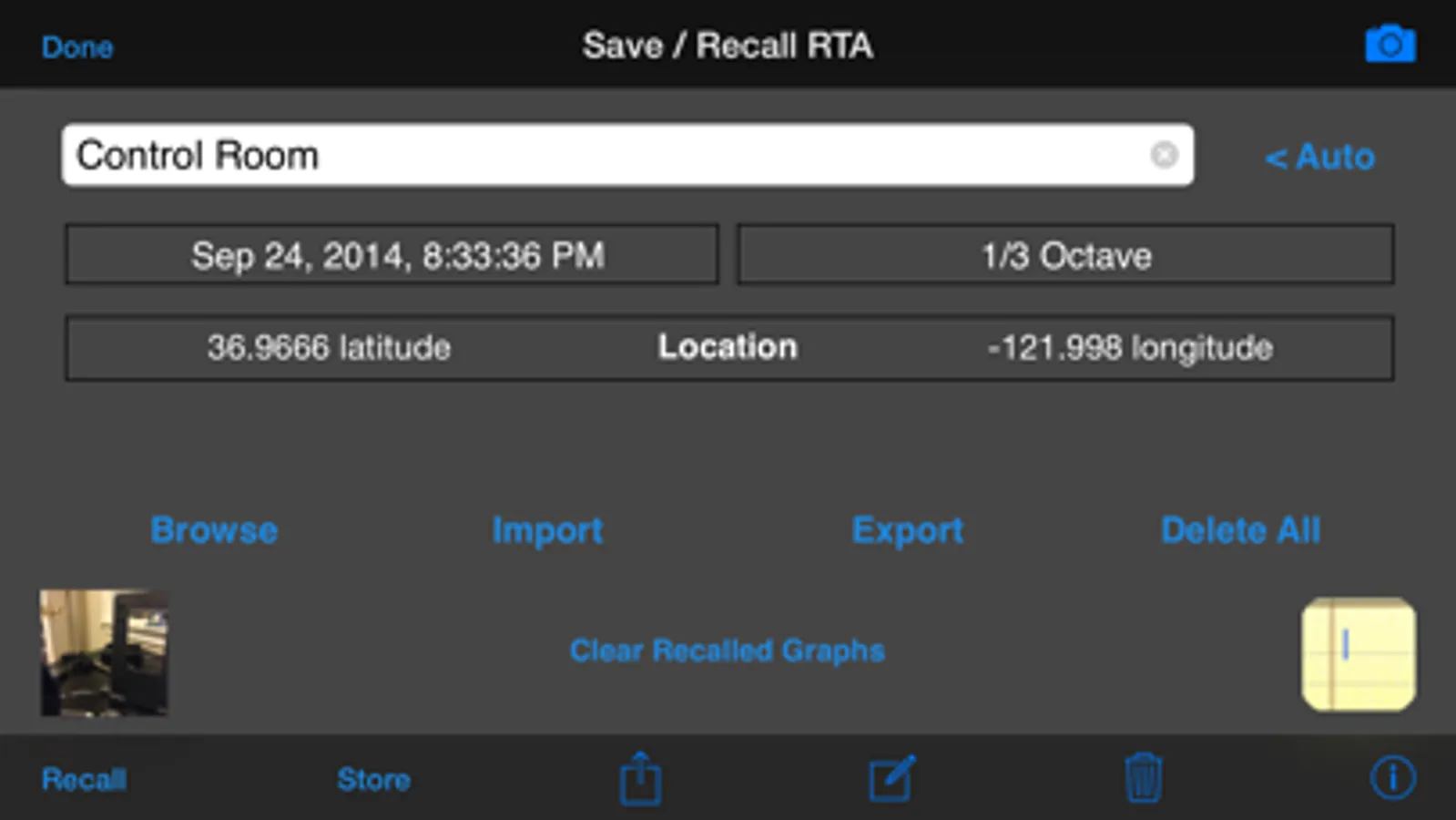
You can save and recall graphs, marked with the GPS location, date & time, and your comment, as well as store the image to your photo roll.
Export the data as an XLS formatted file to your computer for inclusion in reports or further analysis.
*** Max and Min Bars
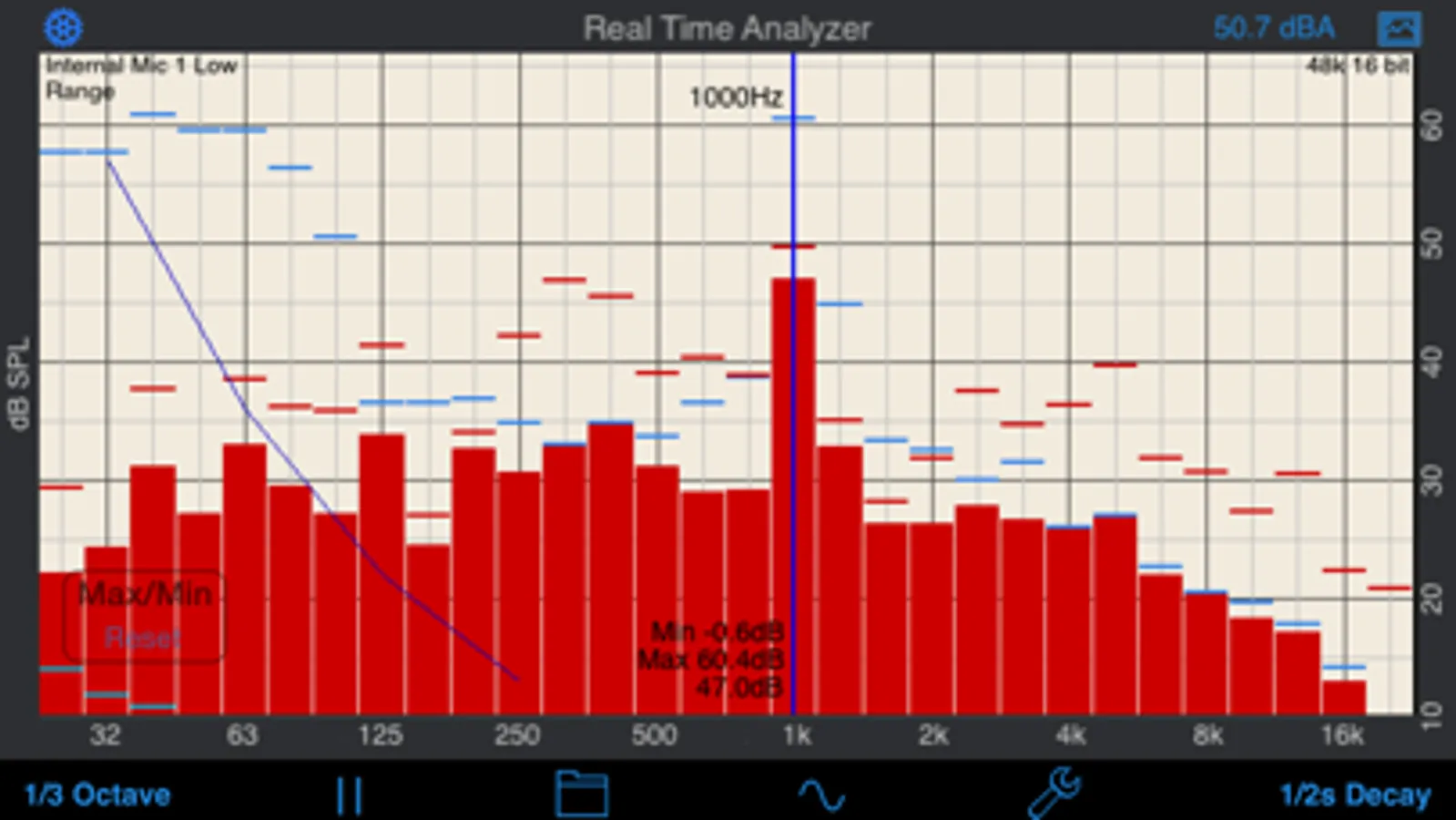
You can also turn on resettable Max/Min bars (see image #4) to capture peaks. Double-tap to reset the bars.
*** Specifications and Devices
The internal iPhone mic has a noise floor near 30 dB, and if your are running iOS 6, clips around 120 dB.
*** Touch GUI
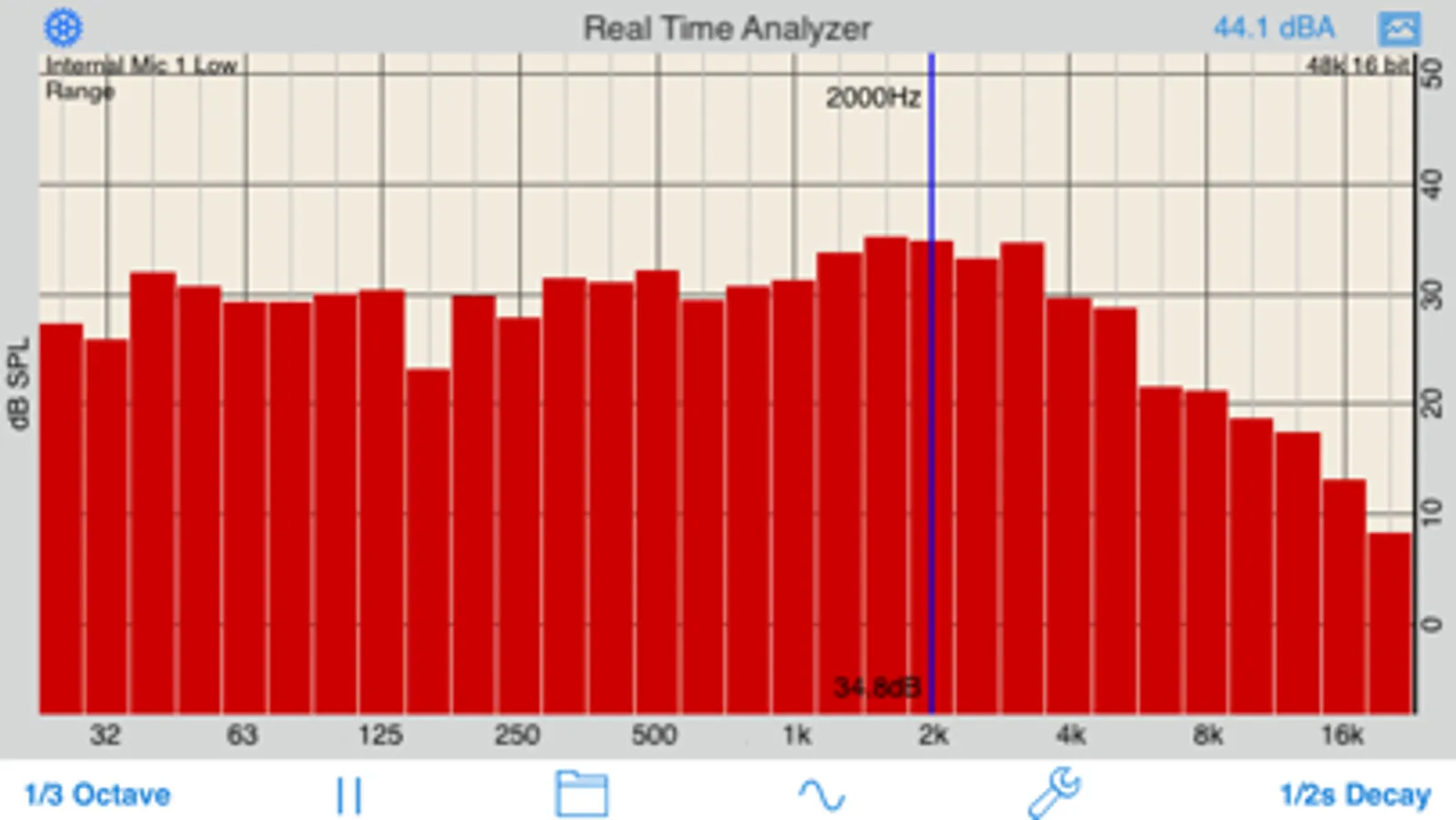
Fully interactive touch GUI features includes scroll up/down, pinch to zoom or compress the vertical dB scale, or swipe horizontally to get a cursor that reads out the exact dB level and frequency across the screen. To make the cursor disappear, swipe it off the graph to the left.
The landscape-mode display flips 180 degrees so that you can face the internal mic in either direction.
*** Overlay Curves
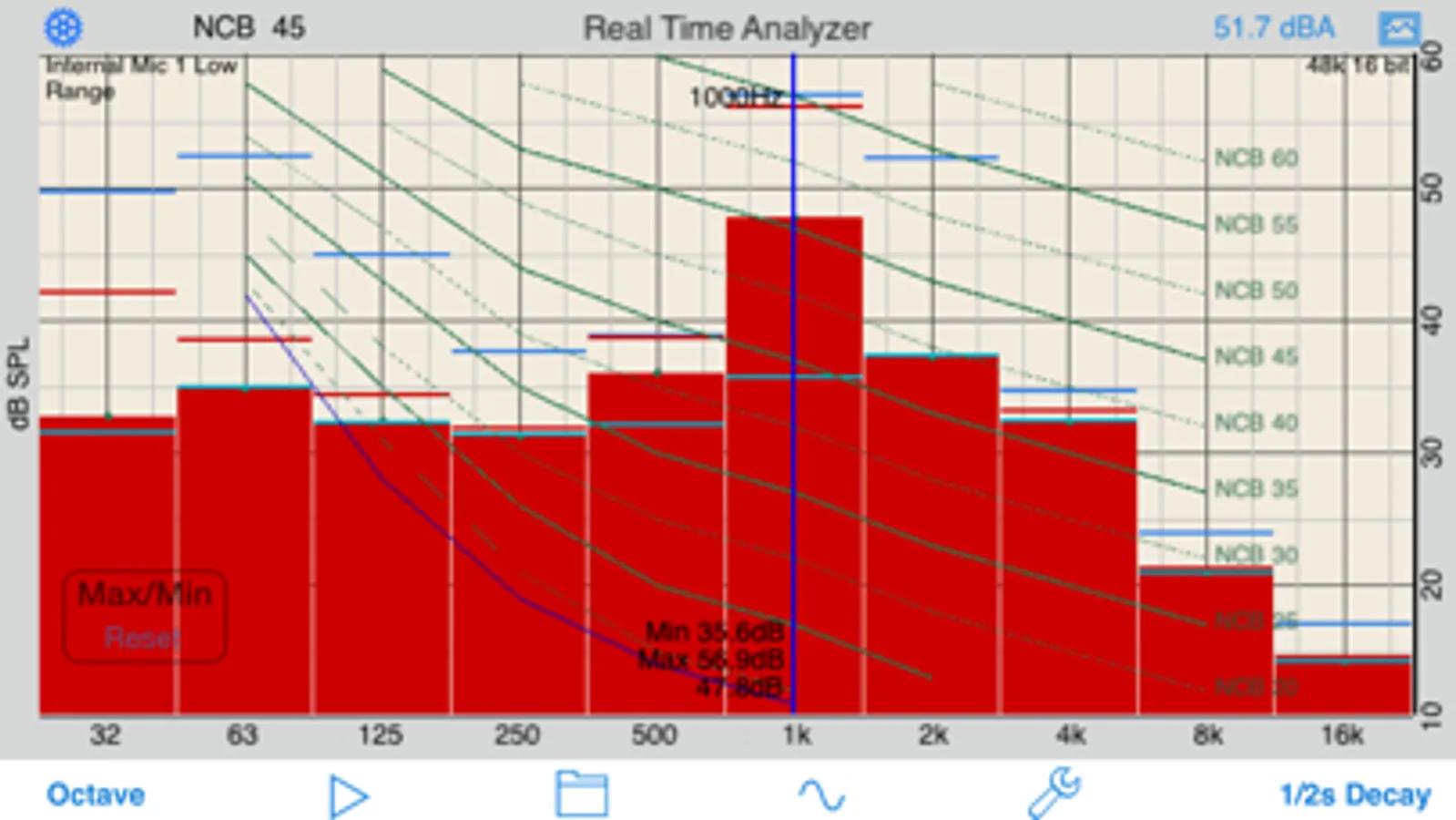
Also included are optional noise curve overlays, in NCB, RC, PNC, NC, X-Curve and NR mode. See picture #2 for an example. Use this feature to get a quick reading on the noise levels in a room. Also includes the cinema large-room X-curve overlay.
*** Calibration
RTA can be fully calibrated, whether you are using it with the internal iOS microphone, or one of our professional test & measurement mic solutions. And, if you are using iTestMic, the mic calibration is transmitted directly to the app, so you are always calibrated.
*** RTA or FFT?
If you are wondering if you should download this app or our FFT app, check out our website, we have a page devoted to this topic.
See our other acoustics and audio apps, including AudioTools.
Includes Octave and 1/3 Octave modes, with selectable decay times, as well as Peak Hold and true linear Average mode.
*** iOS Microphones
We have analyzied every iOS device, including all of the iPads, all iPhones, and iPod touches, and have created microphone compensation files that are applied automatically. You can trust the results you are getting, often within just a few dB of a far more expensive analyzer. Calibration is updated regularly, automatically, from our cloud-based calibration database.
Upgrade to our iTestMic or iAudioInterface2 to bring your system up to full professional specs.
*** Save and Recall Graphs
You can save and recall graphs, marked with the GPS location, date & time, and your comment, as well as store the image to your photo roll.
Export the data as an XLS formatted file to your computer for inclusion in reports or further analysis.
*** Max and Min Bars
You can also turn on resettable Max/Min bars (see image #4) to capture peaks. Double-tap to reset the bars.
*** Specifications and Devices
The internal iPhone mic has a noise floor near 30 dB, and if your are running iOS 6, clips around 120 dB.
*** Touch GUI
Fully interactive touch GUI features includes scroll up/down, pinch to zoom or compress the vertical dB scale, or swipe horizontally to get a cursor that reads out the exact dB level and frequency across the screen. To make the cursor disappear, swipe it off the graph to the left.
The landscape-mode display flips 180 degrees so that you can face the internal mic in either direction.
*** Overlay Curves
Also included are optional noise curve overlays, in NCB, RC, PNC, NC, X-Curve and NR mode. See picture #2 for an example. Use this feature to get a quick reading on the noise levels in a room. Also includes the cinema large-room X-curve overlay.
*** Calibration
RTA can be fully calibrated, whether you are using it with the internal iOS microphone, or one of our professional test & measurement mic solutions. And, if you are using iTestMic, the mic calibration is transmitted directly to the app, so you are always calibrated.
*** RTA or FFT?
If you are wondering if you should download this app or our FFT app, check out our website, we have a page devoted to this topic.
See our other acoustics and audio apps, including AudioTools.