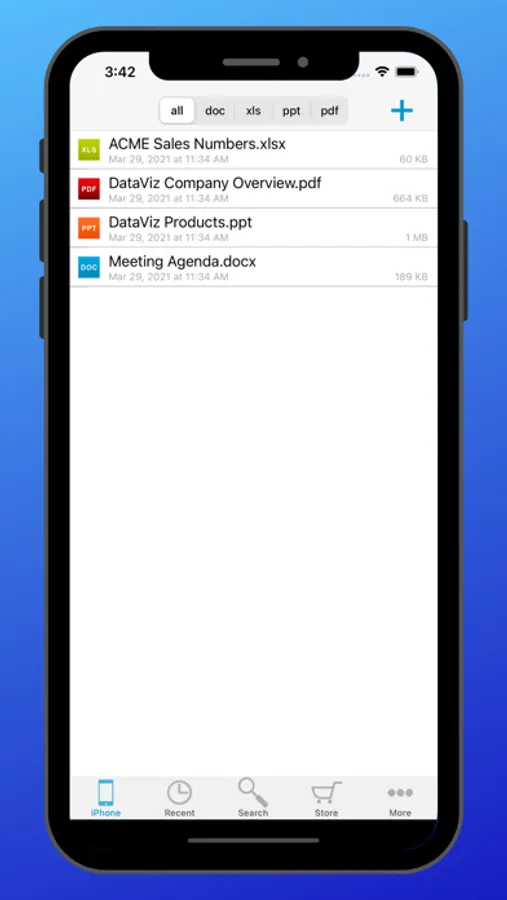
In this document editing app, users can view, modify, and create Microsoft Office files, including Word, Excel, and PowerPoint. Includes cloud storage connectivity, desktop file sync, and password protection options.
AppRecs review analysis
AppRecs rating 3.0. Trustworthiness 77 out of 100. Review manipulation risk 21 out of 100. Based on a review sample analyzed.
★★★☆☆
3.0
AppRecs Rating
Ratings breakdown
5 star
39%
4 star
25%
3 star
9%
2 star
7%
1 star
21%
What to know
✓
Low review manipulation risk
21% review manipulation risk
✓
Credible reviews
77% trustworthiness score from analyzed reviews
⚠
Ad complaints
Many low ratings mention excessive ads
About Docs To Go Standard
Office anywhere with Docs To Go: View, edit, and create Microsoft® Office files (Word, Excel, PowerPoint*) & view Adobe PDF® files on your iOS device with the original & #1 selling mobile MS Office suite of all time.
Docs To Go® Standard contains best-in-class document viewing & editing. Options for connecting to multiple cloud storage accounts, desktop file sync, and opening password-protected files are in our premium version which is available in an in-app purchase.
THE DATAVIZ® ADVANTAGE
• Founded in 1984, DataViz is an industry leader in developing mobile Office & productivity solutions for iOS, Mac, and more.
• Documents To Go, now in its 18th year, is currently preloaded on millions of devices around the world.
• InTact Technology™ retains original document formatting of edited files.
• Technical support is available via email by actual people in our home office & via our robust knowledge-base at DataViz.com.
OVERALL STANDARD VERSION FEATURES:
• Works on both iPhone and iPad
• View, edit, and create MS Office files (97-2018).
• View PDF, iWork, Text, .RTF files, and more!
• Send & receive supported email attachments using the built-in Mail app.
• Open & edit supported files within Docs To Go from any 3rd party app that supports the iOS "Open In" feature.
• File sorting manager (sort your file list by Name, Modified, Size, etc.)
WORD TO GO FEATURES:
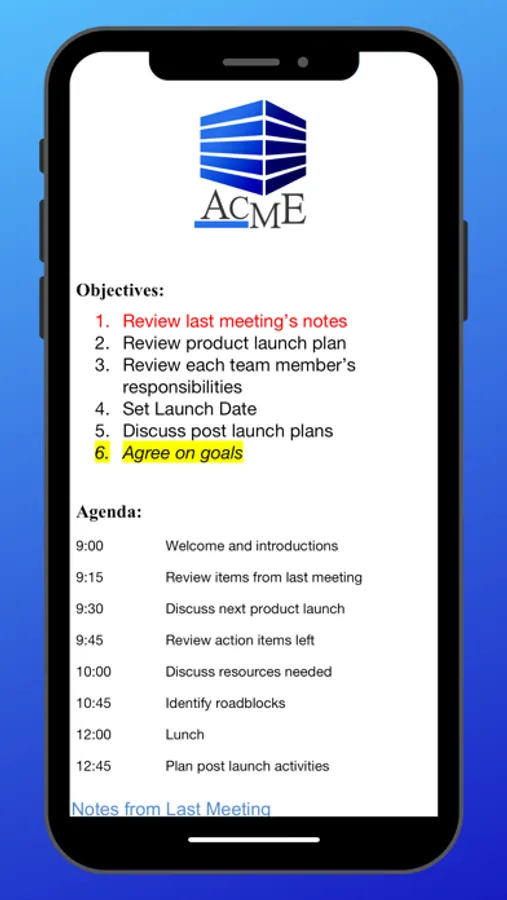
• View, edit, and create Word (.doc, .docx) files
• Format font type, size, color, bold, italics, underline, and highlight text
• High fidelity viewing for embedded graphics, tables, comments, footnotes/endnotes, text boxes, table of contents, and hyperlinks
• Change paragraph alignment
• Edit and/or insert bullets and numbering
• Multiple undo/redo
• Find & replace
• Word count
SHEET TO GO FEATURES:
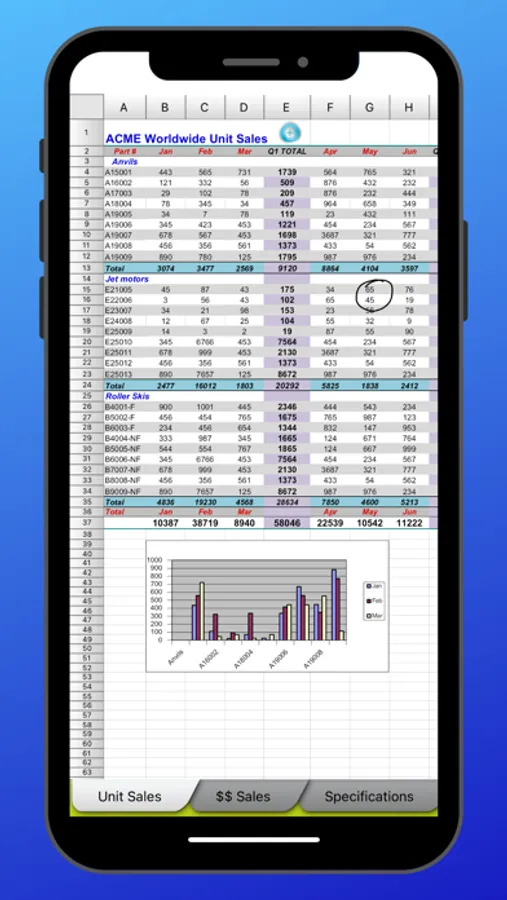
• View, edit, and create Excel (.xls, .xlsx) spreadsheets
• Freeze panes
• Sort
• Extensive cell & number formatting options, including: font type, size, color, alignment, fill, highlight, category, and decimal place)
• 111 functions supported
• Insert, delete, resize, hide/unhide rows & columns
• Rename, insert, and delete worksheets
• Multiple undo/redo
• Find/find next
SLIDESHOW TO GO FEATURES:
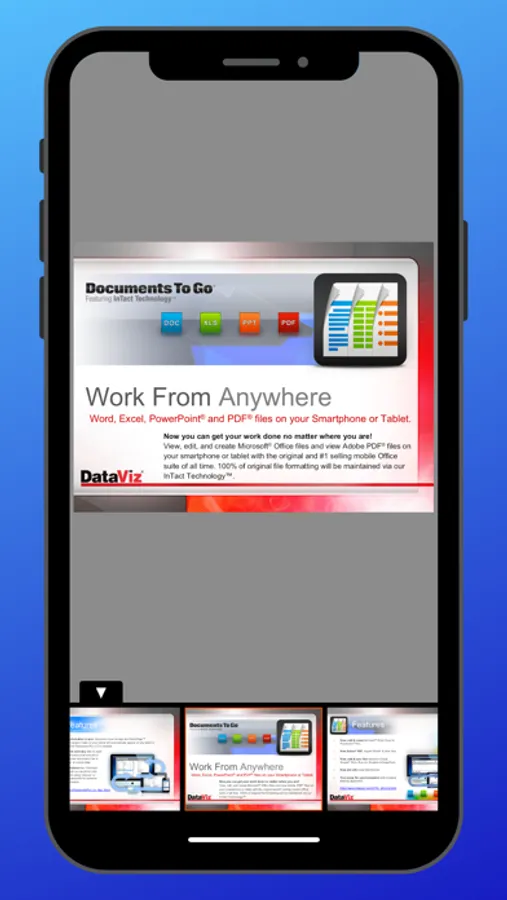
• In-slide PowerPoint editing - Edit slide contents & formatting directly in the slide vs. a separate/outline view.
• Thumbnail slide sorter/view
• High fidelity PowerPoint viewing, including: charts, MS Office SmartArt, and more
• View/edit/add speaker notes
• Sort slides
• Promote/demote bullets
• Open password protected PowerPoint 97-2018 files
PDF TO GO FEATURES:
• Pinch-to-zoom to desired PDF page size/width
• Open password-protected PDFs
*PowerPoint files are view and edit only.
Docs To Go® Standard contains best-in-class document viewing & editing. Options for connecting to multiple cloud storage accounts, desktop file sync, and opening password-protected files are in our premium version which is available in an in-app purchase.
THE DATAVIZ® ADVANTAGE
• Founded in 1984, DataViz is an industry leader in developing mobile Office & productivity solutions for iOS, Mac, and more.
• Documents To Go, now in its 18th year, is currently preloaded on millions of devices around the world.
• InTact Technology™ retains original document formatting of edited files.
• Technical support is available via email by actual people in our home office & via our robust knowledge-base at DataViz.com.
OVERALL STANDARD VERSION FEATURES:
• Works on both iPhone and iPad
• View, edit, and create MS Office files (97-2018).
• View PDF, iWork, Text, .RTF files, and more!
• Send & receive supported email attachments using the built-in Mail app.
• Open & edit supported files within Docs To Go from any 3rd party app that supports the iOS "Open In" feature.
• File sorting manager (sort your file list by Name, Modified, Size, etc.)
WORD TO GO FEATURES:
• View, edit, and create Word (.doc, .docx) files
• Format font type, size, color, bold, italics, underline, and highlight text
• High fidelity viewing for embedded graphics, tables, comments, footnotes/endnotes, text boxes, table of contents, and hyperlinks
• Change paragraph alignment
• Edit and/or insert bullets and numbering
• Multiple undo/redo
• Find & replace
• Word count
SHEET TO GO FEATURES:
• View, edit, and create Excel (.xls, .xlsx) spreadsheets
• Freeze panes
• Sort
• Extensive cell & number formatting options, including: font type, size, color, alignment, fill, highlight, category, and decimal place)
• 111 functions supported
• Insert, delete, resize, hide/unhide rows & columns
• Rename, insert, and delete worksheets
• Multiple undo/redo
• Find/find next
SLIDESHOW TO GO FEATURES:
• In-slide PowerPoint editing - Edit slide contents & formatting directly in the slide vs. a separate/outline view.
• Thumbnail slide sorter/view
• High fidelity PowerPoint viewing, including: charts, MS Office SmartArt, and more
• View/edit/add speaker notes
• Sort slides
• Promote/demote bullets
• Open password protected PowerPoint 97-2018 files
PDF TO GO FEATURES:
• Pinch-to-zoom to desired PDF page size/width
• Open password-protected PDFs
*PowerPoint files are view and edit only.