AppRecs review analysis
AppRecs rating 2.4. Trustworthiness 83 out of 100. Review manipulation risk 20 out of 100. Based on a review sample analyzed.
★★☆☆☆
2.4
AppRecs Rating
Ratings breakdown
5 star
27%
4 star
18%
3 star
0%
2 star
0%
1 star
55%
What to know
✓
Low review manipulation risk
20% review manipulation risk
✓
Credible reviews
83% trustworthiness score from analyzed reviews
⚠
Mixed user feedback
Average 2.6★ rating suggests room for improvement
About Mandelbulb Raytracer
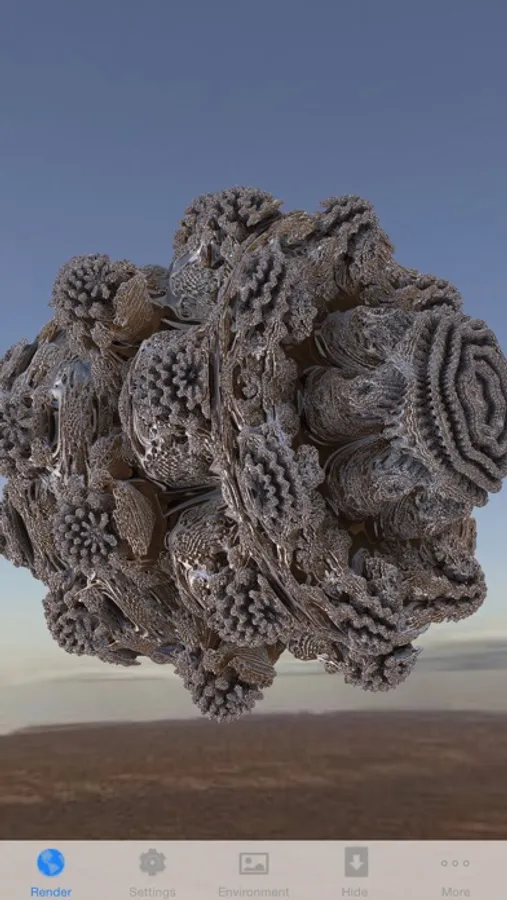
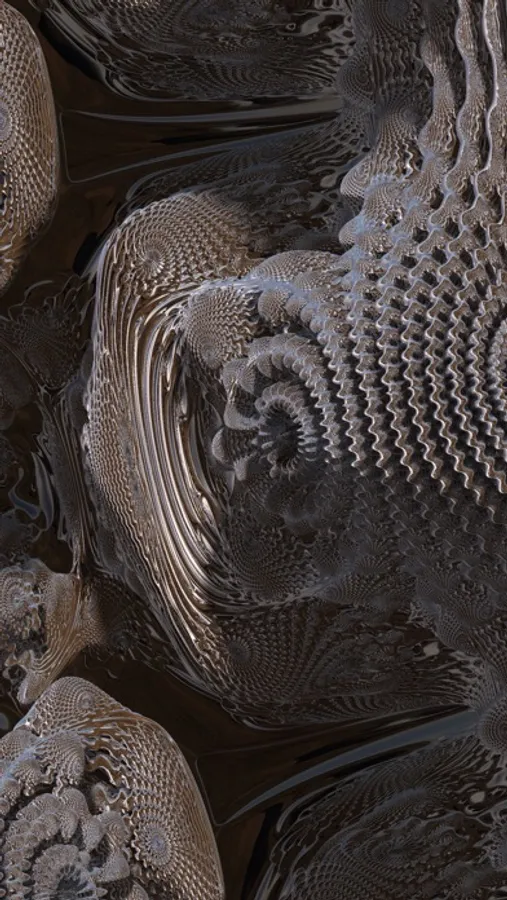
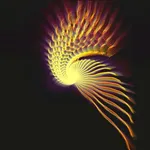
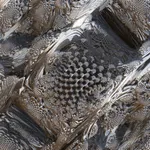
Be a virtual sculptor and create your own personal art in just seconds. Then use it as a background image to impress your friends. Play with the parameters to create an unlimited number of exciting 3D shapes. You can make the sculpture shiny by selecting an environment that will be reflected on the object.
Mandelbulb Raytracer is another exciting real-time ray tracer from Angisoft for the iPhone 3GS and iPhone 4. It renders the Mandelbulb fractal with high accuracy. Zooming makes an unlimited amount of detail visible.
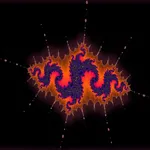
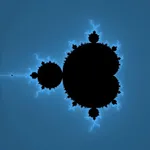
Fractals are self-similar mathematical shapes in complex space. The Mandelbulb fractal is a 3-dimensional analog of the Mandelbrot set using an hypercomplex algebra based on spherical coordinates. This app uses the graphics chip of the iPhone 3GS or iPhone 4 to compute a 3D image of the fractal by ray tracing using OpenGL ES 2.0 shaders.
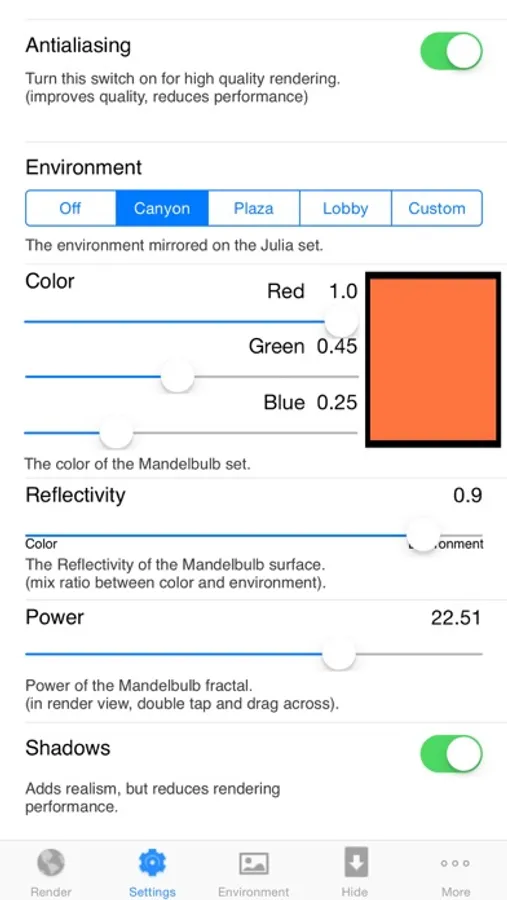
Double/Triple tap and drag the finger horizontally or vertically to change the shape of the Mandelbulb fractal. You can also set these constant in the Settings tab. The Settings tab also allows to enable an environment that is mirrored on the Mandelbulb fractal. The accuracy of the fractal surface can also be set here. If you have red-cyan glasses available, you can see the fractal with real depth by enabling stereo mode.
A one finger drag rotates the camera around the object, a two finger pinch is used for zooming and a three finger drag translates the camera. You can hide the tab bar to create a screen shot. Double tap to bring back the tab bar.
!!!! Important announcement !!!!
To take a screen shot, hold down the home button and then push the top button. The screen will flash and the resulting image will be placed on your camera roll. From there, you can sync it back to your computer, e-mail it to friends, or do anything else you can do with any other photo in your camera roll.
Mandelbulb Raytracer is another exciting real-time ray tracer from Angisoft for the iPhone 3GS and iPhone 4. It renders the Mandelbulb fractal with high accuracy. Zooming makes an unlimited amount of detail visible.
Fractals are self-similar mathematical shapes in complex space. The Mandelbulb fractal is a 3-dimensional analog of the Mandelbrot set using an hypercomplex algebra based on spherical coordinates. This app uses the graphics chip of the iPhone 3GS or iPhone 4 to compute a 3D image of the fractal by ray tracing using OpenGL ES 2.0 shaders.
Double/Triple tap and drag the finger horizontally or vertically to change the shape of the Mandelbulb fractal. You can also set these constant in the Settings tab. The Settings tab also allows to enable an environment that is mirrored on the Mandelbulb fractal. The accuracy of the fractal surface can also be set here. If you have red-cyan glasses available, you can see the fractal with real depth by enabling stereo mode.
A one finger drag rotates the camera around the object, a two finger pinch is used for zooming and a three finger drag translates the camera. You can hide the tab bar to create a screen shot. Double tap to bring back the tab bar.
!!!! Important announcement !!!!
To take a screen shot, hold down the home button and then push the top button. The screen will flash and the resulting image will be placed on your camera roll. From there, you can sync it back to your computer, e-mail it to friends, or do anything else you can do with any other photo in your camera roll.