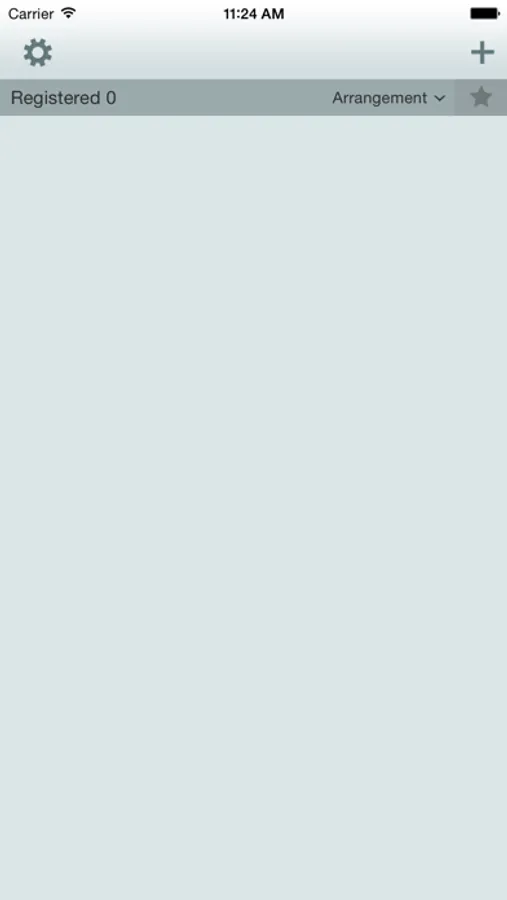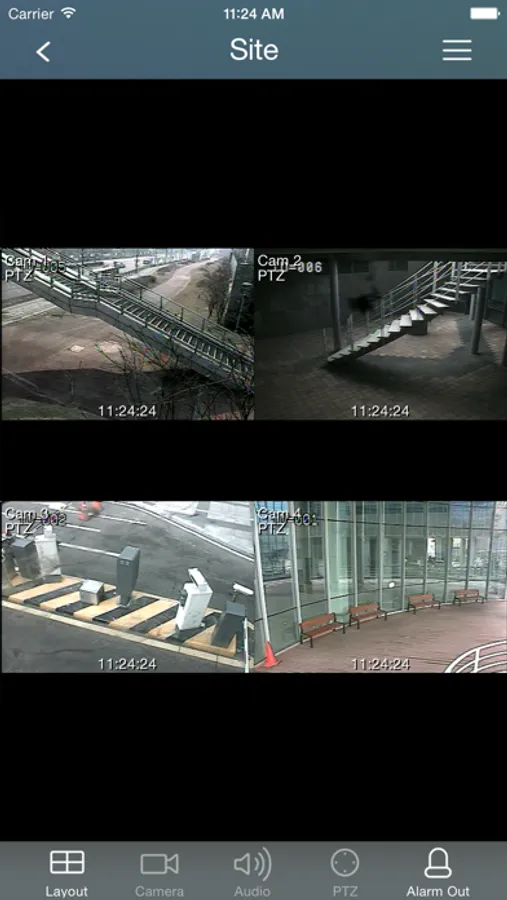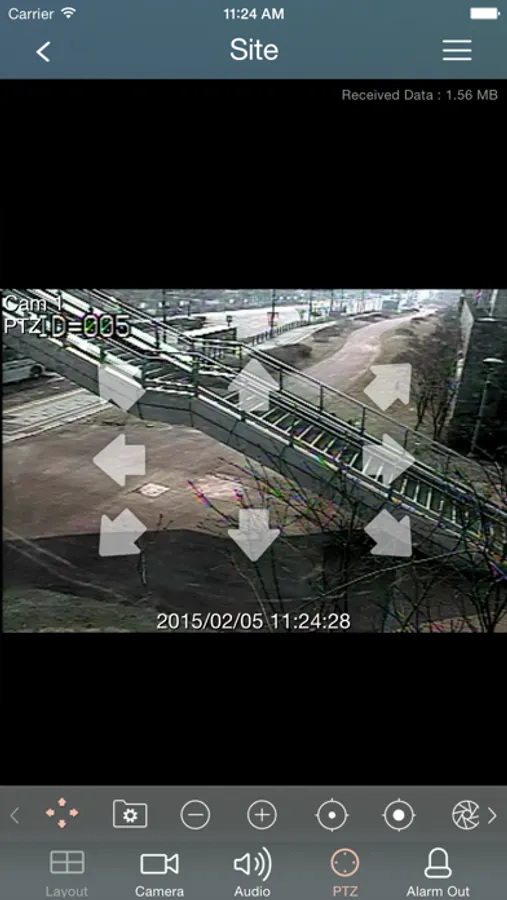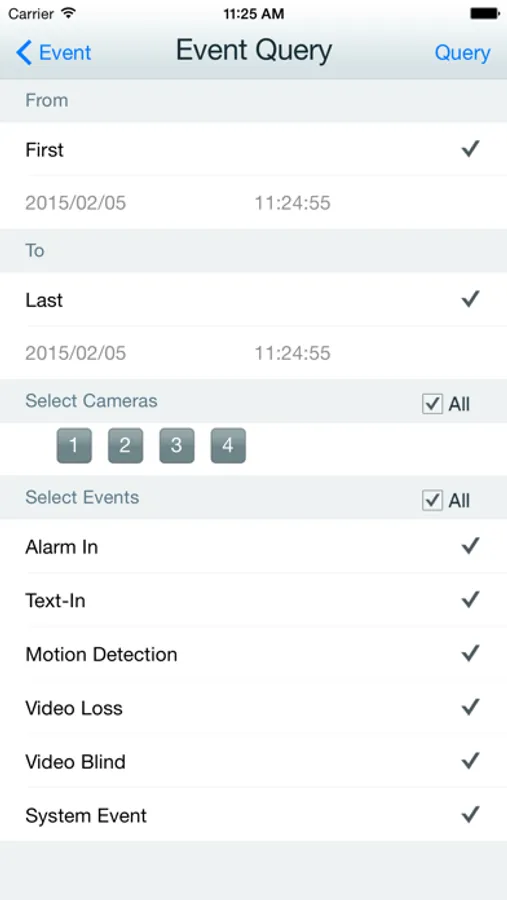
With this remote viewing app, you can monitor multiple camera feeds and adjust camera layouts. Includes support for up to 16 channels, event search, and push notifications.
AppRecs review analysis
AppRecs rating 2.1. Trustworthiness 75 out of 100. Review manipulation risk 22 out of 100. Based on a review sample analyzed.
★★☆☆☆
2.1
AppRecs Rating
Ratings breakdown
5 star
19%
4 star
7%
3 star
7%
2 star
11%
1 star
56%
What to know
⚠
Pricing complaints
Many low ratings mention paywalls or pricing
⚠
Mixed user feedback
Average 2.2★ rating suggests room for improvement
⚠
High negative review ratio
67% of sampled ratings are 1–2 stars
About REVO MOBILE
Remote viewing software for video streaming and monitoring of your REVO DVR video surveillance system. Secure your home, monitor your business and all remotely from your iPhone.
NOTE: This app is compatible with REVO and REVO Elite products only. REVO Elite HD (high definition) products need the REVO Mobile HD app.
Features:
# Selecting any camera from up to 16 channels
# The available layouts are different from the mobile device type: single-screen only for iPod Touch, single-screen and 2x2 for iPhone, single-screen to 4x4 for iPad.
# Auto-rotating screen
# Screen size selectable between original aspect ratio and full screen via double-tapping
# Supporting connection using revodvr.com (DVR Name Service) (DVRs should be registered to revodvr.com in order to use REVO Mobile)
# Support Event Search
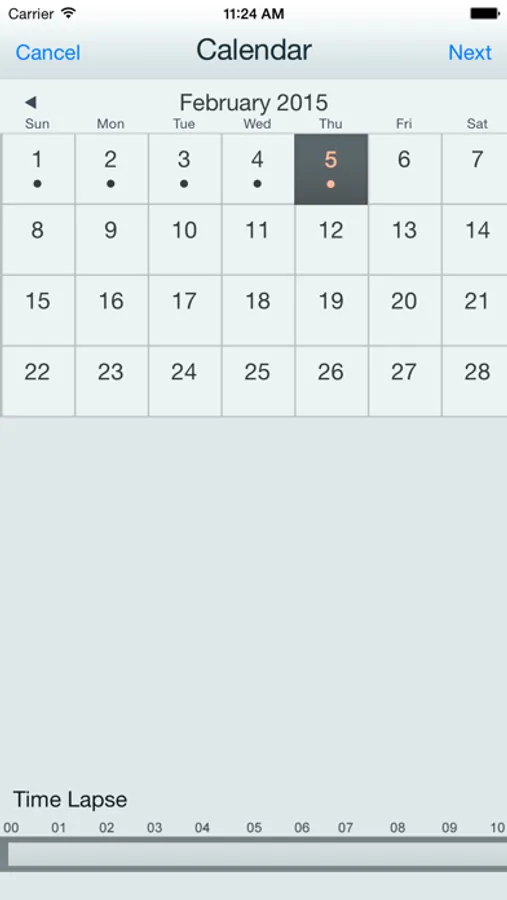
# Support Calendar Search
# Push Notification Service
# Password Lock
# REVO EZLink Service Support
NOTE: This app is compatible with REVO and REVO Elite products only. REVO Elite HD (high definition) products need the REVO Mobile HD app.
Features:
# Selecting any camera from up to 16 channels
# The available layouts are different from the mobile device type: single-screen only for iPod Touch, single-screen and 2x2 for iPhone, single-screen to 4x4 for iPad.
# Auto-rotating screen
# Screen size selectable between original aspect ratio and full screen via double-tapping
# Supporting connection using revodvr.com (DVR Name Service) (DVRs should be registered to revodvr.com in order to use REVO Mobile)
# Support Event Search
# Support Calendar Search
# Push Notification Service
# Password Lock
# REVO EZLink Service Support