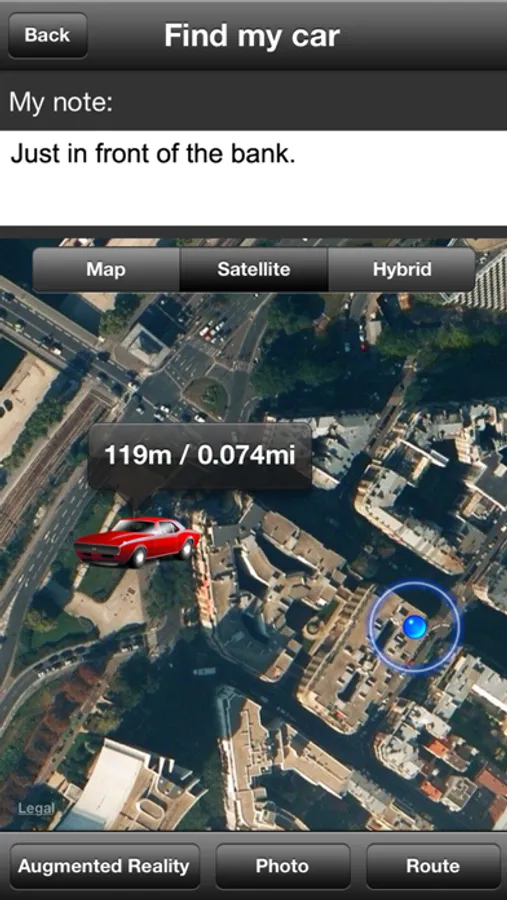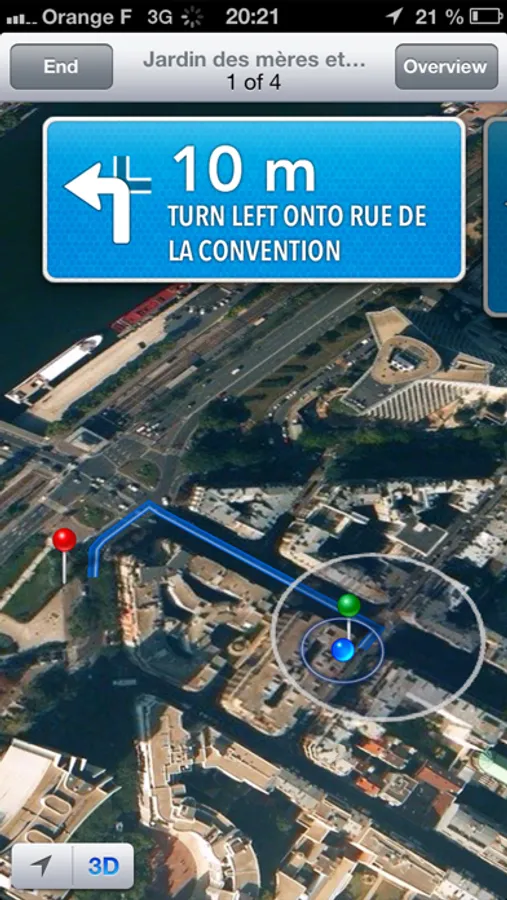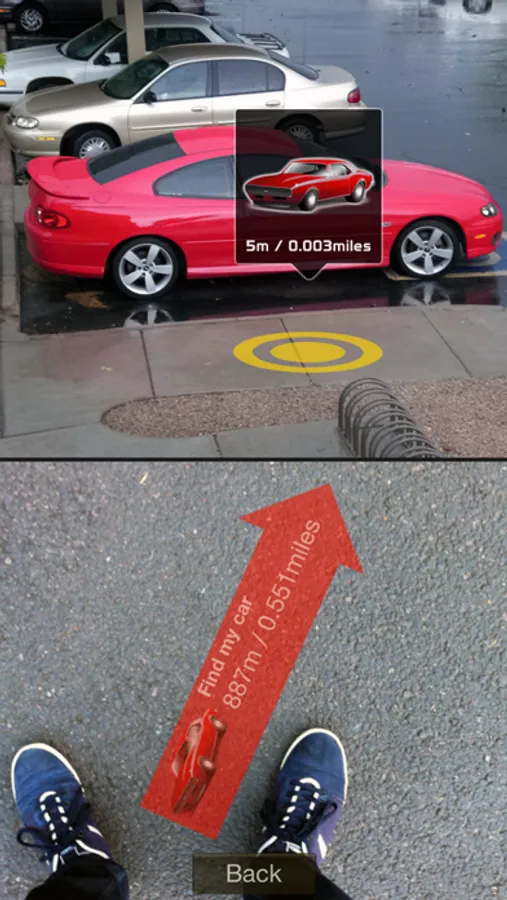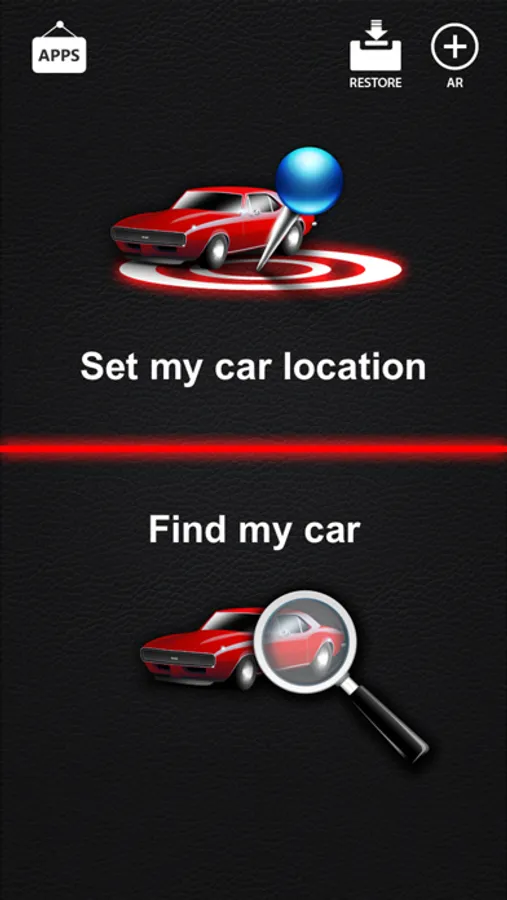
With this GPS-based app, you can save your parking location and navigate back to your car using maps or augmented reality. Includes location tracking, photo and note attachments, and real-time distance display.
AppRecs review analysis
AppRecs rating 4.2. Trustworthiness 77 out of 100. Review manipulation risk 26 out of 100. Based on a review sample analyzed.
★★★★☆
4.2
AppRecs Rating
Ratings breakdown
5 star
83%
4 star
10%
3 star
3%
2 star
1%
1 star
3%
What to know
✓
Low review manipulation risk
26% review manipulation risk
✓
Credible reviews
77% trustworthiness score from analyzed reviews
⚠
Ad complaints
Many low ratings mention excessive ads
About Find My Car
Find My Car application has been featured in The Sunday Telegraph among the best gadgets for you car.
The Wall Street Journal has selected this application in its Top 10 Apps That Will Change Your Life.
"Wondering around helplessly trying to find your parked car is a common recurring mid-life frustration dream, but it need never again be a reality with this inspired application. Find My Car puts an end to the ignominy of misplacing your car." - The Wall Street Journal.
Find My Car is a simple application that uses GPS location services to help you find your car. You will never forget where you parked!
NEW : The Augmented Reality feature is now available. You can now search your car using Augmented Reality technology.
How to use :
1. Open Find My Car application and save your car position on the map. You can also take a picture and associate a short description to help fully document the parking spot.
2. To find your car again, open the application and locate your last car position on the map (different zoom levels available). The distance to your car is displayed in real time as you walk down the street! You can also see the best walking direction from your current position to your parked car.
IMPORTANT : This application requires an active Internet connection to retrieve data. You also need to turn on "Location Services" option in the settings of your iPhone.
Thank you for taking the time to report any bugs or to request an enhancement to Find My Car application. Feedback is very important to us. We will do our best to answer queries. Email us at support@presselite.com
The Wall Street Journal has selected this application in its Top 10 Apps That Will Change Your Life.
"Wondering around helplessly trying to find your parked car is a common recurring mid-life frustration dream, but it need never again be a reality with this inspired application. Find My Car puts an end to the ignominy of misplacing your car." - The Wall Street Journal.
Find My Car is a simple application that uses GPS location services to help you find your car. You will never forget where you parked!
NEW : The Augmented Reality feature is now available. You can now search your car using Augmented Reality technology.
How to use :
1. Open Find My Car application and save your car position on the map. You can also take a picture and associate a short description to help fully document the parking spot.
2. To find your car again, open the application and locate your last car position on the map (different zoom levels available). The distance to your car is displayed in real time as you walk down the street! You can also see the best walking direction from your current position to your parked car.
IMPORTANT : This application requires an active Internet connection to retrieve data. You also need to turn on "Location Services" option in the settings of your iPhone.
Thank you for taking the time to report any bugs or to request an enhancement to Find My Car application. Feedback is very important to us. We will do our best to answer queries. Email us at support@presselite.com