AppRecs review analysis
AppRecs rating 4.6. Trustworthiness 76 out of 100. Review manipulation risk 25 out of 100. Based on a review sample analyzed.
★★★★☆
4.6
AppRecs Rating
Ratings breakdown
5 star
82%
4 star
6%
3 star
3%
2 star
3%
1 star
6%
What to know
✓
Low review manipulation risk
25% review manipulation risk
✓
Credible reviews
76% trustworthiness score from analyzed reviews
✓
High user satisfaction
82% of sampled ratings are 5 stars
About Melody Ear Training
***** Highly addictive piano game. *****
A fun way to develop a better musical ear!
Great for experienced musicians and beginners.
Music students love this app.
----
Melody Ear Training can help improve:
• Interval recognition
• Sense of pitch
• Transcription skills
• Improvising skills
• Self esteem
---
How to Play:
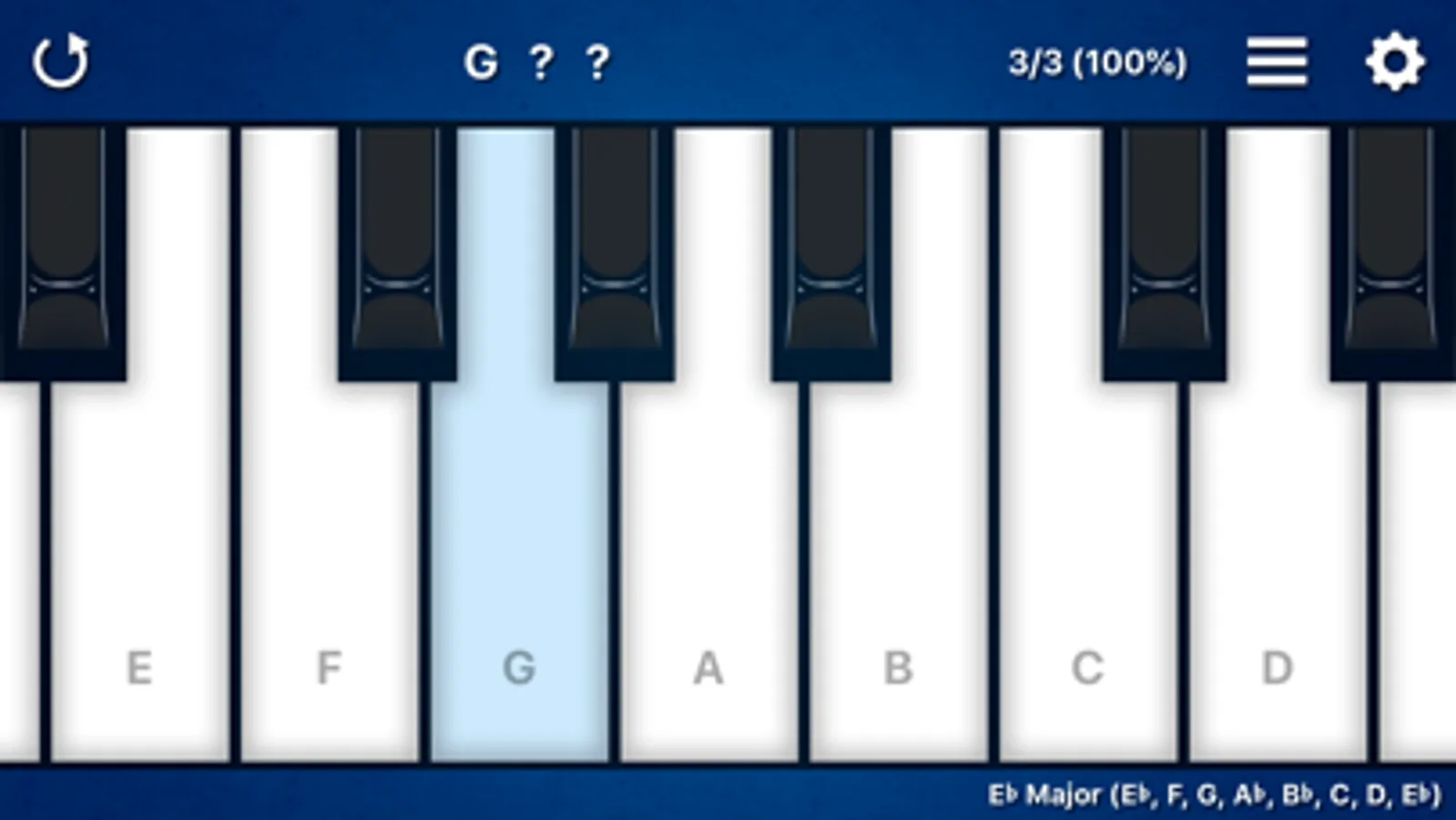
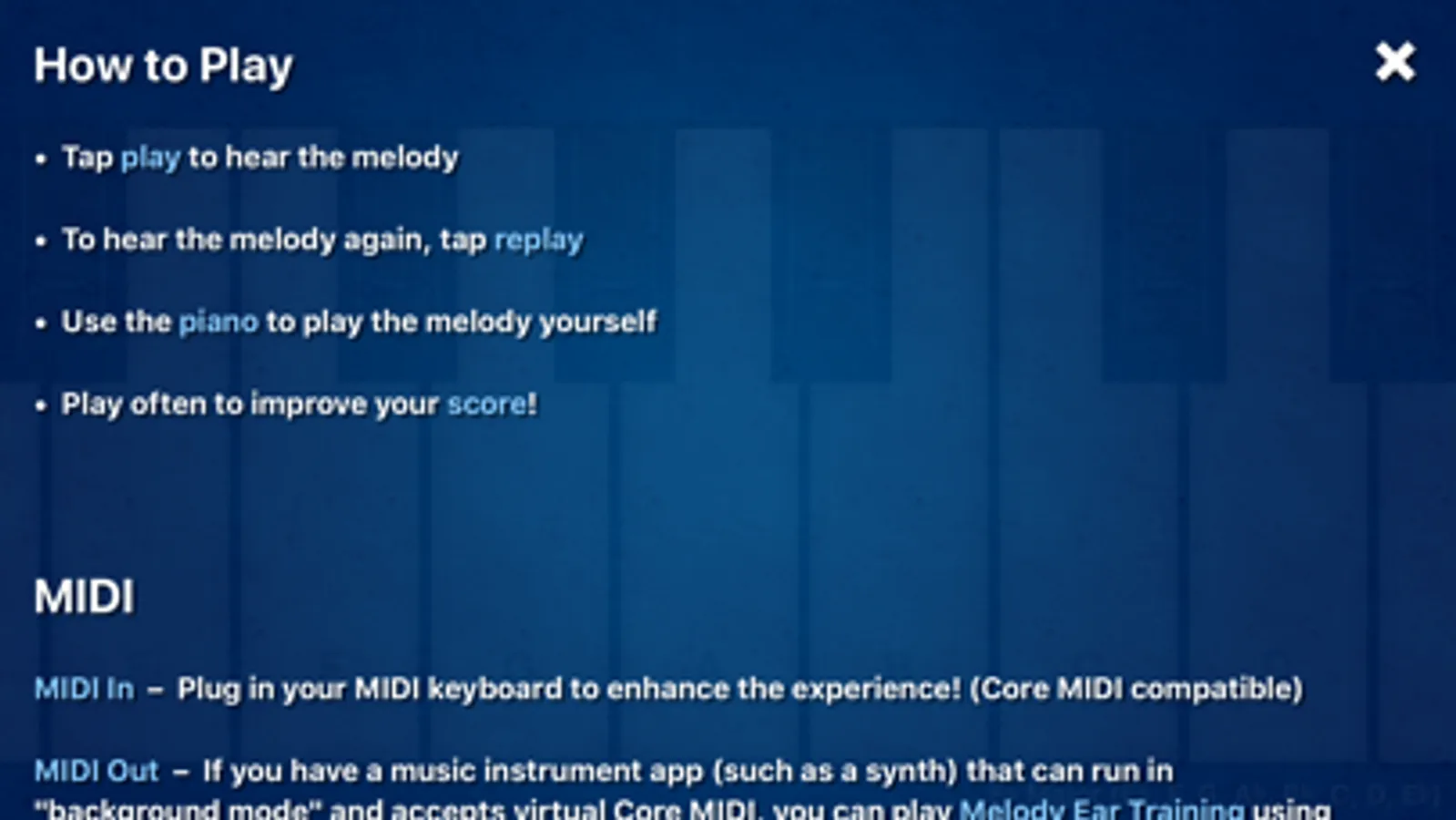
• Tap "play" to hear the melody
• To hear the melody again, tap "replay"
• Use the piano to play the melody yourself
• Play often to improve your score!
---
MIDI In – Plug in your MIDI keyboard to enhance the experience! (Core MIDI compatible)
MIDI Out – If you have a music instrument app (such as a synth) that can run in "background mode" and accepts virtual Core MIDI, you can play Melody Ear Training using the sounds of that app.
---
Tips for the Beginners:
Start with "2 Notes" for the melody length, set the difficulty to "Diatonic", and set the "Scale" to "C".
Use the + and - keyboard range control to set the keyboard to a small range such as "C, D" or "C, D, E".
Keep practicing, and as you progress you'll want to make the range larger.
---
Tips for the Pros:
Set "Feedback" to "Never" and turn on "Autoplay" to play continuously without ever missing a beat. Crank up the tempo to see how fast you can go!
---
Melody Settings:
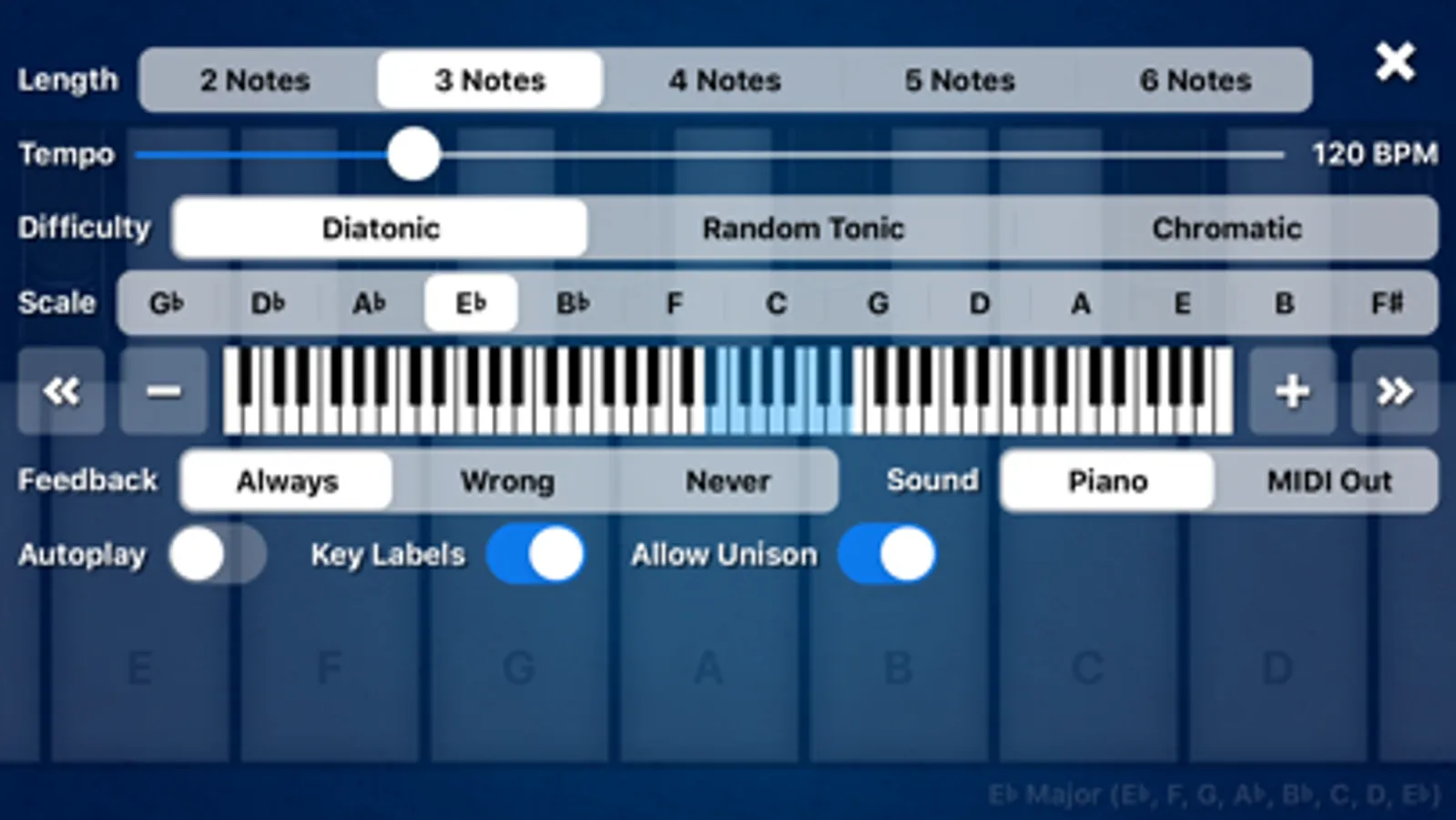
Scale – 13 major scales
Difficulty – Diatonic, Random Tonic, Chromatic
Length – 2 to 6 notes
Tempo – 60 to 320 BPM
Keyboard Range – Starting at 2 notes in a major scale (ex. “C, D”) and up to 12 notes in a major scale (ex. “C, D, E, F, G, A, B, C, D, E, F, G”) with the ability to change octaves.
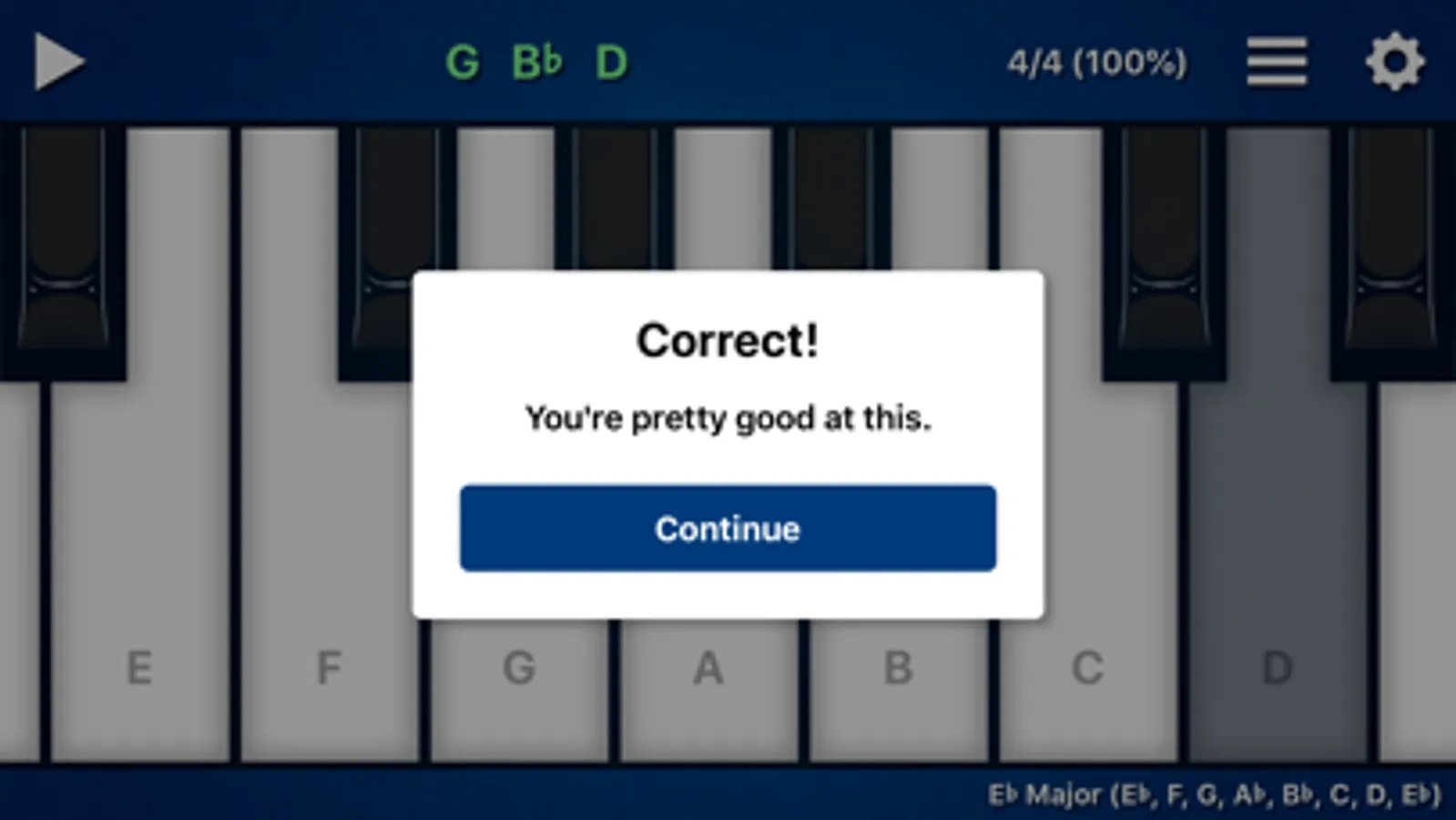
Feedback – Set to "Never" to stop all messages. Set to "Wrong" if you only want messages for incorrect melodies.
Sound – Set to "Piano" to hear the built-in piano sound. Set to "MIDI Out" to hear the sound of a music instrument app (such as a synth) that can run in "background mode" and accepts virtual Core MIDI.
Autoplay – Turn on to always play the next melody immediately. Turn off if you want to play the keyboard freely between melodies.
Key Labels – Turn off to remove note names on white keys.
Allow Unison – Turn off if you don't want the same note to be played twice in a row.
---
About the Difficulty Setting:
"Diatonic" uses notes from a major scale. This setting is recommended.
"Random Tonic" uses notes from a random major scale each time.
"Chromatic" mode is the "extreme mode" where any combination of notes is possible. As a result, strange intervals like the Augmented 2nd (ex. F to G#) are possible.
---
About the Score:
Melody Ear Training is all about self progression. Tap the score to reset at any time. The game goes on forever and the music never ends!
---
Can you guess the next note? Download the app to find out!
A fun way to develop a better musical ear!
Great for experienced musicians and beginners.
Music students love this app.
----
Melody Ear Training can help improve:
• Interval recognition
• Sense of pitch
• Transcription skills
• Improvising skills
• Self esteem
---
How to Play:
• Tap "play" to hear the melody
• To hear the melody again, tap "replay"
• Use the piano to play the melody yourself
• Play often to improve your score!
---
MIDI In – Plug in your MIDI keyboard to enhance the experience! (Core MIDI compatible)
MIDI Out – If you have a music instrument app (such as a synth) that can run in "background mode" and accepts virtual Core MIDI, you can play Melody Ear Training using the sounds of that app.
---
Tips for the Beginners:
Start with "2 Notes" for the melody length, set the difficulty to "Diatonic", and set the "Scale" to "C".
Use the + and - keyboard range control to set the keyboard to a small range such as "C, D" or "C, D, E".
Keep practicing, and as you progress you'll want to make the range larger.
---
Tips for the Pros:
Set "Feedback" to "Never" and turn on "Autoplay" to play continuously without ever missing a beat. Crank up the tempo to see how fast you can go!
---
Melody Settings:
Scale – 13 major scales
Difficulty – Diatonic, Random Tonic, Chromatic
Length – 2 to 6 notes
Tempo – 60 to 320 BPM
Keyboard Range – Starting at 2 notes in a major scale (ex. “C, D”) and up to 12 notes in a major scale (ex. “C, D, E, F, G, A, B, C, D, E, F, G”) with the ability to change octaves.
Feedback – Set to "Never" to stop all messages. Set to "Wrong" if you only want messages for incorrect melodies.
Sound – Set to "Piano" to hear the built-in piano sound. Set to "MIDI Out" to hear the sound of a music instrument app (such as a synth) that can run in "background mode" and accepts virtual Core MIDI.
Autoplay – Turn on to always play the next melody immediately. Turn off if you want to play the keyboard freely between melodies.
Key Labels – Turn off to remove note names on white keys.
Allow Unison – Turn off if you don't want the same note to be played twice in a row.
---
About the Difficulty Setting:
"Diatonic" uses notes from a major scale. This setting is recommended.
"Random Tonic" uses notes from a random major scale each time.
"Chromatic" mode is the "extreme mode" where any combination of notes is possible. As a result, strange intervals like the Augmented 2nd (ex. F to G#) are possible.
---
About the Score:
Melody Ear Training is all about self progression. Tap the score to reset at any time. The game goes on forever and the music never ends!
---
Can you guess the next note? Download the app to find out!