AppRecs review analysis
AppRecs rating 4.7. Trustworthiness 83 out of 100. Review manipulation risk 22 out of 100. Based on a review sample analyzed.
★★★★☆
4.7
AppRecs Rating
Ratings breakdown
5 star
89%
4 star
11%
3 star
0%
2 star
0%
1 star
0%
What to know
✓
Low review manipulation risk
22% review manipulation risk
✓
Credible reviews
83% trustworthiness score from analyzed reviews
✓
High user satisfaction
89% of sampled ratings are 5 stars
About WmpRemote
With WmpRemote you can remote Windows media player and Winamp without even look on your PC Screen.
All the information you need appears on your iPhone/iPod screen.
WmpRemote is excellent when you want to play music on your PC from a different room and perfect for home parties when you’re not close to your computer.
WmpRemote Features:
• Windows media player and Winamp Support
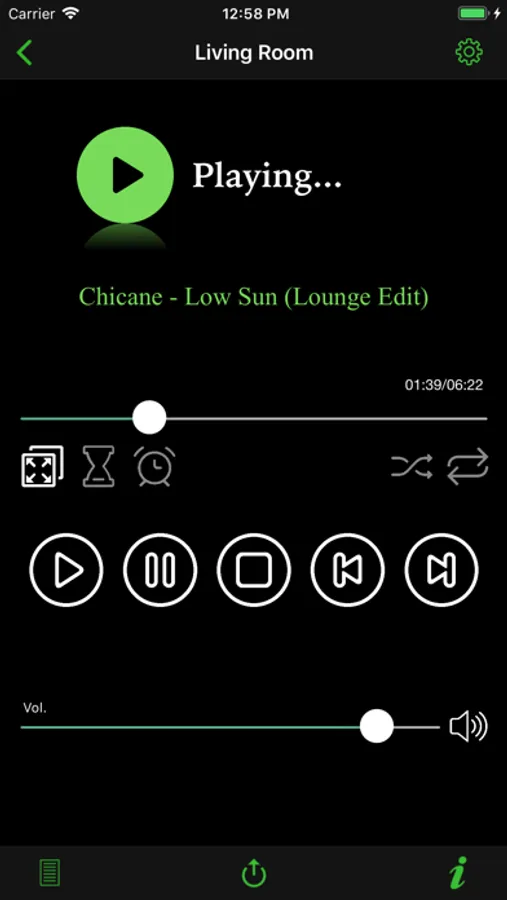
• See what song is playing now and playing status (Playing,Stopped,Paused)
• Set volume Up/Down & Mute On/Off
• Play, Pause, Stop, Move next, Move previous your songs.
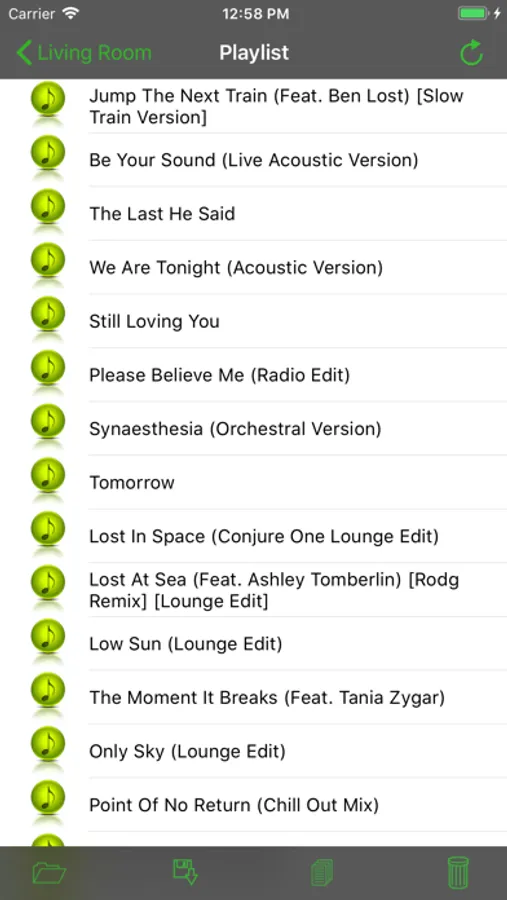
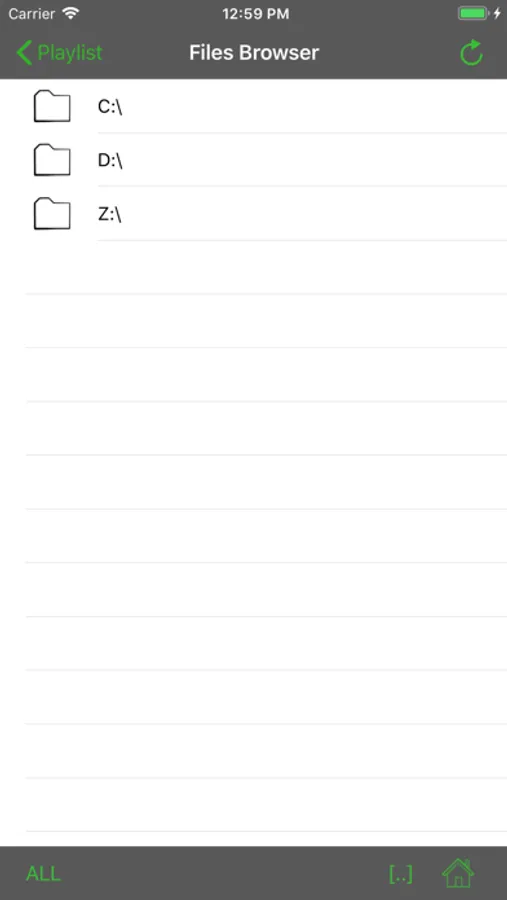
• Full control on your playlist – Browse your PC to add/remove songs/videos to playlist.
• Shuffle and Repeat playlist songs.
• Remote control on many media players PCs (Just install the free WmpRemote server on any windows machine)
• Save & Load playlists from the iPhone.
• Set timer to close your media player
• Set Alarm clock to wake up
Watch demo video here:
http://tinyurl.com/wrappl
***Please Note***
You must download and install WmpRemote Server on your PC in order to use WmpRemote.
You can get it from Applitom Website
http://applitom.com/wmpremote
Requirements:
• Windows PC + Windows media player/Winamp.
• Install WmpRemote Server on your PC. download it from http://applitom.com/WmpRemote (Framework 2.0 is required)
• Home Wifi Network
• iPhone/iPod touch (iOs 8 or higher)
All the information you need appears on your iPhone/iPod screen.
WmpRemote is excellent when you want to play music on your PC from a different room and perfect for home parties when you’re not close to your computer.
WmpRemote Features:
• Windows media player and Winamp Support
• See what song is playing now and playing status (Playing,Stopped,Paused)
• Set volume Up/Down & Mute On/Off
• Play, Pause, Stop, Move next, Move previous your songs.
• Full control on your playlist – Browse your PC to add/remove songs/videos to playlist.
• Shuffle and Repeat playlist songs.
• Remote control on many media players PCs (Just install the free WmpRemote server on any windows machine)
• Save & Load playlists from the iPhone.
• Set timer to close your media player
• Set Alarm clock to wake up
Watch demo video here:
http://tinyurl.com/wrappl
***Please Note***
You must download and install WmpRemote Server on your PC in order to use WmpRemote.
You can get it from Applitom Website
http://applitom.com/wmpremote
Requirements:
• Windows PC + Windows media player/Winamp.
• Install WmpRemote Server on your PC. download it from http://applitom.com/WmpRemote (Framework 2.0 is required)
• Home Wifi Network
• iPhone/iPod touch (iOs 8 or higher)