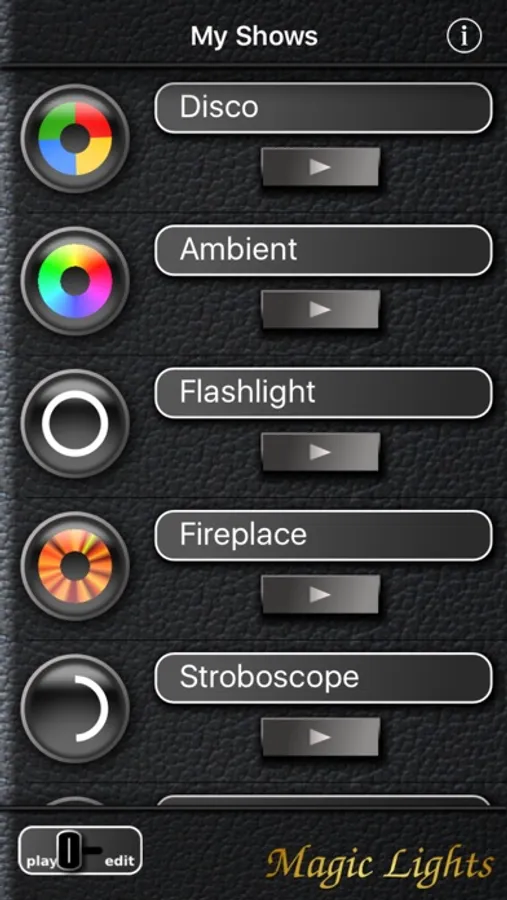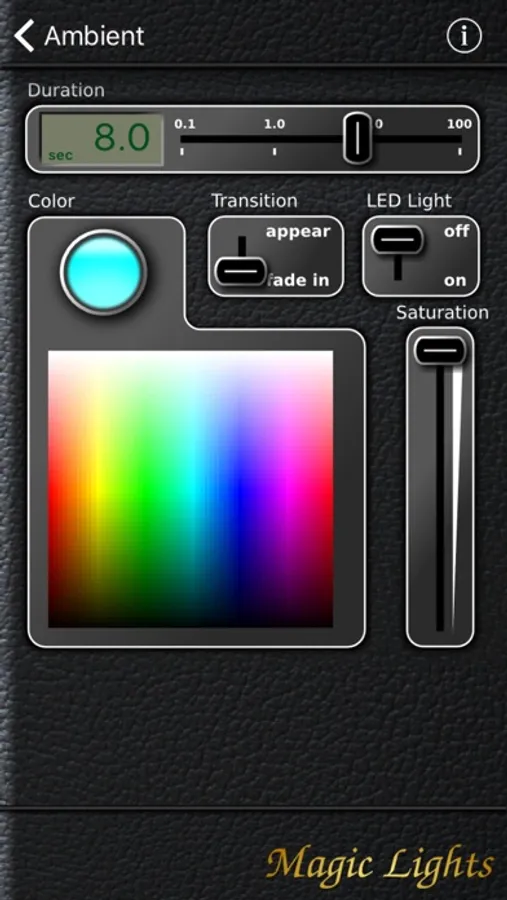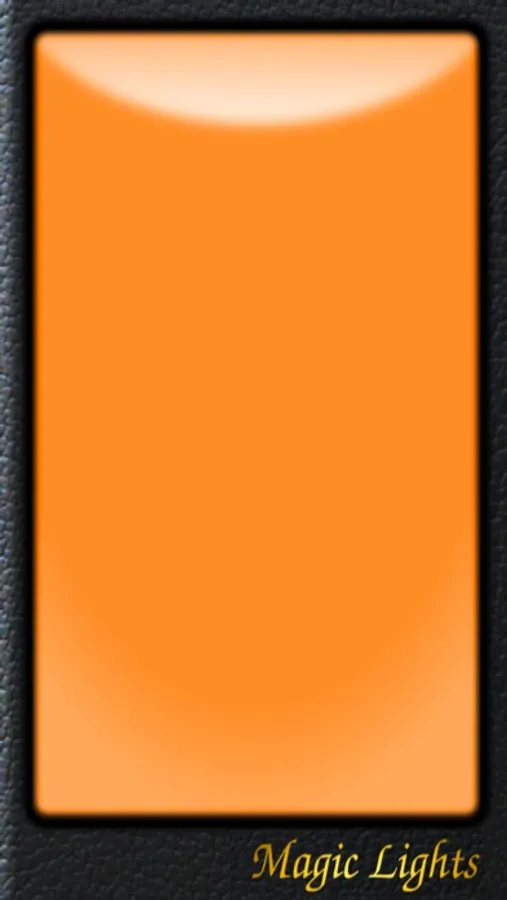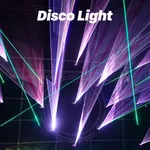
In this lighting app, you can customize colors, transition styles, and create light shows. Includes disco effects, ambient lighting, and flashlight functions.
AppRecs review analysis
AppRecs rating 2.4. Trustworthiness 74 out of 100. Review manipulation risk 25 out of 100. Based on a review sample analyzed.
★★☆☆☆
2.4
AppRecs Rating
Ratings breakdown
5 star
25%
4 star
10%
3 star
7%
2 star
3%
1 star
56%
What to know
✓
Low review manipulation risk
25% review manipulation risk
⚠
Mixed user feedback
Average 2.4★ rating suggests room for improvement
⚠
High negative review ratio
59% of sampled ratings are 1–2 stars
About Magic Lights ES
Magic Lights is the all-in-one light machine for your iPhone. It delivers flashlight, disco-style colors, soft ambient illumination — you name it. Magic Lights provides full control over the display colors and the LED photo light (if your device has one).
Features:
* Disco lights
* Smooth ambient color changes
* Flashlight (uses LED photo light if present)
* SOS light (uses LED photo light if present)
* Create your own light shows in a range of great colors and transition styles.
TIPS:
- Best effect in a darkened room
- Turn your display brightness to the maximum in the iPhone's settings.
- Turn the display towards a white wall for indirect illumination
- Allow Magic Lights access to the back light (iPhone Settings → Privacy → Camera)
WARNING:
- Don't use if you are sensitive to light effects
- Prolonged use of your phone's photo light will drain the battery quickly.
- Prolonged use of your phone's photo light might cause temporary automatic disabling of the photo light to prevent overheating.
NOTE:
This free version is fully functional, but ad-sponsored. If you don't like to see ads and have a spare buck, consider getting Magic Lights Deluxe instead.
Features:
* Disco lights
* Smooth ambient color changes
* Flashlight (uses LED photo light if present)
* SOS light (uses LED photo light if present)
* Create your own light shows in a range of great colors and transition styles.
TIPS:
- Best effect in a darkened room
- Turn your display brightness to the maximum in the iPhone's settings.
- Turn the display towards a white wall for indirect illumination
- Allow Magic Lights access to the back light (iPhone Settings → Privacy → Camera)
WARNING:
- Don't use if you are sensitive to light effects
- Prolonged use of your phone's photo light will drain the battery quickly.
- Prolonged use of your phone's photo light might cause temporary automatic disabling of the photo light to prevent overheating.
NOTE:
This free version is fully functional, but ad-sponsored. If you don't like to see ads and have a spare buck, consider getting Magic Lights Deluxe instead.