AppRecs review analysis
AppRecs rating 1.3. Trustworthiness 82 out of 100. Review manipulation risk 16 out of 100. Based on a review sample analyzed.
★☆☆☆☆
1.3
AppRecs Rating
Ratings breakdown
5 star
33%
4 star
0%
3 star
0%
2 star
0%
1 star
67%
What to know
✓
Low review manipulation risk
16% review manipulation risk
✓
Credible reviews
82% trustworthiness score from analyzed reviews
⚠
Mixed user feedback
Average 1.0★ rating suggests room for improvement
About Wi2Connect4
Wi2Connect4 is a Wi-Fi hotspot auto-login tool for Wi2 300 Wi-Fi service areas provided by Wire and Wireless Co., Ltd..
[Main features]
- One click to login/logout at Wi2 300 Wi-Fi hotspots
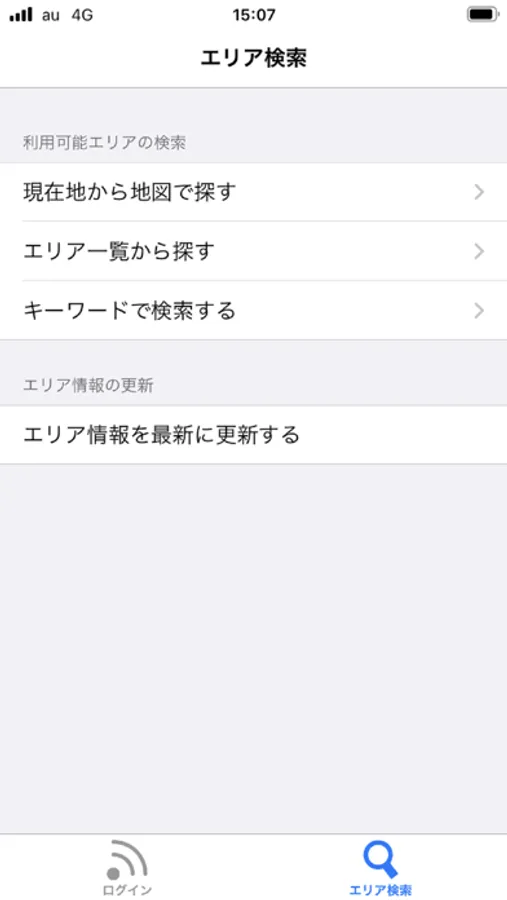
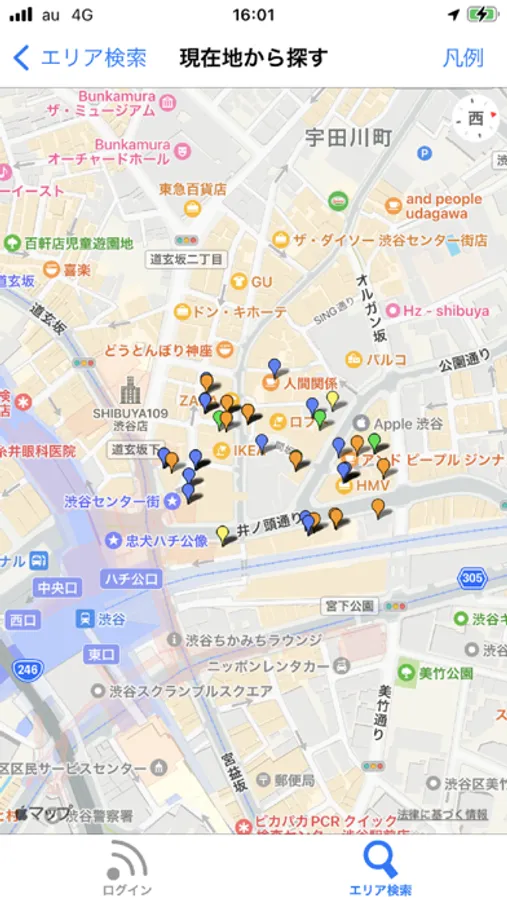
- Hotspot Search
[Wi2 300 Wi-Fi Service Areas]
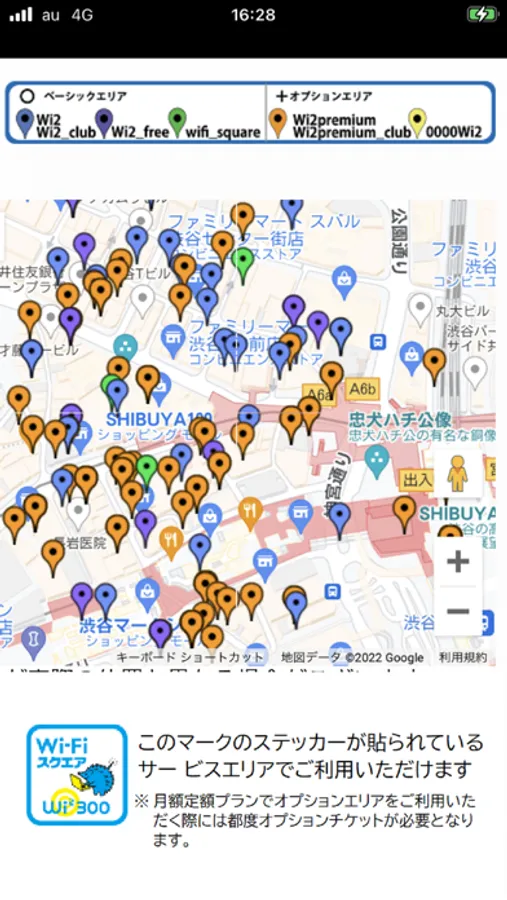
- Wi-Fi Square (Wi2, Wi2_club,,wifi_square)
note: For detailed service area information, please refer to the area map on the Wi2 300 website or use the Area Search feature within this app.
[How to set up]
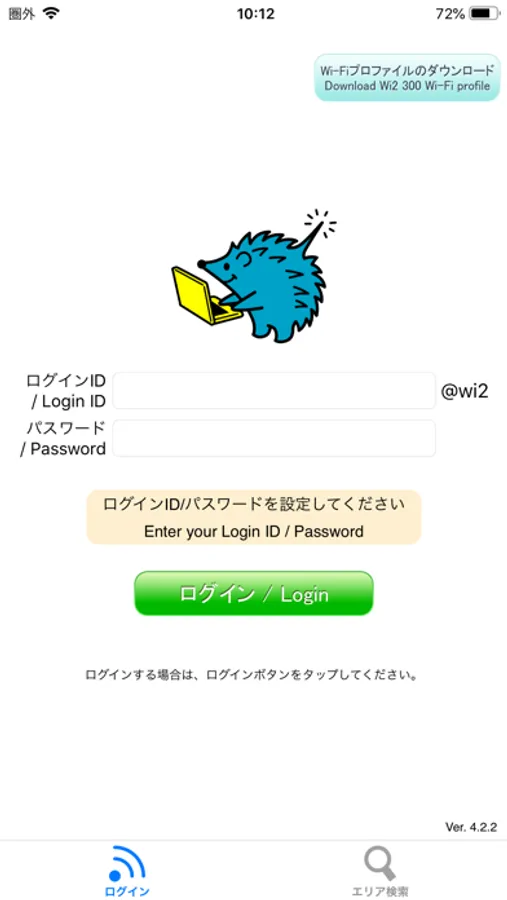
1. Enter your login ID and password.
(To get your login ID and password, please tap Wi2 300 Service Page (top left).
2. Tap Wi2 300 Wi-Fi profile (top right) to install Wi2 300 profile.
[How to use]
Open this tool at one of our Wi-Fi service areas to log in automatically. Once successfully logged in, it will close by itself. Tap the Logout button to logout from a logged-in spot.
[Main features]
- One click to login/logout at Wi2 300 Wi-Fi hotspots
- Hotspot Search
[Wi2 300 Wi-Fi Service Areas]
- Wi-Fi Square (Wi2, Wi2_club,,wifi_square)
note: For detailed service area information, please refer to the area map on the Wi2 300 website or use the Area Search feature within this app.
[How to set up]
1. Enter your login ID and password.
(To get your login ID and password, please tap Wi2 300 Service Page (top left).
2. Tap Wi2 300 Wi-Fi profile (top right) to install Wi2 300 profile.
[How to use]
Open this tool at one of our Wi-Fi service areas to log in automatically. Once successfully logged in, it will close by itself. Tap the Logout button to logout from a logged-in spot.