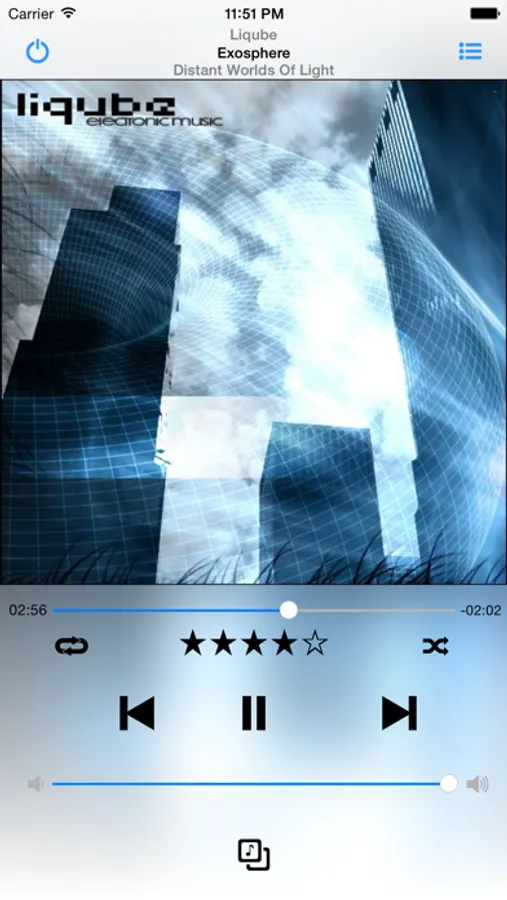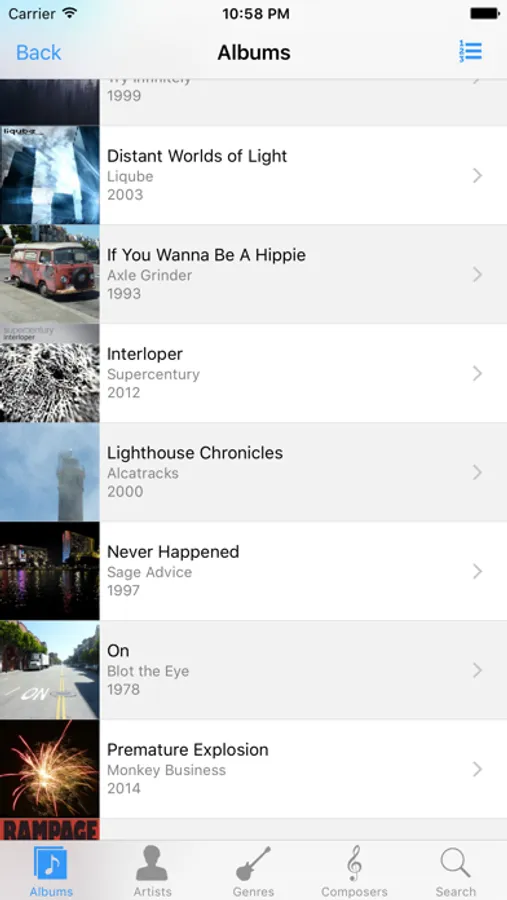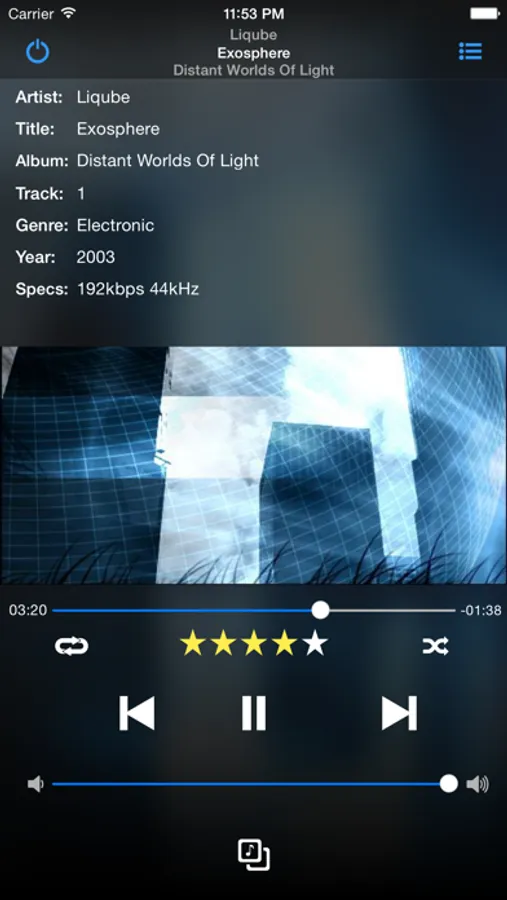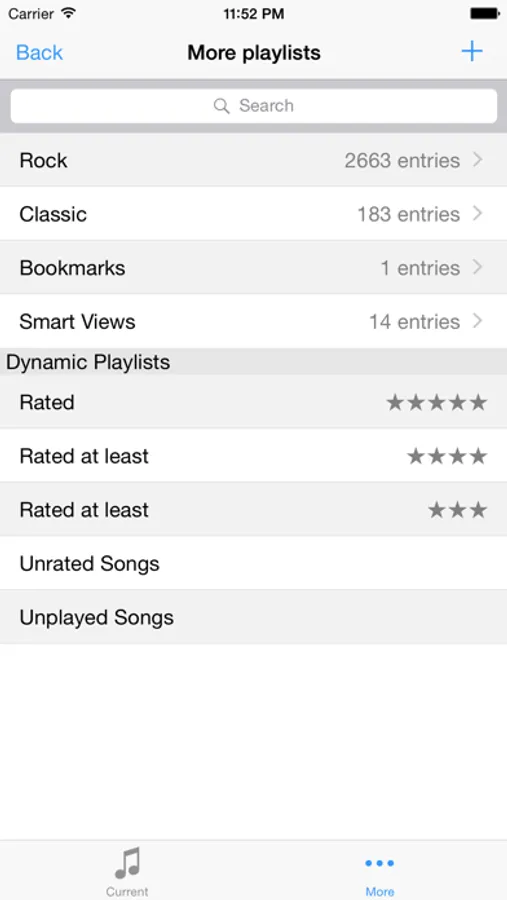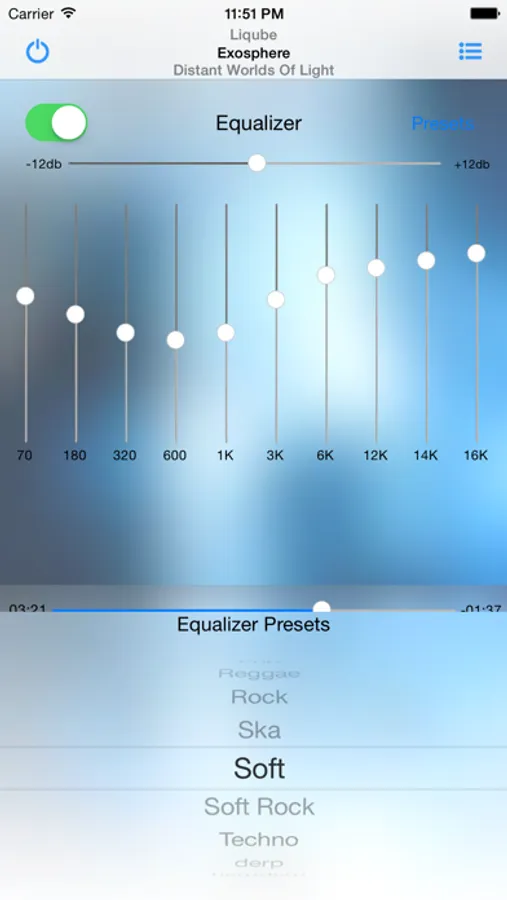
With this music remote app, you can control playback, view song information, and manage playlists on your Windows PC. Includes support for multiple media players, playlist editing, and browsing your media library.
AppRecs review analysis
AppRecs rating 4.5. Trustworthiness 74 out of 100. Review manipulation risk 22 out of 100. Based on a review sample analyzed.
★★★★☆
4.5
AppRecs Rating
Ratings breakdown
5 star
73%
4 star
14%
3 star
4%
2 star
1%
1 star
8%
What to know
✓
Low review manipulation risk
22% review manipulation risk
✓
Credible reviews
74% trustworthiness score from analyzed reviews
✓
High user satisfaction
87% of sampled ratings are 4+ stars (4.4★ average)
About MonkeyMote Music Remote
MonkeyMote gives you a full-fledged wireless music remote control for your iPhone or iPod touch. It supports several popular media players:
• Winamp
• MediaMonkey
• JRiver Media Center
• AIMP
The app connects to your Windows PC via your WiFi network and allows you to view information about currently playing tracks and control every important playback feature.
Key features:
• Playback control
• Display song information, lyrics and cover art
• View and control the current playlist
• Browse and search your media library
• Load playlists from your media library
• Create and edit playlists
• View and set song ratings
• Party Mode
• Automatically reduce volume or pause playback when getting a call
• Save multiple connection profiles
• Small, fast, low resource usage
• Easy to setup and use
All you need to do to get it working is to download and run the plug-in installer from www.monkeymote.com
In case you run into problems when setting up the app and plug-in, please visit the support page at www.monkeymote.com first, as it is not possible to reply to questions or issues raised in app store reviews.
• Now also available as a dedicated iPad version - look for MonkeyMote HD in the app store! •
If you are a foobar2000 user, please look for 'MonkeyMote for foobar2000' in the app store.
• Winamp
• MediaMonkey
• JRiver Media Center
• AIMP
The app connects to your Windows PC via your WiFi network and allows you to view information about currently playing tracks and control every important playback feature.
Key features:
• Playback control
• Display song information, lyrics and cover art
• View and control the current playlist
• Browse and search your media library
• Load playlists from your media library
• Create and edit playlists
• View and set song ratings
• Party Mode
• Automatically reduce volume or pause playback when getting a call
• Save multiple connection profiles
• Small, fast, low resource usage
• Easy to setup and use
All you need to do to get it working is to download and run the plug-in installer from www.monkeymote.com
In case you run into problems when setting up the app and plug-in, please visit the support page at www.monkeymote.com first, as it is not possible to reply to questions or issues raised in app store reviews.
• Now also available as a dedicated iPad version - look for MonkeyMote HD in the app store! •
If you are a foobar2000 user, please look for 'MonkeyMote for foobar2000' in the app store.