About TrackRoad
Enter locations you like to visit, then optimize your route, or use the walkie-talkie option with friends, and track them in real-time. TrackRoad allows optimizing 1000's of locations using single or multiple vehicles.
To track users in your group, go to the list of users, then click on the person you want to track.
To walkie-talkie with users in your group, go to the list of users, then hold down the "mic" button on the person you want to chat. Release button when done. You can also broadcast to Everyone in your group by clicking the "Everyone" button on top.
To optimize your route, follow the steps below:
-Enter each stop location.
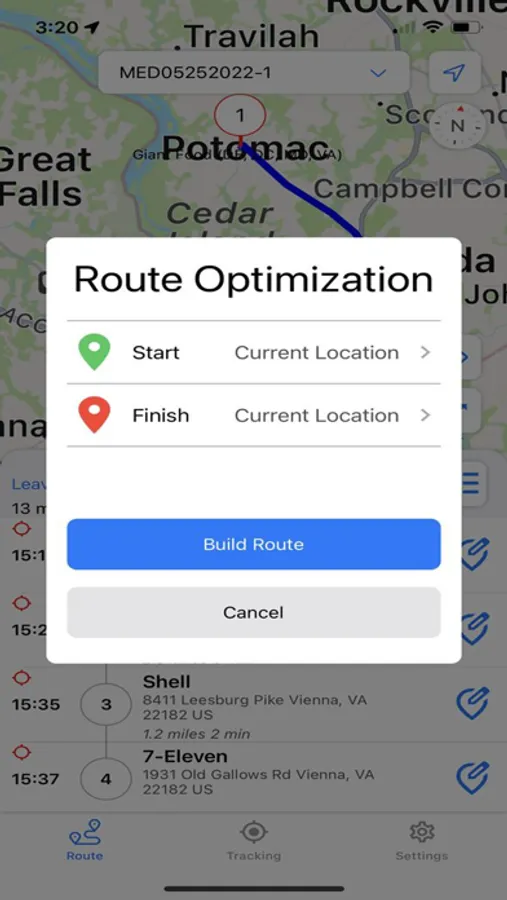
-Click Build Route to distribute stops among single or multiple drivers.
-Share the optimized routes with your multiple drivers for GPS tracking and real-time updates.
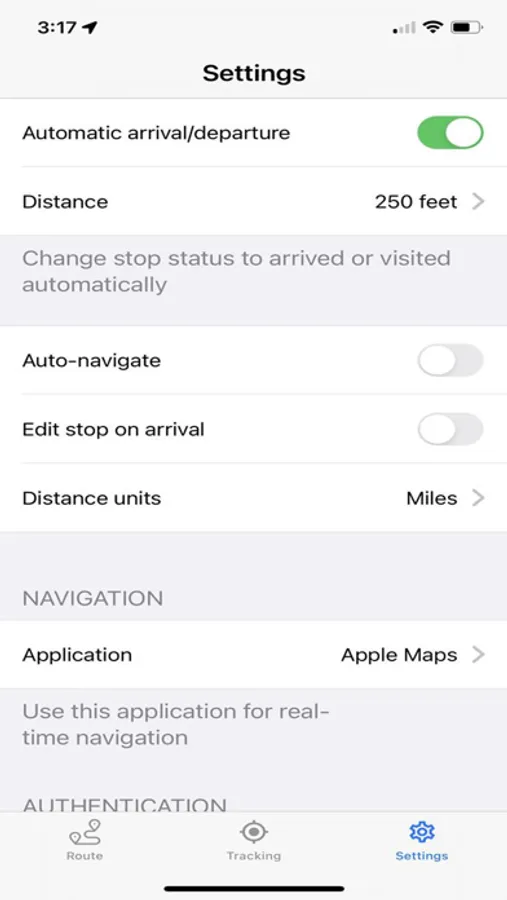
-Geofencing marks each stop "arrived" (stop turns yellow) on approach circle, and visited (stop turns green) on exit circle.
-Walkie-Talkie to people in your group (works with either WiFi or Cellular data)
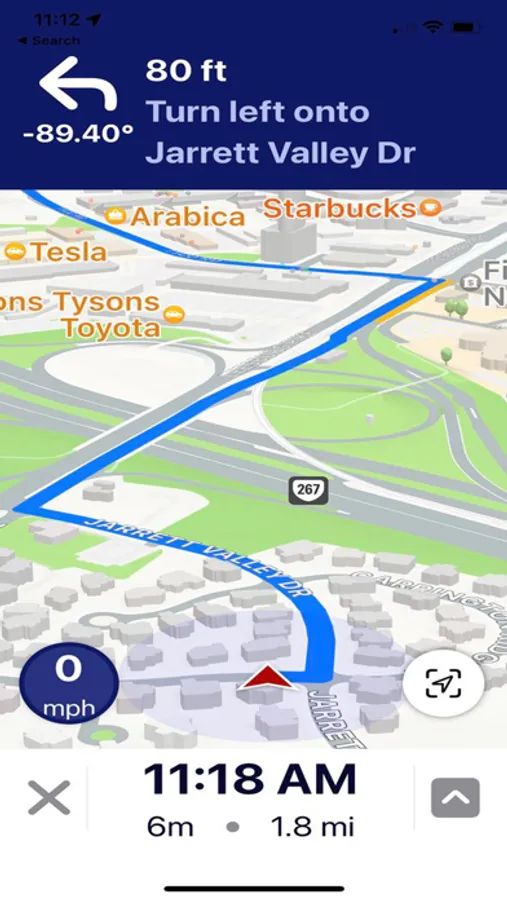
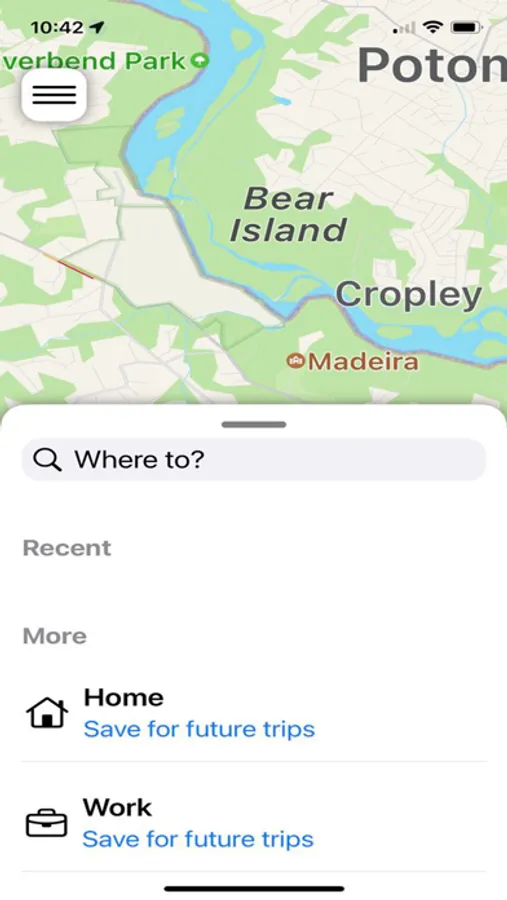
-Get audio navigation and turn-by-turn directions.
-Auto navigation.
-Track your assets in real time (every hour, every minute, or every 20 seconds).
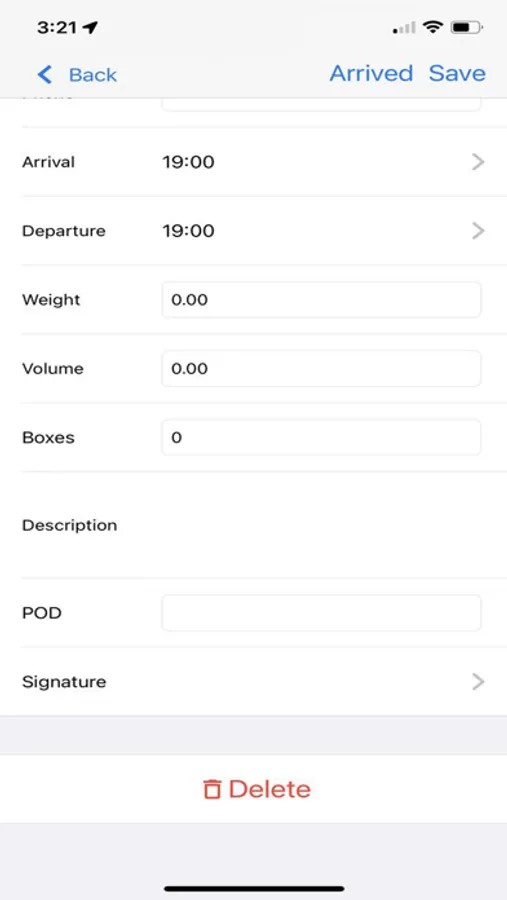
-Signature capture and two-way notes at each stop.
For EULA please visit https://www.trackroad.com/PayBill/Terms.htm
To track users in your group, go to the list of users, then click on the person you want to track.
To walkie-talkie with users in your group, go to the list of users, then hold down the "mic" button on the person you want to chat. Release button when done. You can also broadcast to Everyone in your group by clicking the "Everyone" button on top.
To optimize your route, follow the steps below:
-Enter each stop location.
-Click Build Route to distribute stops among single or multiple drivers.
-Share the optimized routes with your multiple drivers for GPS tracking and real-time updates.
-Geofencing marks each stop "arrived" (stop turns yellow) on approach circle, and visited (stop turns green) on exit circle.
-Walkie-Talkie to people in your group (works with either WiFi or Cellular data)
-Get audio navigation and turn-by-turn directions.
-Auto navigation.
-Track your assets in real time (every hour, every minute, or every 20 seconds).
-Signature capture and two-way notes at each stop.
For EULA please visit https://www.trackroad.com/PayBill/Terms.htm