AppRecs review analysis
AppRecs rating 1.0. Trustworthiness 78 out of 100. Review manipulation risk 26 out of 100. Based on a review sample analyzed.
★☆☆☆☆
1.0
AppRecs Rating
Ratings breakdown
5 star
0%
4 star
50%
3 star
0%
2 star
50%
1 star
0%
What to know
✓
Low review manipulation risk
26% review manipulation risk
✓
Credible reviews
78% trustworthiness score from analyzed reviews
⚠
Mixed user feedback
Average 1.0★ rating suggests room for improvement
About 24U Net Remote
Control Apps and Devices Remotely Over Network
Use iPhone, iPod touch, or iPad as a remote control
• for your slide shows, presentations, and demos
• for your audio and video playback
• for live voting or survey response gathering
• for school exams and contests
• for FileMaker®, AppleScript® and Web applications
• for lights and other devices in your automated home or office
• for traffic lights, railway models, other real life models
• for anything else thanks to Net Remote's customizability
24U Net Remote connects to a specified remote host at a specified TCP port number and sends commands to the host as you tap buttons. Currently only raw text protocol is supported. Every button on the currently active layout is configured to send a specific text.
Any app or device capable of responding to raw text messages and sent over TCP can be controlled with 24U Net Remote. You can control any number of remote apps or devices, but only one at a time. When you open a layout, Net Remote immediately connects to the remote host so you can start controlling it.
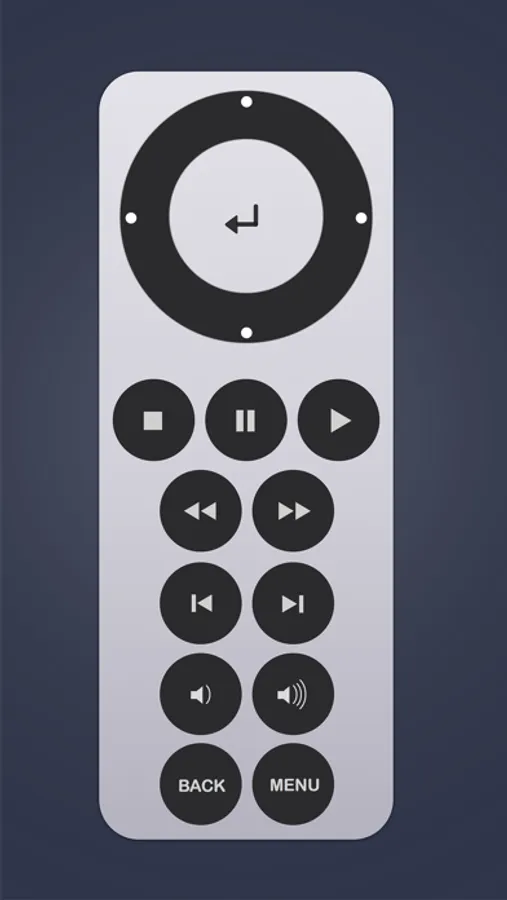
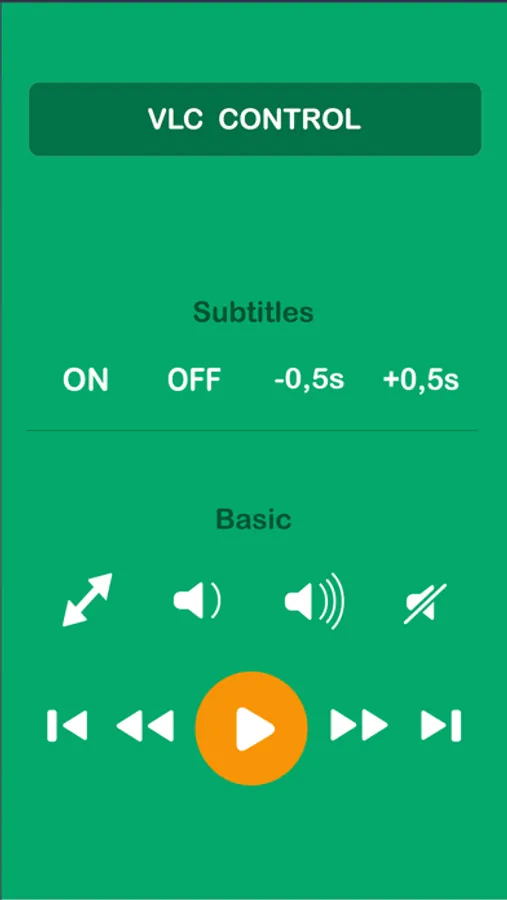
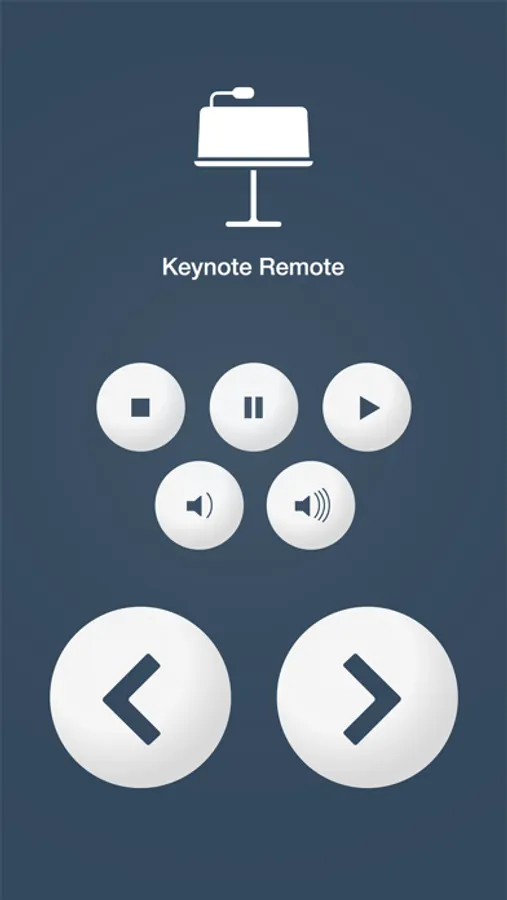
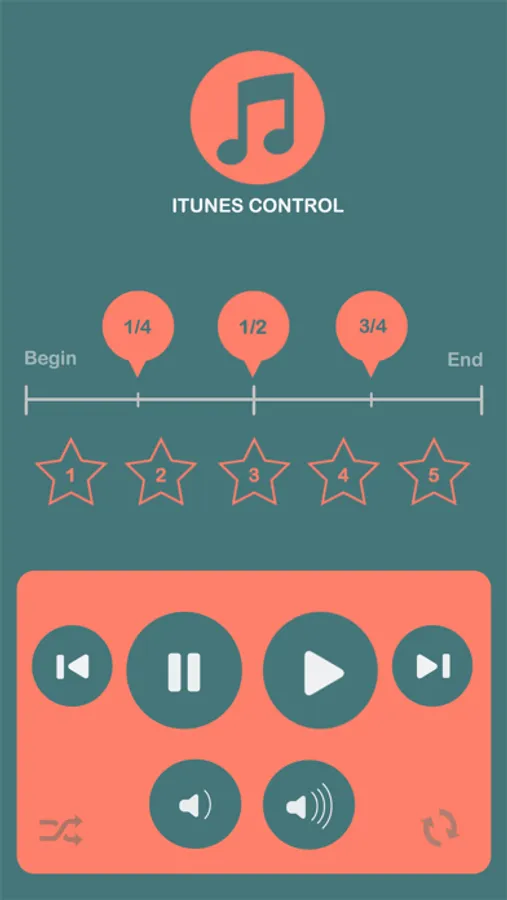
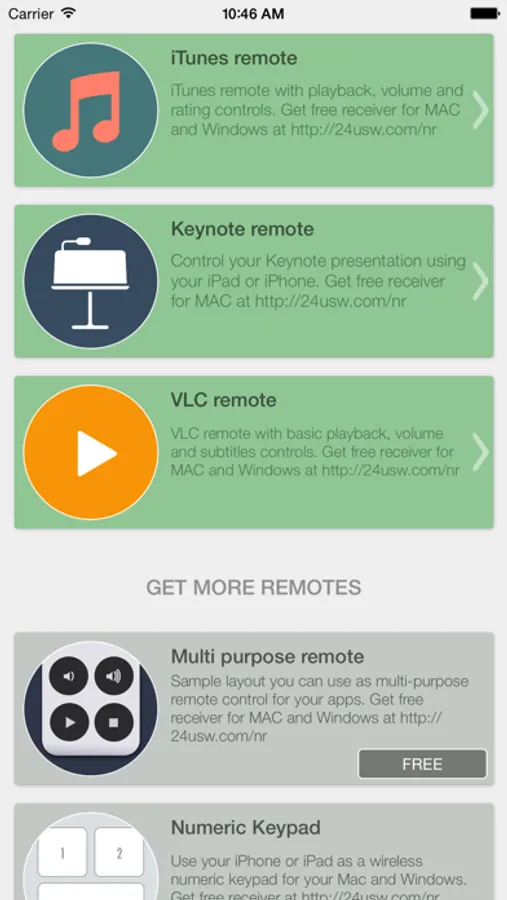
Net Remote uses so called layouts to know what to display on the screen and where to respond to your taps. You can download several remote control layouts for free and others are available via inApp purchases. You can also upload custom layouts via iTunes file sharing and unlock communication for them.
Get the most out of 24U Net Remote with our tools and add-ons!
• Integrate 24U Net Remote with FileMaker Pro.
• Use 24U Net Remote to run AppleScript scripts .
• Have your web updated by tapping buttons in 24U Net Remote.
• Automate your home with FileMaker Pro, Phidgets, and 24U Net Remote.
• Turn your computer into a multimedia station controlled by iPhone or iPad.
• Control your presentations and trade shows from your hand.
See the 24U Net Remote homepage to learn how you can turn your iPhone or iPad into a multi-purpose remote control for your apps and devices.
Download sample receiver scripts and 24U Net Remote Receiver for Mac, for Windows, for FileMaker and for Web from our website for free.
Use iPhone, iPod touch, or iPad as a remote control
• for your slide shows, presentations, and demos
• for your audio and video playback
• for live voting or survey response gathering
• for school exams and contests
• for FileMaker®, AppleScript® and Web applications
• for lights and other devices in your automated home or office
• for traffic lights, railway models, other real life models
• for anything else thanks to Net Remote's customizability
24U Net Remote connects to a specified remote host at a specified TCP port number and sends commands to the host as you tap buttons. Currently only raw text protocol is supported. Every button on the currently active layout is configured to send a specific text.
Any app or device capable of responding to raw text messages and sent over TCP can be controlled with 24U Net Remote. You can control any number of remote apps or devices, but only one at a time. When you open a layout, Net Remote immediately connects to the remote host so you can start controlling it.
Net Remote uses so called layouts to know what to display on the screen and where to respond to your taps. You can download several remote control layouts for free and others are available via inApp purchases. You can also upload custom layouts via iTunes file sharing and unlock communication for them.
Get the most out of 24U Net Remote with our tools and add-ons!
• Integrate 24U Net Remote with FileMaker Pro.
• Use 24U Net Remote to run AppleScript scripts .
• Have your web updated by tapping buttons in 24U Net Remote.
• Automate your home with FileMaker Pro, Phidgets, and 24U Net Remote.
• Turn your computer into a multimedia station controlled by iPhone or iPad.
• Control your presentations and trade shows from your hand.
See the 24U Net Remote homepage to learn how you can turn your iPhone or iPad into a multi-purpose remote control for your apps and devices.
Download sample receiver scripts and 24U Net Remote Receiver for Mac, for Windows, for FileMaker and for Web from our website for free.