In this tuning app, you can calibrate, select instrument types, and visualize pitch data. Includes spectrum analyzer, multiple instrument views, and advanced tuning precision features.
AppRecs review analysis
AppRecs rating 4.5. Trustworthiness 75 out of 100. Review manipulation risk 25 out of 100. Based on a review sample analyzed.
★★★★☆
4.5
AppRecs Rating
Ratings breakdown
5 star
83%
4 star
10%
3 star
3%
2 star
1%
1 star
2%
What to know
✓
Low review manipulation risk
25% review manipulation risk
✓
Credible reviews
75% trustworthiness score from analyzed reviews
⚠
Ad complaints
Many low ratings mention excessive ads
About n-Track Tuner
Tune your guitar, bass or other instruments with n-Track Tuner.
Use this tuner in an easy, intuitive and free way with the integrated microphone of your smartphone.
Downloaded over 5 million times!
Just put your iPhone, iPod Touch or iPad next to your instrument and play each string.
High precision and sensitivity thanks to the advanced audio recognition algorithm also used for n-Track Studio 8.
n-Track Tuner works great as a guitar tuner, violin, viola, violoncello, bass, piano and wind instruments tuner.
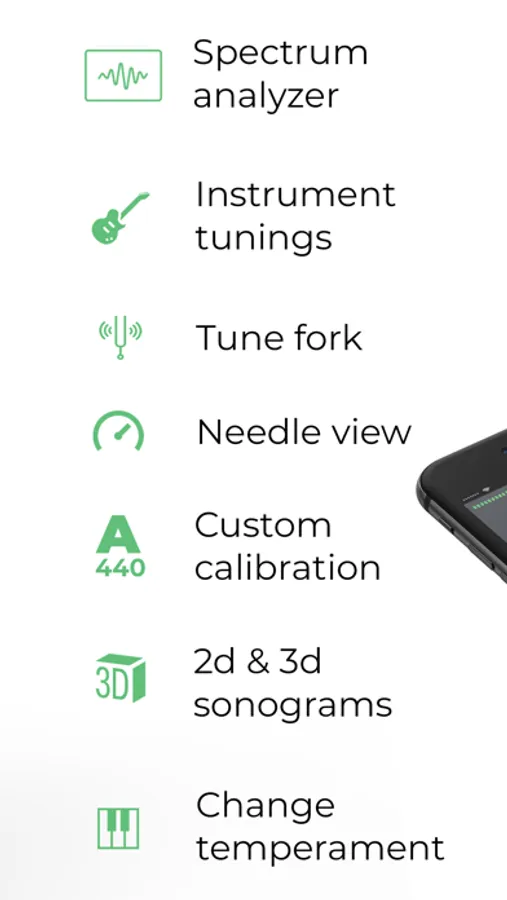
NEW: 6 different views:
•||| Spectrum Analyzer |||•
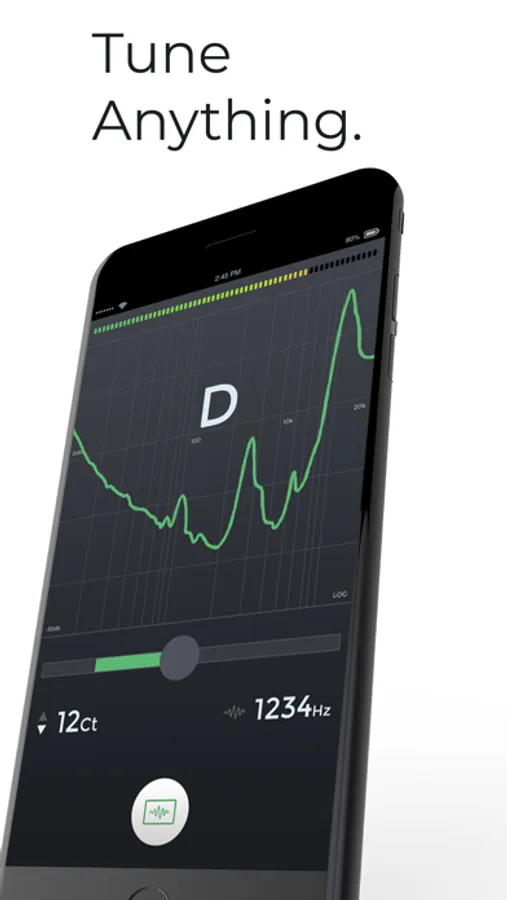
The spectrum analyzer provides a visual feedback of the notes played by the instrument and shows a small arrow to highlight the harmonic whose pitch the tuner is tracking.
•||| Instruments |||•
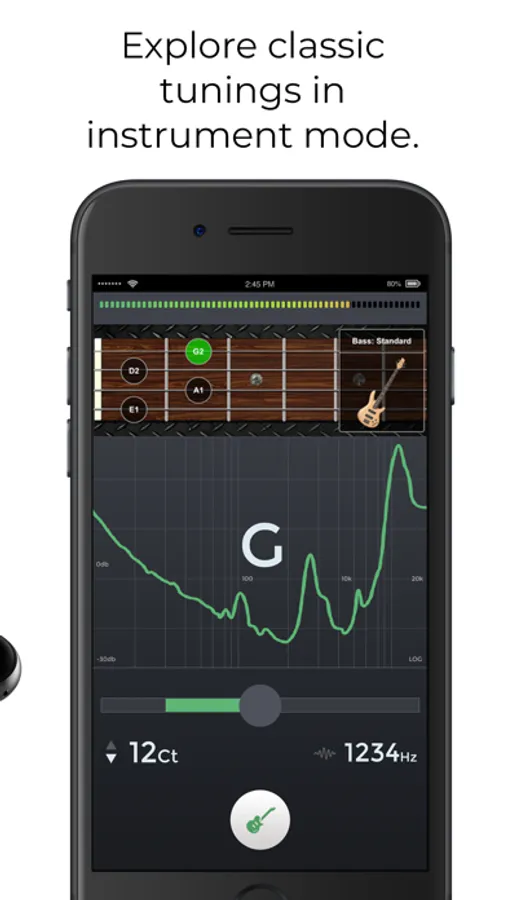
Use the manual mode to select and tune each string according to the selected instrument tuning (guitar, bass, violin, viola, cello, double bass, banjo, ukulele, mandolin, harp, and piano)
Get the pro version to unlock all instruments views.
•||| Tune Fork |||•
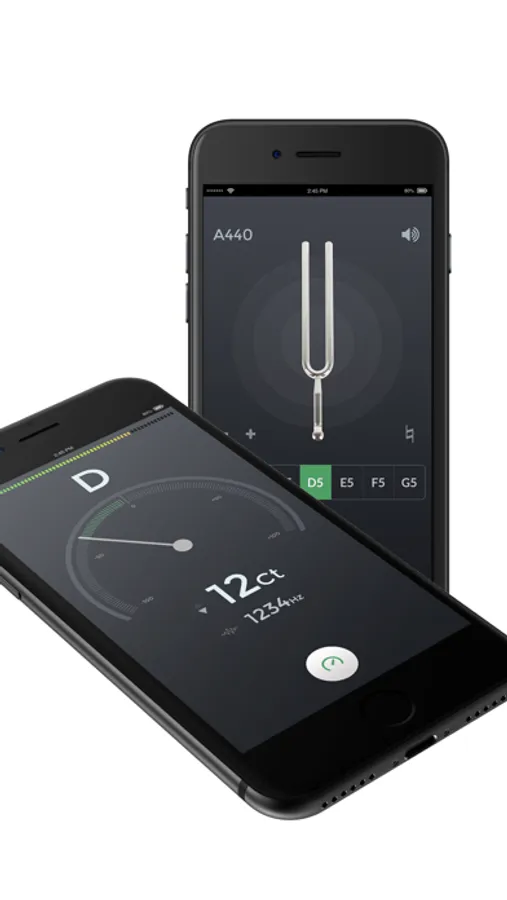
For those who prefer to manually tune their instrument the 'Diapason' view lets you play a reference tone, 'A' (440 hz) or any other note that you can select dragging the frequency slider.
•||| Needle |||•
A handy old style tuner to accurately detect the frequencies of your instrument.
•||| Sonogram |||• (PRO feature)
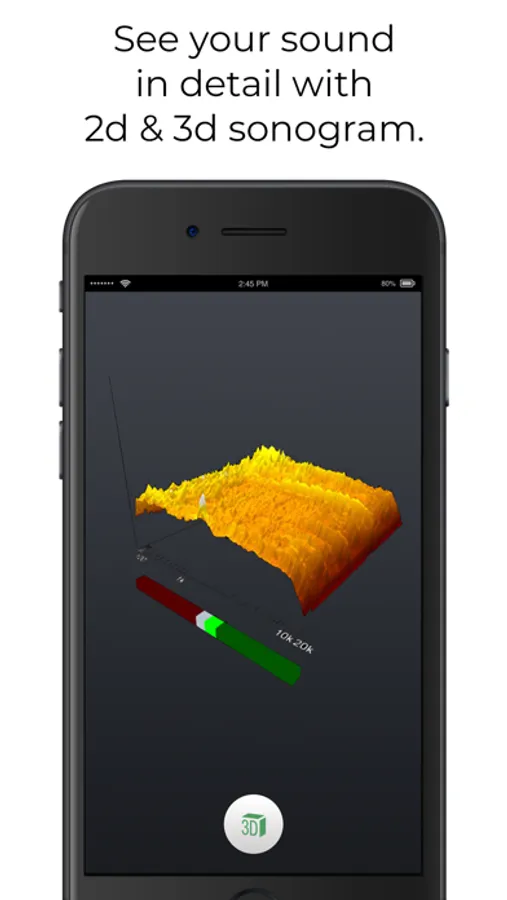
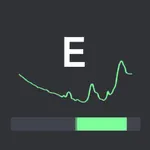
The "Sonogram" tab shows how the frequency spectrum evolves with time, and shows how the note that the tuner is following evolves by tracing a green line.
•||| 3D view |||• (PRO feature)
3D view lets you follow how the audio spectrum changes over time.
ADVANCED FEATURES
• adjust tuning sensitivity and precision up to 0.1 cents
• western and latin note namings, alternate temperaments
• calibrate the tuner for non-standard tunings: tune the reference note, tap on the display and select 'Calibrate' to set the note as the new reference
• adjust the spectrum analyzer visualization options, select thicker spectrum lines, smooth out or highlights peaks, increase or decrease spectrum accuracy, zoom into a specific area of the spectrum
Contact us: http://ntrack.com/support
Use this tuner in an easy, intuitive and free way with the integrated microphone of your smartphone.
Downloaded over 5 million times!
Just put your iPhone, iPod Touch or iPad next to your instrument and play each string.
High precision and sensitivity thanks to the advanced audio recognition algorithm also used for n-Track Studio 8.
n-Track Tuner works great as a guitar tuner, violin, viola, violoncello, bass, piano and wind instruments tuner.
NEW: 6 different views:
•||| Spectrum Analyzer |||•
The spectrum analyzer provides a visual feedback of the notes played by the instrument and shows a small arrow to highlight the harmonic whose pitch the tuner is tracking.
•||| Instruments |||•
Use the manual mode to select and tune each string according to the selected instrument tuning (guitar, bass, violin, viola, cello, double bass, banjo, ukulele, mandolin, harp, and piano)
Get the pro version to unlock all instruments views.
•||| Tune Fork |||•
For those who prefer to manually tune their instrument the 'Diapason' view lets you play a reference tone, 'A' (440 hz) or any other note that you can select dragging the frequency slider.
•||| Needle |||•
A handy old style tuner to accurately detect the frequencies of your instrument.
•||| Sonogram |||• (PRO feature)
The "Sonogram" tab shows how the frequency spectrum evolves with time, and shows how the note that the tuner is following evolves by tracing a green line.
•||| 3D view |||• (PRO feature)
3D view lets you follow how the audio spectrum changes over time.
ADVANCED FEATURES
• adjust tuning sensitivity and precision up to 0.1 cents
• western and latin note namings, alternate temperaments
• calibrate the tuner for non-standard tunings: tune the reference note, tap on the display and select 'Calibrate' to set the note as the new reference
• adjust the spectrum analyzer visualization options, select thicker spectrum lines, smooth out or highlights peaks, increase or decrease spectrum accuracy, zoom into a specific area of the spectrum
Contact us: http://ntrack.com/support