Ringer - Ringtone Maker
Pixel Research Labs, Inc.
4.0 ★
store rating
$1.99
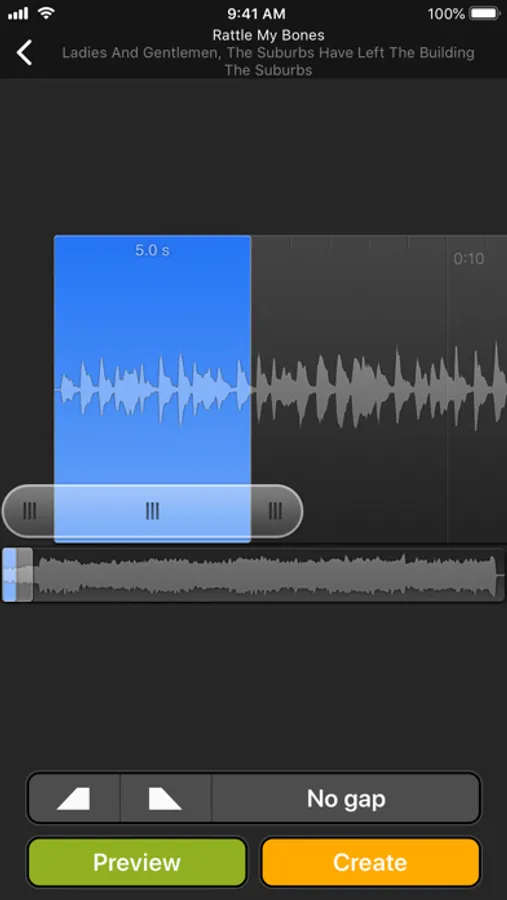
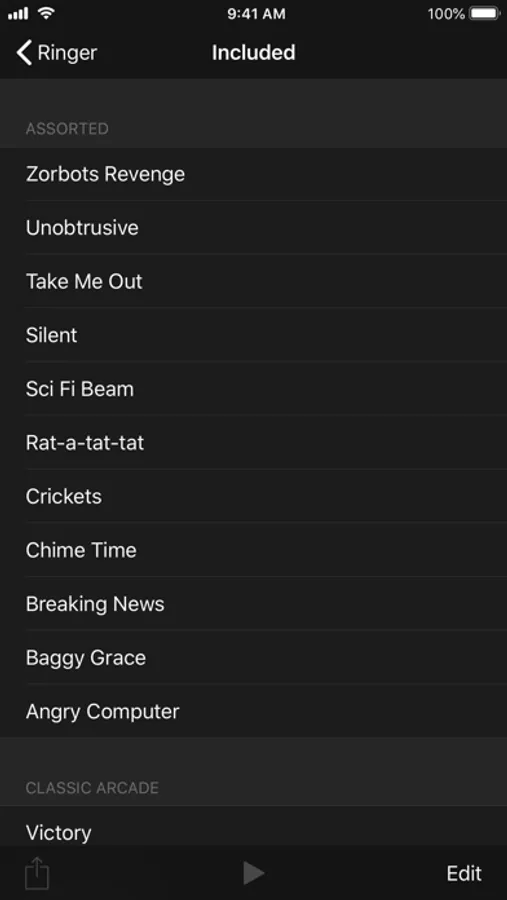
With this ringtone maker app, you can create custom ringtones, text tones, and alert tones from songs, videos, or recordings by selecting specific parts and applying effects. Includes waveform visualization, zoom control, fade options, and auto volume adjustment.
AppRecs review analysis
AppRecs rating 3.5. Trustworthiness 70 out of 100. Review manipulation risk 30 out of 100. Based on a review sample analyzed.
★★★☆☆
3.5
AppRecs Rating
Ratings breakdown
5 star
66%
4 star
7%
3 star
4%
2 star
4%
1 star
18%
What to know
✓
Good user ratings
73% positive sampled reviews
✓
Authentic reviews
Natural distribution, no red flags
About Ringer - Ringtone Maker
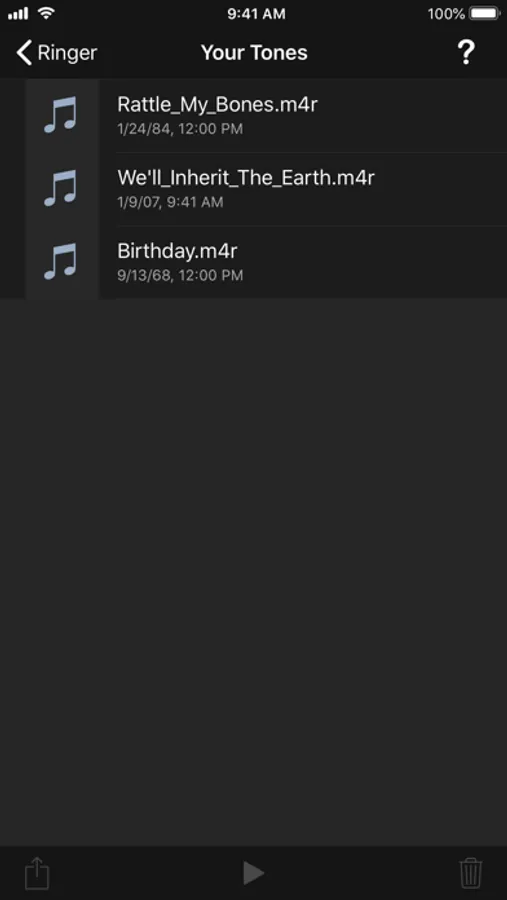
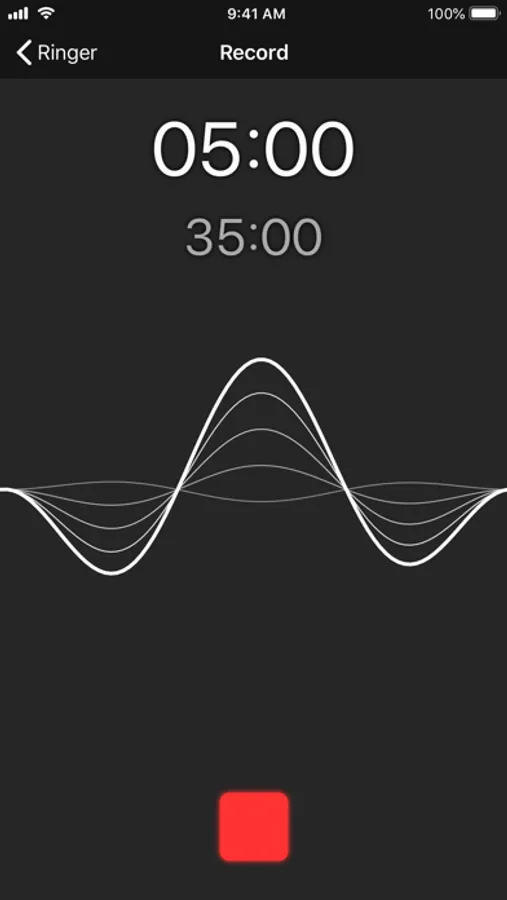
Ringer is the premiere ringtone creation app on the app store. Make a personal ringtone from any unprotected song in your iTunes Library, video in your photo library, or direct recording. Ringer lets you easily make a ringtone from 2 to 40 seconds long.
Features:
- Fully iOS 12 compatible.
- Makes ringtones, text tones, and alert tones.
- See the actual waveform to help you find the right part of your song.
- Zoom in and out to help you choose the start and end of your ringtone with sub-second accuracy.
- Support for fade-in, fade-out and ringtone gap.
- Song navigator lets you jump to any part of the song instantly.
- Auto volume support makes sure that quiet parts of a song can still be used as a ringtone.
- Landscape mode to provide a larger view on your music.
Note:
- Songs that are protected by DRM cannot be used.
- No app can install ringtones on the phone. Ringtones must be imported into iTunes and synced to the phone before they can be used.
Features:
- Fully iOS 12 compatible.
- Makes ringtones, text tones, and alert tones.
- See the actual waveform to help you find the right part of your song.
- Zoom in and out to help you choose the start and end of your ringtone with sub-second accuracy.
- Support for fade-in, fade-out and ringtone gap.
- Song navigator lets you jump to any part of the song instantly.
- Auto volume support makes sure that quiet parts of a song can still be used as a ringtone.
- Landscape mode to provide a larger view on your music.
Note:
- Songs that are protected by DRM cannot be used.
- No app can install ringtones on the phone. Ringtones must be imported into iTunes and synced to the phone before they can be used.