AppRecs review analysis
AppRecs rating 4.5. Trustworthiness 45 out of 100. Review manipulation risk 25 out of 100. Based on a review sample analyzed.
★★★★☆
4.5
AppRecs Rating
Ratings breakdown
5 star
0%
4 star
0%
3 star
100%
2 star
0%
1 star
0%
About Photo Arrangement LITE
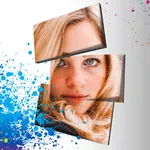
The photoarrangement can perform various arrangement for the image which I photographed with iPhone camera or the image in the camera roll.
◆How to use
The operation function explanation of each screen. ※explain an icon under the screen sequentially from the left
[An image choice screen]
Camera - By camera photography, decide the image of the editing object.
Album - Choose the image of the editing object than a camera roll.
Turn - Turn with an image.
Resolution change - Set the resolution after the change.
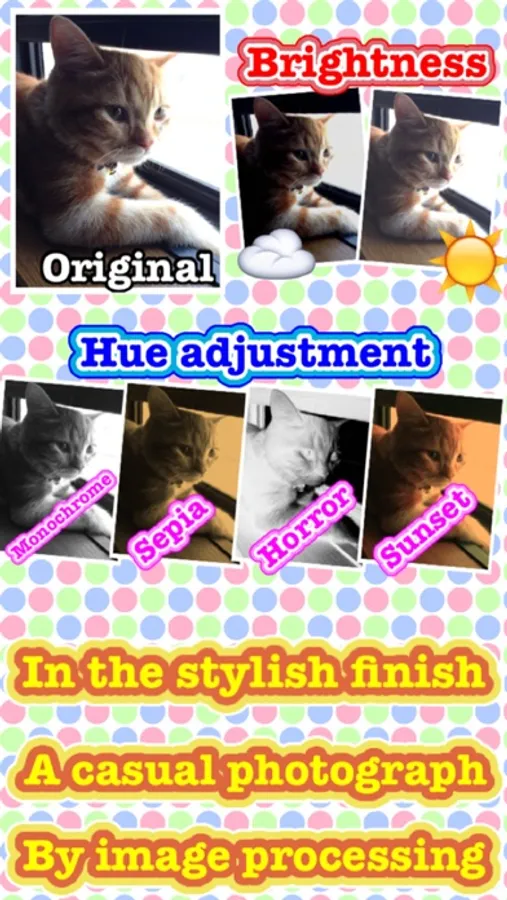
Hues change - Set the hues after the change.
Save function
・Save - Store a current image in a camera roll.
・File format change - Set the file format after the change.
Editing - Edit a chosen image.
[An editing screen]
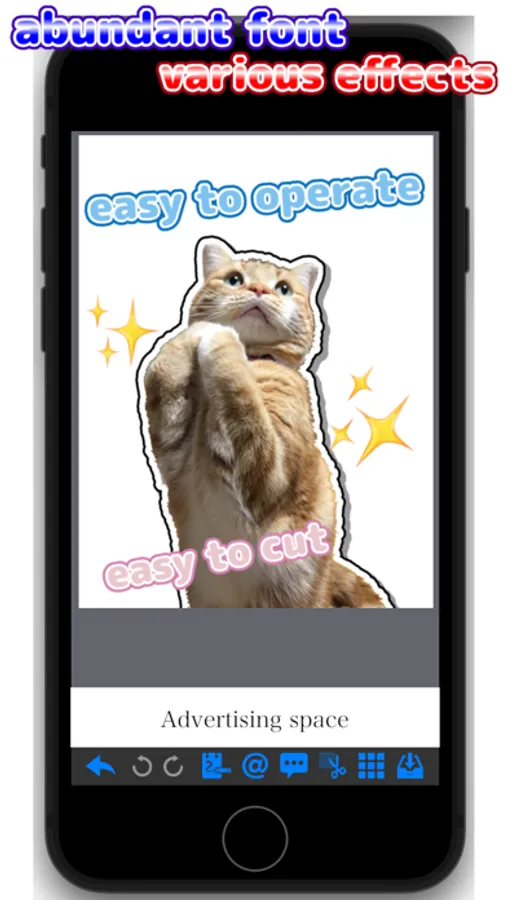
Back - Return to an image choice screen.
Undo - Return the editing of the image.
Redo - Next the editing of the image.
Palette - Display the editing palette.
Text - Display the editing text.
Stamp & balloon - Display the editing stamp & balloon.
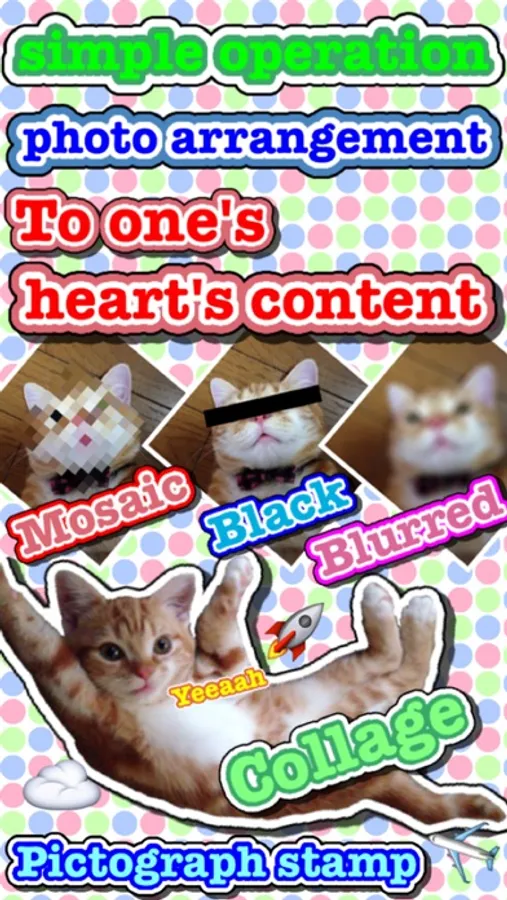
Collage - Select collage image from album.
Mosaic - Display the editing mosaic.
Save function
・Save - Store a current image in a camera roll.
・Resolution change - Set the resolution after the change.
・File format change - Set the file format after the change.
・Clear - Delete all the editing of the image.
[Operation of the editing]
Zoom: Pinch in / Pinch out
Scroll: Two finger drugs
◆ An inquiry
If there are an opinion, a question, please contact it to [support@sa0001.mbsrv.net]
◆How to use
The operation function explanation of each screen. ※explain an icon under the screen sequentially from the left
[An image choice screen]
Camera - By camera photography, decide the image of the editing object.
Album - Choose the image of the editing object than a camera roll.
Turn - Turn with an image.
Resolution change - Set the resolution after the change.
Hues change - Set the hues after the change.
Save function
・Save - Store a current image in a camera roll.
・File format change - Set the file format after the change.
Editing - Edit a chosen image.
[An editing screen]
Back - Return to an image choice screen.
Undo - Return the editing of the image.
Redo - Next the editing of the image.
Palette - Display the editing palette.
Text - Display the editing text.
Stamp & balloon - Display the editing stamp & balloon.
Collage - Select collage image from album.
Mosaic - Display the editing mosaic.
Save function
・Save - Store a current image in a camera roll.
・Resolution change - Set the resolution after the change.
・File format change - Set the file format after the change.
・Clear - Delete all the editing of the image.
[Operation of the editing]
Zoom: Pinch in / Pinch out
Scroll: Two finger drugs
◆ An inquiry
If there are an opinion, a question, please contact it to [support@sa0001.mbsrv.net]