Use this healthcare documentation app to record shift notes, capture photos, and collect service data remotely. Includes password reset, schedule viewing, and GPS features.
AppRecs review analysis
AppRecs rating 2.9. Trustworthiness 80 out of 100. Review manipulation risk 22 out of 100. Based on a review sample analyzed.
★★☆☆☆
2.9
AppRecs Rating
Ratings breakdown
5 star
37%
4 star
10%
3 star
10%
2 star
7%
1 star
36%
What to know
✓
Low review manipulation risk
22% review manipulation risk
✓
Credible reviews
80% trustworthiness score from analyzed reviews
⚠
High negative review ratio
43% of sampled ratings are 1–2 stars
About Therap
** Note **
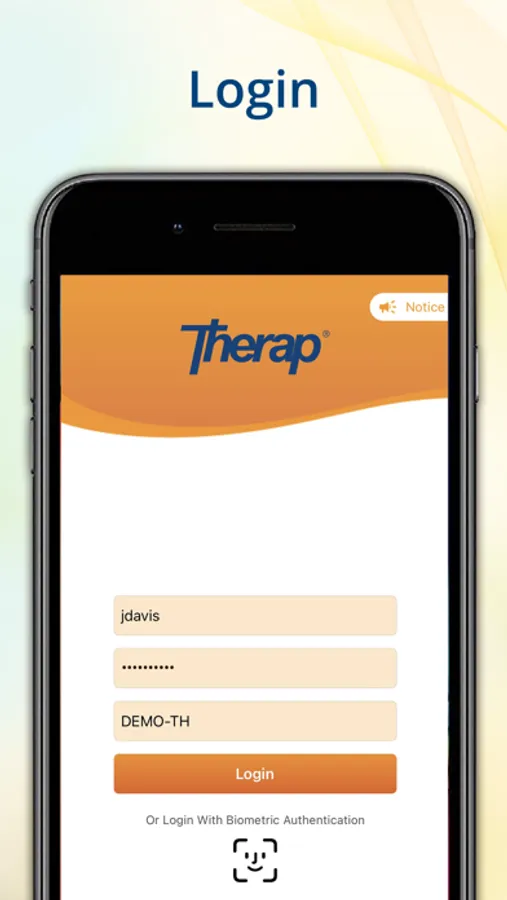
1. The Therap for iOS app is designed to be used by people who already have an active Therap account with the appropriate permissions. If you cannot log into the app or you do not see the functionality you expect, please contact your Provider Administrator.
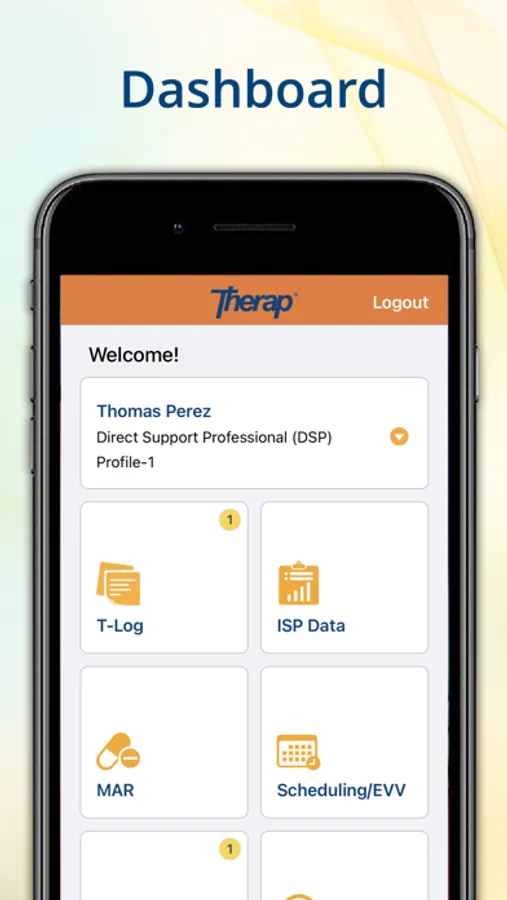
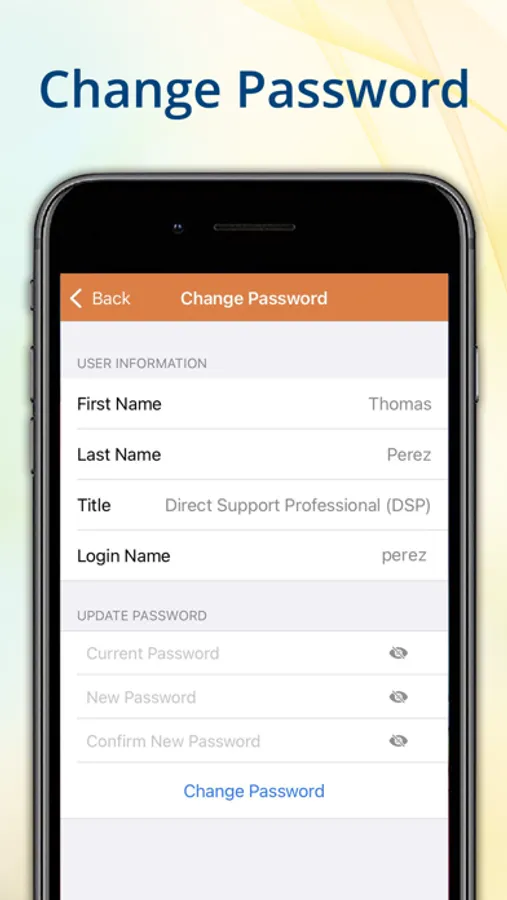
2. Users with the Reset Password administrative role will be able to access 'Password Reset' section from their dashboard. Users who have both the 'Reset Password' administrative and 'Super Admin' roles enabled can change the password for the users of their agencies.
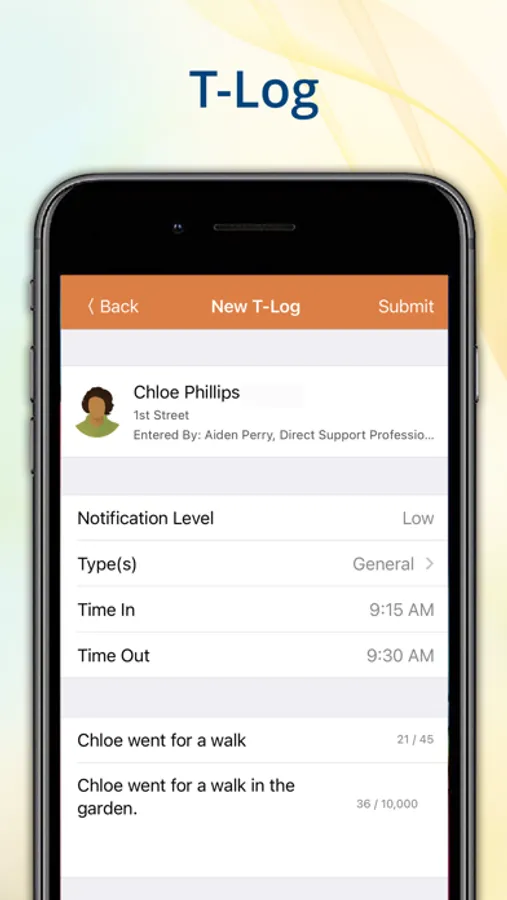
3. Access to the T-Log module requires the 'T-Log' role to be enabled by a Provider Administrator who has the Mobile T-Log enabled in their Admin Settings.
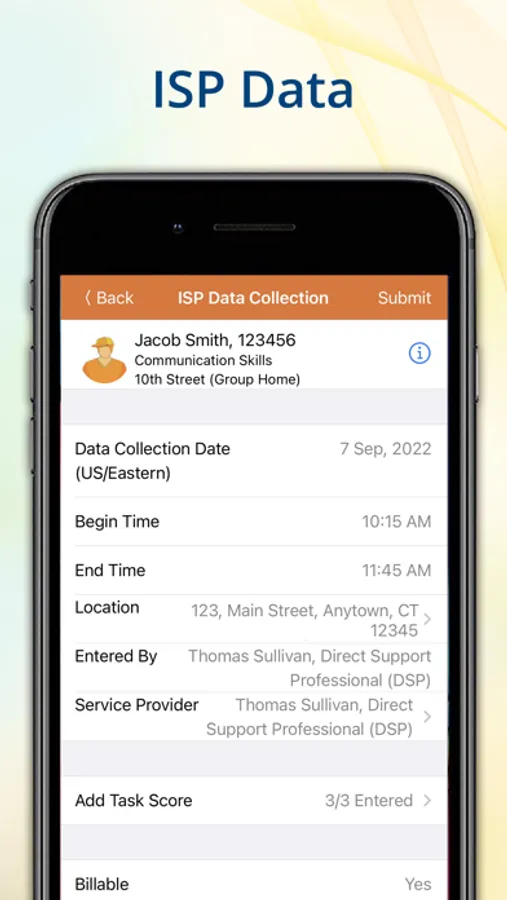
4. Users with the 'ISP Data' role enabled will have access to Mobile ISP Data module after it has been enabled.
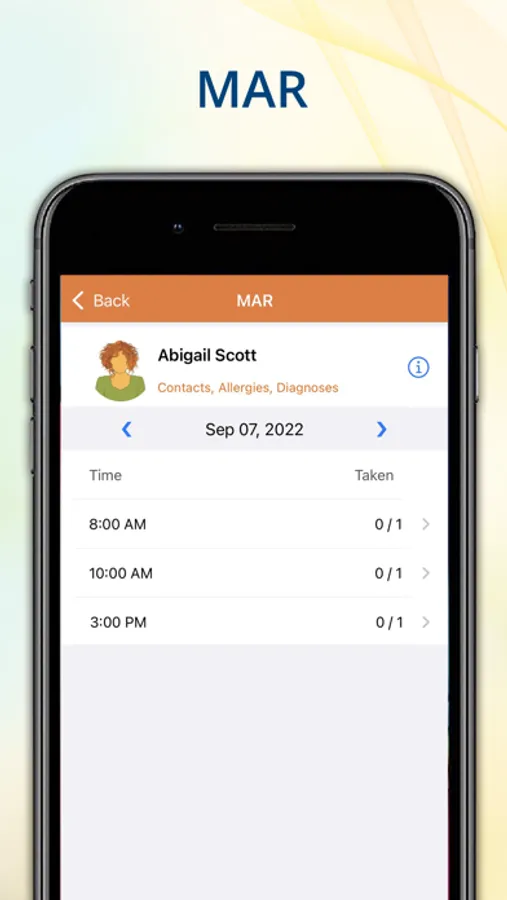
5. Users with the ‘MAR Data Update’ role are able to edit Scheduled, PRN and Other medications from their mobile devices.
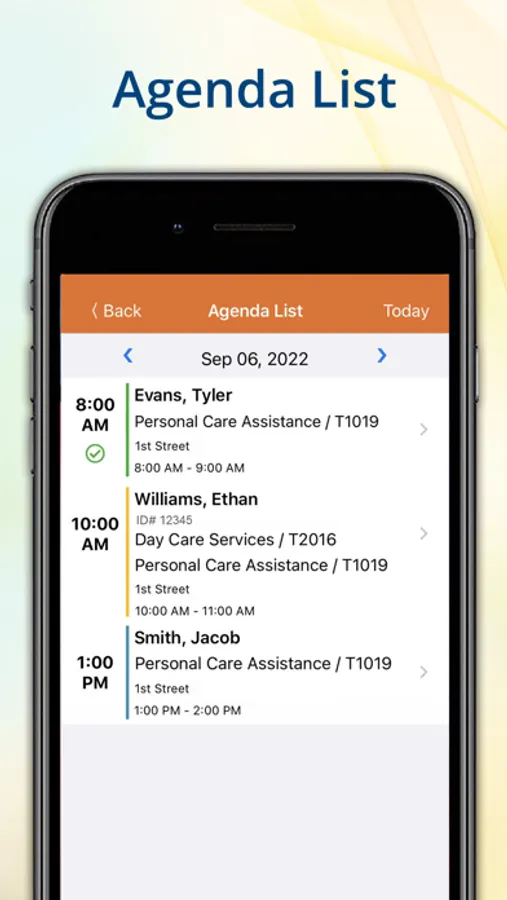
6. Users would be able to access the Scheduling/EVV module section from their dashboard if Mobile Scheduling is enabled for the provider.
** Description **
The Therap iOS application offers HIPAA compliant tools for Developmental Disabilities and Long-term services and supports (LTSS) to document shifts notes/progress notes, collecting service data in the home or community setting and resetting passwords remotely. The T-Log, ISP Data, MAR and Scheduling/EVV modules are currently available on the iOS app along with a password reset feature for agency administrators.
With the Therap iOS app, users can:
• Directly submit shift notes or progress notes from their handheld devices
• Capture date and time stamped photos of activities and supports
• Ensure proof of service delivery with GPS tracking and electronic signatures
• Quickly reset passwords of staff members
• Access to view schedules for a particular date on the Agenda List page
• Option to check in, check out and add comments after the service delivery
1. The Therap for iOS app is designed to be used by people who already have an active Therap account with the appropriate permissions. If you cannot log into the app or you do not see the functionality you expect, please contact your Provider Administrator.
2. Users with the Reset Password administrative role will be able to access 'Password Reset' section from their dashboard. Users who have both the 'Reset Password' administrative and 'Super Admin' roles enabled can change the password for the users of their agencies.
3. Access to the T-Log module requires the 'T-Log' role to be enabled by a Provider Administrator who has the Mobile T-Log enabled in their Admin Settings.
4. Users with the 'ISP Data' role enabled will have access to Mobile ISP Data module after it has been enabled.
5. Users with the ‘MAR Data Update’ role are able to edit Scheduled, PRN and Other medications from their mobile devices.
6. Users would be able to access the Scheduling/EVV module section from their dashboard if Mobile Scheduling is enabled for the provider.
** Description **
The Therap iOS application offers HIPAA compliant tools for Developmental Disabilities and Long-term services and supports (LTSS) to document shifts notes/progress notes, collecting service data in the home or community setting and resetting passwords remotely. The T-Log, ISP Data, MAR and Scheduling/EVV modules are currently available on the iOS app along with a password reset feature for agency administrators.
With the Therap iOS app, users can:
• Directly submit shift notes or progress notes from their handheld devices
• Capture date and time stamped photos of activities and supports
• Ensure proof of service delivery with GPS tracking and electronic signatures
• Quickly reset passwords of staff members
• Access to view schedules for a particular date on the Agenda List page
• Option to check in, check out and add comments after the service delivery