Panasonic Wireless Projector
Panasonic Connect Co., Ltd.
3.0 ★
store rating
Free
AppRecs review analysis
AppRecs rating 2.8. Trustworthiness 78 out of 100. Review manipulation risk 24 out of 100. Based on a review sample analyzed.
★★☆☆☆
2.8
AppRecs Rating
Ratings breakdown
5 star
43%
4 star
7%
3 star
14%
2 star
7%
1 star
29%
What to know
✓
Low review manipulation risk
24% review manipulation risk
✓
Credible reviews
78% trustworthiness score from analyzed reviews
About Panasonic Wireless Projector
Enables wireless projection with your Panasonic projector/display and iPad/iPhone/iPod touch!
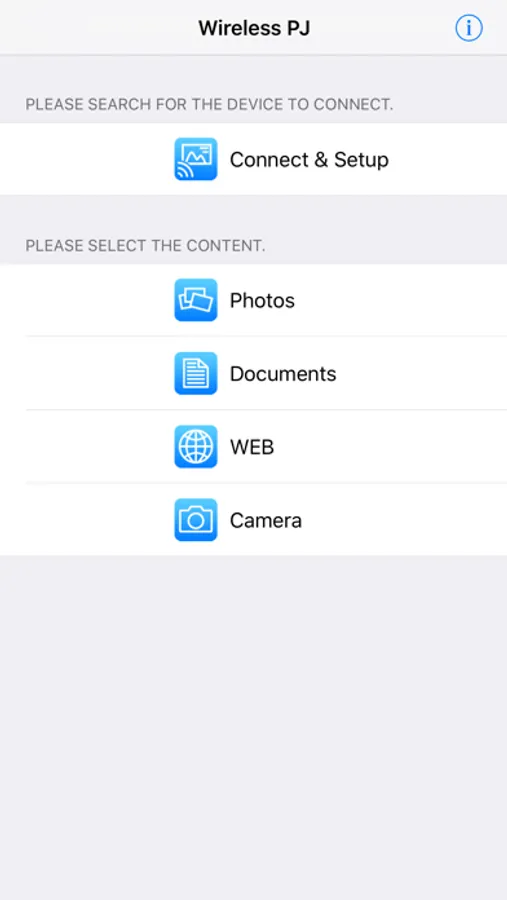
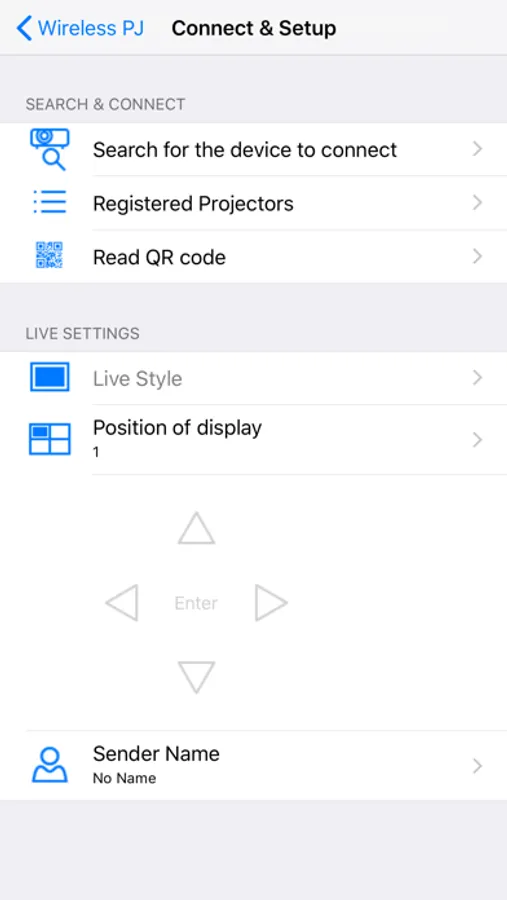
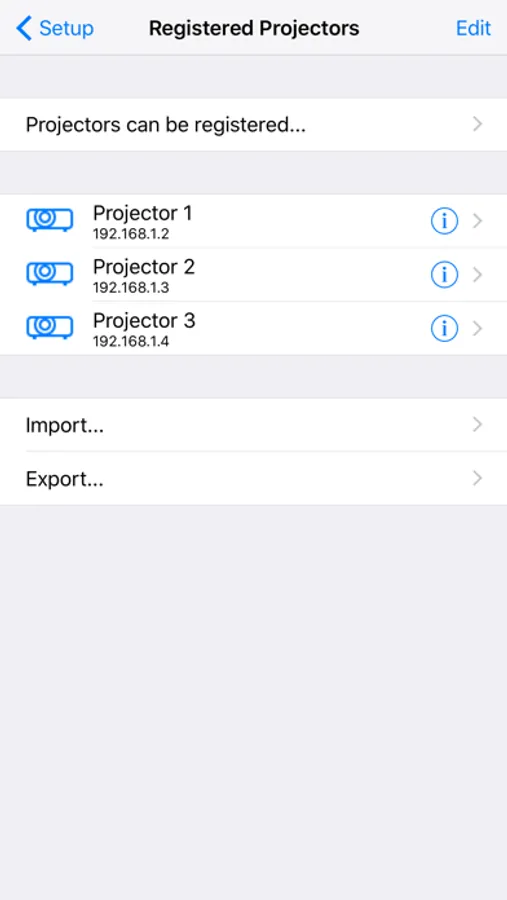
Panasonic Wireless Projector is an application which enables wireless projection of PDF, PowerPoint, Image files, websites or photos taken by the built-in camera, on your iPad/iPhone/iPod touch to Panasonic wireless compatible projectors/displays via Wi-Fi.
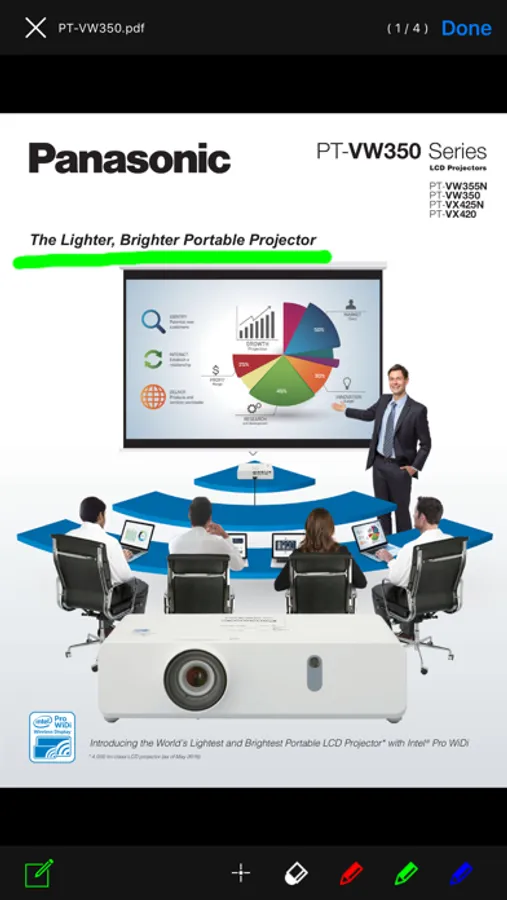
You can project documents which are transferred to and shared with iPad/iPhone/iPod touch via iTunes or Images which are stored in Photo Albums or by taking with the built in camera. You can also rotate, zoom in or out by pinching, flicking the pages.
You can project websites with the built-in WEB browser.
To display a Keynote or PowerPoint presentation in page units, first convert it into a PDF document.
See the following website for supported projectors and displays.
https://panasonic.net/cns/projector/support/portal/
iOS 9 / 10 / 11 / 12 / 13 tested
Panasonic Wireless Projector is an application which enables wireless projection of PDF, PowerPoint, Image files, websites or photos taken by the built-in camera, on your iPad/iPhone/iPod touch to Panasonic wireless compatible projectors/displays via Wi-Fi.
You can project documents which are transferred to and shared with iPad/iPhone/iPod touch via iTunes or Images which are stored in Photo Albums or by taking with the built in camera. You can also rotate, zoom in or out by pinching, flicking the pages.
You can project websites with the built-in WEB browser.
To display a Keynote or PowerPoint presentation in page units, first convert it into a PDF document.
See the following website for supported projectors and displays.
https://panasonic.net/cns/projector/support/portal/
iOS 9 / 10 / 11 / 12 / 13 tested