AppRecs review analysis
AppRecs rating 1.5. Trustworthiness 80 out of 100. Review manipulation risk 29 out of 100. Based on a review sample analyzed.
★☆☆☆☆
1.5
AppRecs Rating
Ratings breakdown
5 star
0%
4 star
17%
3 star
0%
2 star
0%
1 star
83%
What to know
✓
Low review manipulation risk
29% review manipulation risk
✓
Credible reviews
80% trustworthiness score from analyzed reviews
⚠
Mixed user feedback
Average 1.5★ rating suggests room for improvement
About My Buttons
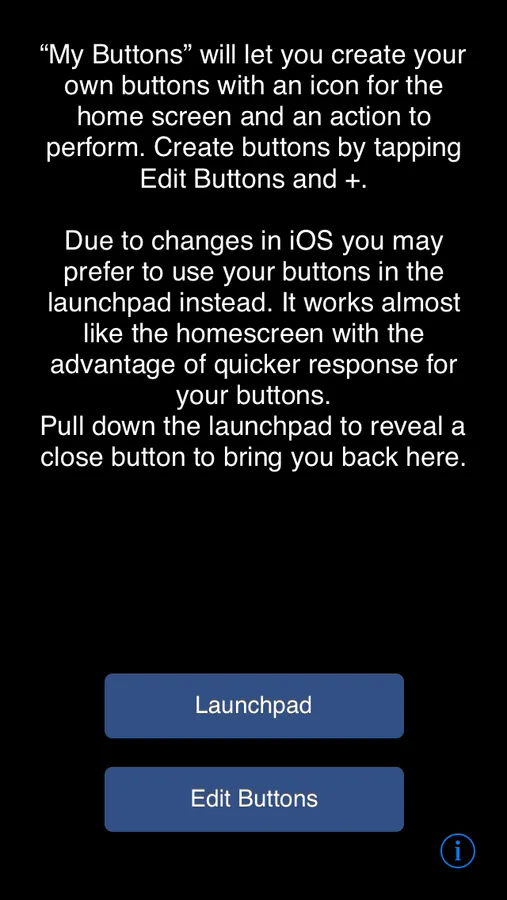
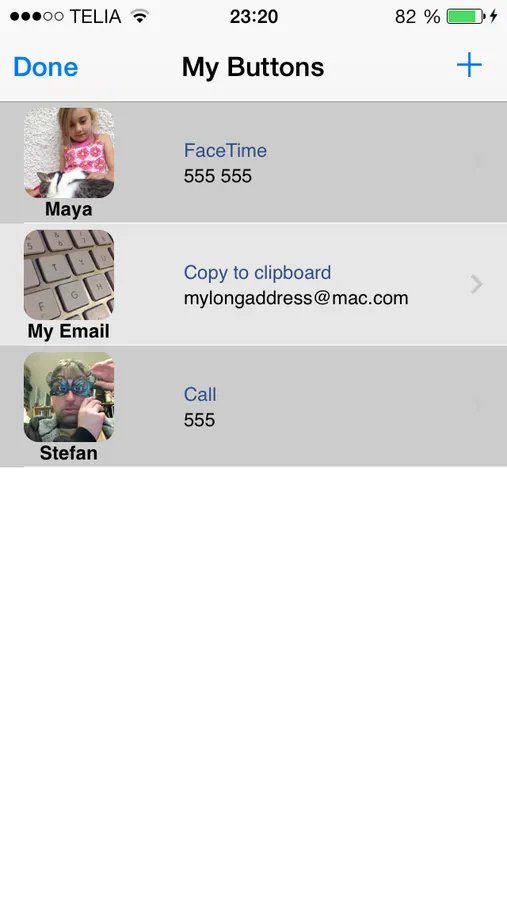
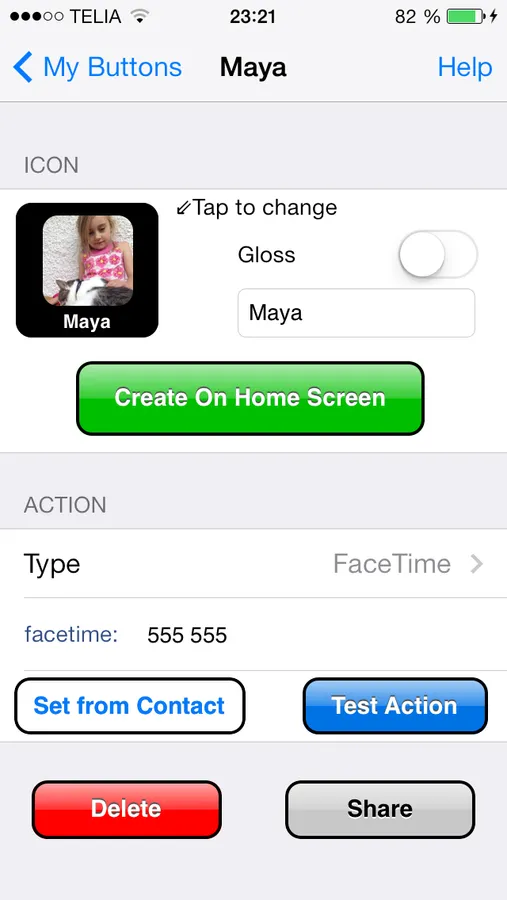
“My Buttons” will let you create your own buttons with an icon for the home screen and an action to perform. The action can be to make a call or any of the other types listed below.
There are other apps that do similar things but here are a some unique features only found in “My Buttons”:
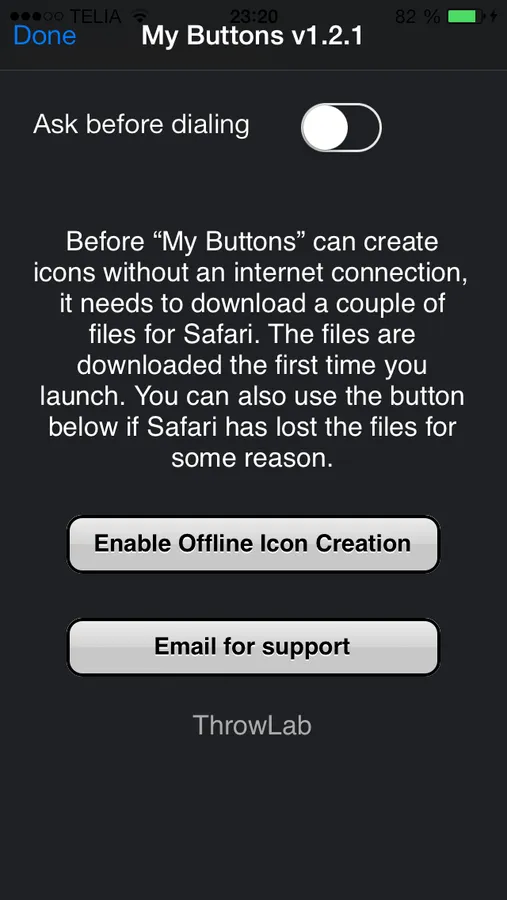
-Internet connection is only needed on the first launch of “My Buttons”. Nothing will be sent on the internet. All other icon creation apps send the icon-image to a server.
-The action can be changed without recreating the icon.
-You can have a collection of buttons stored in the app and create them on the home screen at any time.
-You can share your buttons via email. Your friends can use them after installing “My Buttons”.
-You can configure custom schemes that will let you launch other apps like skype for example.
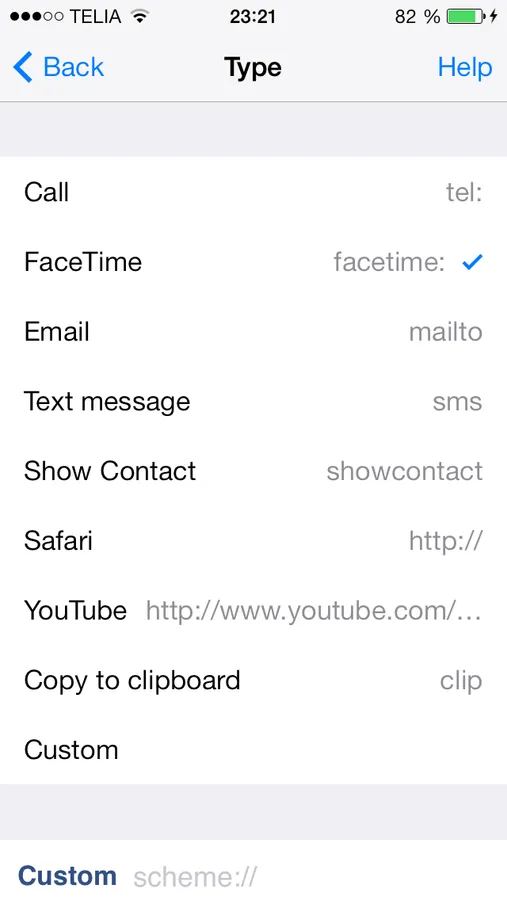
List of Action types:
Call
FaceTime
Email
Text message (sms)
Show contact (you choose an action every time)
Safari (open web page)
YouTube (open a video)
Copy to clipboard (any text that you can later paste)
Custom
There are other apps that do similar things but here are a some unique features only found in “My Buttons”:
-Internet connection is only needed on the first launch of “My Buttons”. Nothing will be sent on the internet. All other icon creation apps send the icon-image to a server.
-The action can be changed without recreating the icon.
-You can have a collection of buttons stored in the app and create them on the home screen at any time.
-You can share your buttons via email. Your friends can use them after installing “My Buttons”.
-You can configure custom schemes that will let you launch other apps like skype for example.
List of Action types:
Call
FaceTime
Text message (sms)
Show contact (you choose an action every time)
Safari (open web page)
YouTube (open a video)
Copy to clipboard (any text that you can later paste)
Custom