Distance Measure
RBetjes
4.4 ★
store rating
Free
AppRecs review analysis
AppRecs rating 4.2. Trustworthiness 74 out of 100. Review manipulation risk 23 out of 100. Based on a review sample analyzed.
★★★★☆
4.2
AppRecs Rating
Ratings breakdown
5 star
68%
4 star
19%
3 star
3%
2 star
3%
1 star
7%
What to know
✓
Low review manipulation risk
23% review manipulation risk
✓
Credible reviews
74% trustworthiness score from analyzed reviews
⚠
Ad complaints
Many low ratings mention excessive ads
About Distance Measure
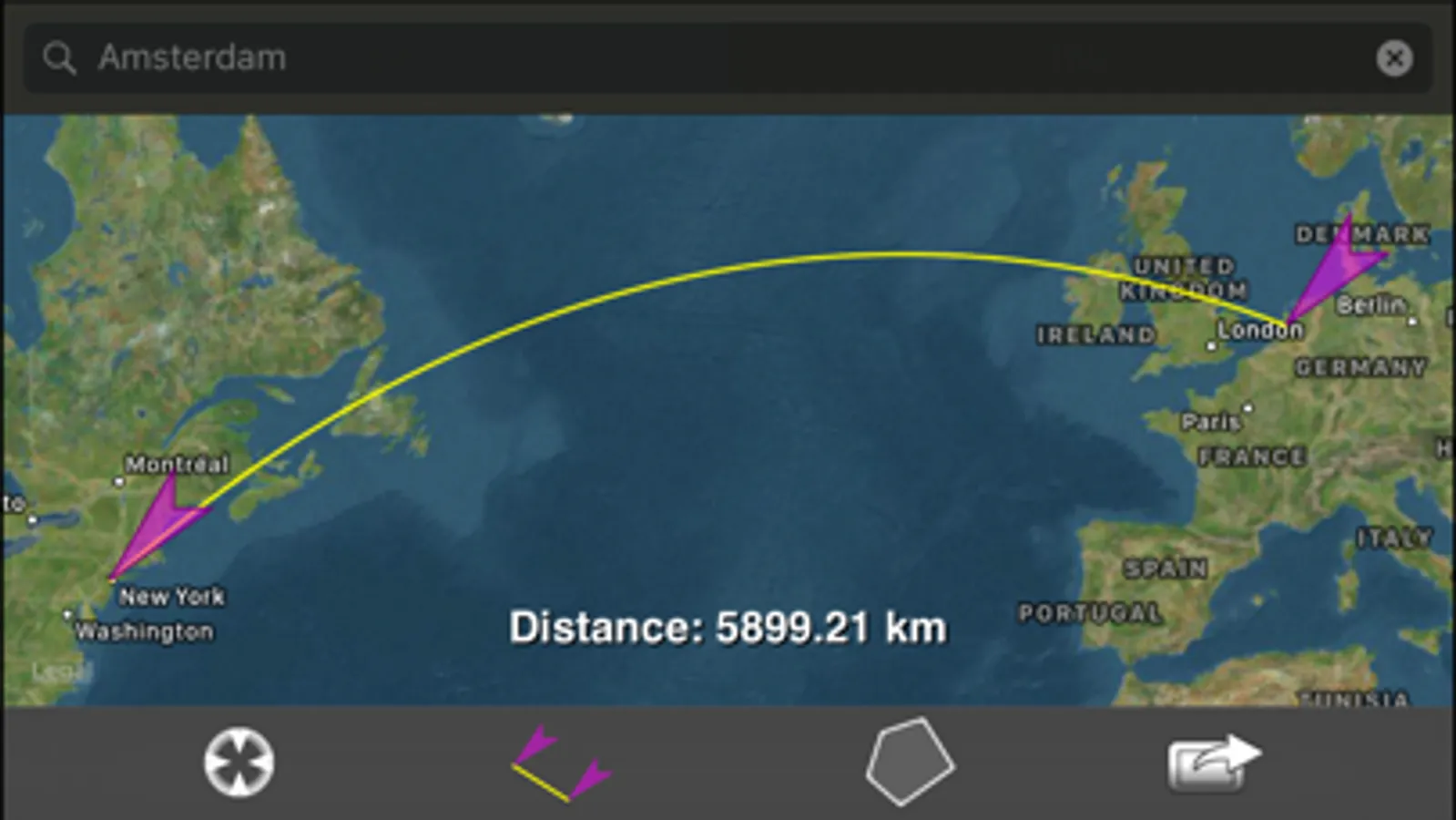
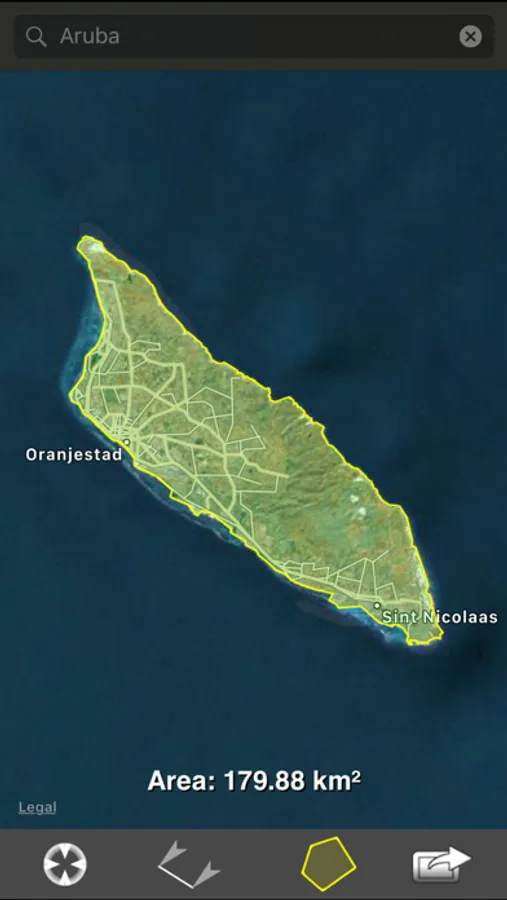
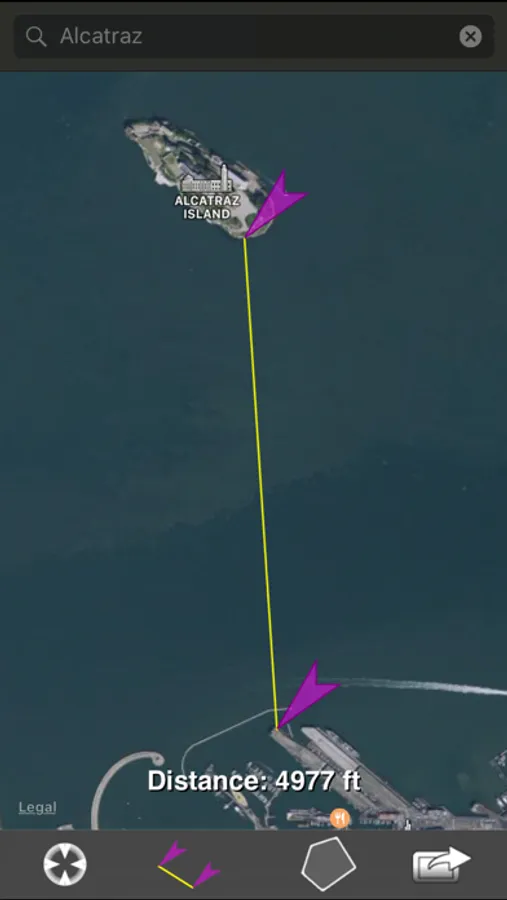
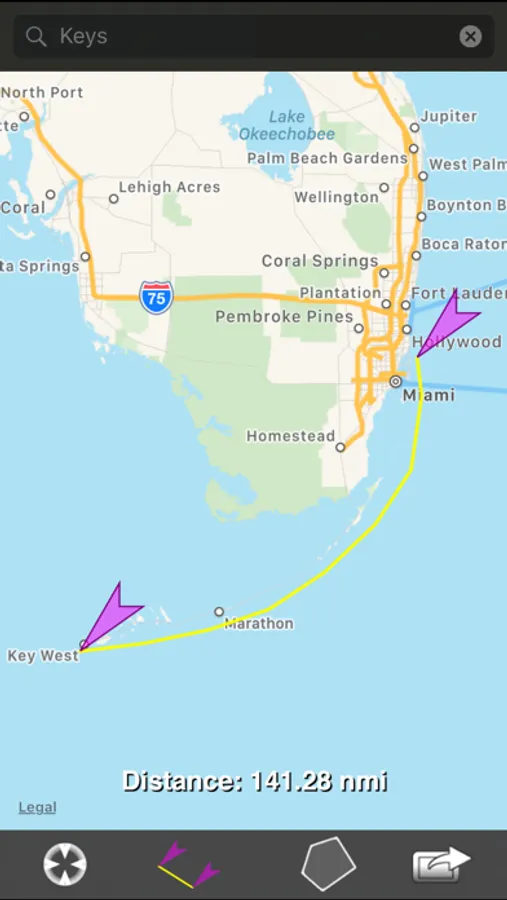
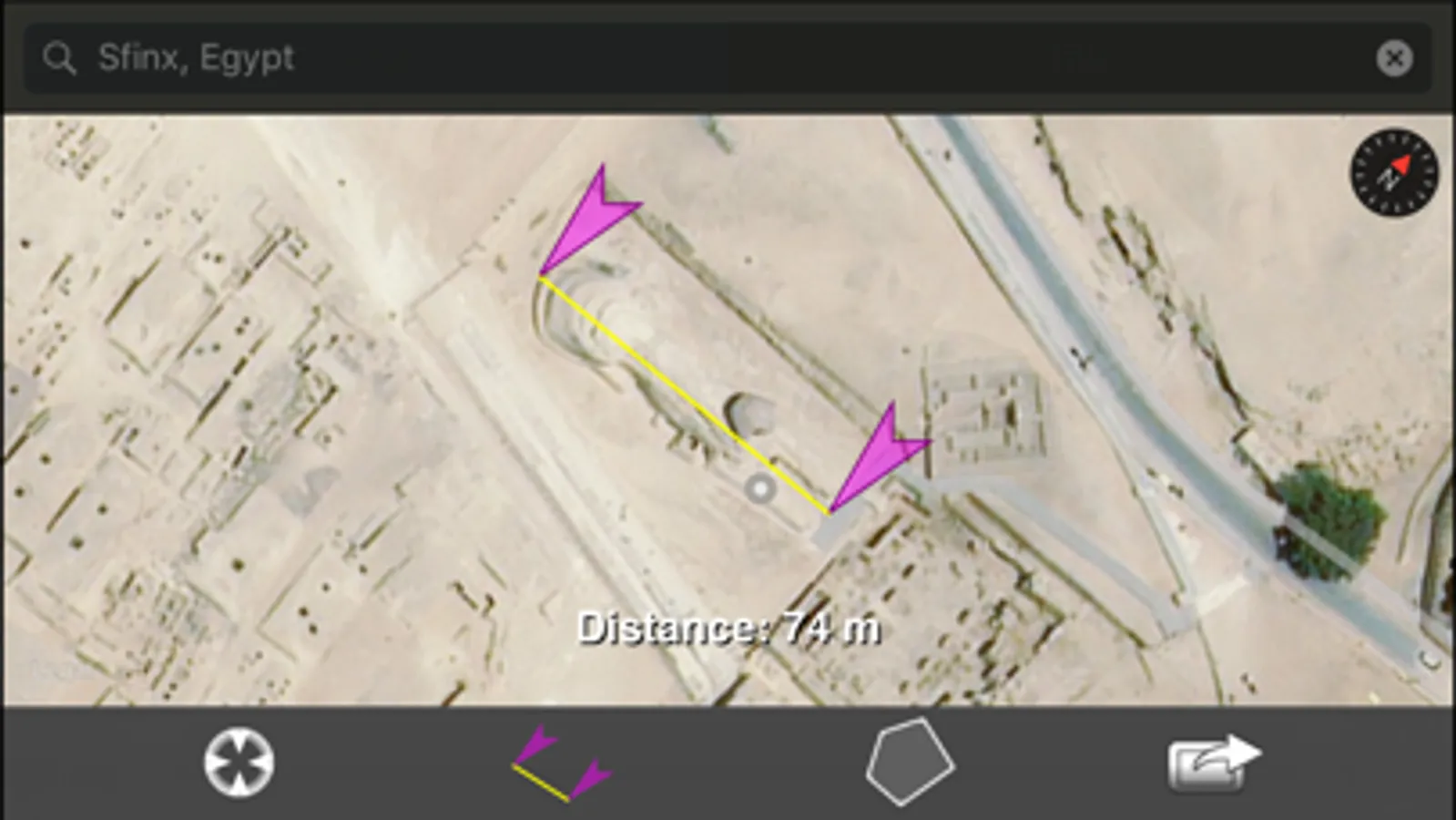
This app lets you measure the point-to-point (great-circle) distance between two or more waypoints on a map or measure the surface area defined by a polygon having three or more points as its corners.
It uses online maps so it needs an internet connection.
Tap and hold to set a new waypoint, tap the options icon to read the manual or to open the settings view to change the map type or the measuring unit. You can choose between (kilo)meters, feet/yards/miles and nautical miles. The options menu also lets you choose to go to the Save/Restore view.
Tap the calculated measurement at the bottom of the map to switch between feet/yards/miles or meters/hectometers/kilometers.
It uses online maps so it needs an internet connection.
Tap and hold to set a new waypoint, tap the options icon to read the manual or to open the settings view to change the map type or the measuring unit. You can choose between (kilo)meters, feet/yards/miles and nautical miles. The options menu also lets you choose to go to the Save/Restore view.
Tap the calculated measurement at the bottom of the map to switch between feet/yards/miles or meters/hectometers/kilometers.