In this educational app, users can explore solid geometry by creating cross-sections of polyhedra with interactive 3D rotation and section plane definitions. Includes tutorials, favorites list, and options for exporting images and information.
AppRecs review analysis
AppRecs rating 4.2. Trustworthiness 68 out of 100. Review manipulation risk 29 out of 100. Based on a review sample analyzed.
★★★★☆
4.2
AppRecs Rating
Ratings breakdown
5 star
87%
4 star
7%
3 star
0%
2 star
3%
1 star
3%
What to know
✓
Low review manipulation risk
29% review manipulation risk
✓
High user satisfaction
87% of sampled ratings are 5 stars
About iCrosss
iCrosss is a unique educational application which will help you learn solid geometry in an easy and funny way.
"It is an extremely well-done interactive encyclopedia of polyhedra" - Kurt Schmucker (Parallels Senior Product Manager)
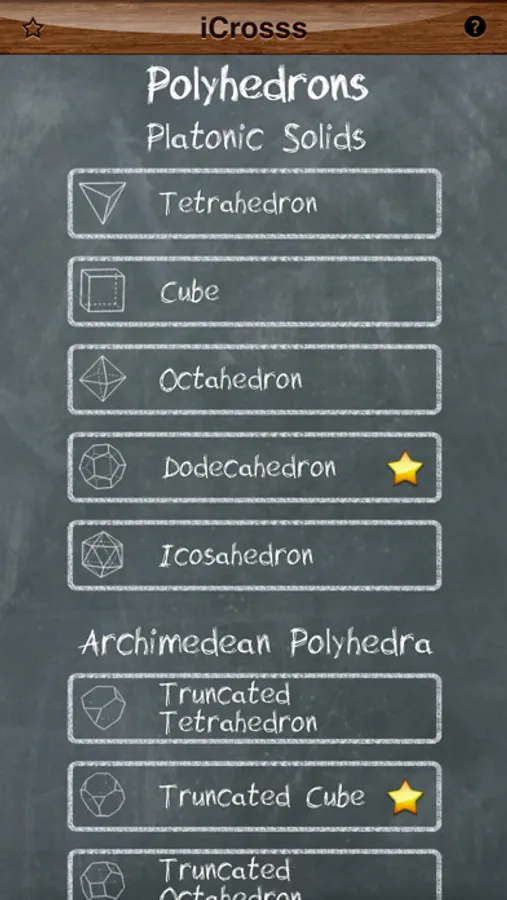
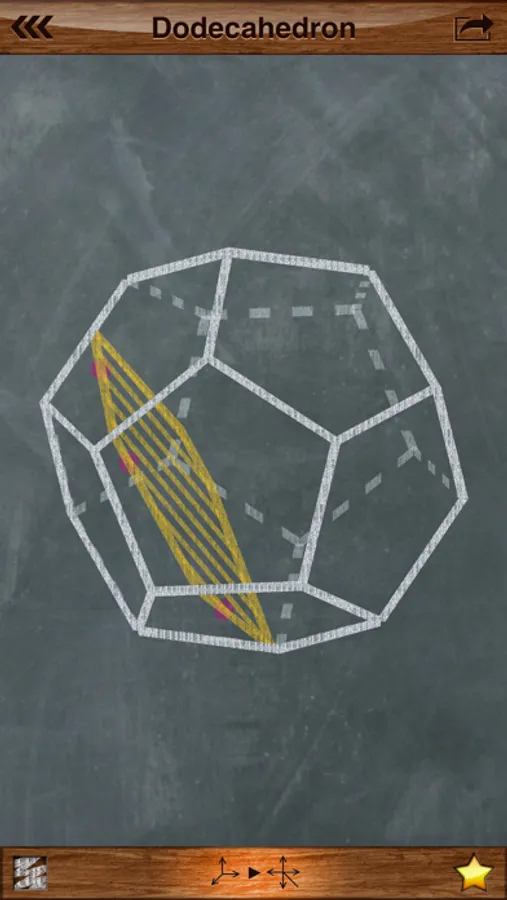
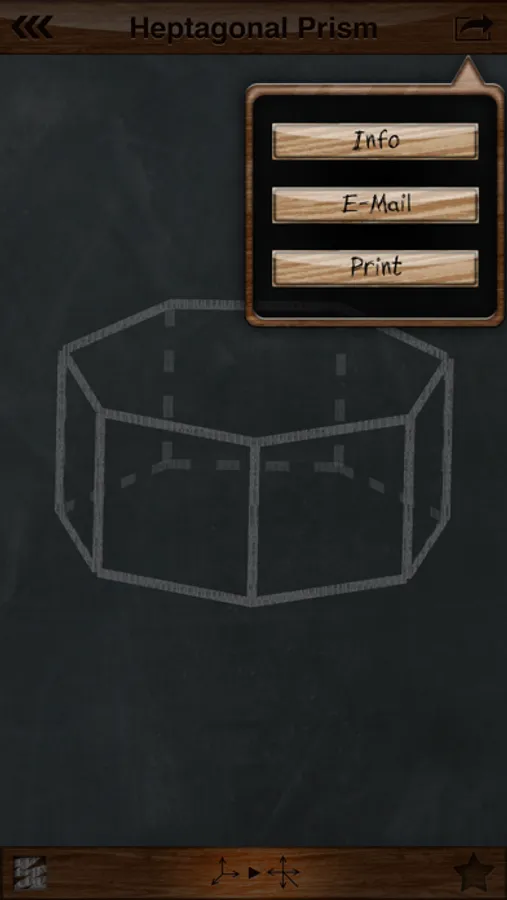
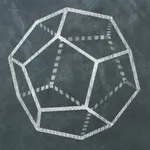
iCrosss allows you to build a cross-section of each available polyhedra by your defined plane. The plane can be defined by three points (taps) on polyhedron faces. The application supports such kinds of polyhedra as regular polyhedra (Platonic solids), Pyramids, Prisms, Anti-prisms and Archimedean solids and duals. Polyhedrons are displayed in 3D representation, which allows you to rotate it in any direction. Cool chalkboard drawing style and fonts were used for awesome look’n’feel. To build a cross-section you have to put three points on polyhedron faces in order to define a section plane.
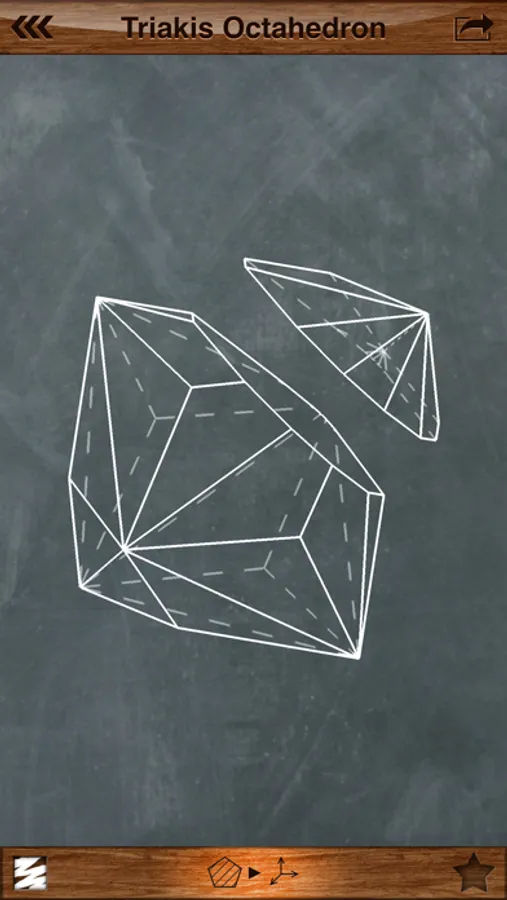
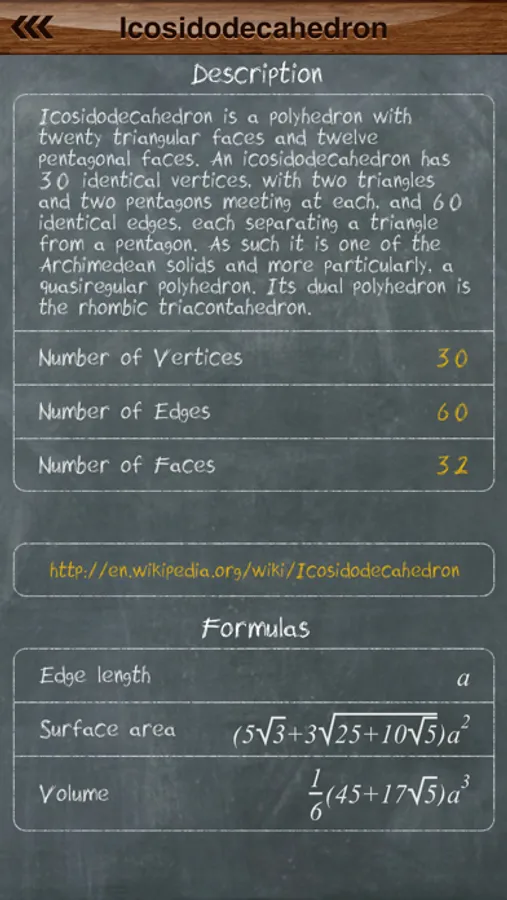
There is several view modes that you can use for better cross-section experience: 3D mode, Épure (3 projections mode), 3D cut mode. 3D cut mode is available only when you have already built cross-section. In this mode you can choose one of two solid pieces of initial polyhedron to continue work with. Available menu for printing and sending via e-mail of the polyhedron or its section. You can access information regarding selected solid, which includes short description, number of faces, vertices, edges, web-link for more information and useful formulas. Polyhedra are organized in simple list divided by categories. Moreover, you can put polyhedrons you like into favorites list. Favorite solids are marked by a golden star and can be rapidly accessed.
A tutorial mode was designed for quick understanding. It will take you through the general application features.
To display formulas custom rendering engine was developed. It visualizes a LaTeX formula format.
"It is an extremely well-done interactive encyclopedia of polyhedra" - Kurt Schmucker (Parallels Senior Product Manager)
iCrosss allows you to build a cross-section of each available polyhedra by your defined plane. The plane can be defined by three points (taps) on polyhedron faces. The application supports such kinds of polyhedra as regular polyhedra (Platonic solids), Pyramids, Prisms, Anti-prisms and Archimedean solids and duals. Polyhedrons are displayed in 3D representation, which allows you to rotate it in any direction. Cool chalkboard drawing style and fonts were used for awesome look’n’feel. To build a cross-section you have to put three points on polyhedron faces in order to define a section plane.
There is several view modes that you can use for better cross-section experience: 3D mode, Épure (3 projections mode), 3D cut mode. 3D cut mode is available only when you have already built cross-section. In this mode you can choose one of two solid pieces of initial polyhedron to continue work with. Available menu for printing and sending via e-mail of the polyhedron or its section. You can access information regarding selected solid, which includes short description, number of faces, vertices, edges, web-link for more information and useful formulas. Polyhedra are organized in simple list divided by categories. Moreover, you can put polyhedrons you like into favorites list. Favorite solids are marked by a golden star and can be rapidly accessed.
A tutorial mode was designed for quick understanding. It will take you through the general application features.
To display formulas custom rendering engine was developed. It visualizes a LaTeX formula format.