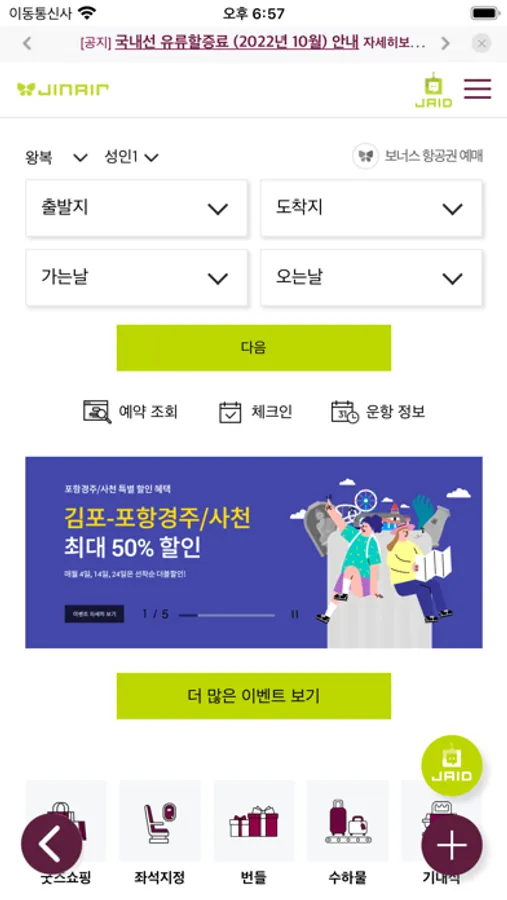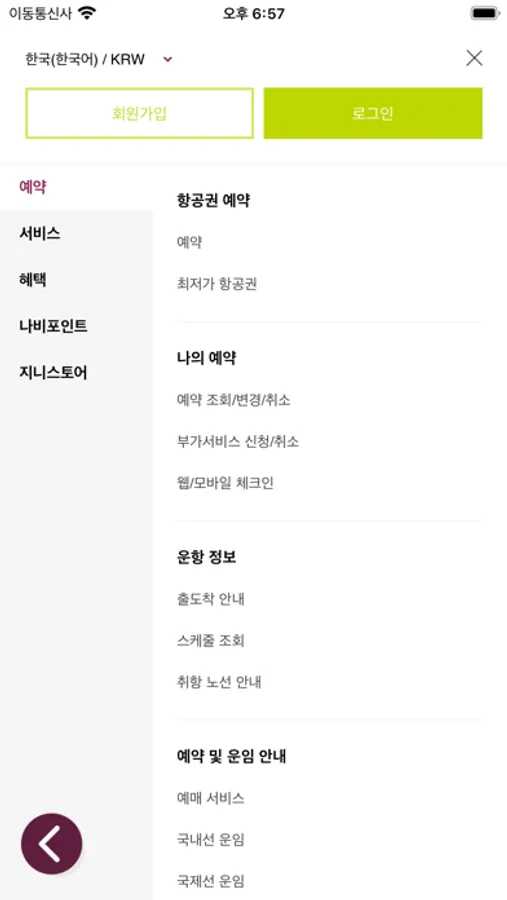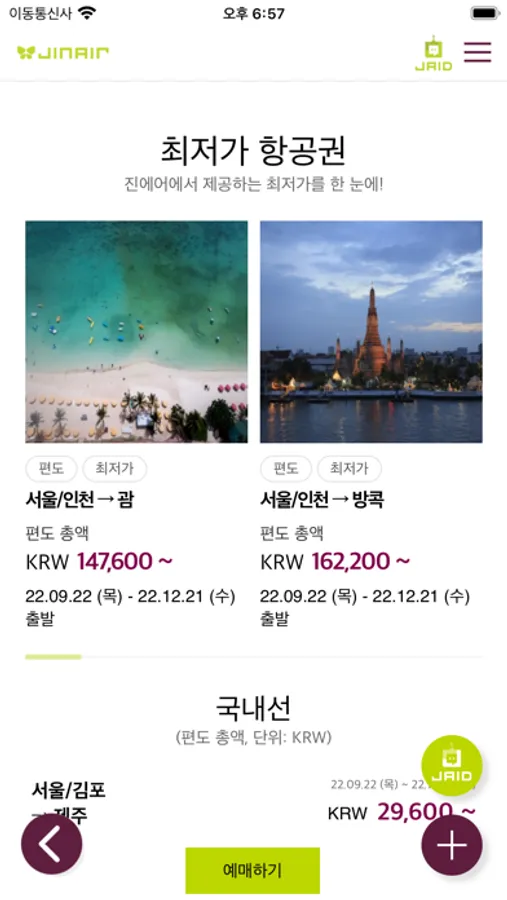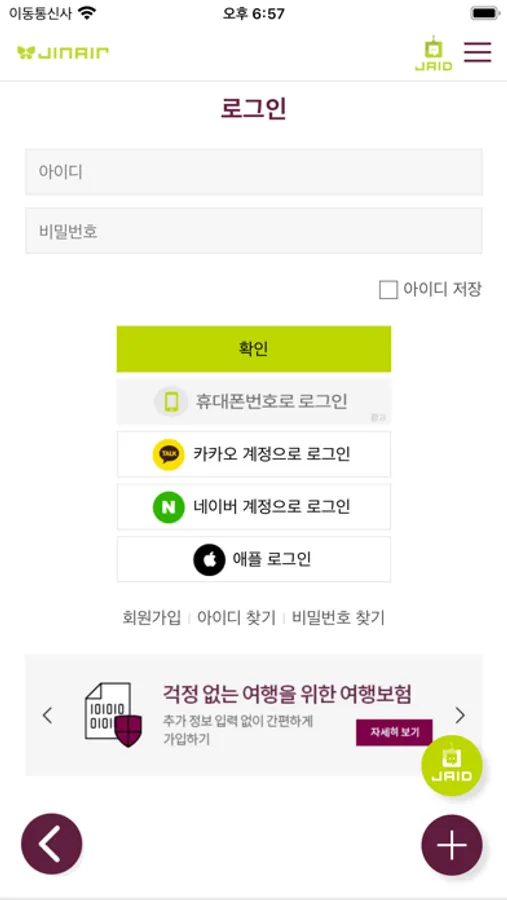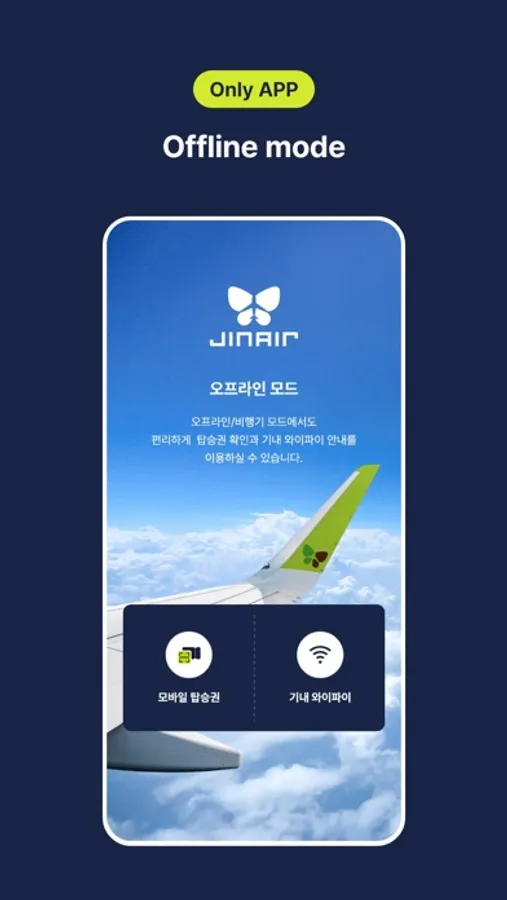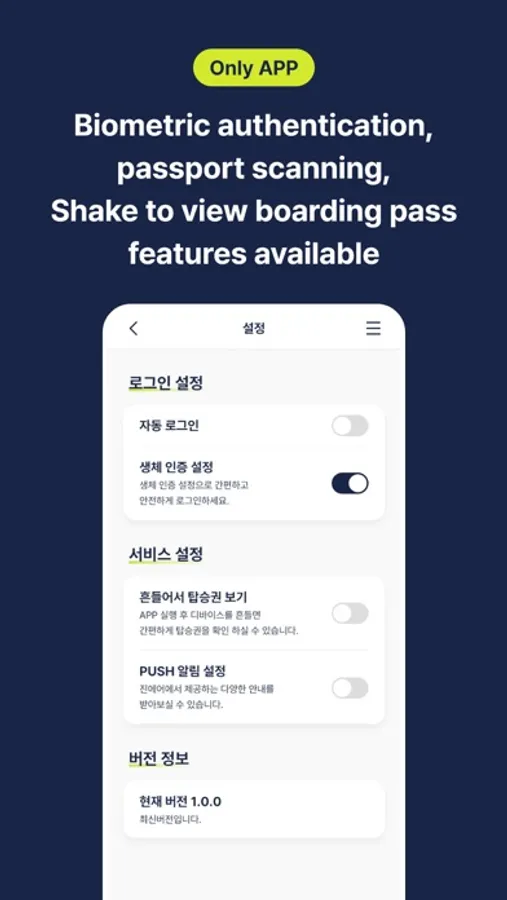
In this travel app, users can book flights, check flight status, and update reservations. Includes fare information, flight schedules, and in-flight service details.
AppRecs review analysis
AppRecs rating 4.0. Trustworthiness 78 out of 100. Review manipulation risk 20 out of 100. Based on a review sample analyzed.
★★★☆☆
4.0
AppRecs Rating
Ratings breakdown
5 star
68%
4 star
6%
3 star
5%
2 star
1%
1 star
21%
What to know
✓
Low review manipulation risk
20% review manipulation risk
✓
Credible reviews
78% trustworthiness score from analyzed reviews
✓
Good user ratings
73% positive sampled reviews
About JINAIR
Introducing Jin Air’s mobile application to make your travel plans more safe and easy - Anyone can make or cancel reservations, purchase tickets and update contact information. Users can also check out fare information, flight schedules and flight status anytime, anywhere.
* Book a flight
* Fare information
* My reservation/Refund
* Flight Status
* Flight Schedule
* Book Hotel
* News & Event
* SNS(Twitter/Facebook/Instagram/YouTube/Cabin Crews' blog)
* In-flight Service
* My Information
* Terms of Use
* Customers’ Service Center
※ App Permission Consent Guidelines
Jin Air only accesses essential items necessary for the service based on Article 22-2 of the Information and Communication Network Act, and the details are as follows:
[Essential Access Permissions]
- Device ID and registration information: Device identification and app status check
[Optional Access Permissions]
- Storage space: Read or save files
- Camera: Passport scanning, e-Ticket, profile picture
- Photo : Setting Profile Image, Uploading Files
- Biocertification : Login Service, ID Verification
- Notifications: Push notifications
* "Optional access permissions" are required when using the corresponding function, and even if not allowed, other services can still be used.
* Book a flight
* Fare information
* My reservation/Refund
* Flight Status
* Flight Schedule
* Book Hotel
* News & Event
* SNS(Twitter/Facebook/Instagram/YouTube/Cabin Crews' blog)
* In-flight Service
* My Information
* Terms of Use
* Customers’ Service Center
※ App Permission Consent Guidelines
Jin Air only accesses essential items necessary for the service based on Article 22-2 of the Information and Communication Network Act, and the details are as follows:
[Essential Access Permissions]
- Device ID and registration information: Device identification and app status check
[Optional Access Permissions]
- Storage space: Read or save files
- Camera: Passport scanning, e-Ticket, profile picture
- Photo : Setting Profile Image, Uploading Files
- Biocertification : Login Service, ID Verification
- Notifications: Push notifications
* "Optional access permissions" are required when using the corresponding function, and even if not allowed, other services can still be used.