With this finance planning app, you can input your retirement data, adjust assumptions, and analyze your plan's viability. Includes sliders, calculators, spreadsheet views, and a Monte Carlo simulator.
AppRecs review analysis
AppRecs rating 4.2. Trustworthiness 82 out of 100. Review manipulation risk 24 out of 100. Based on a review sample analyzed.
★★★★☆
4.2
AppRecs Rating
Ratings breakdown
5 star
76%
4 star
7%
3 star
5%
2 star
2%
1 star
11%
What to know
✓
Low review manipulation risk
24% review manipulation risk
✓
Credible reviews
82% trustworthiness score from analyzed reviews
⚠
Ad complaints
Many low ratings mention excessive ads
About RetirePlan
RetirePlan is an iPad app that helps you answer all your questions about your retirement. If you have questions about your retirement finances, this is the app to answer them.
When can I retire?
How much do I need to save every year?
How much money will I get every year in my retirement?
How long will my money hold out in my retirement?
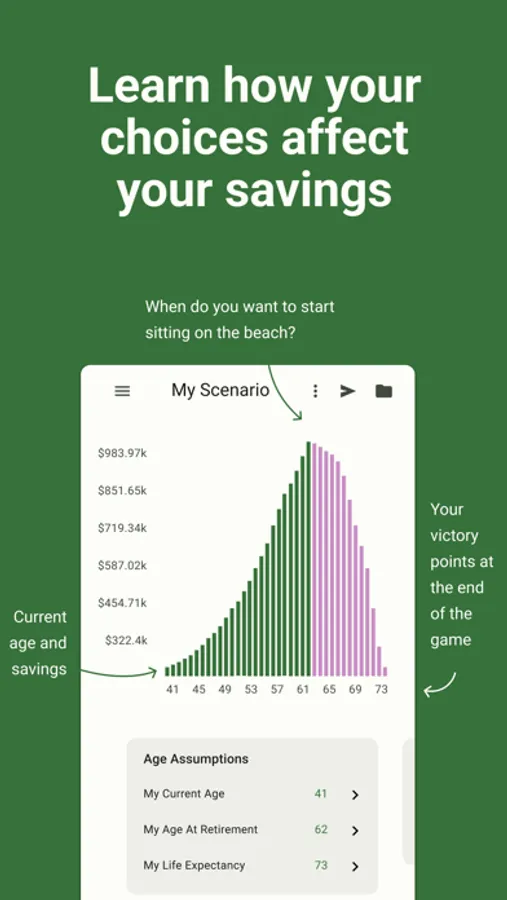
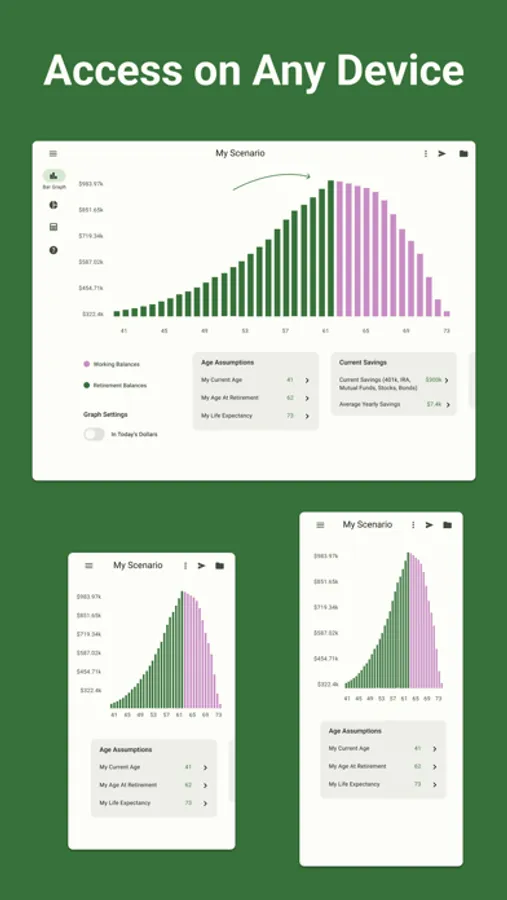
In just a few seconds you can enter your data and assumptions and the graph will update to show you if your plan will work. If you have more time to spend you can enter as much detail as you want to refine your plan.
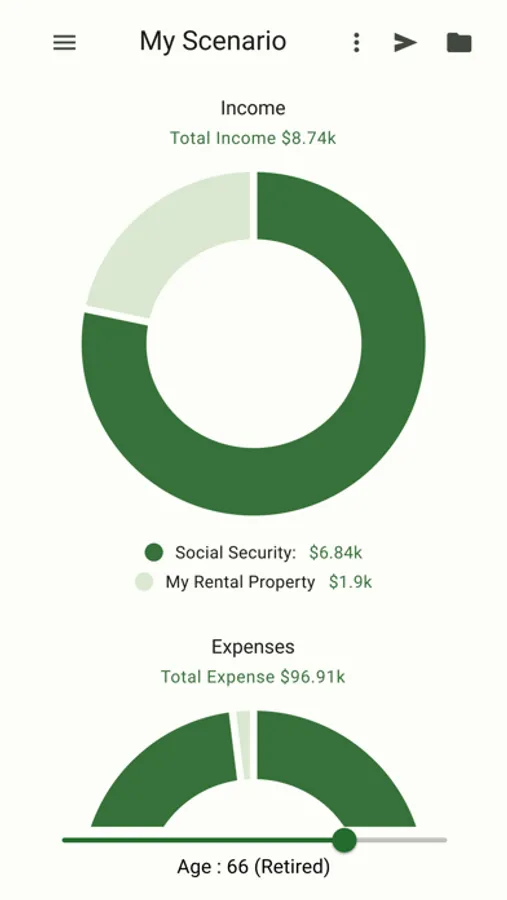
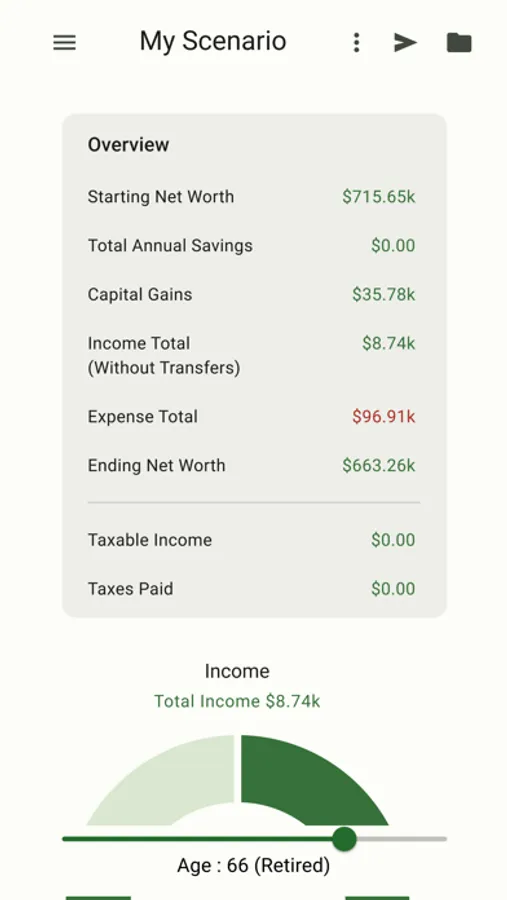
The sliders give you an easy way to see what different values will do to your plan. Need to enter a value outside the slider range? press the amount and a calculator will pop up to let you enter whatever number you need. The slider range will update automatically.
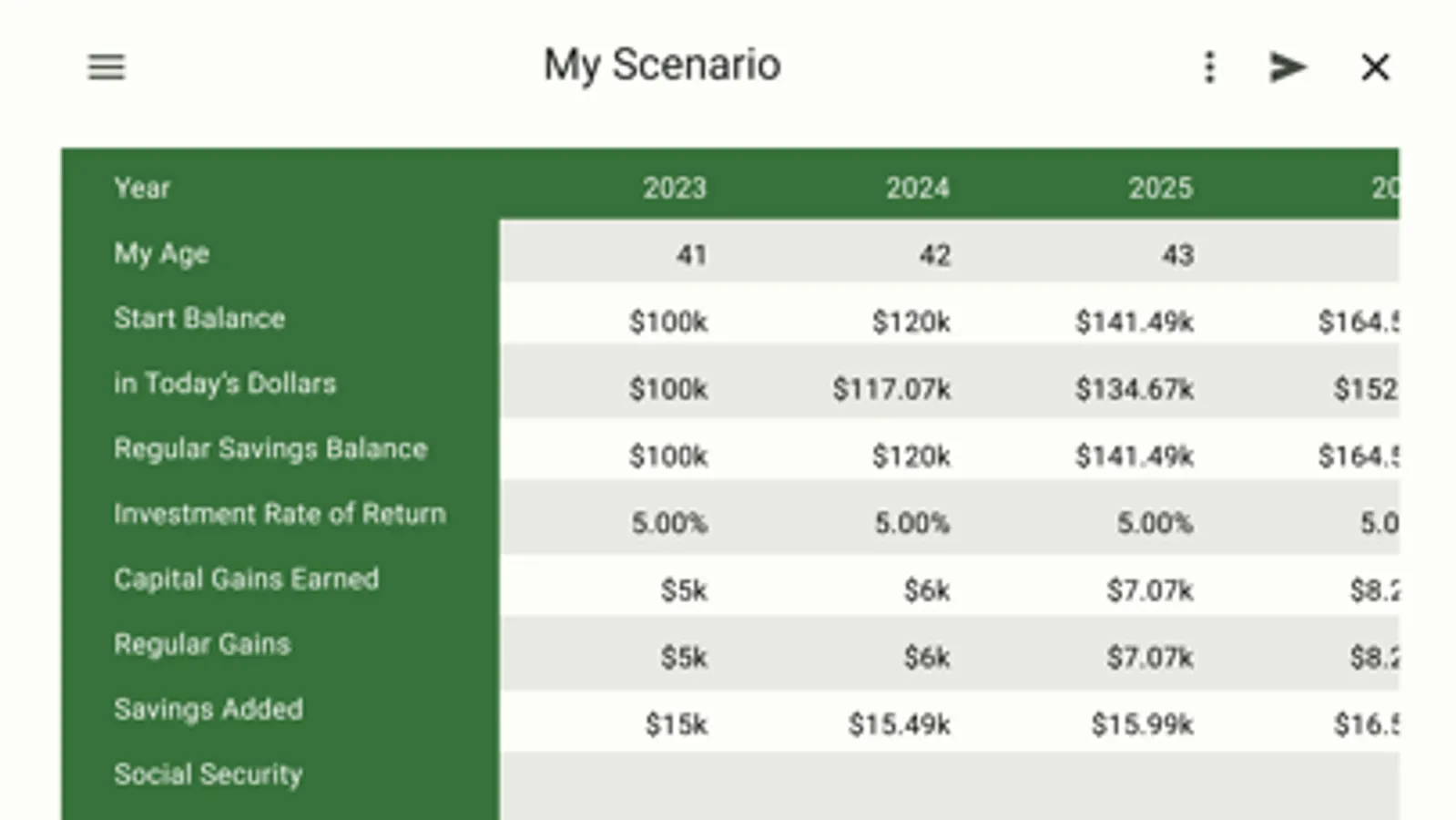
Bring up the spreadsheet to see all the details for every year of the plan, or check out the Monte Carlo simulator to see how likely your plan is to succeed!
Email your results.
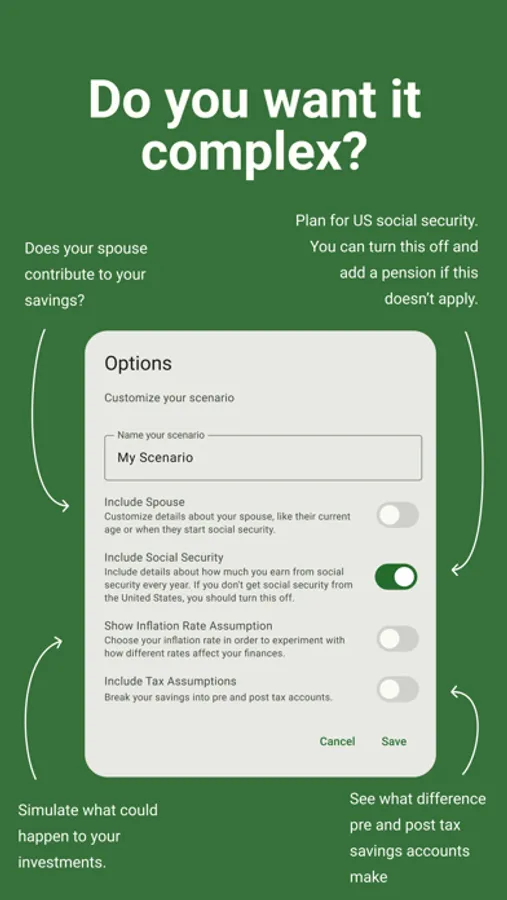
Use the settings to add your spouse, include or remove Social Security, and show or hide inflation and interest rates.
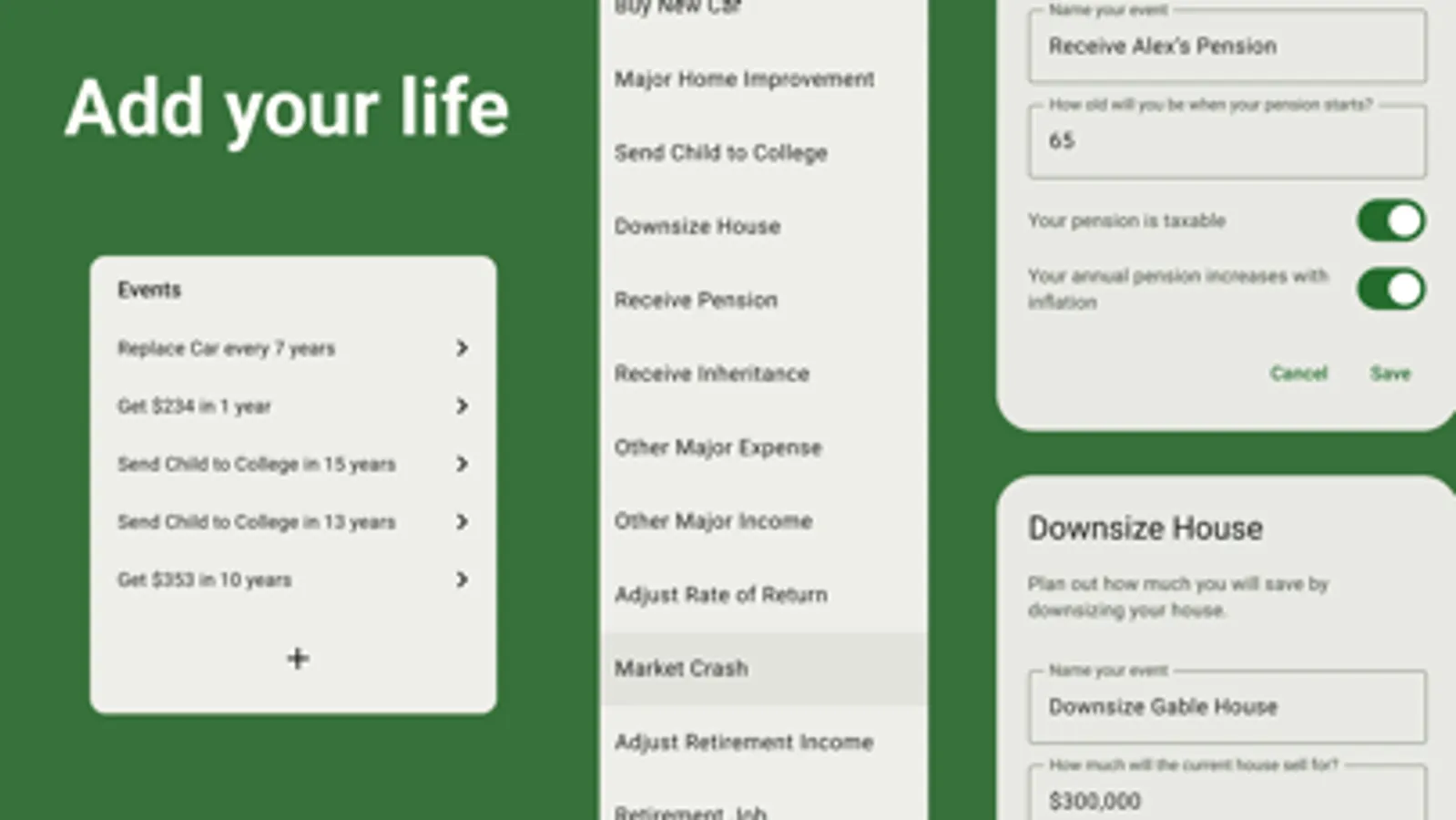
Use the + button to add a pension, send a child to college, large upcoming expenses, add additional rates of return and retirement income assumptions.
Include Tax assumptions to get an even more accurate picture of your future.
When can I retire?
How much do I need to save every year?
How much money will I get every year in my retirement?
How long will my money hold out in my retirement?
In just a few seconds you can enter your data and assumptions and the graph will update to show you if your plan will work. If you have more time to spend you can enter as much detail as you want to refine your plan.
The sliders give you an easy way to see what different values will do to your plan. Need to enter a value outside the slider range? press the amount and a calculator will pop up to let you enter whatever number you need. The slider range will update automatically.
Bring up the spreadsheet to see all the details for every year of the plan, or check out the Monte Carlo simulator to see how likely your plan is to succeed!
Email your results.
Use the settings to add your spouse, include or remove Social Security, and show or hide inflation and interest rates.
Use the + button to add a pension, send a child to college, large upcoming expenses, add additional rates of return and retirement income assumptions.
Include Tax assumptions to get an even more accurate picture of your future.