AppRecs review analysis
AppRecs rating 3.0. Trustworthiness 75 out of 100. Review manipulation risk 22 out of 100. Based on a review sample analyzed.
★★★☆☆
3.0
AppRecs Rating
Ratings breakdown
5 star
17%
4 star
33%
3 star
17%
2 star
0%
1 star
33%
What to know
✓
Low review manipulation risk
22% review manipulation risk
✓
Credible reviews
75% trustworthiness score from analyzed reviews
About Fiddle Companion
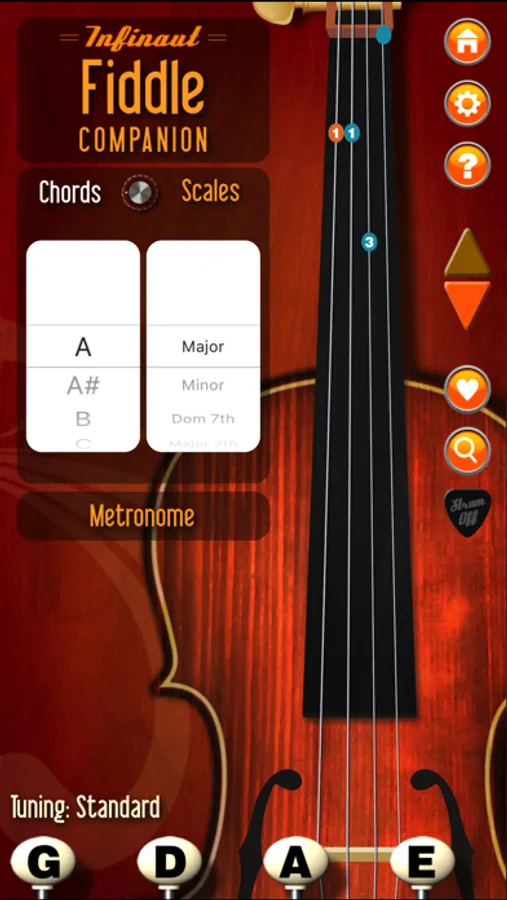
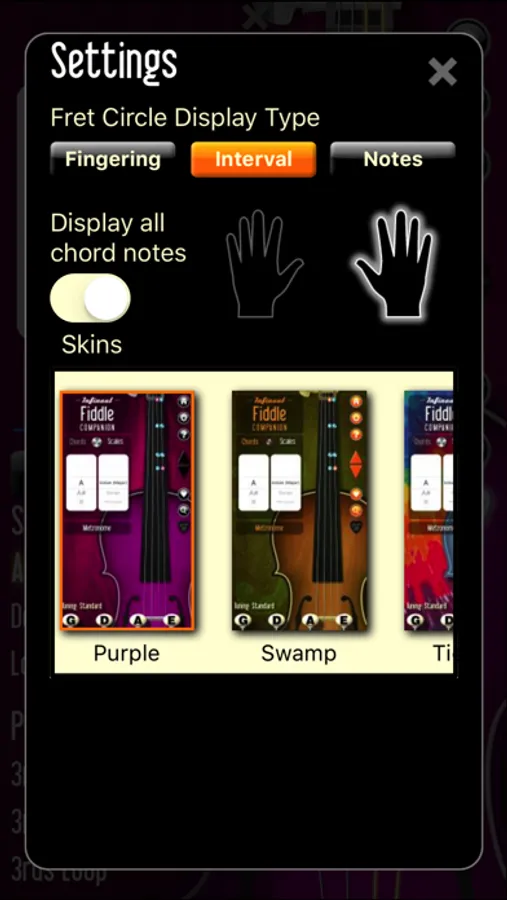
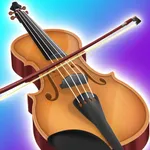
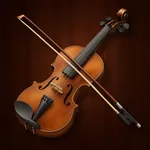
Fiddle Companion is the perfect app for any Fiddle or Violin player. Several tools in one - a hand tuner, a huge list of chord charts, and an even bigger list of scales. Look things up. Learn how to play. Bring your music training and instruction into the 21st century!
Features-
- Simple Intuitive Interface
- Tuner (learn how to tune by ear)
- Chord Charts (multiple positions for each chord)
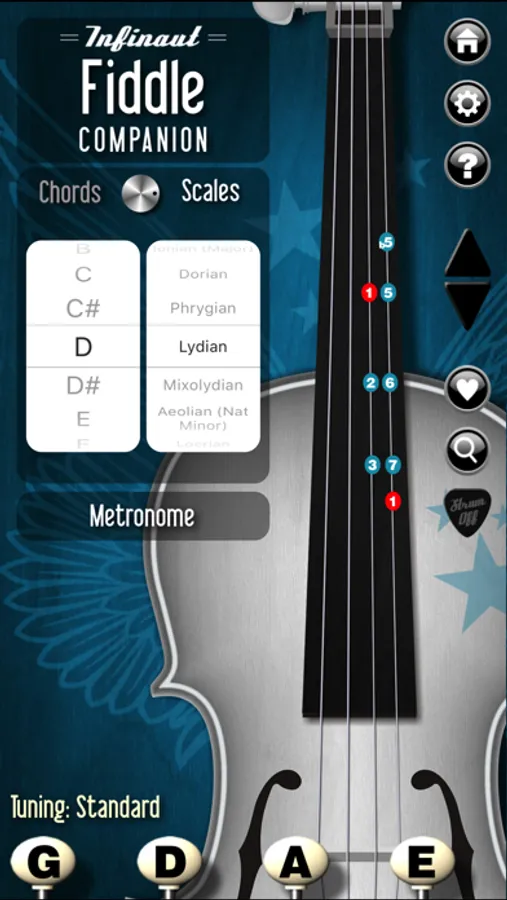
- Scales (from Pentatonic Major to Blues Minor, and everything in between)
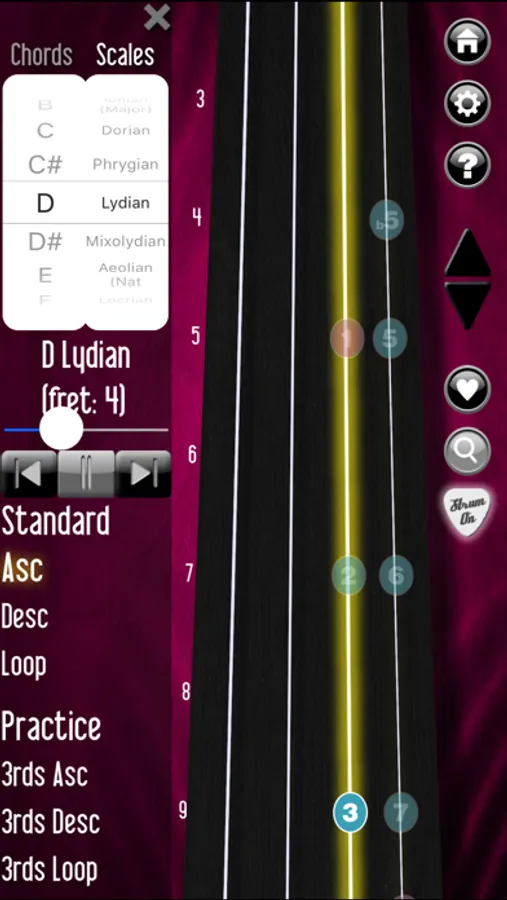
- Numbered Finger Positions
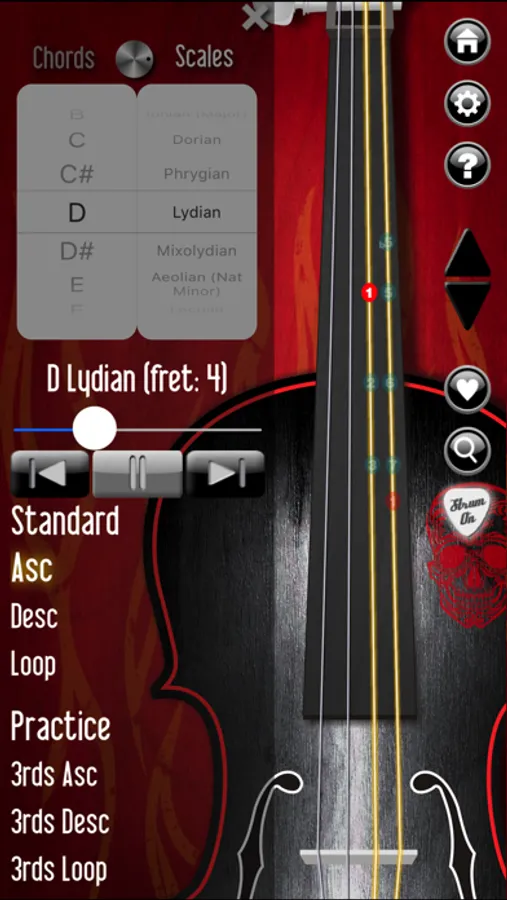
- Auto Strum - Hear the chord you selected
- Manual Strum - Play the chord by swiping across the strings
- Dynamic String Indicators - Show which string/note is playing
- One-Touch Help - All the info you need right on the main screen
- Pegs along bottom of screen control tuner. Click to play a note, click to stop playing.
- Charts and chords are displayed on instrument neck. Orange note indicates a "Root" note.
- Chord positions all the way up the neck to allow for a full range of chord selection
The chores are done for the day, and Granny has taken her spot in her beloved rocking chair. As the mist comes down off the mountain, the music starts up. The sound of the fiddle erupts into the air, lifting everyone's spirits, and bringing a little magic into the world.
Features-
- Simple Intuitive Interface
- Tuner (learn how to tune by ear)
- Chord Charts (multiple positions for each chord)
- Scales (from Pentatonic Major to Blues Minor, and everything in between)
- Numbered Finger Positions
- Auto Strum - Hear the chord you selected
- Manual Strum - Play the chord by swiping across the strings
- Dynamic String Indicators - Show which string/note is playing
- One-Touch Help - All the info you need right on the main screen
- Pegs along bottom of screen control tuner. Click to play a note, click to stop playing.
- Charts and chords are displayed on instrument neck. Orange note indicates a "Root" note.
- Chord positions all the way up the neck to allow for a full range of chord selection
The chores are done for the day, and Granny has taken her spot in her beloved rocking chair. As the mist comes down off the mountain, the music starts up. The sound of the fiddle erupts into the air, lifting everyone's spirits, and bringing a little magic into the world.