Westminster Chimes Full
LutherSoft
4.2 ★
store rating
$1.99
AppRecs review analysis
AppRecs rating 3.7. Trustworthiness 78 out of 100. Review manipulation risk 22 out of 100. Based on a review sample analyzed.
★★★☆☆
3.7
AppRecs Rating
Ratings breakdown
5 star
64%
4 star
15%
3 star
5%
2 star
4%
1 star
11%
What to know
✓
Low review manipulation risk
22% review manipulation risk
✓
Credible reviews
78% trustworthiness score from analyzed reviews
✓
High user satisfaction
79% of sampled ratings are 4+ stars (4.2★ average)
About Westminster Chimes Full
Turn your iPhone into a chiming clock. Plays one of 5 traditional melodies, not just Westminster.
Check our our video at http://youtu.be/nT-aHbWiT0U
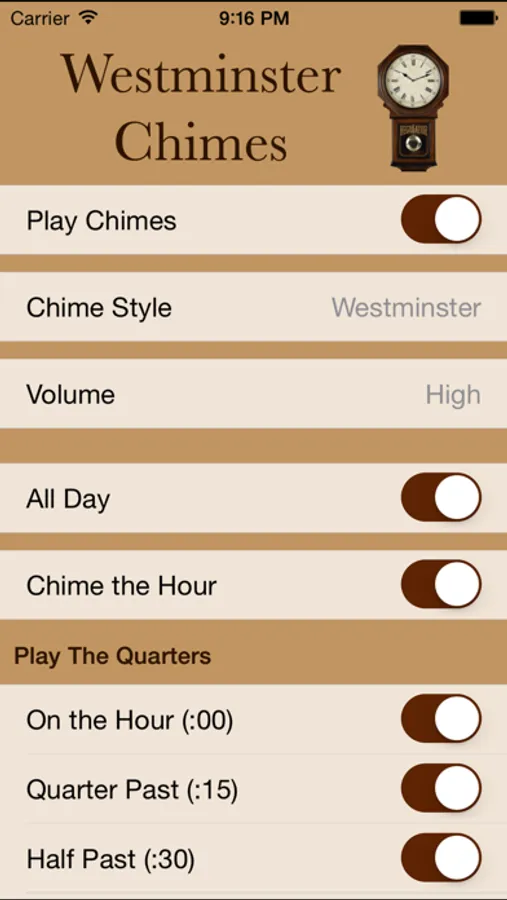
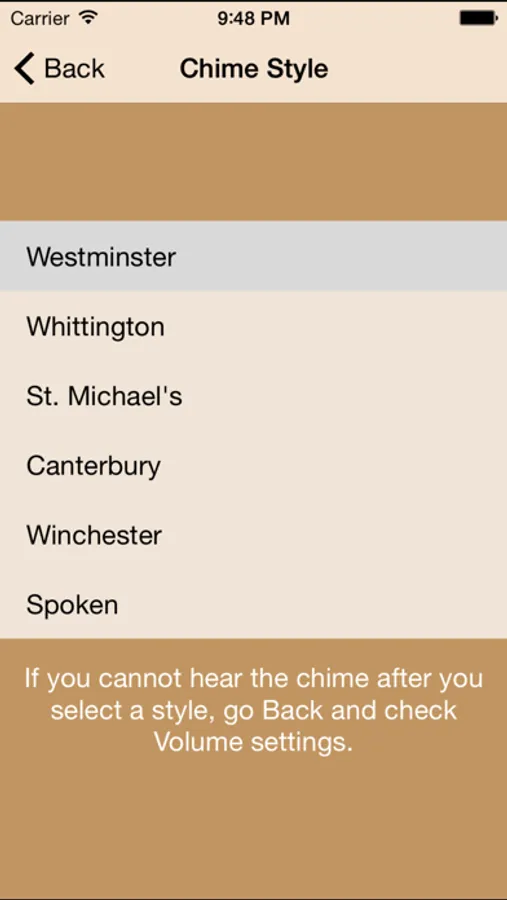
Using the iOS notifications feature, Westminster Chimes converts your phone into an old fashioned hourly chiming clock, playing one of five traditional melodies:
• Westminster
• Whittington
• St. Michael's
• Canterbury
• Winchester
The chimes will play, even when the app isn't running.
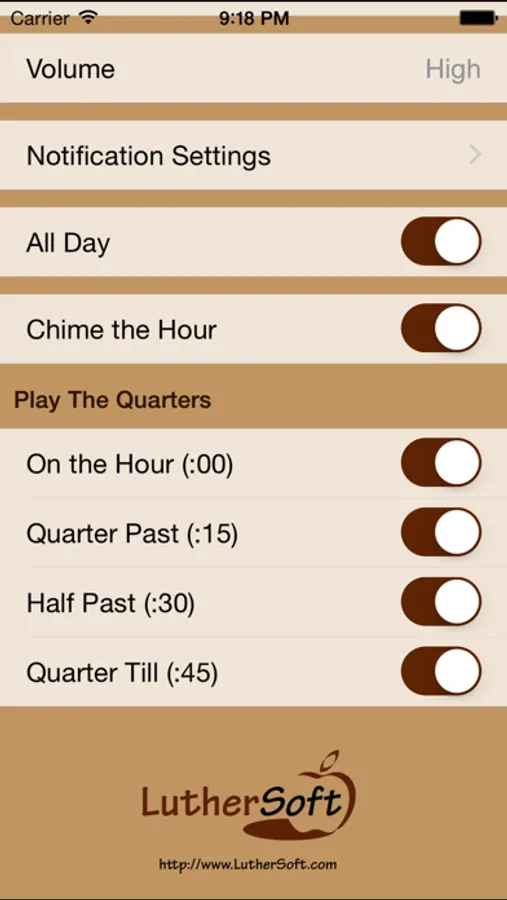
Simple settings allow for complete customization:
• Separately set the chimes to play on each quarter hour
• Chime the hour number on the hour
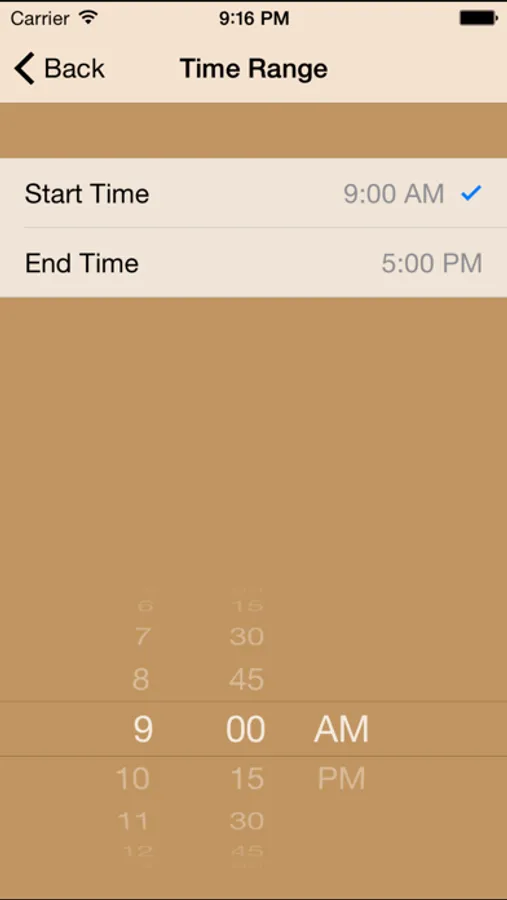
• Play the chimes all day, or only during a specific time window.
You can adjust how notifications are displayed in the Notifications section of the Settings app. We recommend the following settings:
Notification Center: OFF
Alert Style : NONE
Badge App Icon : OFF
Sounds : ON
View in Lock Screen : OFF
Banners: OFF
Completely accessible for the visually impaired.
Check our our video at http://youtu.be/nT-aHbWiT0U
Using the iOS notifications feature, Westminster Chimes converts your phone into an old fashioned hourly chiming clock, playing one of five traditional melodies:
• Westminster
• Whittington
• St. Michael's
• Canterbury
• Winchester
The chimes will play, even when the app isn't running.
Simple settings allow for complete customization:
• Separately set the chimes to play on each quarter hour
• Chime the hour number on the hour
• Play the chimes all day, or only during a specific time window.
You can adjust how notifications are displayed in the Notifications section of the Settings app. We recommend the following settings:
Notification Center: OFF
Alert Style : NONE
Badge App Icon : OFF
Sounds : ON
View in Lock Screen : OFF
Banners: OFF
Completely accessible for the visually impaired.