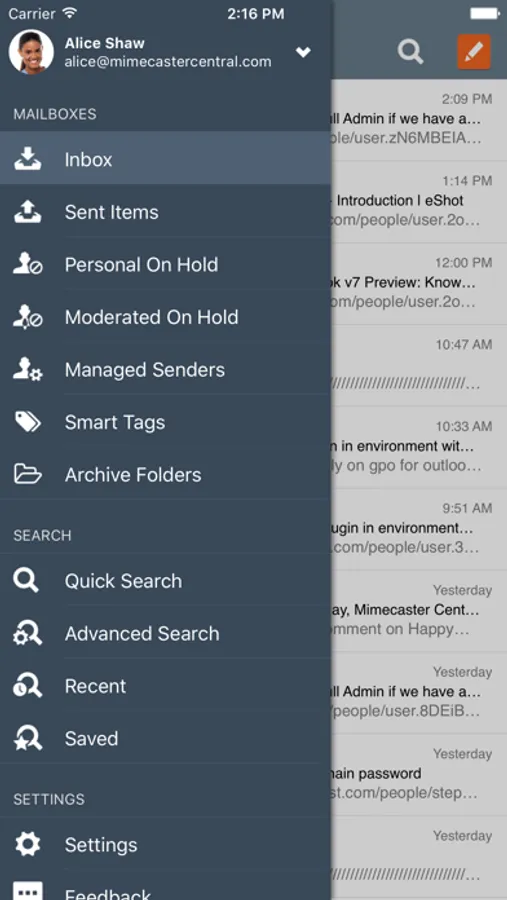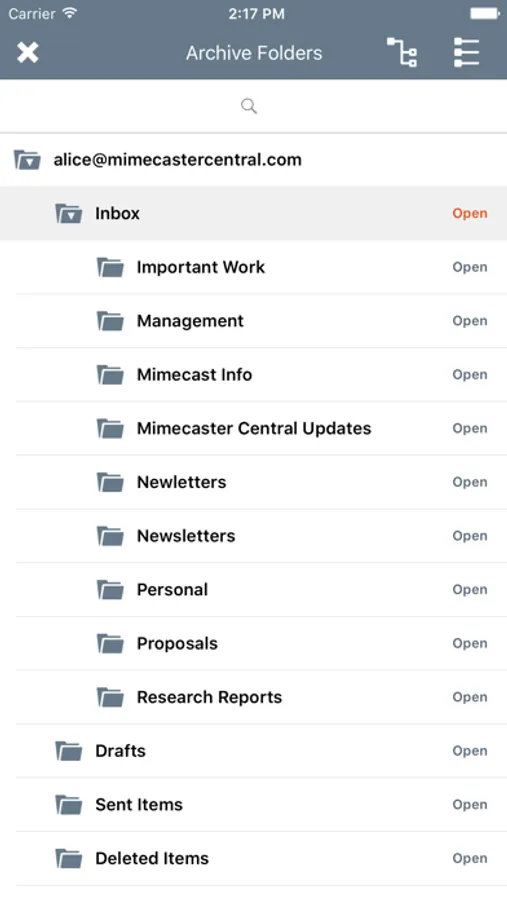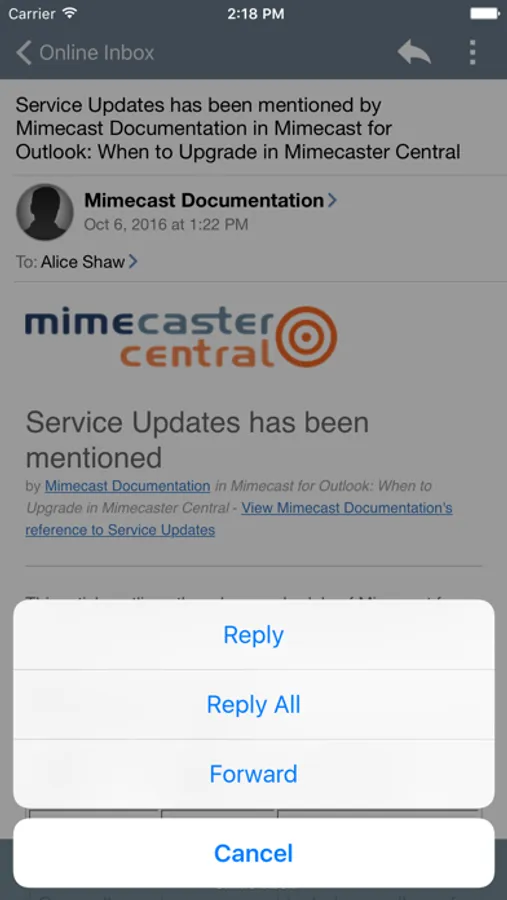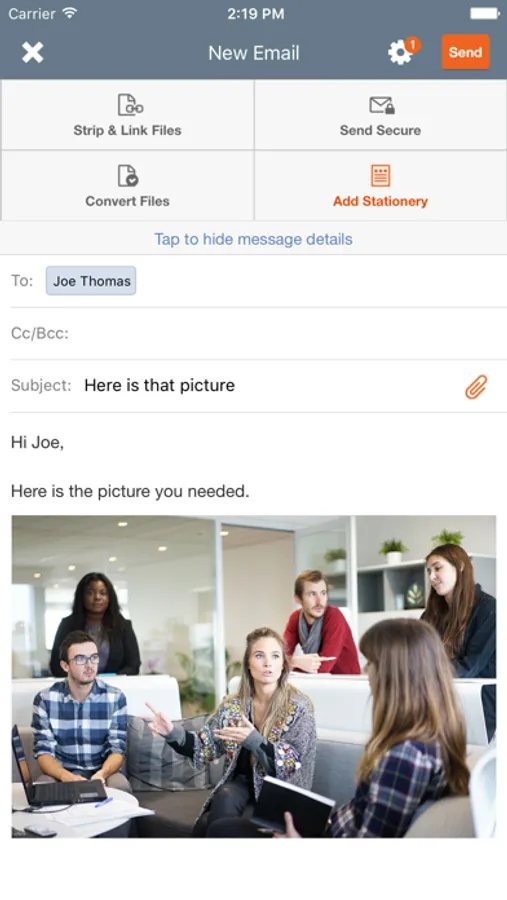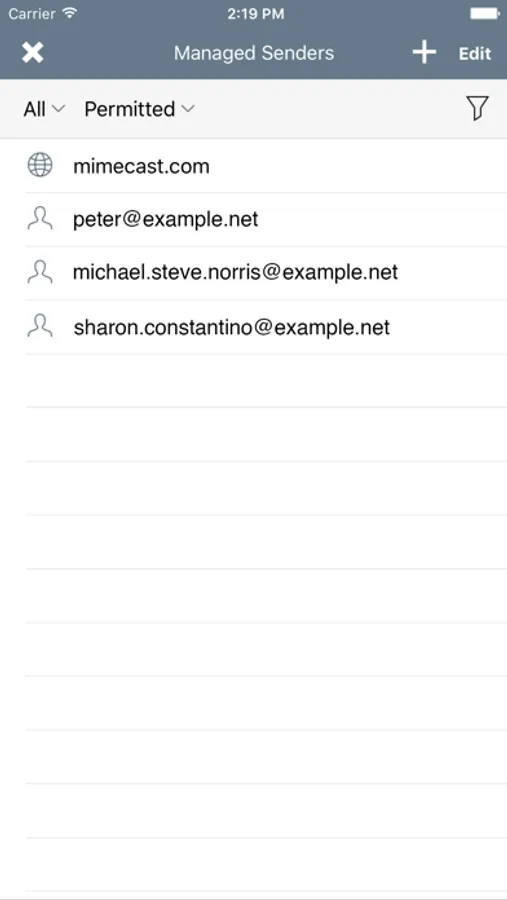
In this mobile app, you can access Mimecast’s email security, archiving, and continuity features, search content, and manage your email queue. Includes contact access, online inbox, spam management, and message reporting features.
AppRecs review analysis
AppRecs rating 2.4. Trustworthiness 75 out of 100. Review manipulation risk 26 out of 100. Based on a review sample analyzed.
★★☆☆☆
2.4
AppRecs Rating
Ratings breakdown
5 star
29%
4 star
4%
3 star
6%
2 star
10%
1 star
50%
What to know
✓
Low review manipulation risk
26% review manipulation risk
✓
Credible reviews
75% trustworthiness score from analyzed reviews
⚠
Mixed user feedback
Average 2.5★ rating suggests room for improvement
About Mimecast Mobile
Important
The app accesses your device contacts so that you can select them when addressing emails.
The contacts are only ever stored on your device and Mimecast does not have access to them at any point.
This app allows you to access Mimecast’s Cloud Services from your iPad or iPhone. If your organization uses Mimecast Services for email security, email archiving or email continuity, this app provides seamless access to key services including the ability to:
• Instantly search and access content in your Mimecast personal email archive
• Access your ‘Online Inbox’ to keep you connected to email 24x7 – even when your corporate email server or Outlook access is down
• Manage your queue of messages on hold due to suspected spam
• Report a message as spam
So whether you’re on the road, in a meeting, or just away from your desk, you can be more productive with the Mimecast Mobile App.
To start using this app, simply download it – its free, select Add Account, and enter your company email address and password. The app will then automatically connect to the Mimecast Cloud giving you instant access to all the features available. Trouble connecting? If you are having trouble connecting to the service, it may be because you have a different password set for your Mimecast Account or that your IT department hasn’t enabled mobile access for you. Contact your IT department to help you get connected. Not sure if your organization uses Mimecast? Your IT department will be able to tell you. If your organization is already using Mimecast, encourage them to let you access the service from your mobile device so you can be even more productive.
EMM Support
The app can also be deployed via EMM platforms that support the AppConfig standards giving you access to your Mimecast services, while giving your IT department administrative control to enforce mobile security policies.
Access to the Mimecast Mobile app and services available through the app are dependent on the Mimecast Services your organization subscribes to.
For more information about Mimecast visit www.mimecast.com
The app accesses your device contacts so that you can select them when addressing emails.
The contacts are only ever stored on your device and Mimecast does not have access to them at any point.
This app allows you to access Mimecast’s Cloud Services from your iPad or iPhone. If your organization uses Mimecast Services for email security, email archiving or email continuity, this app provides seamless access to key services including the ability to:
• Instantly search and access content in your Mimecast personal email archive
• Access your ‘Online Inbox’ to keep you connected to email 24x7 – even when your corporate email server or Outlook access is down
• Manage your queue of messages on hold due to suspected spam
• Report a message as spam
So whether you’re on the road, in a meeting, or just away from your desk, you can be more productive with the Mimecast Mobile App.
To start using this app, simply download it – its free, select Add Account, and enter your company email address and password. The app will then automatically connect to the Mimecast Cloud giving you instant access to all the features available. Trouble connecting? If you are having trouble connecting to the service, it may be because you have a different password set for your Mimecast Account or that your IT department hasn’t enabled mobile access for you. Contact your IT department to help you get connected. Not sure if your organization uses Mimecast? Your IT department will be able to tell you. If your organization is already using Mimecast, encourage them to let you access the service from your mobile device so you can be even more productive.
EMM Support
The app can also be deployed via EMM platforms that support the AppConfig standards giving you access to your Mimecast services, while giving your IT department administrative control to enforce mobile security policies.
Access to the Mimecast Mobile app and services available through the app are dependent on the Mimecast Services your organization subscribes to.
For more information about Mimecast visit www.mimecast.com