With this app, you can browse color charts of popular graffiti spray-paint brands and find similar cans or search by colors in photos. Includes features for replacing supplies and identifying suitable cans from images.
AppRecs review analysis
AppRecs rating 4.4. Trustworthiness 68 out of 100. Review manipulation risk 25 out of 100. Based on a review sample analyzed.
★★★★☆
4.4
AppRecs Rating
Ratings breakdown
5 star
90%
4 star
7%
3 star
3%
2 star
0%
1 star
0%
What to know
✓
Low review manipulation risk
25% review manipulation risk
✓
High user satisfaction
90% of sampled ratings are 5 stars
✓
Authentic reviews
No red flags detected
About Cans
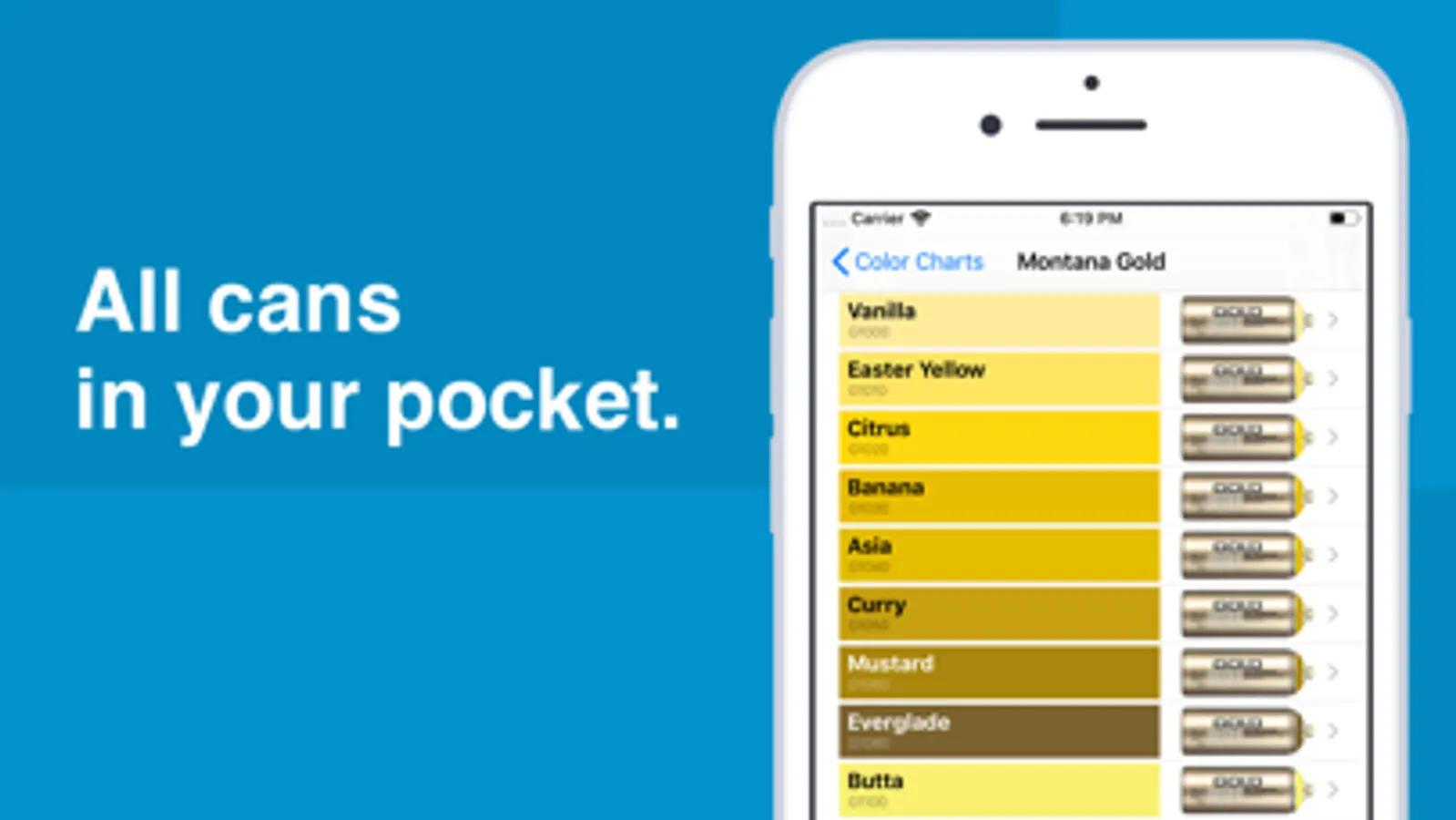
The app contains color charts of all popular graffiti spray-paint brands.
The list of color charts:
- Montana Black
- Montana Gold
- MTN 94
- MTN Hardcore
- Molotow Premium
- Ironlak
- Ironlak Sugar
- Arton
- Kobra High Pressure
- Kobra Low
- Flame Blue
- Flame Orange
- Loop Colors
- NBQ Slow
- NBQ Fast
- OneTake
- Dope Classic
- Dope Supreme
There is a possibility to find similar cans.
For example, you need to replace a can that has ended and is nowhere available.
Find this can in the "Color charts" tab, tap the "Search" button and the app will display a list of the most similar cans.
The search will be made in color charts, which can be changed in settings.
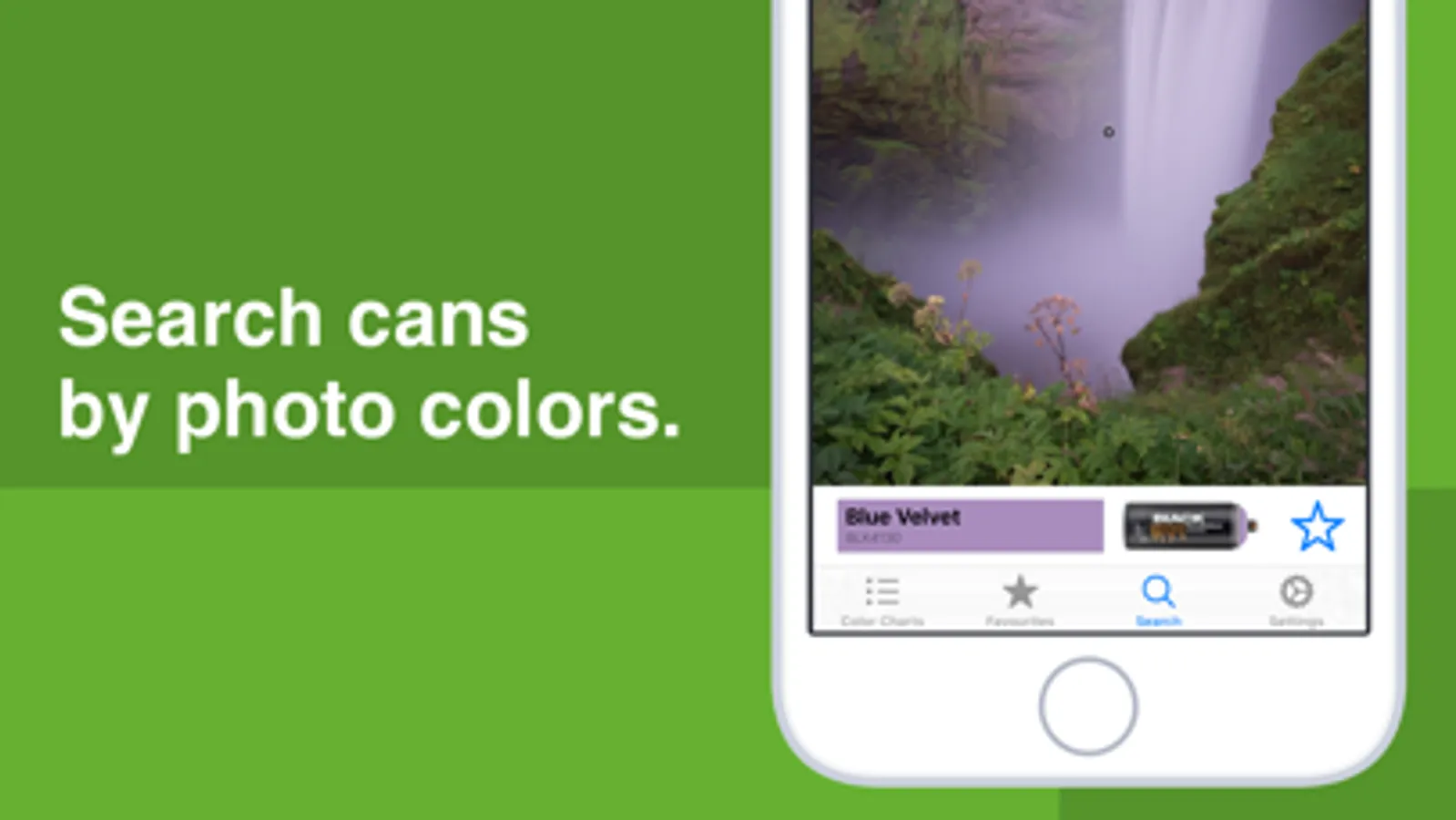
Another useful feature is the search by colors in a photo.
For example, you need to determine which cans are needed to paint a picture on a wall.
On the "Search" tab, select the desired picture from the library or take a new one, tap on a pixel and the application will display the most suitable can.
The list of color charts:
- Montana Black
- Montana Gold
- MTN 94
- MTN Hardcore
- Molotow Premium
- Ironlak
- Ironlak Sugar
- Arton
- Kobra High Pressure
- Kobra Low
- Flame Blue
- Flame Orange
- Loop Colors
- NBQ Slow
- NBQ Fast
- OneTake
- Dope Classic
- Dope Supreme
There is a possibility to find similar cans.
For example, you need to replace a can that has ended and is nowhere available.
Find this can in the "Color charts" tab, tap the "Search" button and the app will display a list of the most similar cans.
The search will be made in color charts, which can be changed in settings.
Another useful feature is the search by colors in a photo.
For example, you need to determine which cans are needed to paint a picture on a wall.
On the "Search" tab, select the desired picture from the library or take a new one, tap on a pixel and the application will display the most suitable can.