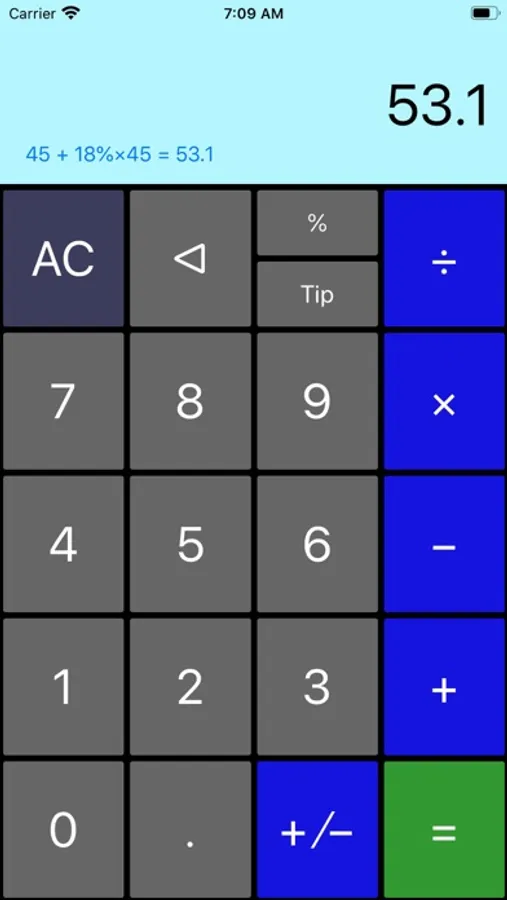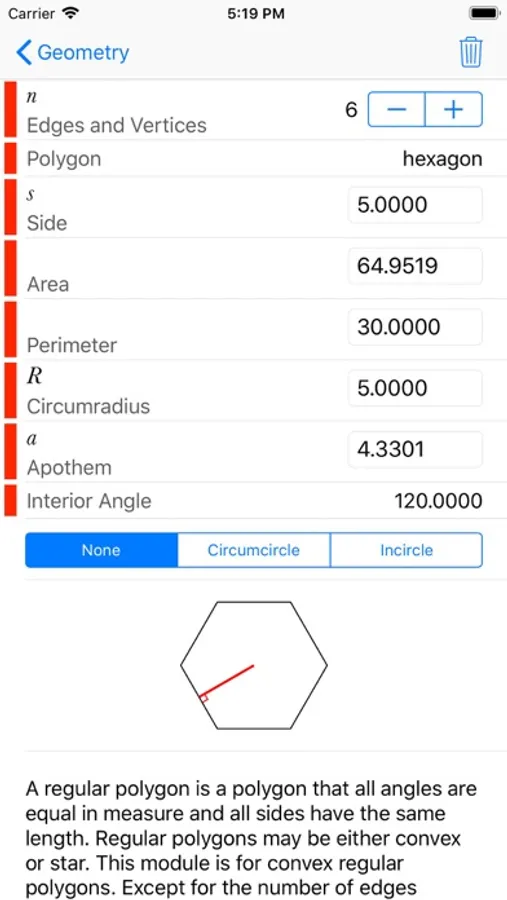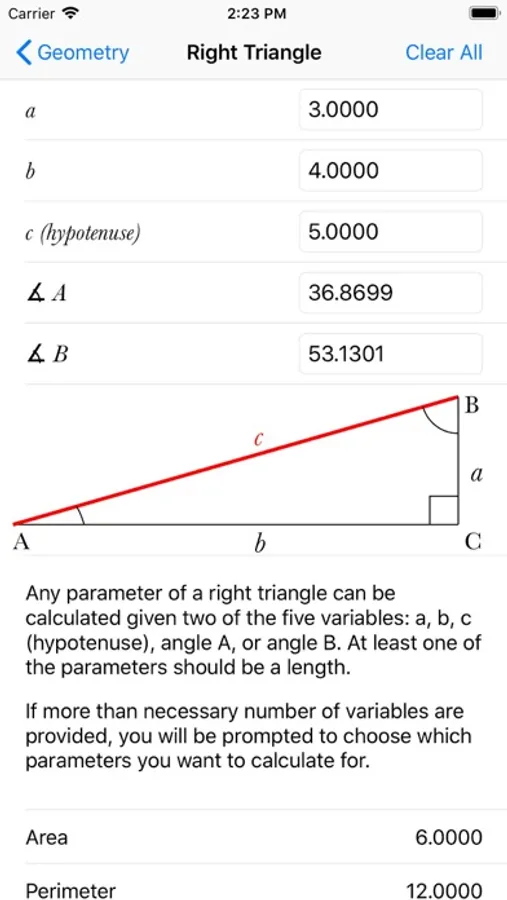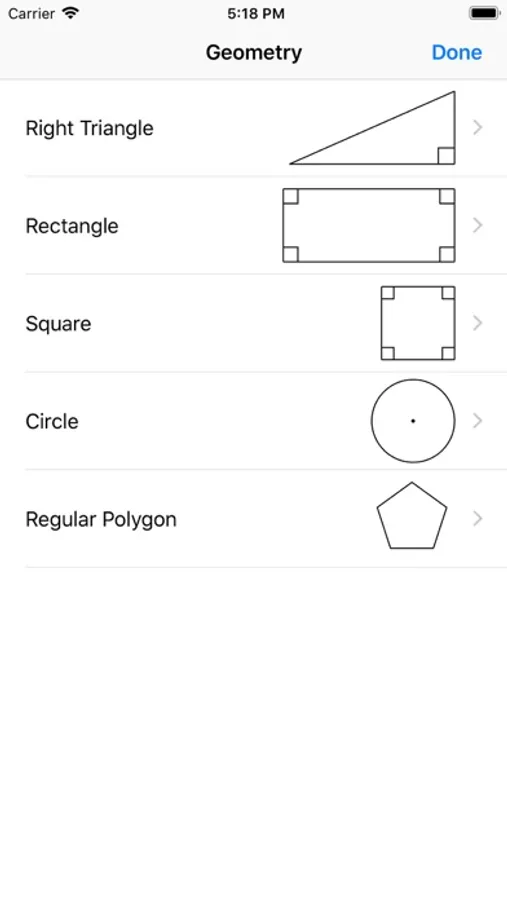
In this scientific calculator, you can perform complex calculations, manipulate fractions, and convert angles with ease. Includes expression history, fraction and angle conversions, physical constants, and advanced functions.
AppRecs review analysis
AppRecs rating 4.0. Trustworthiness 66 out of 100. Review manipulation risk 27 out of 100. Based on a review sample analyzed.
★★★★☆
4.0
AppRecs Rating
Ratings breakdown
5 star
77%
4 star
11%
3 star
0%
2 star
8%
1 star
3%
What to know
✓
Low review manipulation risk
27% review manipulation risk
✓
High user satisfaction
77% of sampled ratings are 5 stars
✓
Authentic reviews
Natural distribution, no red flags
About Scientific++
Scientific++ is a scientific calculator which has the following additional functionality compared with most available calculators:
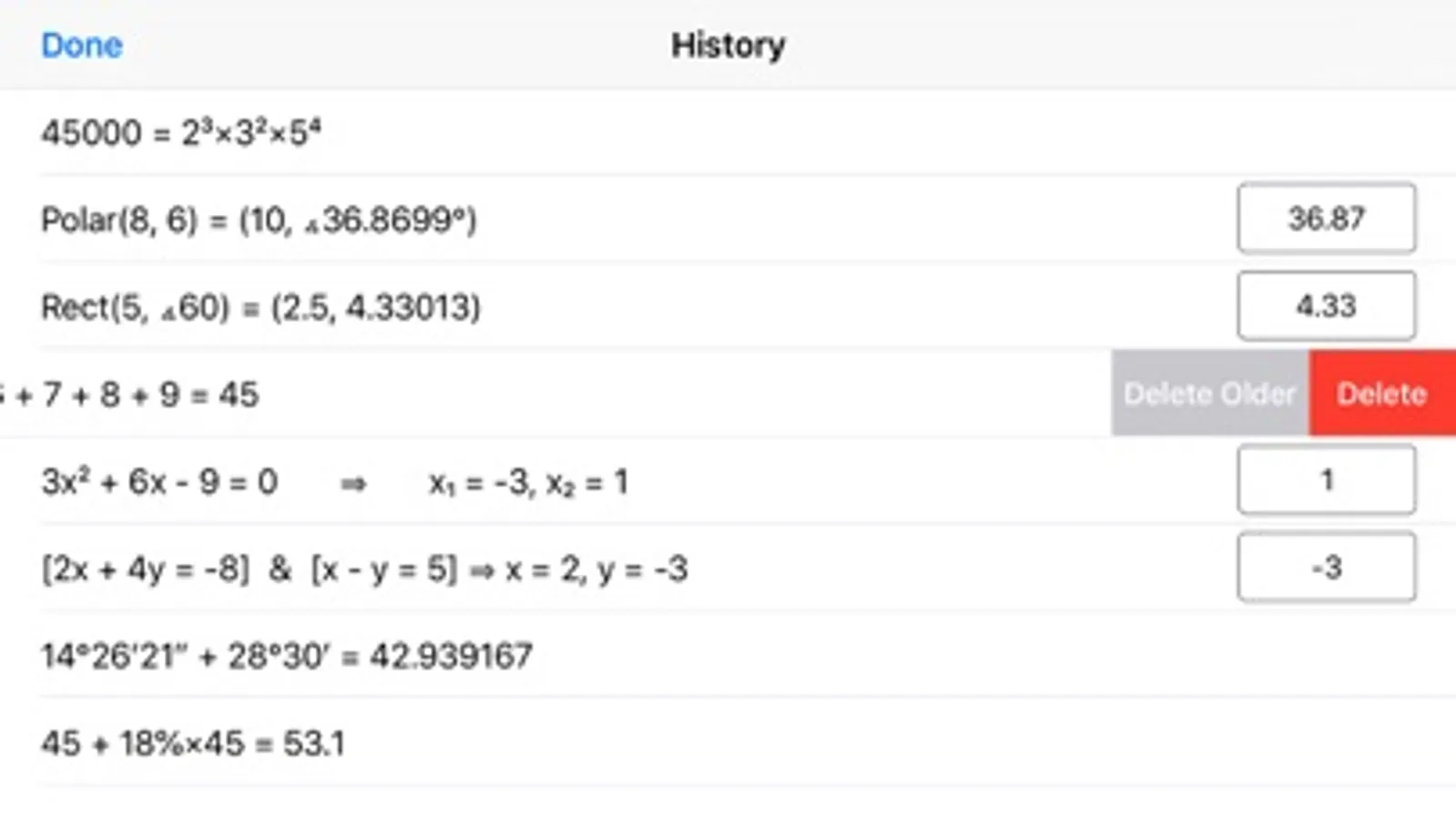
- Shows the expression as you enter and keeps a history of your calculations (Swipe up on the screen to reveal the history)
- Capability of performing fraction manipulations and converting between different formats (proper, improper, and mixed fractions) and seamless integration of fraction, integer, and decimal manipulations.
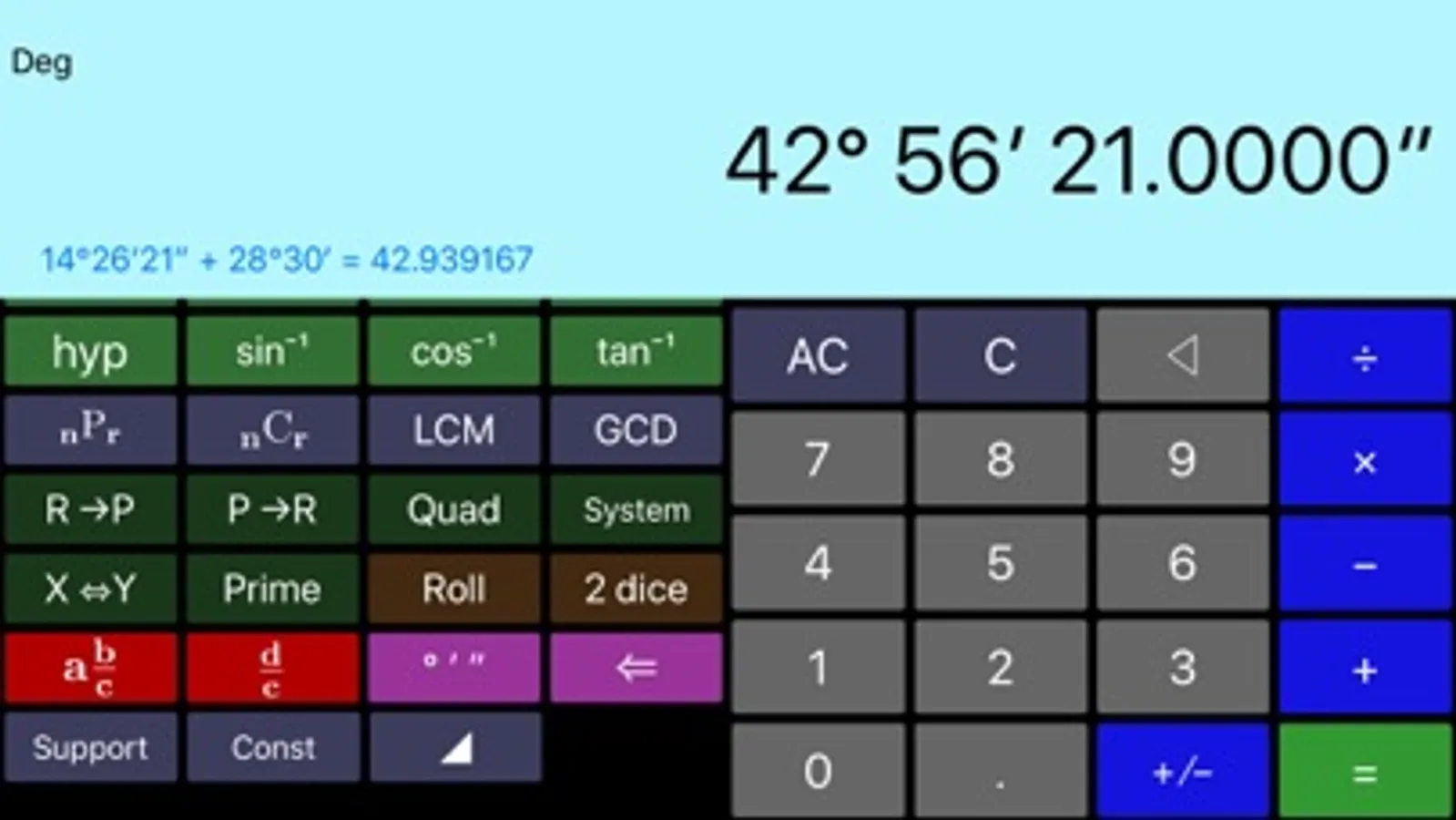
- Capability of inputting degrees, minutes, and seconds for angles and converting between degrees-minutes-seconds format and decimal format.
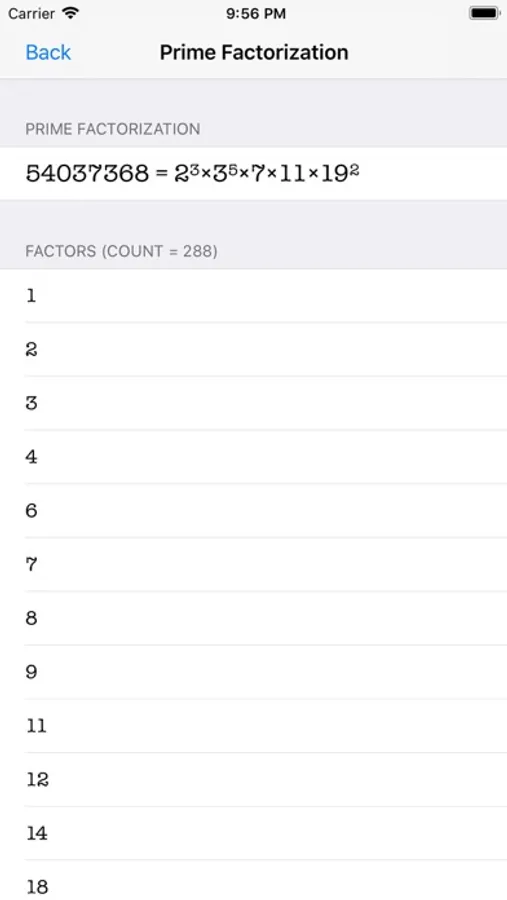
- Capability of calculating permutation, combination, Least Common Multiple (LCM), Greatest Common Divisor (GCD), and prime factorization.
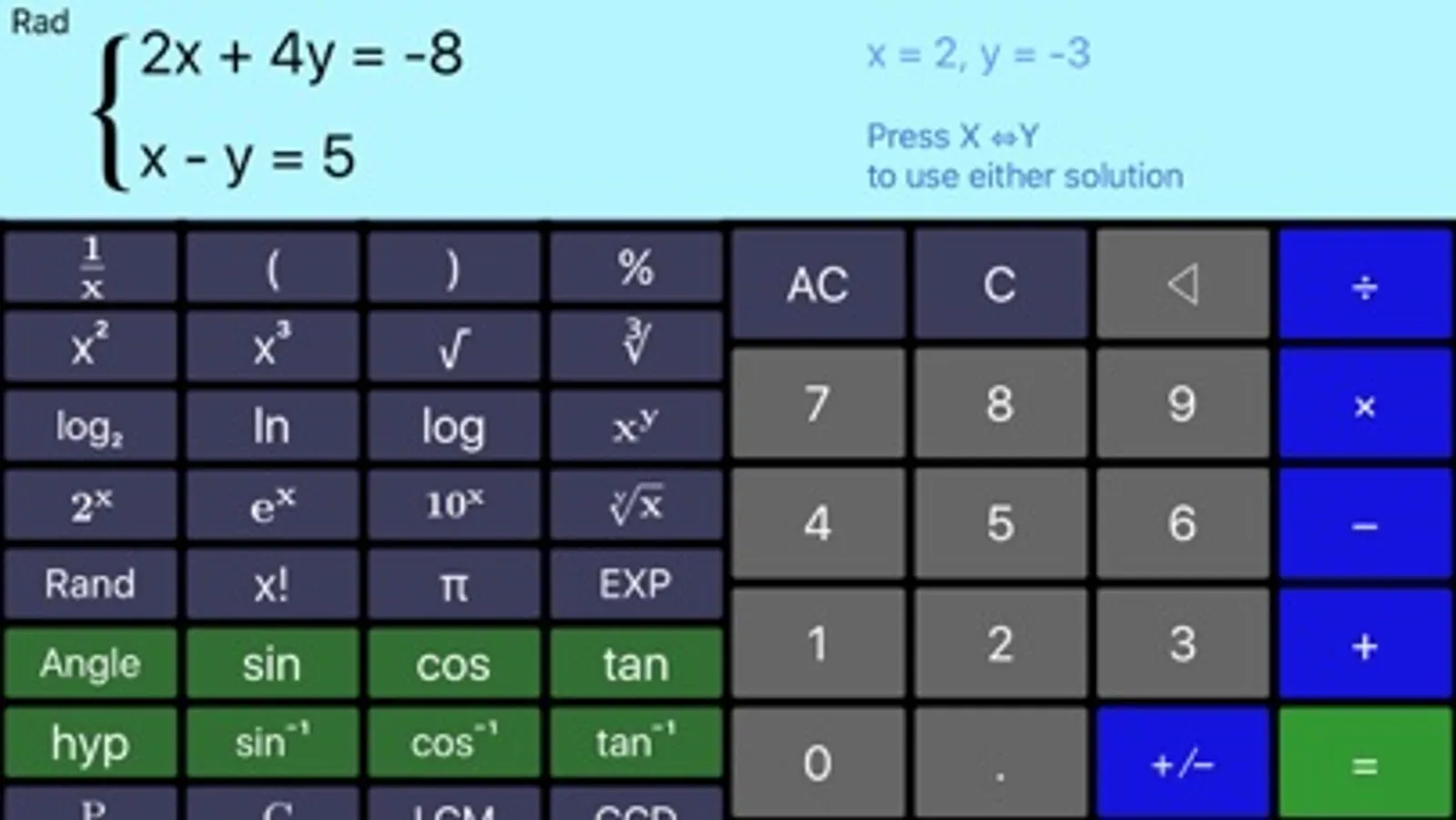
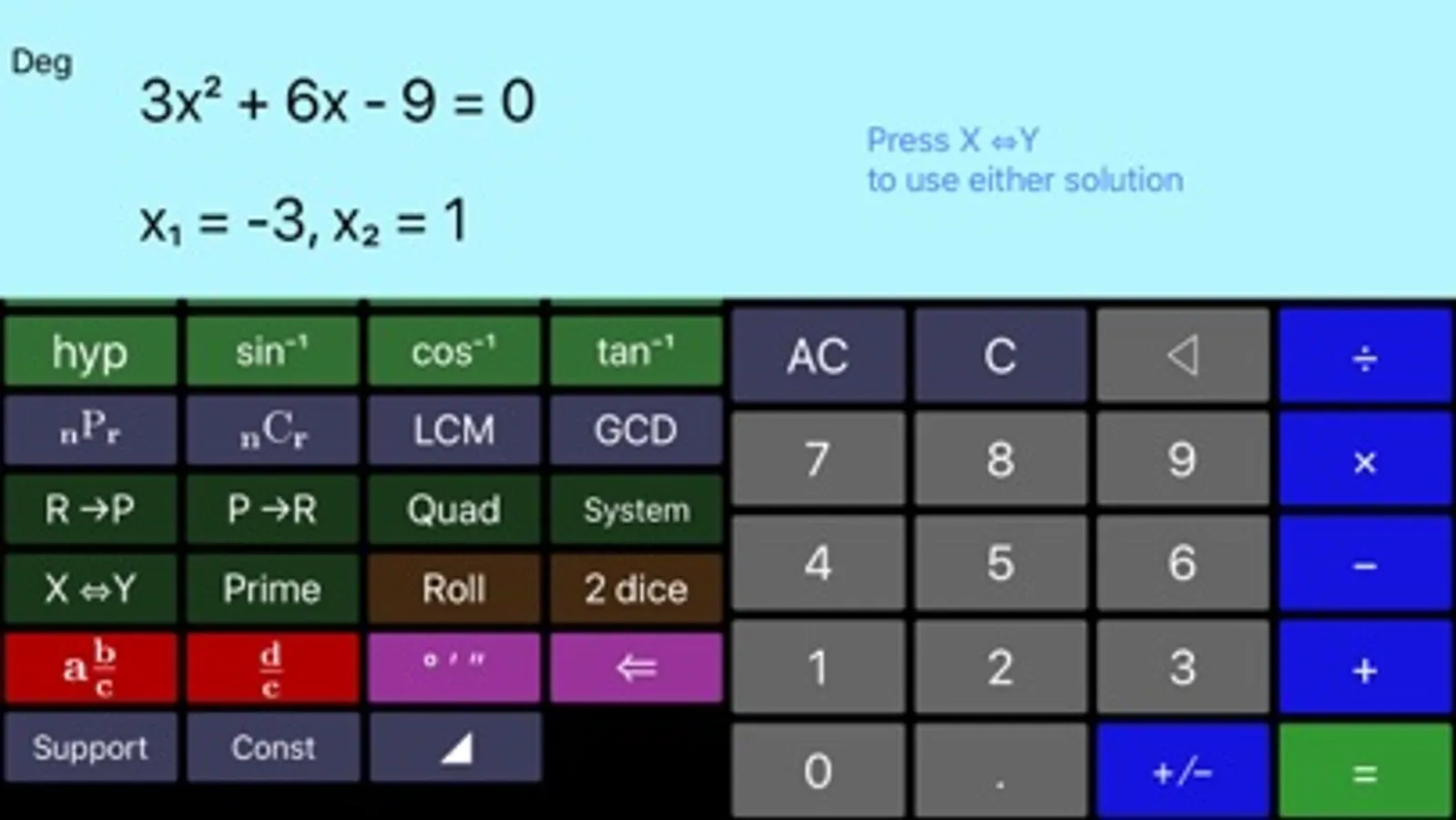
- Quadratic and system of two linear equations solver
- Rectangular to polar and polar to rectangular coordinate conversion (extremely useful for phasor calculations for electrical engineers)
- Common physical constants can be chosen from a list and used in the calculations.
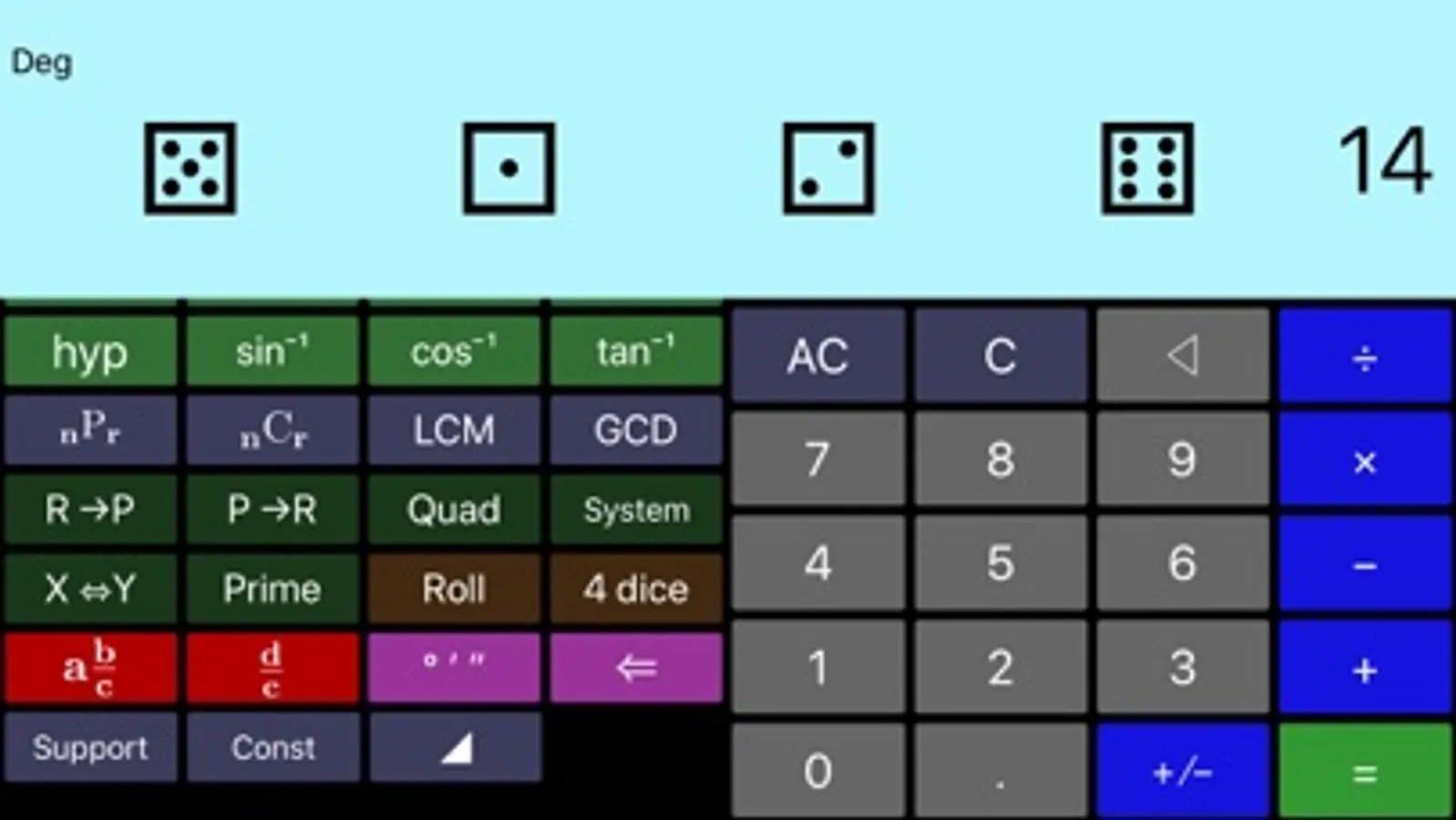
- Throws a set of dice (choice of 1 die to 4 dice)
- Backspace to delete last digit entered.
- The left pane scrolls to reveal more functionality without a need to switch modes. The digits and most common operations are always visible and the less common operations can be revealed by scrolling the left half of the screen.
- Sinusoidal functions can be calculated for angles in units of degrees, radians, or gradians.
- Showing the content of memory on MR button, as long as it fits.
- Right Triangle & Rectangle Calculator through in-app purchase.
Scientific++ is an ongoing project and we are working on more features and functions to be added to every update of the app.
You are going to love the simplicity of the user interface and you will get used to the extra functionality added to this product.
Please do not hesitate to contact us for any questions, comments, to report any bugs, or to suggest additional functions you would like to see in the upcoming updates.
Visit our website www.dogahe.com for more screen shots and other product descriptions.
- Shows the expression as you enter and keeps a history of your calculations (Swipe up on the screen to reveal the history)
- Capability of performing fraction manipulations and converting between different formats (proper, improper, and mixed fractions) and seamless integration of fraction, integer, and decimal manipulations.
- Capability of inputting degrees, minutes, and seconds for angles and converting between degrees-minutes-seconds format and decimal format.
- Capability of calculating permutation, combination, Least Common Multiple (LCM), Greatest Common Divisor (GCD), and prime factorization.
- Quadratic and system of two linear equations solver
- Rectangular to polar and polar to rectangular coordinate conversion (extremely useful for phasor calculations for electrical engineers)
- Common physical constants can be chosen from a list and used in the calculations.
- Throws a set of dice (choice of 1 die to 4 dice)
- Backspace to delete last digit entered.
- The left pane scrolls to reveal more functionality without a need to switch modes. The digits and most common operations are always visible and the less common operations can be revealed by scrolling the left half of the screen.
- Sinusoidal functions can be calculated for angles in units of degrees, radians, or gradians.
- Showing the content of memory on MR button, as long as it fits.
- Right Triangle & Rectangle Calculator through in-app purchase.
Scientific++ is an ongoing project and we are working on more features and functions to be added to every update of the app.
You are going to love the simplicity of the user interface and you will get used to the extra functionality added to this product.
Please do not hesitate to contact us for any questions, comments, to report any bugs, or to suggest additional functions you would like to see in the upcoming updates.
Visit our website www.dogahe.com for more screen shots and other product descriptions.