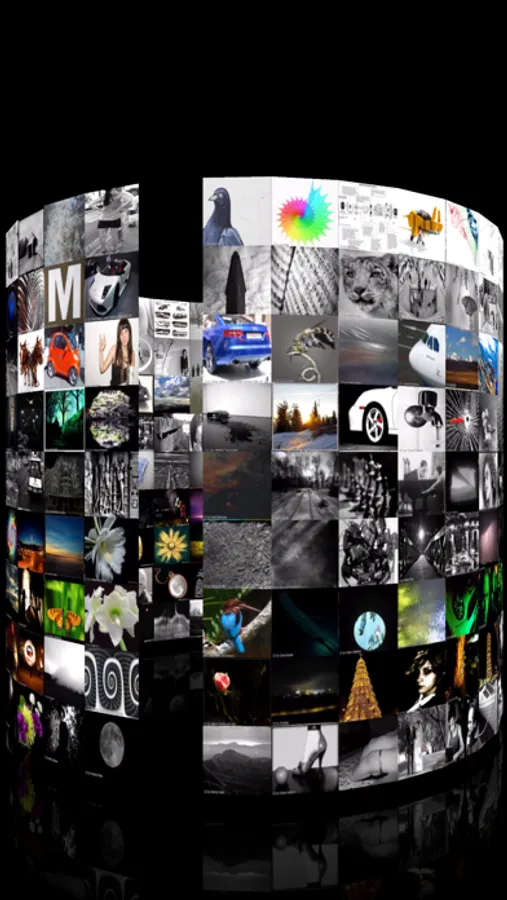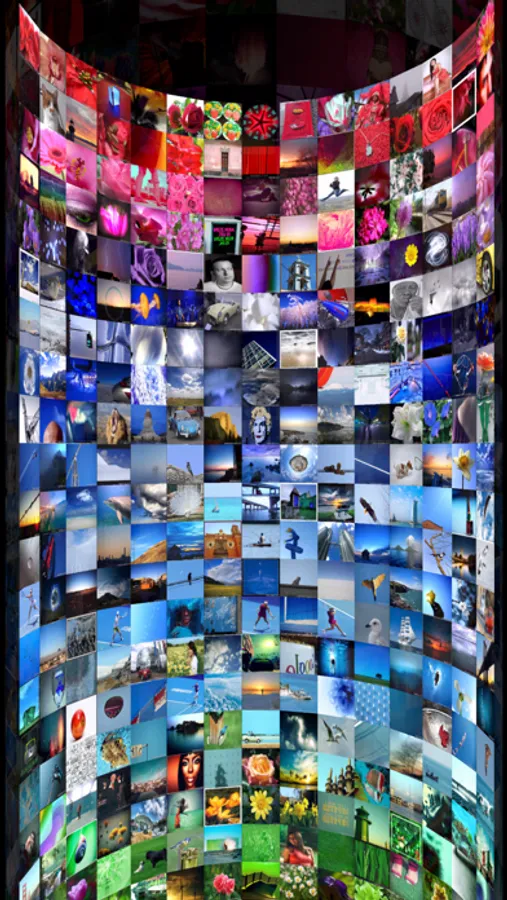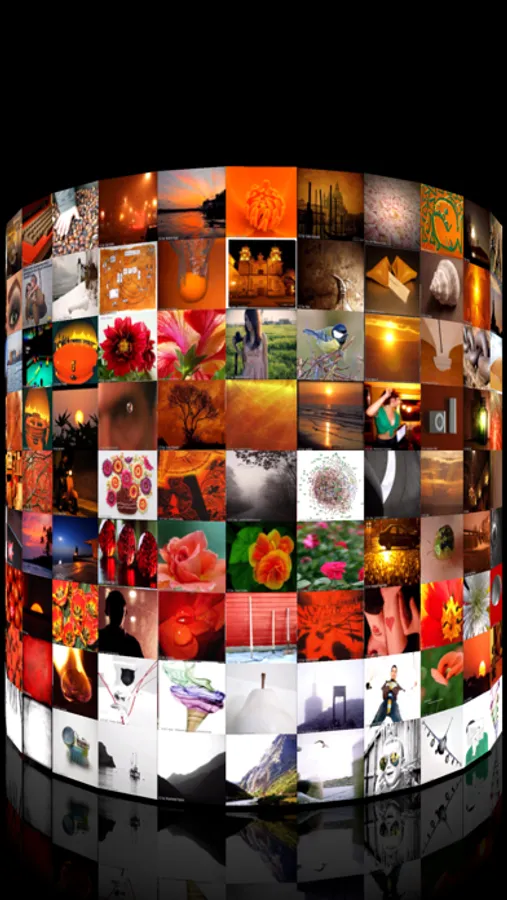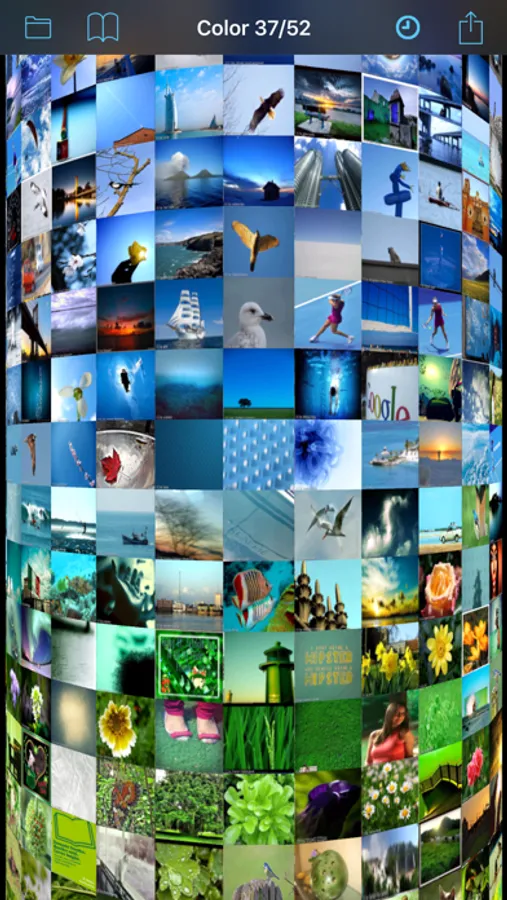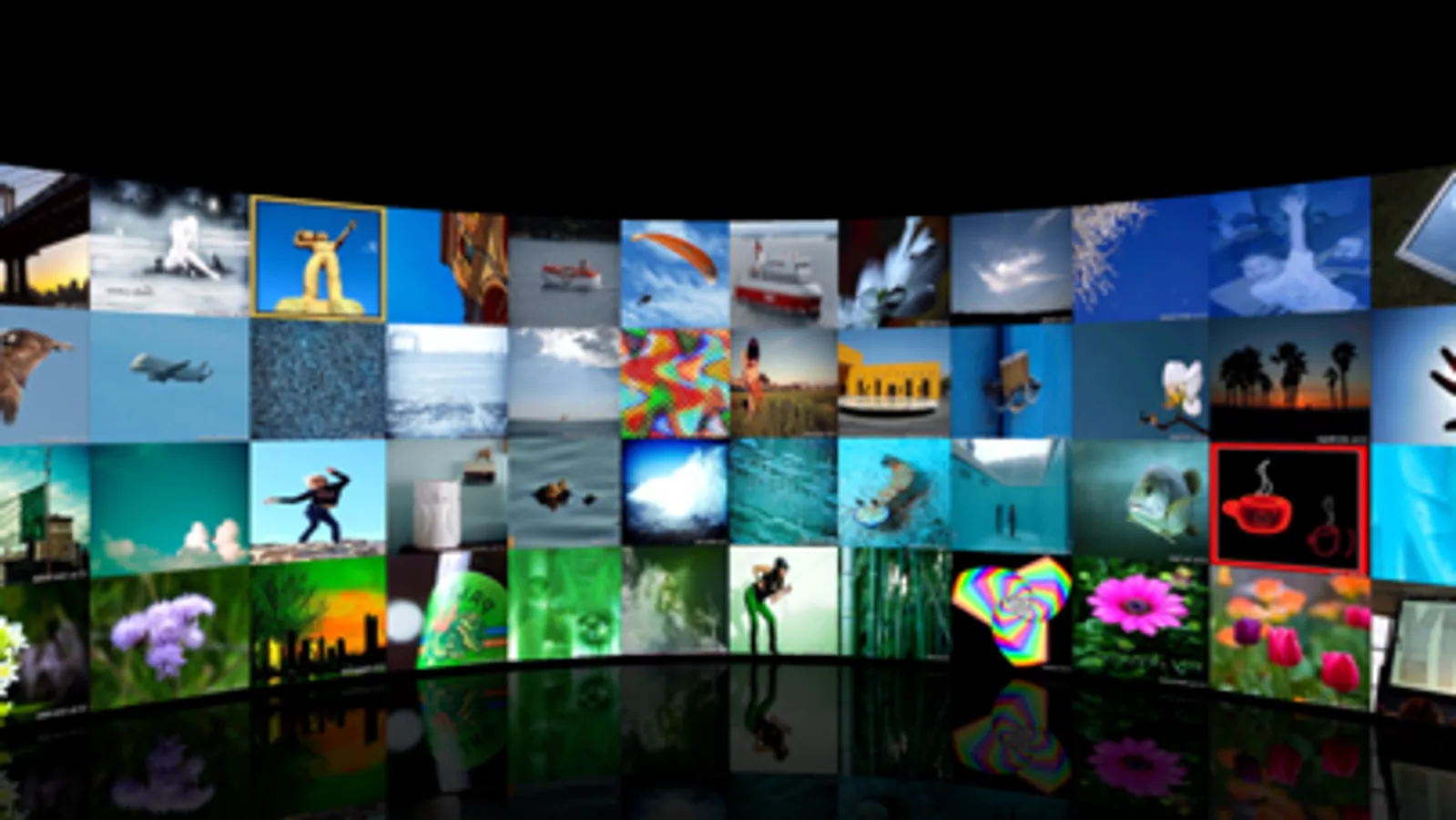
With this photo browser app, you can navigate through your photos using a 3D interface, rotate the ring, and switch views with taps. Includes color sorting, AR view, and automatic album presentation features.
AppRecs review analysis
AppRecs rating 4.4. Trustworthiness 77 out of 100. Review manipulation risk 21 out of 100. Based on a review sample analyzed.
★★★★☆
4.4
AppRecs Rating
Ratings breakdown
5 star
72%
4 star
17%
3 star
7%
2 star
0%
1 star
5%
What to know
✓
Low review manipulation risk
21% review manipulation risk
✓
Credible reviews
77% trustworthiness score from analyzed reviews
✓
High user satisfaction
72% of sampled ratings are 5 stars
About 3D Photo Ring - Album Browser
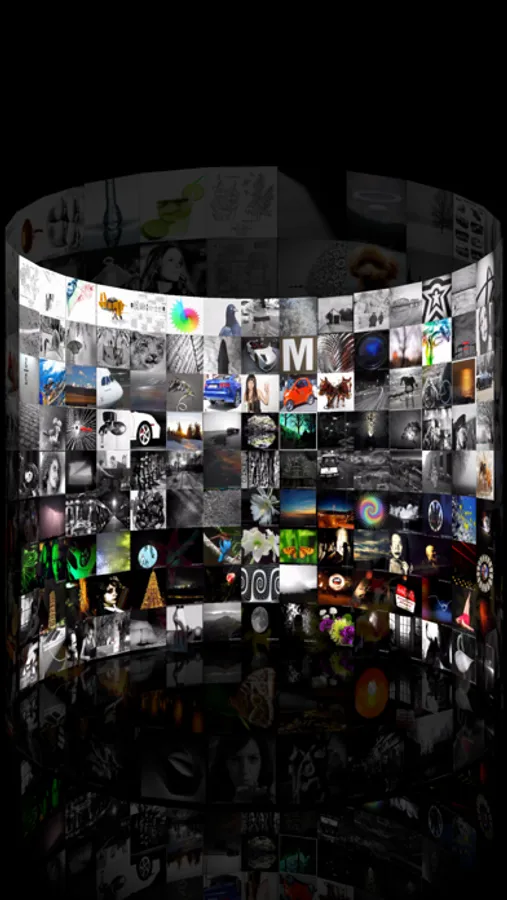
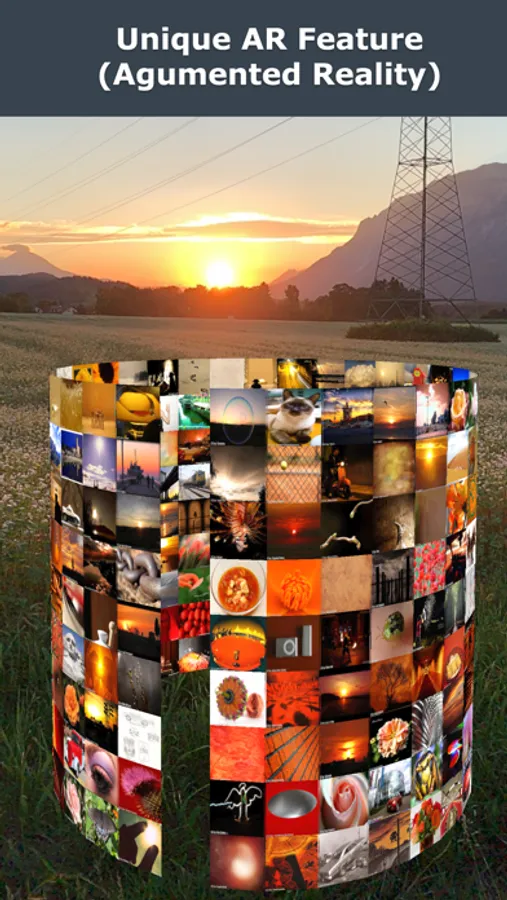
This app is a unique photo browser for iPhone and iPad with color sorting and a powerful 3D interface, now even including a cool Augmented Reality (AR) view and a great automatic presentation mode ("auto-rotation" with vertical switching)!
The 3D interface looks gorgeous and allows easy navigation through your photos: it can be rotated horizontally, and you can use vertical swipe gestures to browse through your albums and collections (which can be individually selected).
◆ swipe left/right to rotate.
◆ swipe up/down to navigate.
◆ 1x tap: open photo.
◆ 2x tap: switch to front or back of ring.
◆ 3x tap: switch between grouped/continuous mode.
◆ Pinch to zoom! In AR mode use pinch to increase/decrease radius of ring.
◆ Tap in black area to show/hide navigation bar.
It has been shown in scientific studies that this outstanding interface allows you to find desired pictures significantly faster than the default 2D grid photo browser. It can show many more photos at a glance and uses an intuitive swipe-to-rotate interaction (or vertical wipe to switch to different parts in the collection).
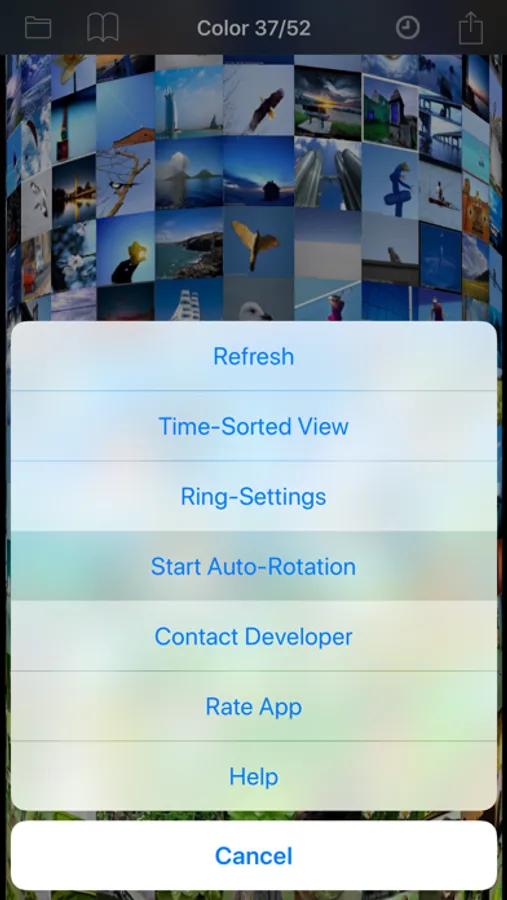
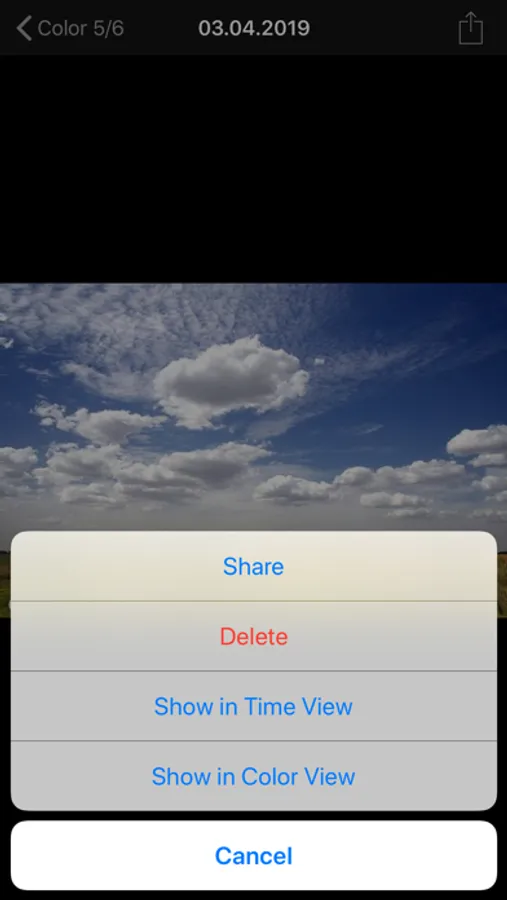
The color sorting allows you to get a better overview of your collection and to easily find a desired picture by its color. Moreover, it also allows you to find duplicate pictures and to delete one of them. You can share photos, email them, or open them in an external app.
The app is also an excellent way to present photos, since it has a auto-rotate feature that constantly rotates the ring and automatically navigates through your collection (also in AR view)!
Additionally, you can select the albums that should be shown in the 3D ring interface.
The 3D interface looks gorgeous and allows easy navigation through your photos: it can be rotated horizontally, and you can use vertical swipe gestures to browse through your albums and collections (which can be individually selected).
◆ swipe left/right to rotate.
◆ swipe up/down to navigate.
◆ 1x tap: open photo.
◆ 2x tap: switch to front or back of ring.
◆ 3x tap: switch between grouped/continuous mode.
◆ Pinch to zoom! In AR mode use pinch to increase/decrease radius of ring.
◆ Tap in black area to show/hide navigation bar.
It has been shown in scientific studies that this outstanding interface allows you to find desired pictures significantly faster than the default 2D grid photo browser. It can show many more photos at a glance and uses an intuitive swipe-to-rotate interaction (or vertical wipe to switch to different parts in the collection).
The color sorting allows you to get a better overview of your collection and to easily find a desired picture by its color. Moreover, it also allows you to find duplicate pictures and to delete one of them. You can share photos, email them, or open them in an external app.
The app is also an excellent way to present photos, since it has a auto-rotate feature that constantly rotates the ring and automatically navigates through your collection (also in AR view)!
Additionally, you can select the albums that should be shown in the 3D ring interface.