In this weaving pattern design app, you can create, edit, and export drafts using gestures and multiple editing tools. Includes support for WIF files, iCloud sync, and pattern visualization.
AppRecs review analysis
AppRecs rating 4.1. Trustworthiness 81 out of 100. Review manipulation risk 21 out of 100. Based on a review sample analyzed.
★★★★☆
4.1
AppRecs Rating
Ratings breakdown
5 star
70%
4 star
13%
3 star
6%
2 star
4%
1 star
7%
What to know
✓
Low review manipulation risk
21% review manipulation risk
✓
Credible reviews
81% trustworthiness score from analyzed reviews
⚠
Ad complaints
Many low ratings mention excessive ads
About iWeaveIt
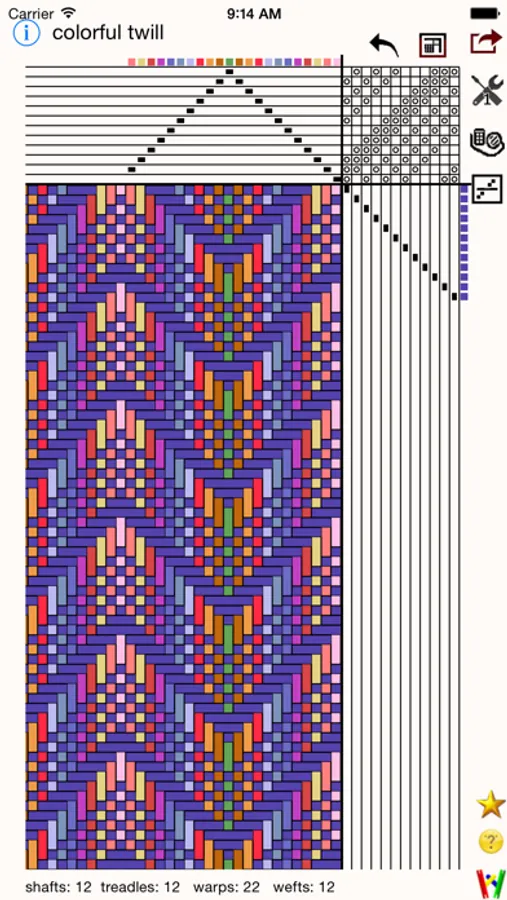
iWeaveiIt is drawdown app for designing hand weaving patterns. It was developed by the same people who did WeaveIt for the PC Windows environment. The single purchase of iWeaveIt will download to both your iPhone and your iPad.
The iWeaveIt app supports Apple’s human interface guidelines with many of Apple's features. It uses gestures and touches for draft manipulation. This makes the program easy to use on the iPhone, iPod and iPad. The many animations give the program pizazz. The result is a fun and enticing program to create and view weaving drafts.
√ Zoom with gestures, double click and two finger click similar to Apple’s Map program.
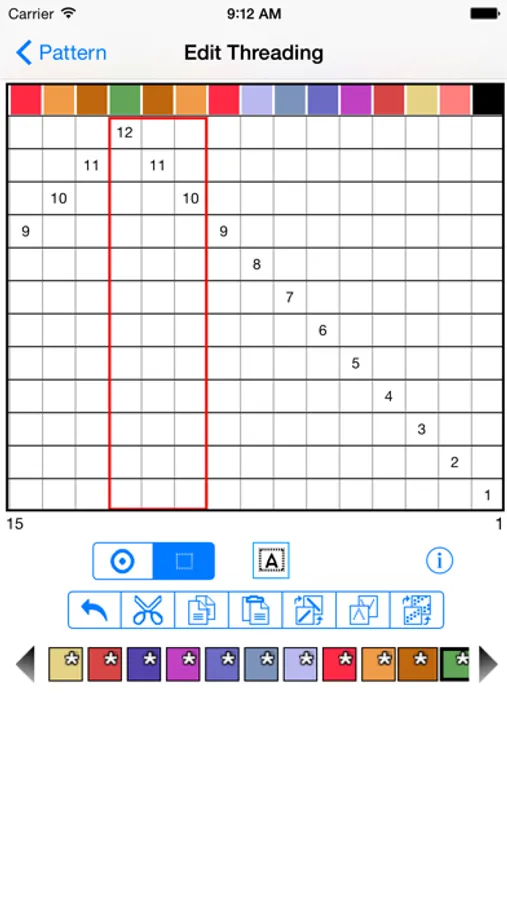
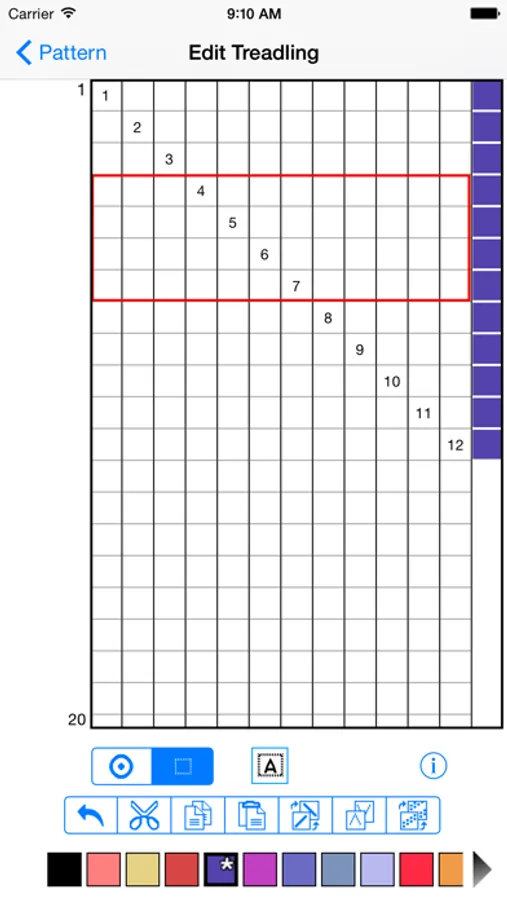
√ Create and edit threading, treadling, and tieup for your drafts with multiple edit functions ( cut, copy, paste, flip, wrap, and change colors).
√ Supports lift plans.
√ Multiple levels of undo are available for editing.
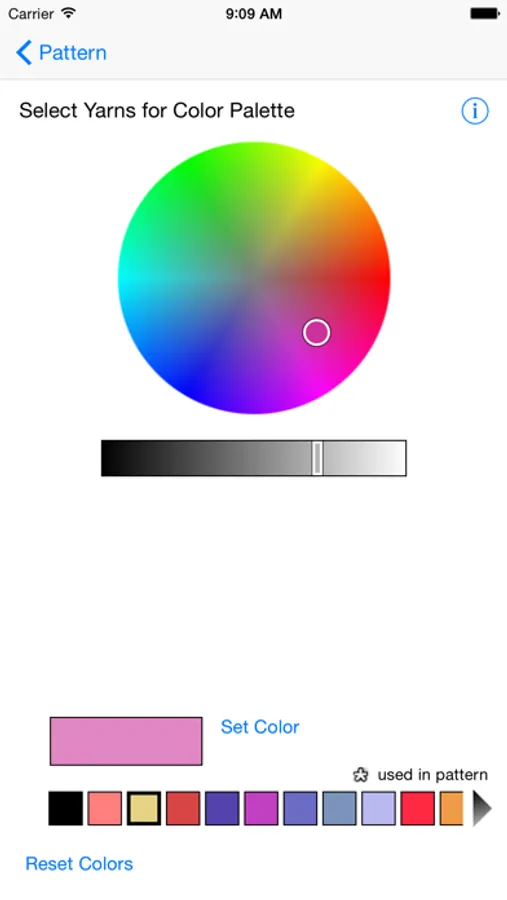
√ Create custom color palettes.
√ Reads and writes WIF files.
√ Export your pattern drafts as WIF files via email, iCloud or save to local storage and transfer with iTunes.
√ Import WIF files into iWeaveIt from email or internet (www.handweaving.net) with only one click. WIF files are recognized for iWeaveIt and load immediately.
√ Sync files using iCloud between all your devices (iPhone, iPod, iPad and Macintosh, Windows PC).
√ Print the draft to your air printer. You do not have to email or transfer your file to another computer.
√ View one repeat of the design or multiple repeats to get a feel for how the whole cloth will look.
Editing allows up to 8 shafts on iPhone and 24 shafts on iPad.
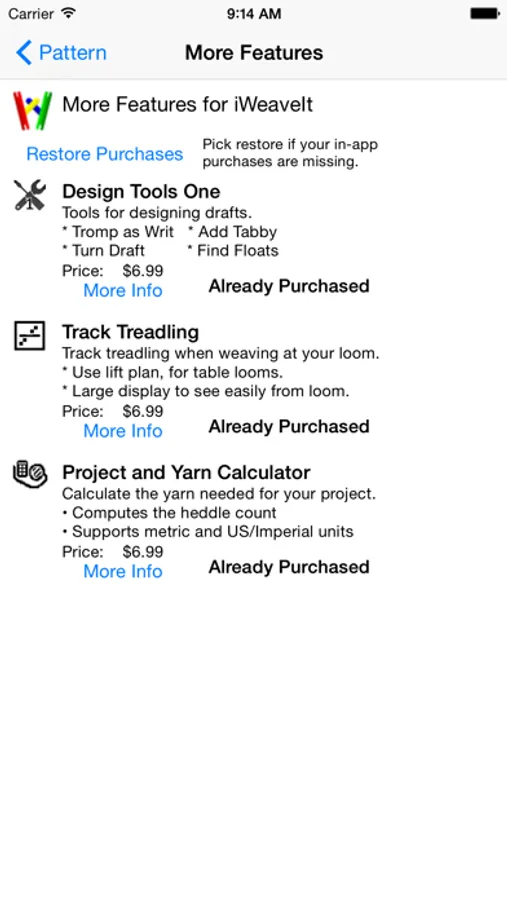
The following modules are now included with the app at original purchase
√ Yarn and Project Management
√ Tracking your threading or treadling while you weave
√ Designer One -- Add Tabby, Turn Drafts, Find Floats,
The iWeaveIt app supports Apple’s human interface guidelines with many of Apple's features. It uses gestures and touches for draft manipulation. This makes the program easy to use on the iPhone, iPod and iPad. The many animations give the program pizazz. The result is a fun and enticing program to create and view weaving drafts.
√ Zoom with gestures, double click and two finger click similar to Apple’s Map program.
√ Create and edit threading, treadling, and tieup for your drafts with multiple edit functions ( cut, copy, paste, flip, wrap, and change colors).
√ Supports lift plans.
√ Multiple levels of undo are available for editing.
√ Create custom color palettes.
√ Reads and writes WIF files.
√ Export your pattern drafts as WIF files via email, iCloud or save to local storage and transfer with iTunes.
√ Import WIF files into iWeaveIt from email or internet (www.handweaving.net) with only one click. WIF files are recognized for iWeaveIt and load immediately.
√ Sync files using iCloud between all your devices (iPhone, iPod, iPad and Macintosh, Windows PC).
√ Print the draft to your air printer. You do not have to email or transfer your file to another computer.
√ View one repeat of the design or multiple repeats to get a feel for how the whole cloth will look.
Editing allows up to 8 shafts on iPhone and 24 shafts on iPad.
The following modules are now included with the app at original purchase
√ Yarn and Project Management
√ Tracking your threading or treadling while you weave
√ Designer One -- Add Tabby, Turn Drafts, Find Floats,