Convert Audio
Ice Cold Apps
3.5 ★
store rating
Free
AppRecs review analysis
AppRecs rating 3.0. Trustworthiness 79 out of 100. Review manipulation risk 21 out of 100. Based on a review sample analyzed.
★★★☆☆
3.0
AppRecs Rating
Ratings breakdown
5 star
53%
4 star
6%
3 star
12%
2 star
0%
1 star
29%
What to know
✓
Low review manipulation risk
21% review manipulation risk
✓
Credible reviews
79% trustworthiness score from analyzed reviews
About Convert Audio
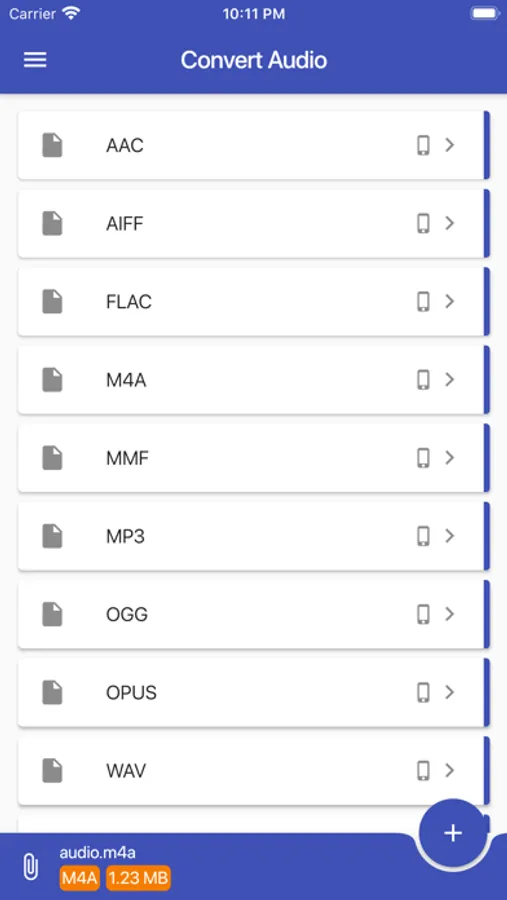
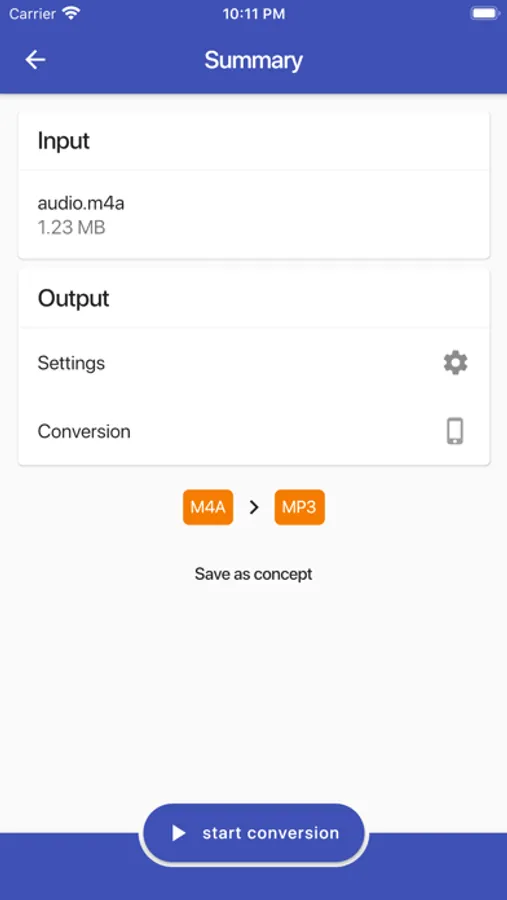
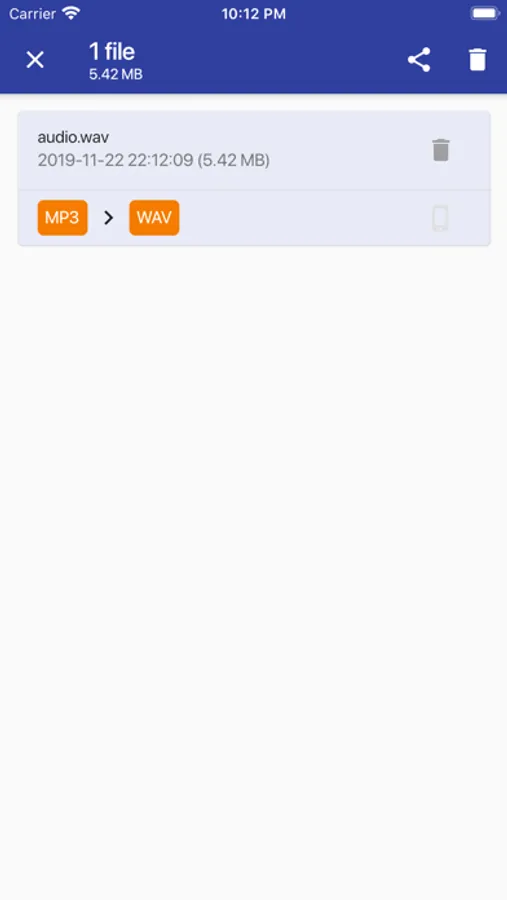
Convert Audio allows you to convert almost all known audio formats to the below mentioned formats. Convert an URL, existing audio file or video file to your favorite audio format. And after the conversion you can use multiple ways of sharing them!
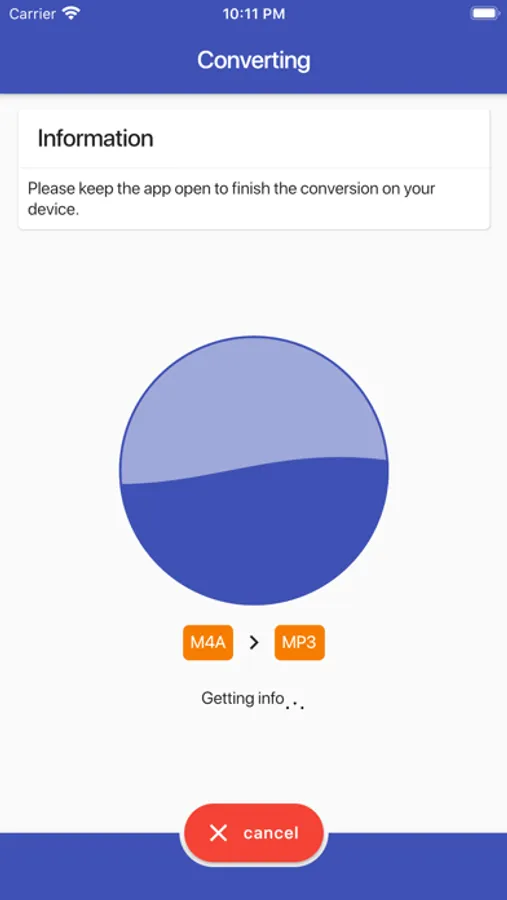
By default the app will convert the file locally (offline) on your phone but can be set to use the conversion cloud to save memory, time and battery.
Convert to AAC, AC3, AIFF, FLAC, M4A, M4R, MIDI, MMF, MP3, MPA, OGG, OPUS, WAV or WMA.
Examples:
• Convert wav to mp3
• Extract music from video
• Convert wav to mp3
• Text to audio: listen to an ebook / audio book (text to speech, tts)
• Create ringtones and cut audio
• Optimize for mobile devices
• Website URL to audio
• Convert ogg to mp3, and more!
Features:
• Almost all audio source formats are supported
• Use the 'Open with' option to load files
• Use the gallery to load a video or take one using the camera
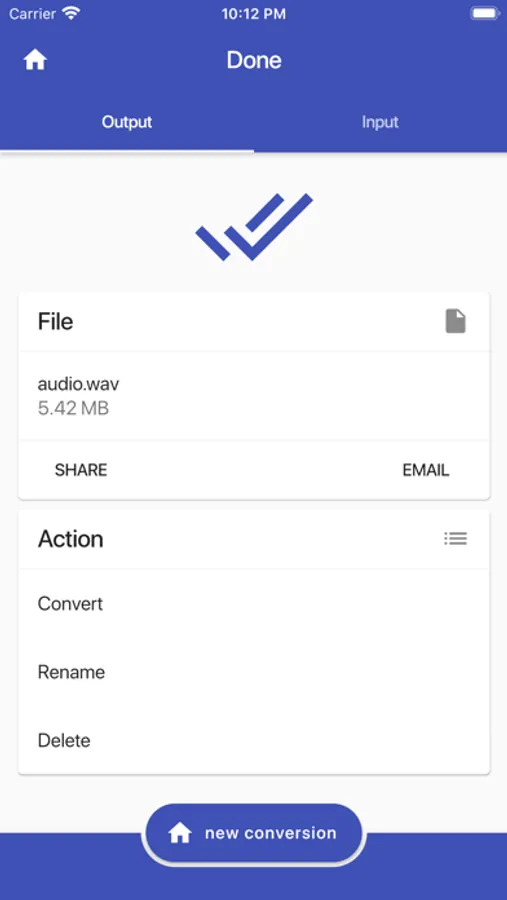
• Send the created audio file by email
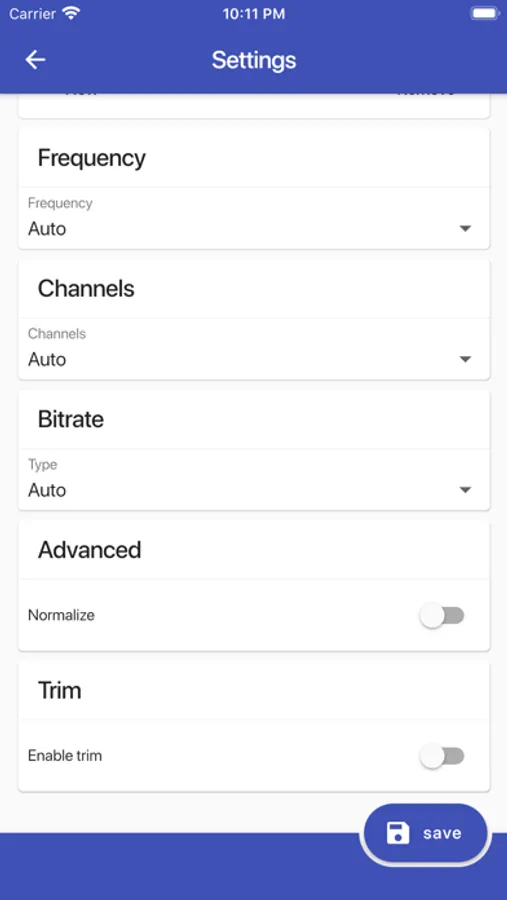
You can change:
• Bitrate
• Frequency
• Channels (mono, stereo)
• Normalize
• Trim to a specific part of the audio
• Change the speed
• Reverse
• Trim silence
• Remove album art
And more!
By default the app will convert the file locally (offline) on your phone but can be set to use the conversion cloud to save memory, time and battery.
Convert to AAC, AC3, AIFF, FLAC, M4A, M4R, MIDI, MMF, MP3, MPA, OGG, OPUS, WAV or WMA.
Examples:
• Convert wav to mp3
• Extract music from video
• Convert wav to mp3
• Text to audio: listen to an ebook / audio book (text to speech, tts)
• Create ringtones and cut audio
• Optimize for mobile devices
• Website URL to audio
• Convert ogg to mp3, and more!
Features:
• Almost all audio source formats are supported
• Use the 'Open with' option to load files
• Use the gallery to load a video or take one using the camera
• Send the created audio file by email
You can change:
• Bitrate
• Frequency
• Channels (mono, stereo)
• Normalize
• Trim to a specific part of the audio
• Change the speed
• Reverse
• Trim silence
• Remove album art
And more!