AppRecs review analysis
AppRecs rating 3.7. Trustworthiness 78 out of 100. Review manipulation risk 22 out of 100. Based on a review sample analyzed.
★★★☆☆
3.7
AppRecs Rating
Ratings breakdown
5 star
33%
4 star
33%
3 star
22%
2 star
11%
1 star
0%
What to know
✓
Low review manipulation risk
22% review manipulation risk
✓
Credible reviews
78% trustworthiness score from analyzed reviews
✓
Good user ratings
67% positive sampled reviews
About Verbal Me
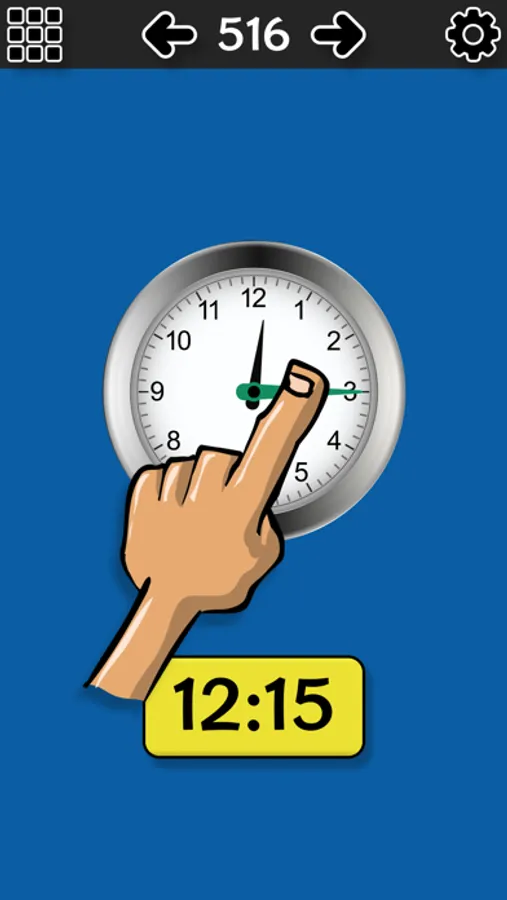
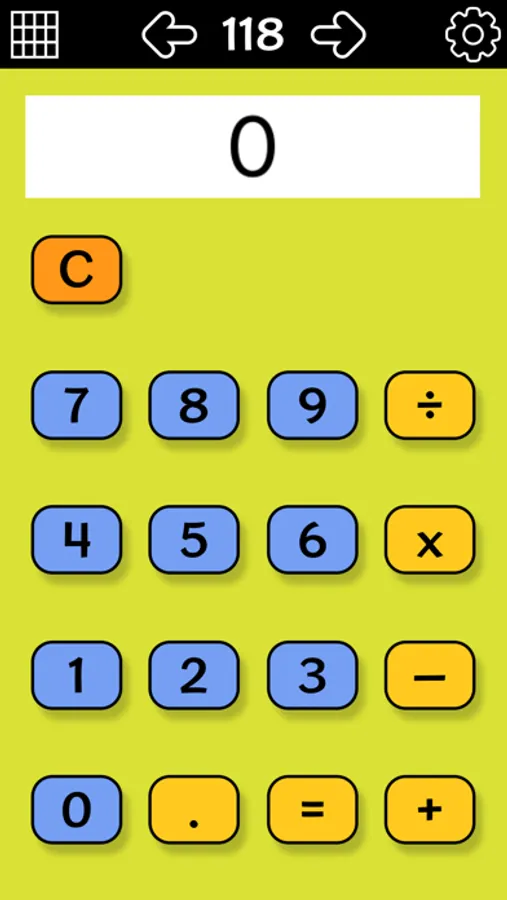
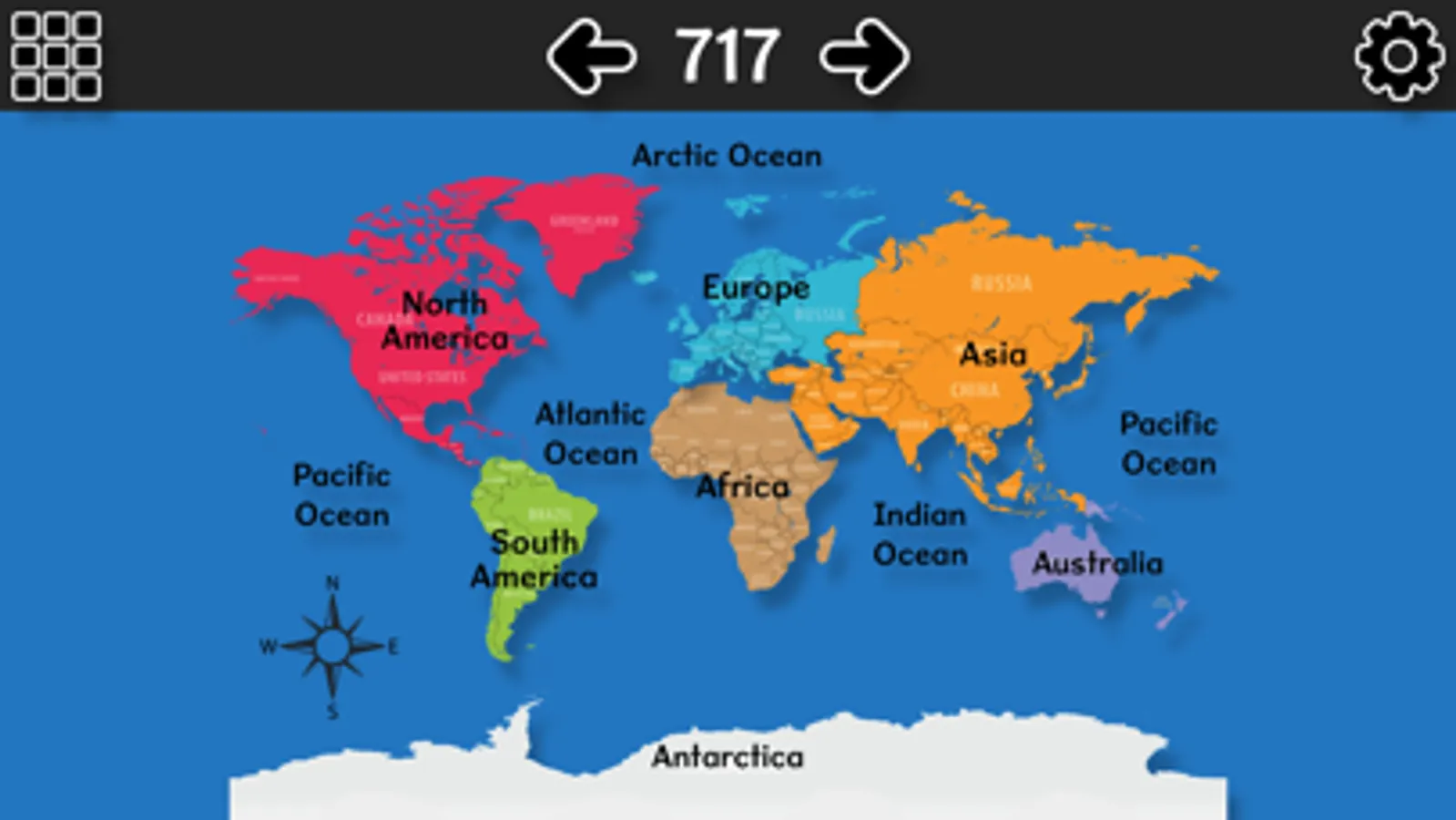
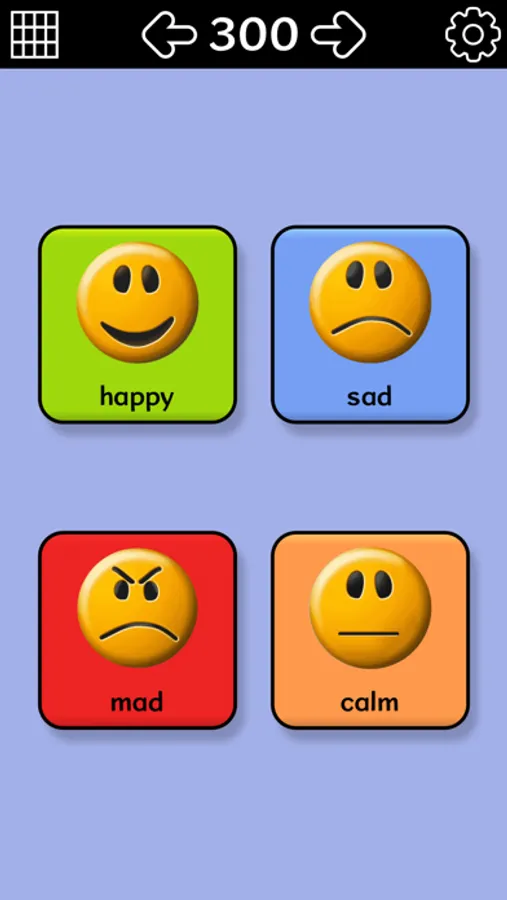
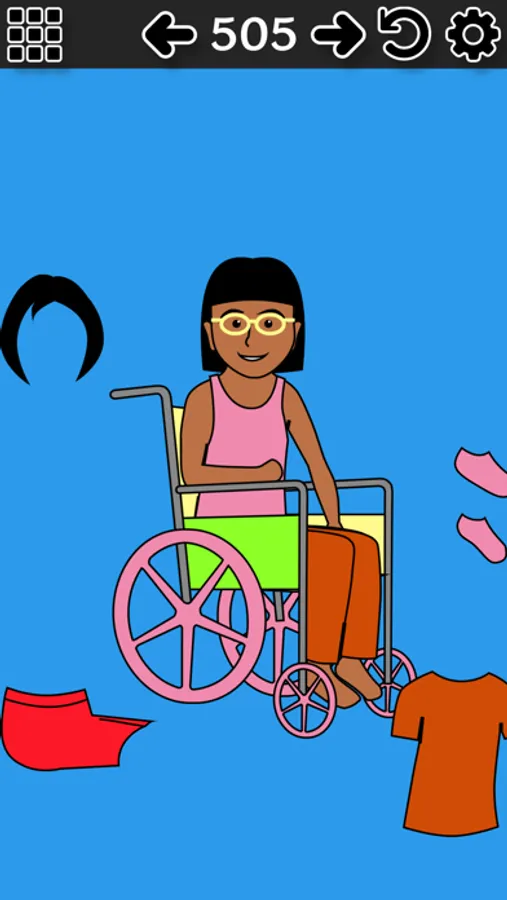
This easy-to-use AAC and choice board app was suggested and edited by special needs teachers and therapists to help nonverbal kids participate in class. Users tap a button and the iPad or iPhone speaks the button text aloud in either a boy's or girl's voice. Page choices include yes/no, alphabet, numbers, interactive speaking clock, skip counting, opposites, colors, world map, US coins, bullying, getting dressed, using the bathroom, seasons, emotions, BINGO, body parts, life cycle of a butterfly, custom pages with editable text and pictures.
Educators and parents can switch pages by sliding one finger from the upper right to the lower left of the iPad screen. Alternatively, turn on the settings and arrow buttons to let kids switch pages. Choose from over 100 prebuilt pages with colorful buttons and create up to 100 additional pages with custom buttons you can edit. A Spanish-language version is also available.
SWITCH USERS: Students with dexterity challenges can use a Bluetooth switch with Verbal Me. First, open your iPad or iPhone Settings app. In the Bluetooth section, turn on Bluetooth and connect to the switch device. Then in Verbal Me, button 1 could be assigned to advance to next button and button 2 to press the button. Or on 1-button switches, turn on auto scanning in the Verbal Me settings (gear icon), and press your switch button when the desired button is selected.
Educators and parents can switch pages by sliding one finger from the upper right to the lower left of the iPad screen. Alternatively, turn on the settings and arrow buttons to let kids switch pages. Choose from over 100 prebuilt pages with colorful buttons and create up to 100 additional pages with custom buttons you can edit. A Spanish-language version is also available.
SWITCH USERS: Students with dexterity challenges can use a Bluetooth switch with Verbal Me. First, open your iPad or iPhone Settings app. In the Bluetooth section, turn on Bluetooth and connect to the switch device. Then in Verbal Me, button 1 could be assigned to advance to next button and button 2 to press the button. Or on 1-button switches, turn on auto scanning in the Verbal Me settings (gear icon), and press your switch button when the desired button is selected.