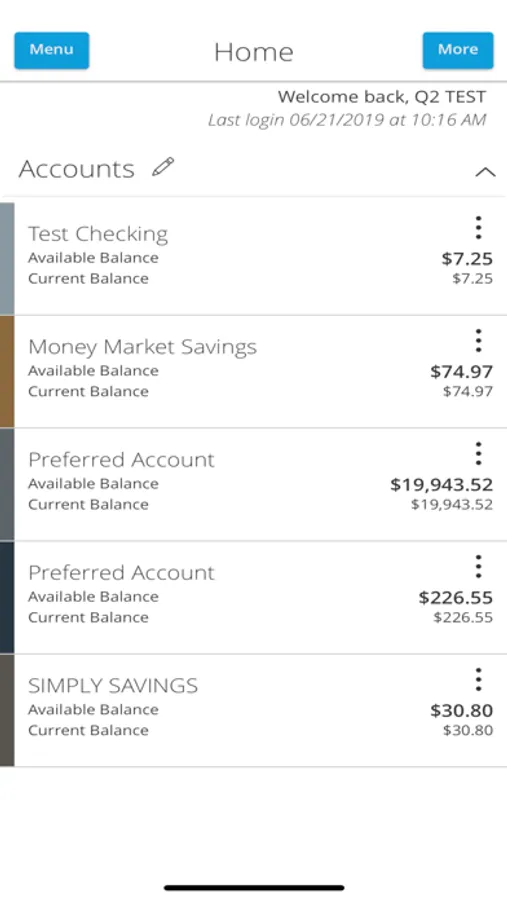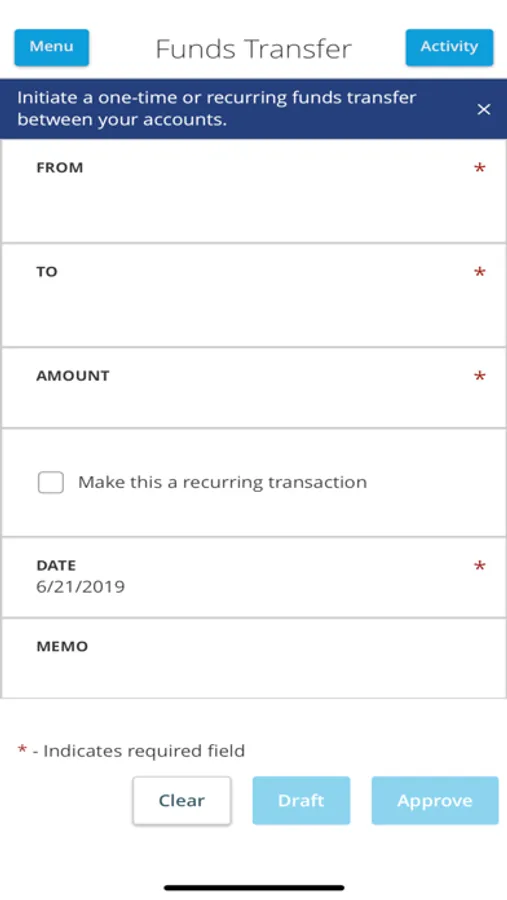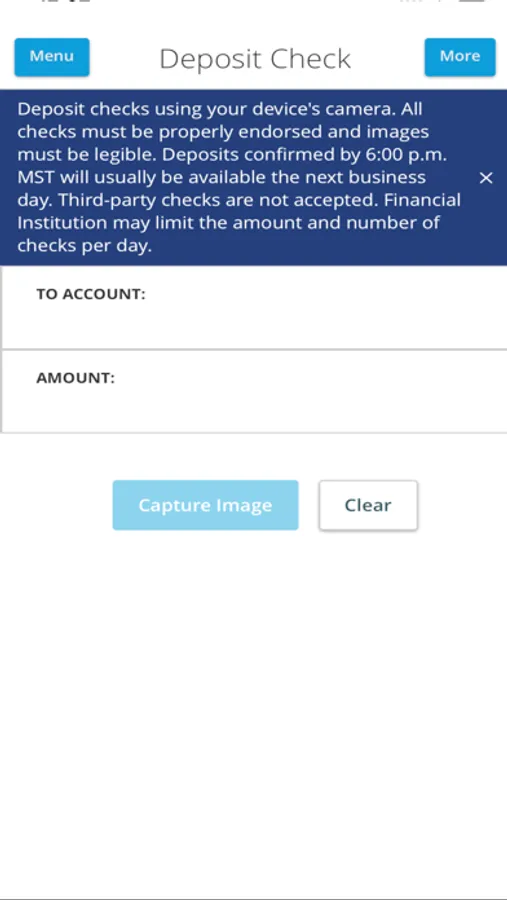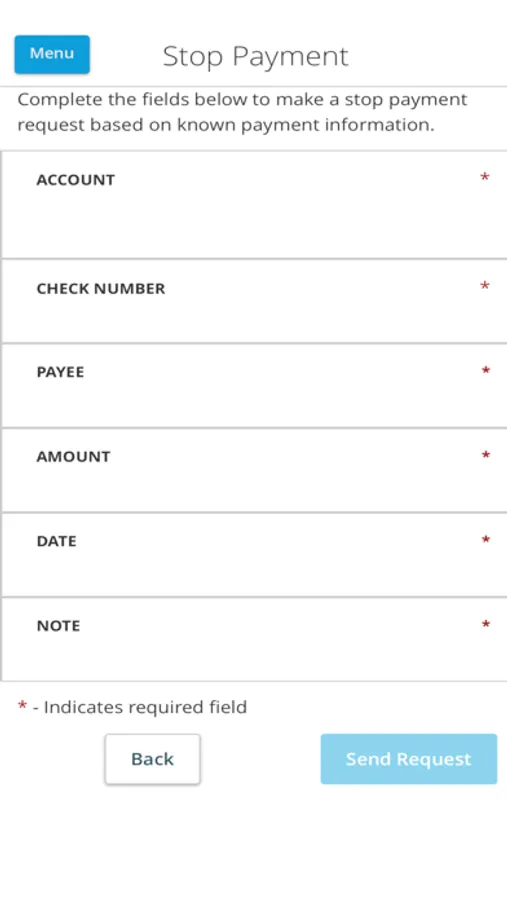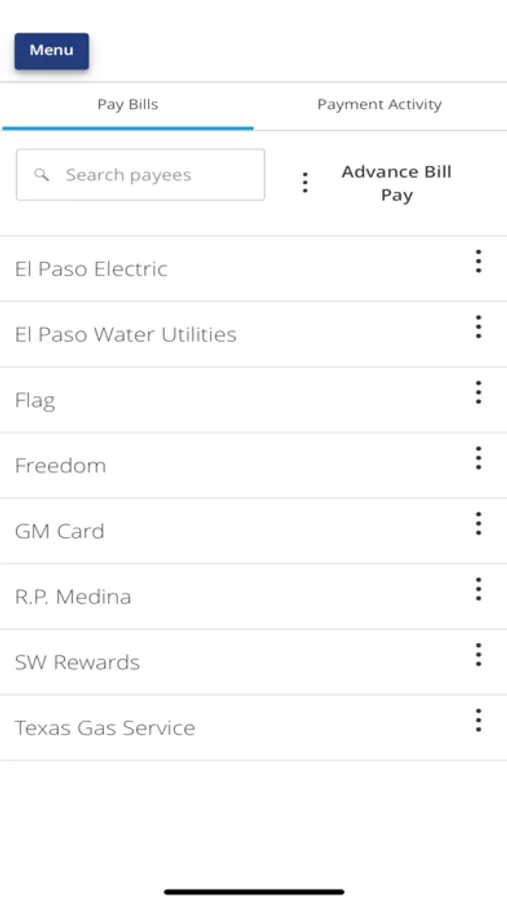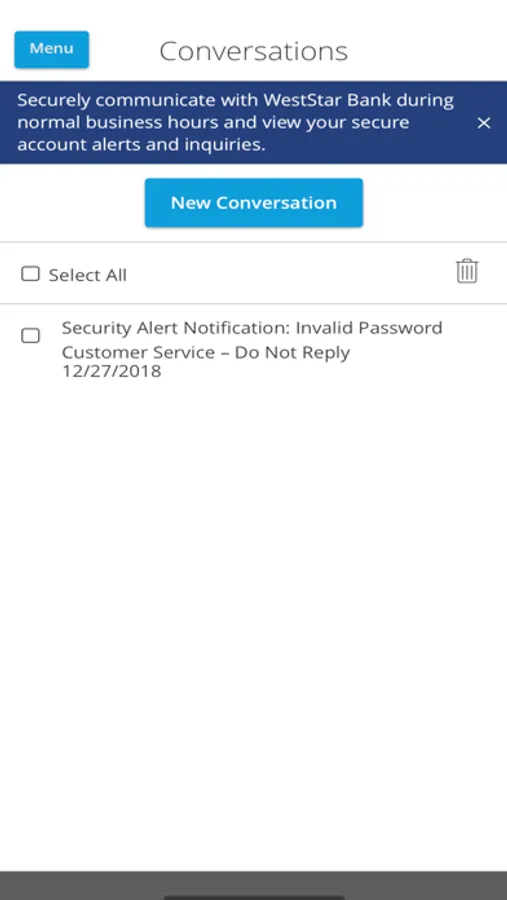
In this mobile banking app, users can check balances, transfer funds, view transactions, deposit checks, and send messages. Includes account management features, transaction alerts, and branch locator information.
AppRecs review analysis
AppRecs rating 4.6. Trustworthiness 0 out of 100. Review manipulation risk 0 out of 100. Based on a review sample analyzed.
★★★★☆
4.6
AppRecs Rating
Ratings breakdown
5 star
81%
4 star
8%
3 star
4%
2 star
2%
1 star
4%
What to know
✓
High user satisfaction
81% of sampled ratings are 5 stars
✓
Authentic reviews
No red flags detected
About WestStar Bank
Our mobile banking app allows you to check balances, transfer funds, view transactions, deposit checks and check messages from anywhere, anytime. It’s fast, free and available to all of our NetBanking users. With this app you can do the following:
- Check balances 24/7
- View pending transactions
- Create, approve, cancel or view funds transfers
- View transaction history
- Send and receive secure messages
- Access branch hours and location information
To use this app, begin by logging in to NetBanking and follow the steps below.
1. From the NetBanking menu, choose Preferences > Mobile. The Mobile Preferences page will appear.
2. Select the “Yes, enable my user ID and password for use on my mobile device” check box.
3. Enter an email address and click “Send”. You will receive an email with the mobile banking URL.
After enrolling, download the mobile banking app to begin managing your finances anytime, anywhere, from any mobile device.*
*Standard text messaging and data usage charges may apply.
- Check balances 24/7
- View pending transactions
- Create, approve, cancel or view funds transfers
- View transaction history
- Send and receive secure messages
- Access branch hours and location information
To use this app, begin by logging in to NetBanking and follow the steps below.
1. From the NetBanking menu, choose Preferences > Mobile. The Mobile Preferences page will appear.
2. Select the “Yes, enable my user ID and password for use on my mobile device” check box.
3. Enter an email address and click “Send”. You will receive an email with the mobile banking URL.
After enrolling, download the mobile banking app to begin managing your finances anytime, anywhere, from any mobile device.*
*Standard text messaging and data usage charges may apply.