In this private full screen browser, you can browse the web using incognito mode with customizable privacy controls. Includes options for bookmarks, multiple tabs, and clearing browsing data.
AppRecs review analysis
AppRecs rating 3.9. Trustworthiness 75 out of 100. Review manipulation risk 21 out of 100. Based on a review sample analyzed.
★★★☆☆
3.9
AppRecs Rating
Ratings breakdown
5 star
62%
4 star
16%
3 star
6%
2 star
3%
1 star
12%
What to know
✓
Low review manipulation risk
21% review manipulation risk
✓
Credible reviews
75% trustworthiness score from analyzed reviews
✓
High user satisfaction
79% of sampled ratings are 4+ stars (4.1★ average)
About Private Full Screen Browser
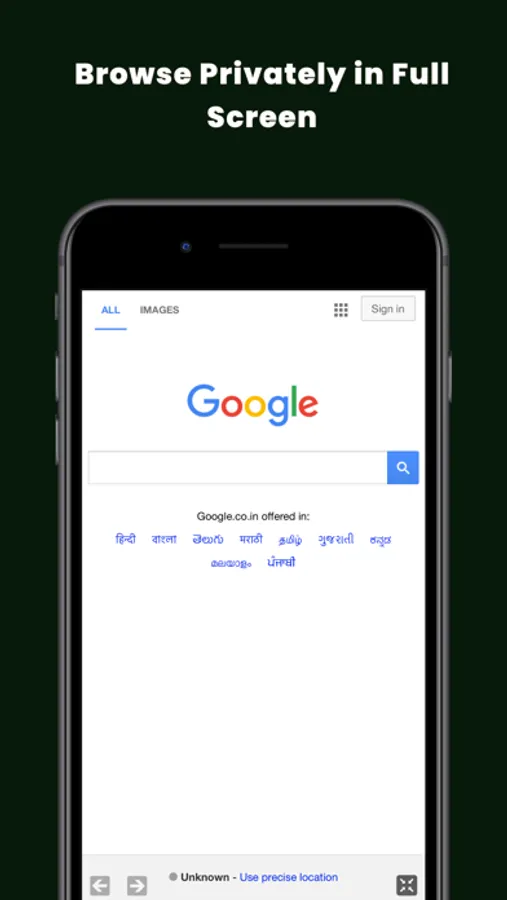
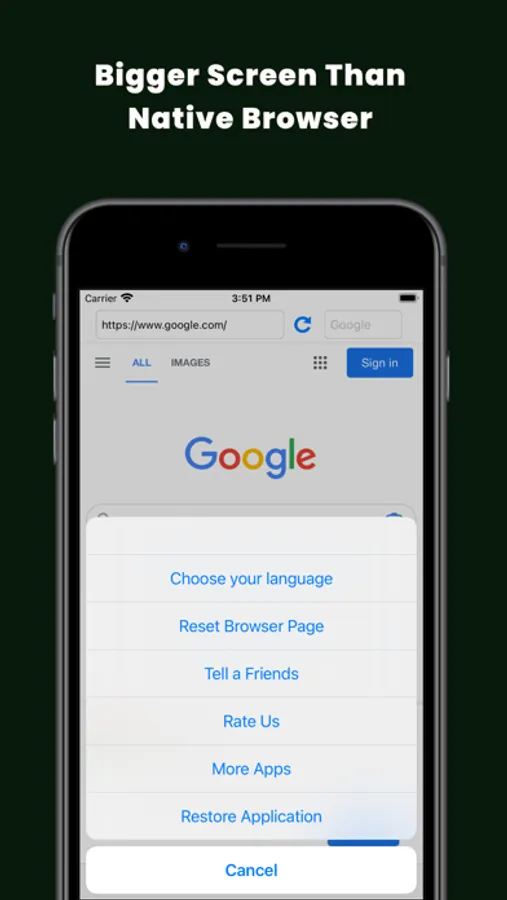
The Full Screen Private Web Browser Incognito is available for the iPhone/iPod Touch & iPad. This app gives you up to 40% of your screen's real estate back by hiding the buttons, address and even the status bar when you don't need them. Now you can take full advantage of the screen of your device. Private Browser is a web browser that is focused mainly on your privacy.
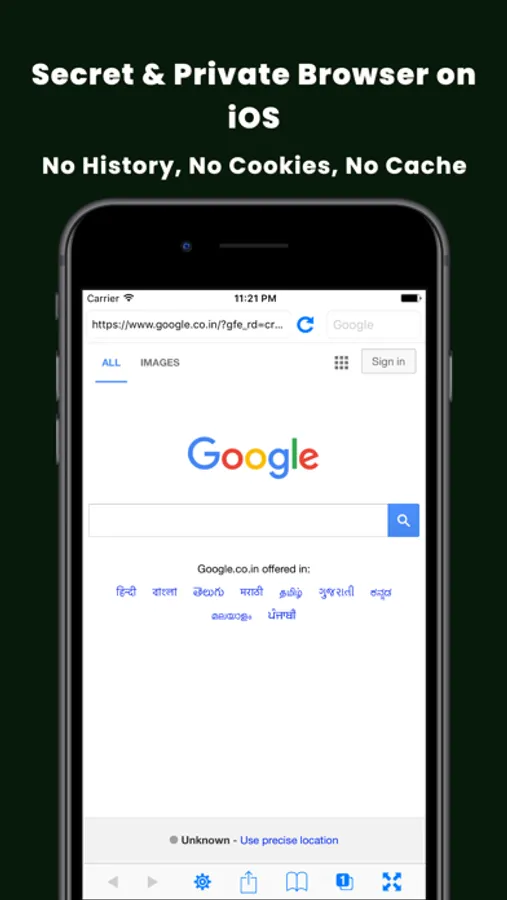
Private Browser Incognito provides a secure browsing experience with safe internet surfing. It gives a default incognito mode with no tracking and history record. The user has complete control over his privacy as he can control whether to save bookmarks and history.
History, Cookies, Cache, All completely clear deleted when you exit the Safe Browser. No one will know where you've been.
Surf the web exactly like you do in Safari: tap on links, swipe to scroll, double-tap or even pinch and spread your fingers to zoom in or out also for fast internet browser users.
•• Orientation ••
You can browsing in both orientation Portrait & Landscape.
•• Full screen web browser ••
- 25% more viewable area than Safari in portrait mode
- Almost 40% more viewable area than Safari in landscape mode!
•• Private Web Browser Incognito ••
Securely browsing features you expect at any time.
•• Bookmarks ••
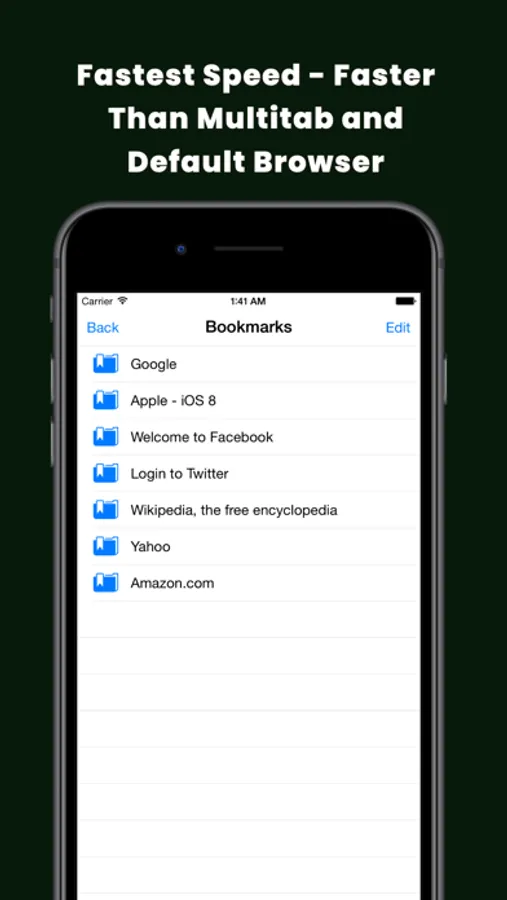
Bookmark your favorite webpages for easier navigation. Add, delete, reorder and edit bookmarks just like in Safari.
•• Homepage ••
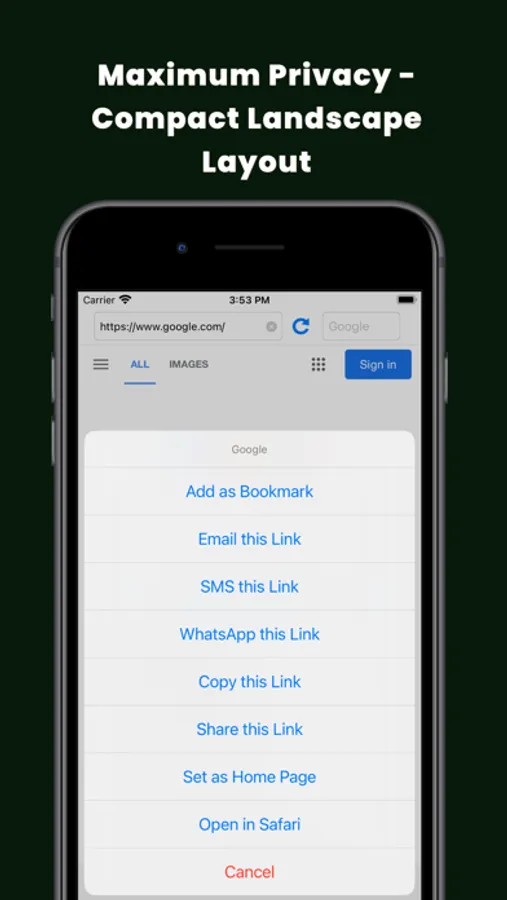
Have your favorite page load when Full Screen first launches. This is easily set by tapping the action button and then the "Set as Home Page" button while you are on the page. The homepage address can also be set in the iPhone Settings app.
•• Sharing ••
You can share your favorite link via Facebook, Twitter & Email.
•• Multipage Support ••
You can browsing on multiple page at a time as in safari.
•• Reset Browser ••
You can clear your browsing history at any time.
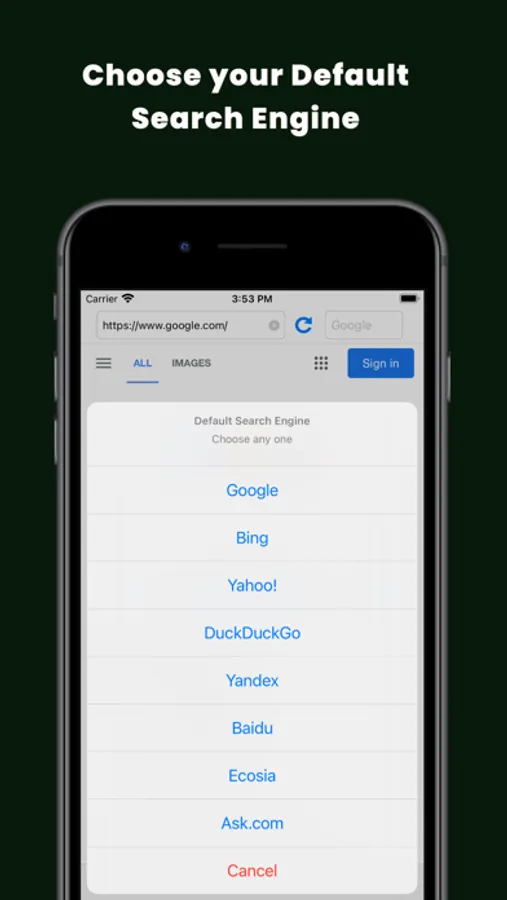
•• Search Engine ••
Google, Bing, Yahoo, DuckDuckGo, Yandex, Baidu, Ecosia, Ask.com
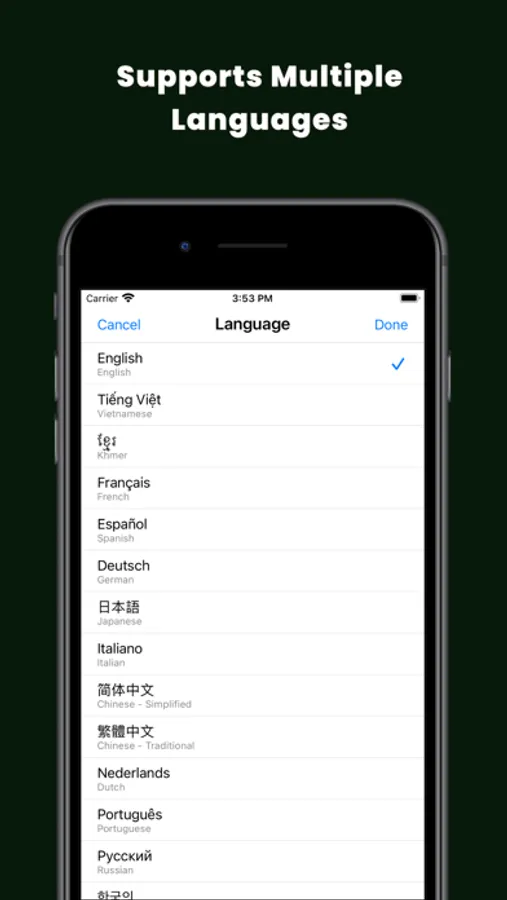
•• Choose your language ••
You can choose your preferred language from English, Vietnamese, Khmer, French, Spanish, German, Japanese, Italian, Chinese(Simplified), Chinese(Traditional), Dutch, Portuguese, Russian, Korean, Swedish, Norwegian, Arabic, Polish, Danish, Turkish, Hebrew, Greek, Finnish, Vietnamese, Khmer, Hindi, Burmese, Thai, Indonesian, Sinhala, Filipino, Malay
•• Theme ••
Light & Dark Mode Support
•• In-App Purchase ••
One-time In-app purchase for Sharing, Bookmarks & Multipage features.
Support retina display images for New iPad.
This free application contains all features as above but you can use only surfing the web & full screen features. If you want to access all features please buy using In-app purchase.
Don't wait! Download now and enjoy!
We love to hear from the fans! Please write a review and help us make the Full Screen Web Browser even better.
Stay tuned for a more updates soon!
Here is EULA: https://www.apple.com/legal/internet-services/itunes/dev/stdeula/
Privacy Policy: https://full-screen-web-browser-app.web.app/privacy-policy.html
Private Browser Incognito provides a secure browsing experience with safe internet surfing. It gives a default incognito mode with no tracking and history record. The user has complete control over his privacy as he can control whether to save bookmarks and history.
History, Cookies, Cache, All completely clear deleted when you exit the Safe Browser. No one will know where you've been.
Surf the web exactly like you do in Safari: tap on links, swipe to scroll, double-tap or even pinch and spread your fingers to zoom in or out also for fast internet browser users.
•• Orientation ••
You can browsing in both orientation Portrait & Landscape.
•• Full screen web browser ••
- 25% more viewable area than Safari in portrait mode
- Almost 40% more viewable area than Safari in landscape mode!
•• Private Web Browser Incognito ••
Securely browsing features you expect at any time.
•• Bookmarks ••
Bookmark your favorite webpages for easier navigation. Add, delete, reorder and edit bookmarks just like in Safari.
•• Homepage ••
Have your favorite page load when Full Screen first launches. This is easily set by tapping the action button and then the "Set as Home Page" button while you are on the page. The homepage address can also be set in the iPhone Settings app.
•• Sharing ••
You can share your favorite link via Facebook, Twitter & Email.
•• Multipage Support ••
You can browsing on multiple page at a time as in safari.
•• Reset Browser ••
You can clear your browsing history at any time.
•• Search Engine ••
Google, Bing, Yahoo, DuckDuckGo, Yandex, Baidu, Ecosia, Ask.com
•• Choose your language ••
You can choose your preferred language from English, Vietnamese, Khmer, French, Spanish, German, Japanese, Italian, Chinese(Simplified), Chinese(Traditional), Dutch, Portuguese, Russian, Korean, Swedish, Norwegian, Arabic, Polish, Danish, Turkish, Hebrew, Greek, Finnish, Vietnamese, Khmer, Hindi, Burmese, Thai, Indonesian, Sinhala, Filipino, Malay
•• Theme ••
Light & Dark Mode Support
•• In-App Purchase ••
One-time In-app purchase for Sharing, Bookmarks & Multipage features.
Support retina display images for New iPad.
This free application contains all features as above but you can use only surfing the web & full screen features. If you want to access all features please buy using In-app purchase.
Don't wait! Download now and enjoy!
We love to hear from the fans! Please write a review and help us make the Full Screen Web Browser even better.
Stay tuned for a more updates soon!
Here is EULA: https://www.apple.com/legal/internet-services/itunes/dev/stdeula/
Privacy Policy: https://full-screen-web-browser-app.web.app/privacy-policy.html