AppRecs review analysis
AppRecs rating 1.7. Trustworthiness 82 out of 100. Review manipulation risk 27 out of 100. Based on a review sample analyzed.
★☆☆☆☆
1.7
AppRecs Rating
Ratings breakdown
5 star
22%
4 star
0%
3 star
0%
2 star
0%
1 star
78%
What to know
✓
Low review manipulation risk
27% review manipulation risk
✓
Credible reviews
82% trustworthiness score from analyzed reviews
⚠
Mixed user feedback
Average 1.9★ rating suggests room for improvement
About Cellica Database Anywhere
Read and write to your MS Access, Excel, My SQL, SQL Server databases without any programming changes. Quickest and easiest way to go paperless. Synchronize data using Internet on device(3G/4G/Wi-Fi).
Sync MS Access, MS SQL Server, My SQL, Oracle, MS Excel databases on iPhone.
Features:
Databases Supported:
•Microsoft Access 97/2000/2003/2007/2010, Microsoft Excel 97/2000/2003/2007/2010, Oracle, Microsoft SQL Server, Sybase, FileMaker Pro, DB2, MySQL, Quickbook, PostgreSQL, FoxPro, dBase, R:BASE and any ODBC Compliant Database
Form Designing:
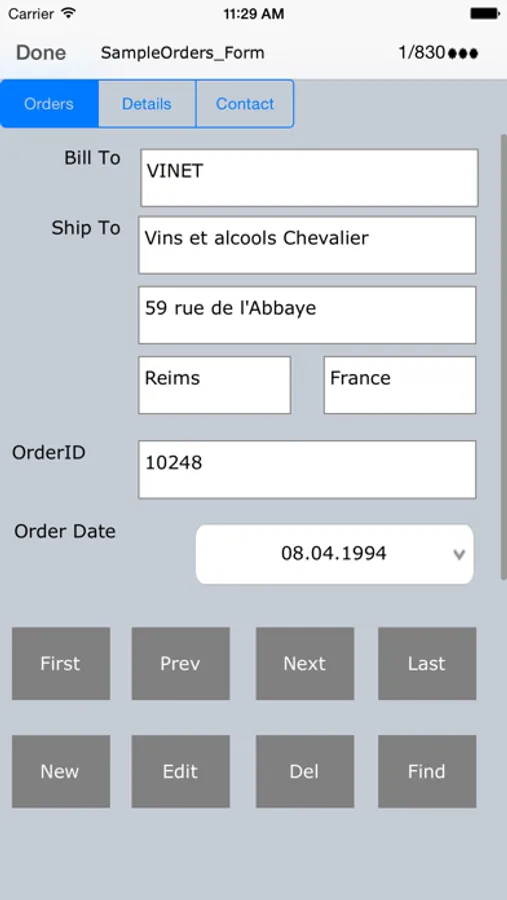
•Supported Forms.
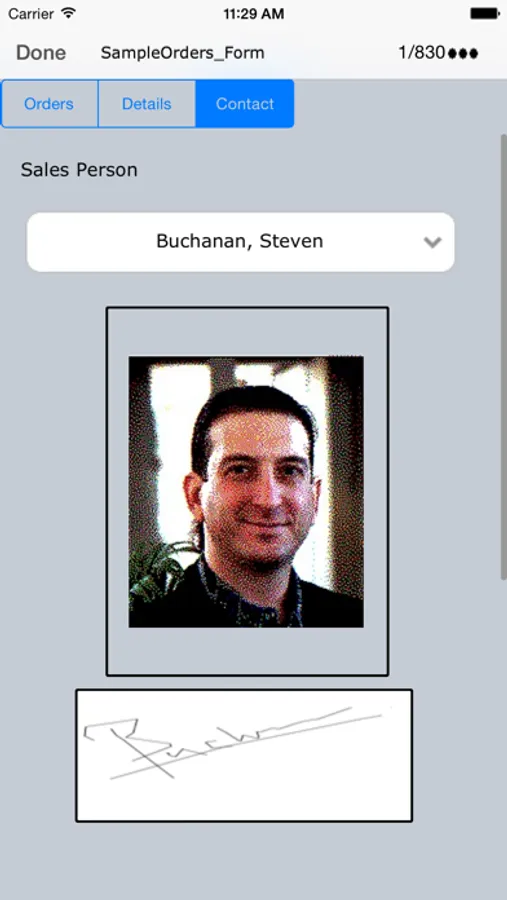
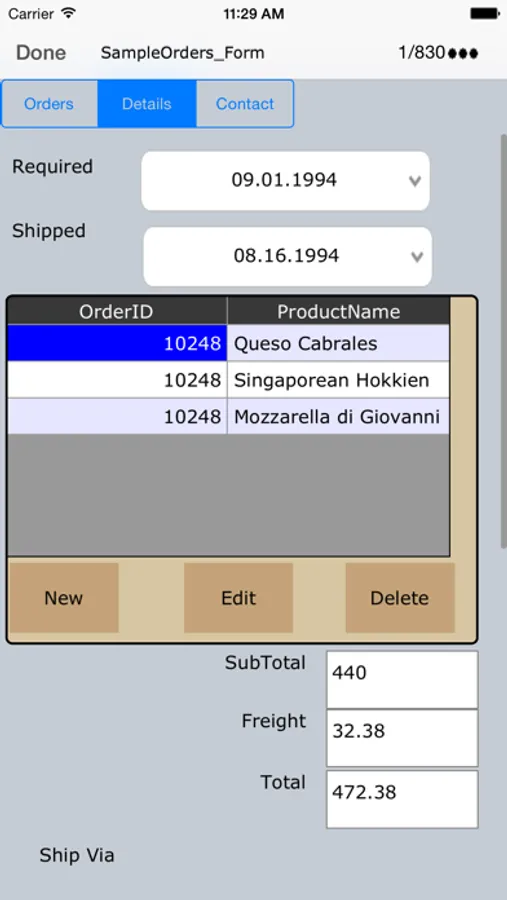
•Design form on desktop using Label, Text Field, Buttons, Checkbox, Radio buttons, Combo box, Page, Formula, Location Image/Signature control.
•Supports Sub forms, Design a master/detail form, or a parent/child form using sub form.
•Create form in Portrait/ Landscape mode.
•Import/Export form design.
•Supported Signature control.
•Synchronize image and signature data with desktop database. Supported Jpg, bmp and png image formats.
Security:
•Data is not stored on any Intermediate Server.
•While synchronization data is AES encrypted and compressed.
•Data is more secured as it is transfer through SSL.
•Password protection supported for device side application.
Additional Features:
•Instant Synchronization.
•Support Time/Stamp feature to find when user update particular record.
•Support QR Code (Bar code) Scanning.
•Supports Unicode language database such as Japanese, Chinese, Korean, Russian etc.
Download and install Desktop component on your Windows based PC from the product page.
For demo of multiuser server(Enterprise Edition),Please contact sales@cellica.com
Sync MS Access, MS SQL Server, My SQL, Oracle, MS Excel databases on iPhone.
Features:
Databases Supported:
•Microsoft Access 97/2000/2003/2007/2010, Microsoft Excel 97/2000/2003/2007/2010, Oracle, Microsoft SQL Server, Sybase, FileMaker Pro, DB2, MySQL, Quickbook, PostgreSQL, FoxPro, dBase, R:BASE and any ODBC Compliant Database
Form Designing:
•Supported Forms.
•Design form on desktop using Label, Text Field, Buttons, Checkbox, Radio buttons, Combo box, Page, Formula, Location Image/Signature control.
•Supports Sub forms, Design a master/detail form, or a parent/child form using sub form.
•Create form in Portrait/ Landscape mode.
•Import/Export form design.
•Supported Signature control.
•Synchronize image and signature data with desktop database. Supported Jpg, bmp and png image formats.
Security:
•Data is not stored on any Intermediate Server.
•While synchronization data is AES encrypted and compressed.
•Data is more secured as it is transfer through SSL.
•Password protection supported for device side application.
Additional Features:
•Instant Synchronization.
•Support Time/Stamp feature to find when user update particular record.
•Support QR Code (Bar code) Scanning.
•Supports Unicode language database such as Japanese, Chinese, Korean, Russian etc.
Download and install Desktop component on your Windows based PC from the product page.
For demo of multiuser server(Enterprise Edition),Please contact sales@cellica.com