Xer
志明 丁
3.7 ★
store rating
Free
AppRecs review analysis
AppRecs rating 3.2. Trustworthiness 78 out of 100. Review manipulation risk 21 out of 100. Based on a review sample analyzed.
★★★☆☆
3.2
AppRecs Rating
Ratings breakdown
5 star
36%
4 star
27%
3 star
18%
2 star
9%
1 star
9%
What to know
✓
Low review manipulation risk
21% review manipulation risk
✓
Credible reviews
78% trustworthiness score from analyzed reviews
✓
Good user ratings
64% positive sampled reviews
About Xer
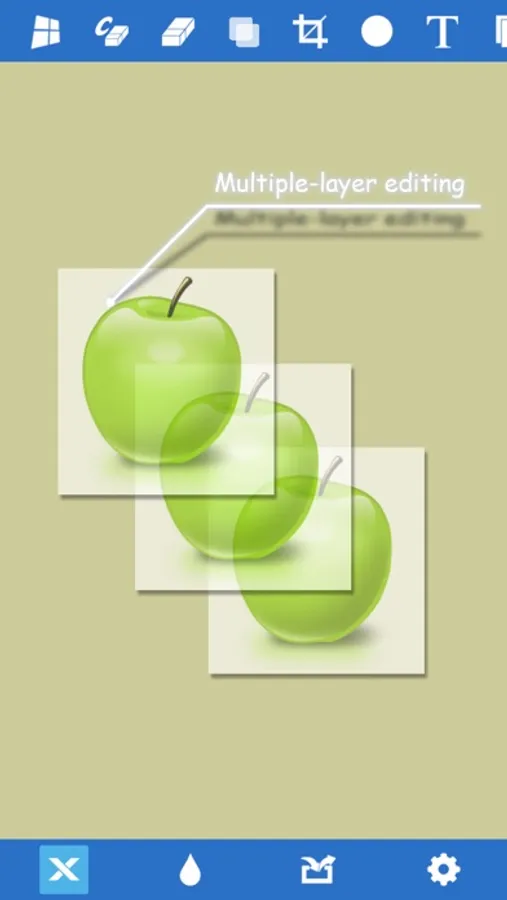
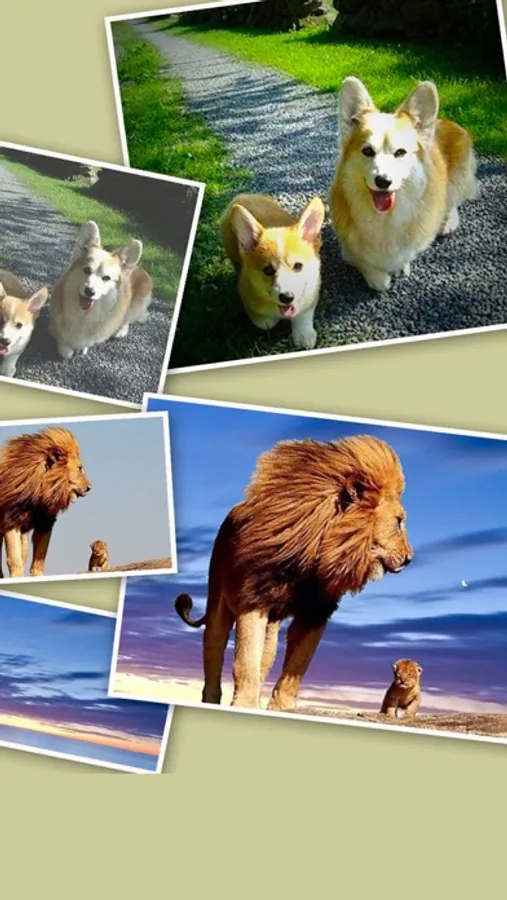
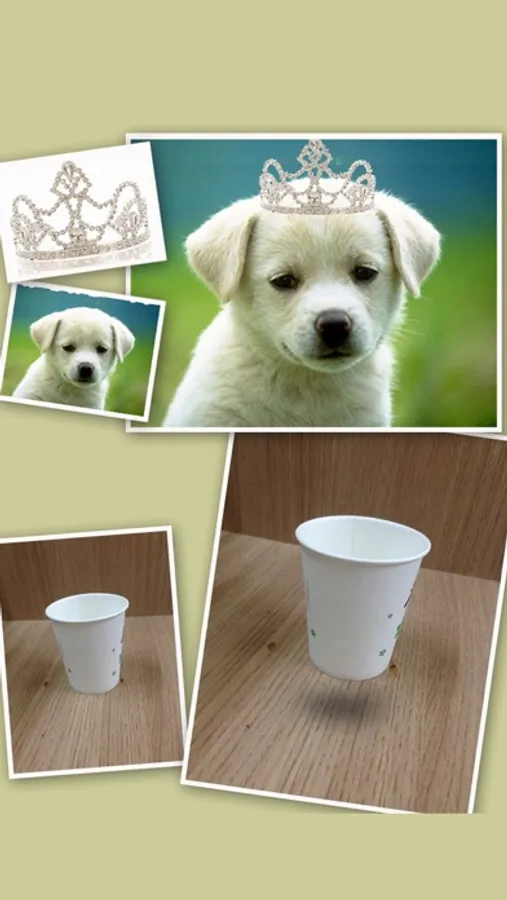
Xer is a versatile photo editor to make excellent photos basing on multiple-layer editing. It is to meet all the daily demands for photo editing: rotation, cropping, flipping, applying photo effects, adding text, making artistic or funny photo montages, etc. Whenever it can help, it's trying to be sufficient and handy.
Features:
+ Real-pixel editing.
+ Create projects with photos or a blank background.
+ Multiple-layer editing: Tap on a layer to select it.
+ Add new layers from the photo album or the camera.
+ Move, rotate, flip a layer, zoom in/out to edit with accuracy.
+ Move up a layer with a double-tap.
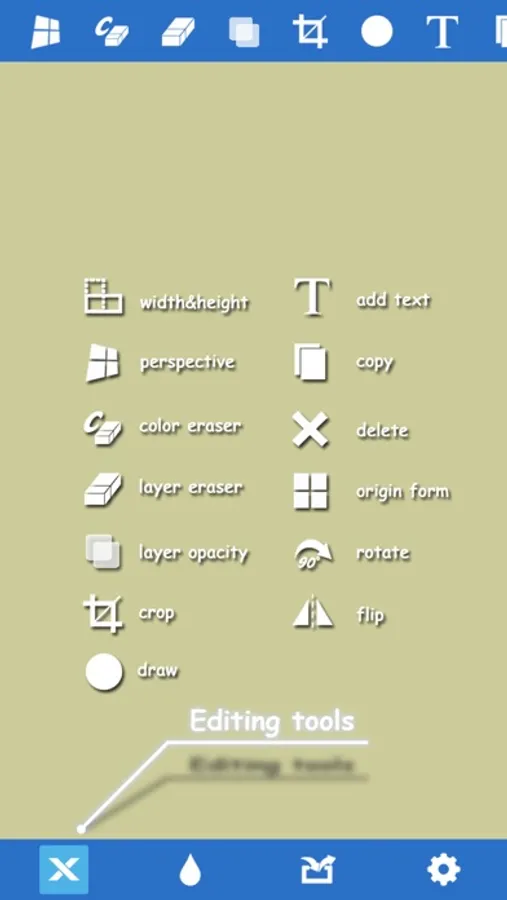
+ Change a layer's width or height.
+ The only app in the App Store capable of performing perspective transformations.
+ Color eraser: Quickly erase a layer's background color.
+ Eraser: Erase on a layer with desired size and offset.
+ Add transparency to a layer.
+ Copy a layer or the whole image.
+ Crop a layer.
+ Delete a layer.
+ Add a text layer.
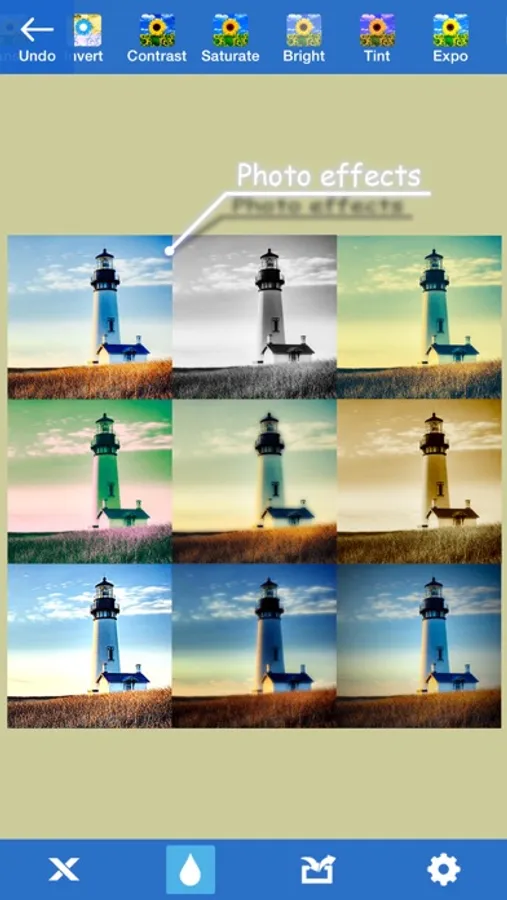
+ Control your photos: Contrast, Saturation, Brightness, Tint, Exposure, Blur, USM, Vibrance, Gloom, Vignette, Gamma, Bloom, Sepia Tone, Posterize, Hue Adjust, etc.
+ Apply combined photo effects with convenience.
+ Project auto-save.
+ Save or mail.
+ Share to SNS.
THE ONLY TIP: ALWAYS SELECT A LAYER BEFORE DOING ANYTHING TO IT.
See the demo on the support website.
Features:
+ Real-pixel editing.
+ Create projects with photos or a blank background.
+ Multiple-layer editing: Tap on a layer to select it.
+ Add new layers from the photo album or the camera.
+ Move, rotate, flip a layer, zoom in/out to edit with accuracy.
+ Move up a layer with a double-tap.
+ Change a layer's width or height.
+ The only app in the App Store capable of performing perspective transformations.
+ Color eraser: Quickly erase a layer's background color.
+ Eraser: Erase on a layer with desired size and offset.
+ Add transparency to a layer.
+ Copy a layer or the whole image.
+ Crop a layer.
+ Delete a layer.
+ Add a text layer.
+ Control your photos: Contrast, Saturation, Brightness, Tint, Exposure, Blur, USM, Vibrance, Gloom, Vignette, Gamma, Bloom, Sepia Tone, Posterize, Hue Adjust, etc.
+ Apply combined photo effects with convenience.
+ Project auto-save.
+ Save or mail.
+ Share to SNS.
THE ONLY TIP: ALWAYS SELECT A LAYER BEFORE DOING ANYTHING TO IT.
See the demo on the support website.